💡 Key Takeaways
- CyberCard is a fast-rising AI visual trend turning X/Twitter profiles into sleek neon glass ID cards in a cyberpunk aesthetic. Prompt structure directly affects identity accuracy.
- Ima Studio provides the most reliable results with clean readable text, stable avatar fidelity, flexible aspect ratios, and smooth animation workflows.
- This guide includes a base recipe and three ready-to-use prompt styles (Neo-Tokyo Anime, Glitchcore Hacker ID, Y2K aesthetic) so you can instantly customize your own CyberCard.
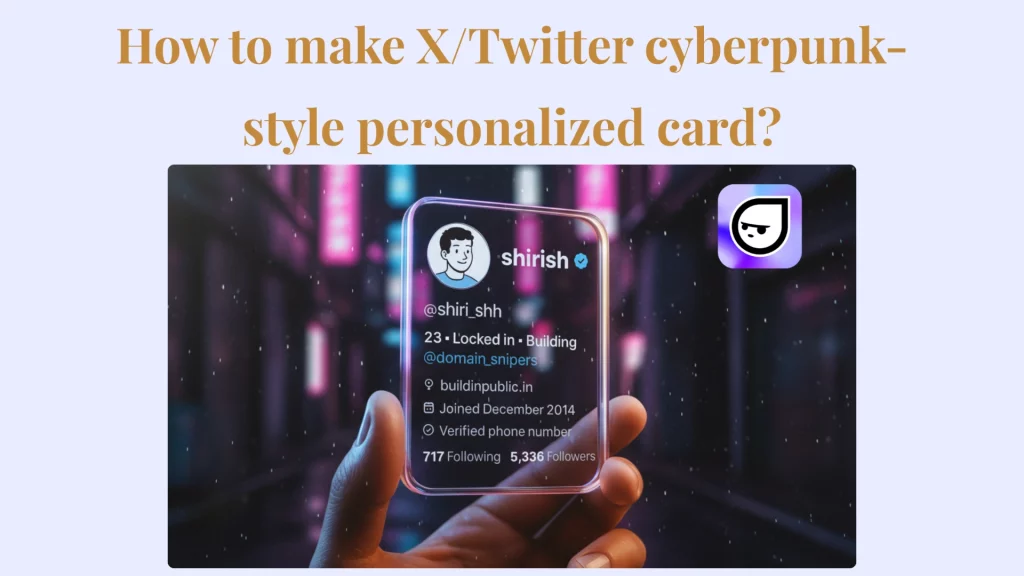
How to make X/Twitter cyberpunk-style personalized card has become a viral creator trend this month on X. A CyberCard is a sleek AI generated identity card creators use to upgrade X and Twitter profile visuals and social banners. The trend is growing fast, and this CyberCard Generator workflow shows how to make an X/Twitter cyberpunk-style personalized card even without design skills.
This week I saw more creators posting their CyberCards, and creator shirish even made them for people in replies. The final look is a neon glass identity card, like a cyberpunk digital ID printed from your profile.
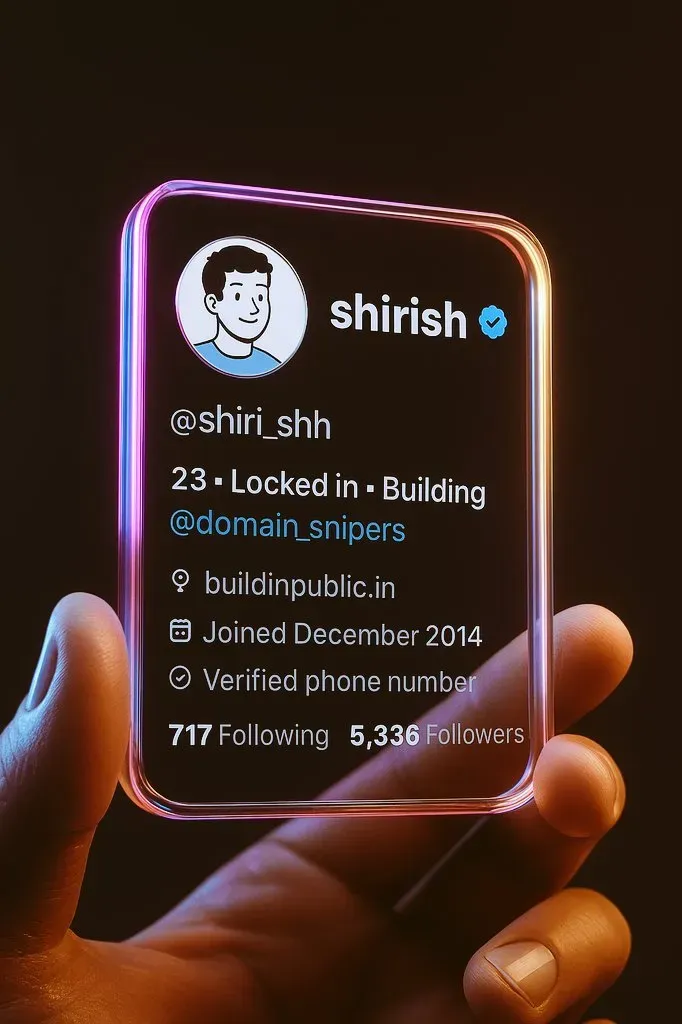
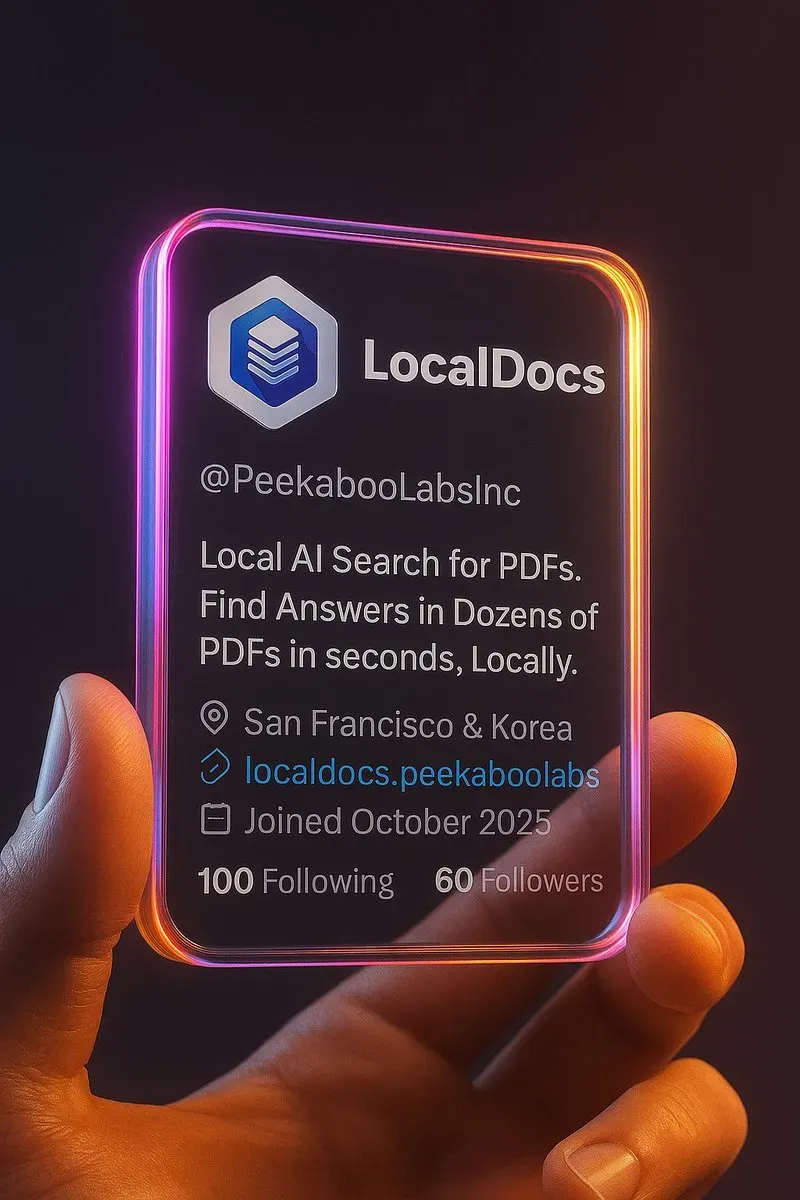
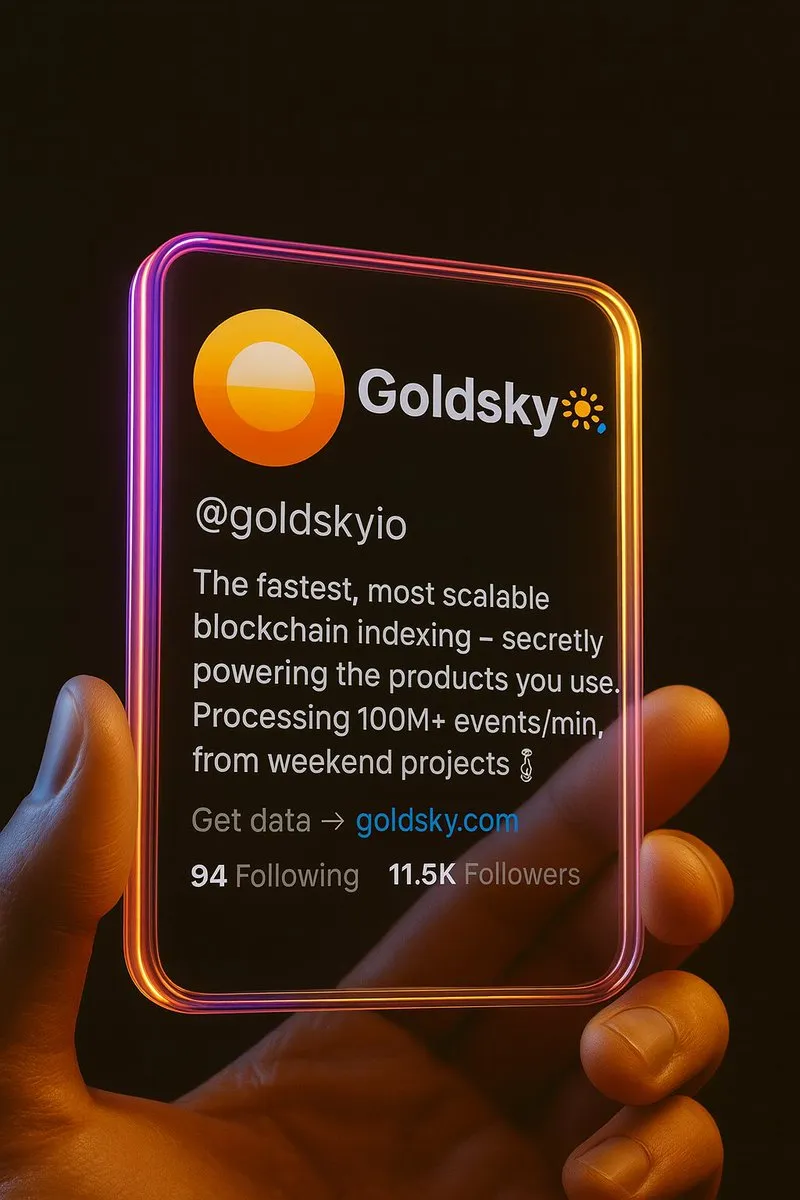
To find the simplest free workflow with the best look, I used my own X/Twitter profile screenshot and tested the CyberCard Generator myself. I kept the steps short and picked prompts that gave a clean neon glass result. In this guide, you’ll get the step-by-step setup and copy-paste prompts so you can generate an X CyberCard fast with reliable results
How to Make X/Twitter Cyberpunk-Style Personalized Card (Step-by-Step)
What you need to prepare first:
- One clean screenshot of your X profile (avatar, name, handle, bio, badges shown clearly)
- Make sure your X handle is not cropped and easy to read
Quick Start: The “Basic CyberCard Recipe” Everyone Is Trying Right Now
Before we explore advanced styles, here is the simple starter version creator shared. This is the best first step if you want to make cyberpunk aesthetic photos for your X profile fast.
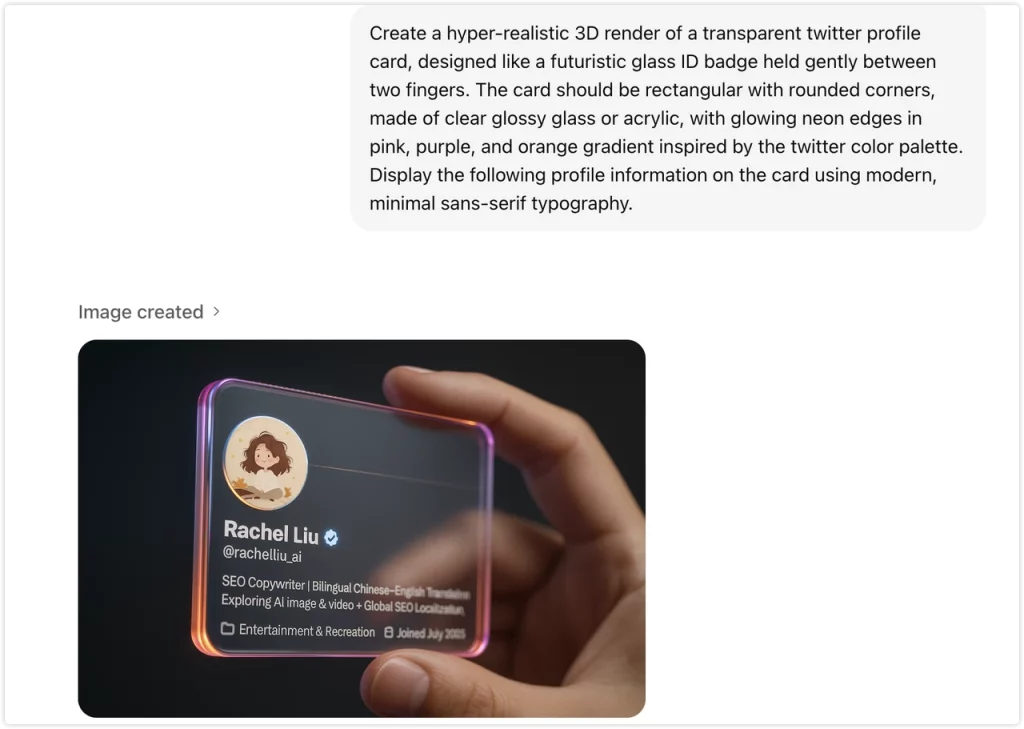
Step 1: Screenshot your X/Twitter profile
Step 2: Open ChatGPT or your chosen AI image generator.
Step 3:Paste your screenshot + the base prompt below.
Step 4: Share your result on X.
Copy-Paste Base Prompt
Create a hyper-realistic 3D render of a transparent twitter profile card, designed like a futuristic glass ID badge held gently between two fingers. The card should be rectangular with rounded corners, made of clear glossy glass or acrylic, with glowing neon edges in pink, purple, and orange gradient inspired by the twitter color palette. Display the following profile information on the card using modern, minimal sans-serif typography.
This is the “starter recipe.”
Below, we will go further. I will show you advanced variations I tested, the tools that worked the best, and simple prompt engineering upgrades that gave even cleaner CyberCard results. These copy paste prompt styles make it easy for anyone to repeat this look.
CyberCard Generator Comparison: Best Tools to Make X/Twitter Cyberpunk-Style Personalized Card
Identity accuracy matters when you make a CyberCard for X or Twitter. Many AI image generators fail to keep your real avatar clean and the profile text readable. I tested different CyberCard Generator tools to see which one gives better results for cyberpunk aesthetic photos and Cyberpunk style edit output. The comparison below shows which workflow is the most reliable to create a cyberpunk futuristic digital ID card that keeps your identity safe and accurate. This review helps you choose the best method to make X/Twitter Cyberpunk CyberCards consistently.
Tool Output Comparison (Real Test Results)
| Tool | Output Stability | Text / UI Fidelity | Avatar Accuracy | Notes |
| Ima Studio ⭐⭐⭐⭐⭐ | stable & consistent | clean | ✅ keeps avatar identity | Best Overall Workflow (Easiest good result, all styles) |
| Nano Banana ⭐⭐⭐⭐ | very stable | no CN + watermark | ✅ keeps original avatar | Fastest output (Best for English UI only, but adds watermark) |
| ChatGPT ⭐⭐⭐ | good | blurry | ❌ may alter avatar | Quick testing, but inconsistent fidelity |
| Seedance ⭐⭐ | inconsistent | blurry | ❌ may alter avatar | looks too AI-ish / uncanny |
| Midjourney ⭐⭐ | unstable for CyberCard | distortion | ❌ not reliable | Not recommended for this specific card use case |
Google AI Studio Nano Banana: Best for Clean English Text and Accurate Profile Identity
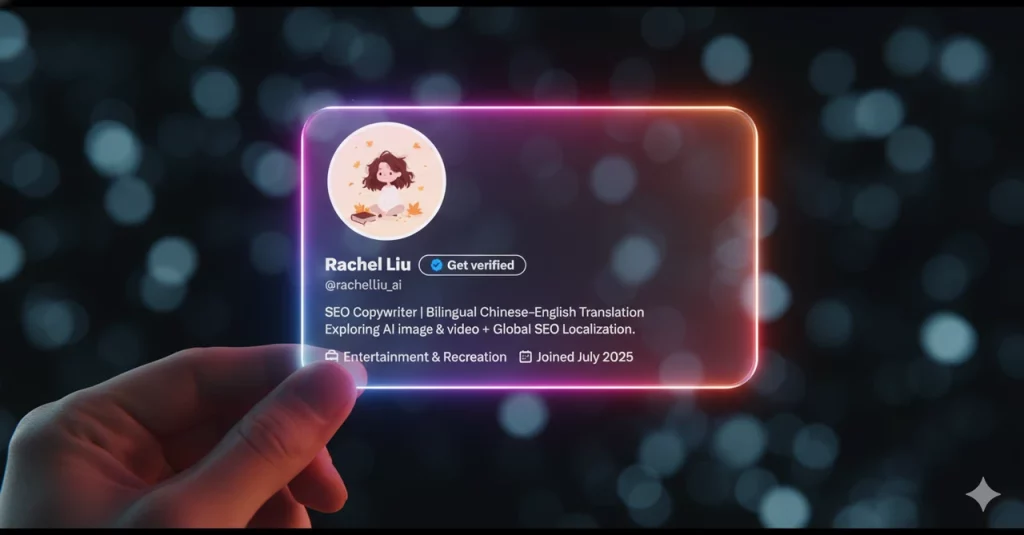
If you want clean text results, this model is very reliable. It keeps English text stable and readable compared to many other CyberCard generator tools. It also protects your real X profile avatar with very high accuracy. There is no distortion and no strange stylized changes. This is my favorite model when I want the CyberCard to look close to my real profile while still making a neon cyberpunk futuristic digital ID card. The output also works well for cyberpunk style edit posts on X.
The Best Free Tool to Generate Cyberpunk X CyberCards
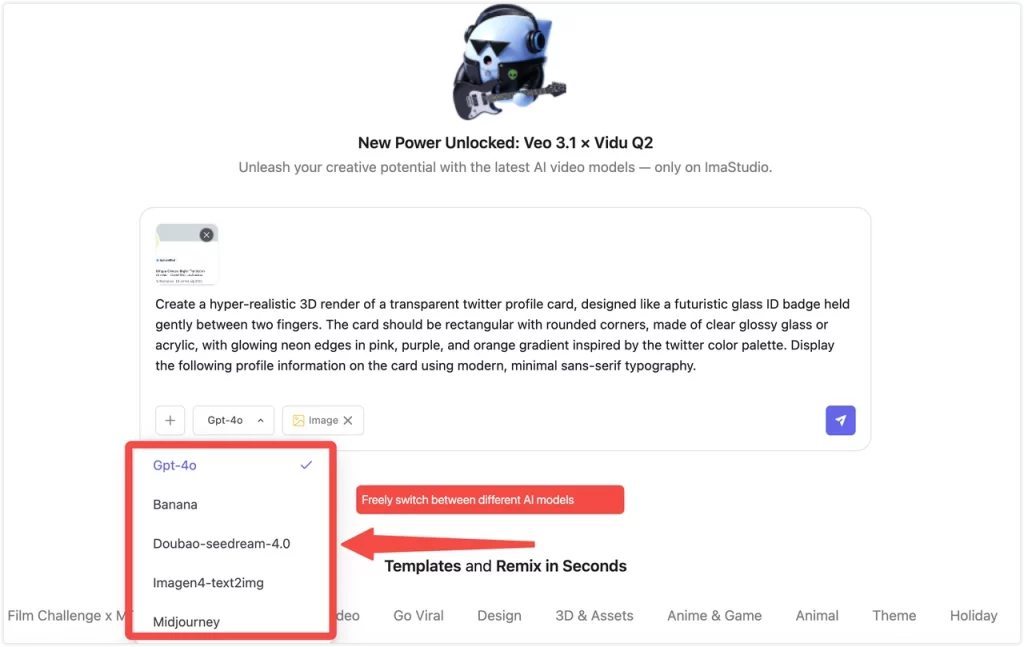
If you want a simple way to make a CyberCard in a cyberpunk aesthetic, Ima Studio is the easiest tool to start with. Everything is in one place, and you do not need to move between different sites or AI models. It already connects GPT models with image generation and style remixing inside the same workspace.
You can test different ideas fast, change neon intensity, adjust glass clarity, and try new color palettes. This makes it easy to see which version gives the cleanest cyberpunk futuristic digital ID card result for your X profile.
How I use it:
I paste the CyberCard prompt formula into Ima Studio so I can instantly get cyberpunk style personalized card results from my own X screenshot. Then I test small changes inside one studio session until I find the look I want.
How to Animate Your CyberCard for X/Twitter?
Method 1: Animate with Grok
Grok is ideal for subtle cyberpunk motion — neon flicker, glitch pulse, hologram shimmer. It makes the card feel “alive” without bending text or avatar identity. Perfect for fast micro loops for X posts + quote tweet reveals.
Method 2: Animate with Ima Studio (built-in video models)
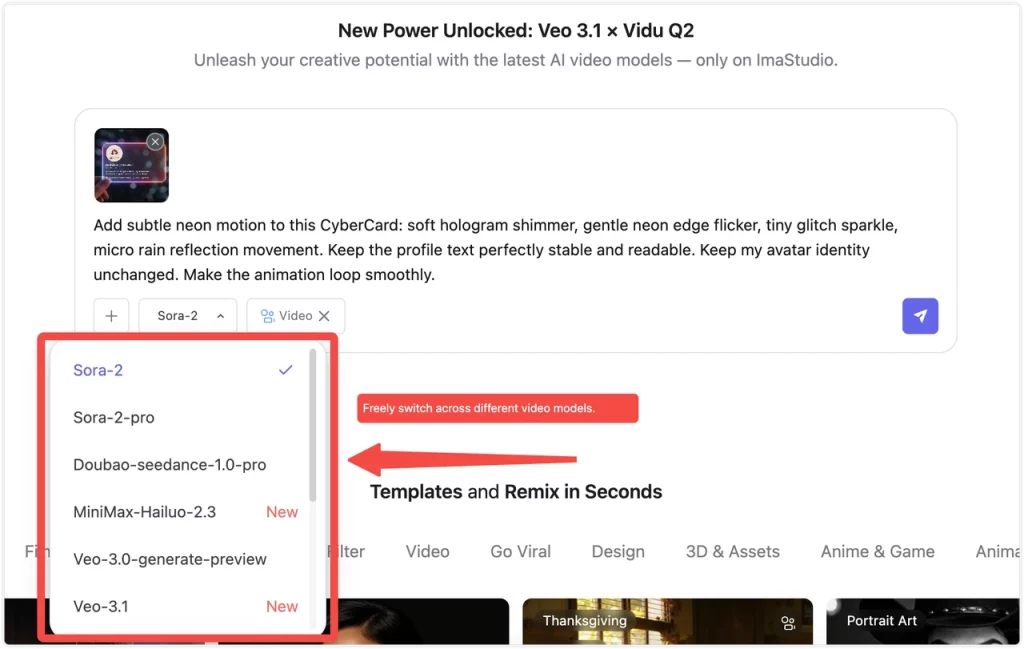
Ima Studio already has built-in video generation models and also works as an AI video generator, so it’s easier to take your static CyberCard and evolve it into short motion without leaving the same workspace. Inside Ima Studio, you can freely switch across multiple video models like Sora-2, Sora-2 Pro, Vidu, Veo-3.1, MiniMax, and more inside one UI. This workflow is ideal when you want a smoother, more polished neon animation style for reels, profile reveal videos, or mini cyberpunk trailer teasers.
Micro Animation Prompt (General)
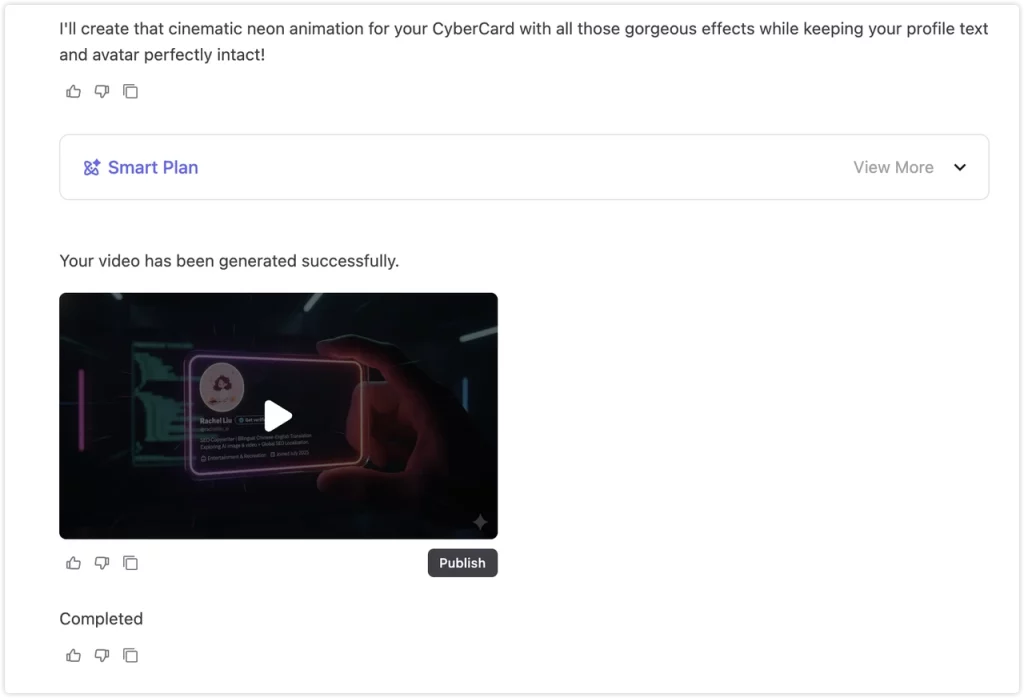
Add subtle neon motion to this CyberCard: soft hologram shimmer, gentle neon edge flicker, tiny glitch sparkle, micro rain reflection movement. Keep the profile text perfectly stable and readable. Keep my avatar identity unchanged. Make the animation loop smoothly.
Cinematic Pulse Prompt
Animate this CyberCard with a cinematic neon pulse — tiny breathing light movement, slow volumetric glow, micro rain shimmer and chromatic reflections. Do NOT distort or modify the profile text or avatar. Identity accuracy must remain stable. Loop the animation seamlessly.
3 Trending CyberCard Styles (Copy-Paste Prompts)
These advanced prompts are optimized for vertical portrait 9:16 by default — but you can freely change the aspect ratio in Ima Studio. Simply adjust the ratio you want (1:1 / 3:4 / 4:5 / 16:9 etc.) and the prompt structure will still work the same, while still protecting your profile’s identity.
1. Neo-Tokyo Anime Card Prompt
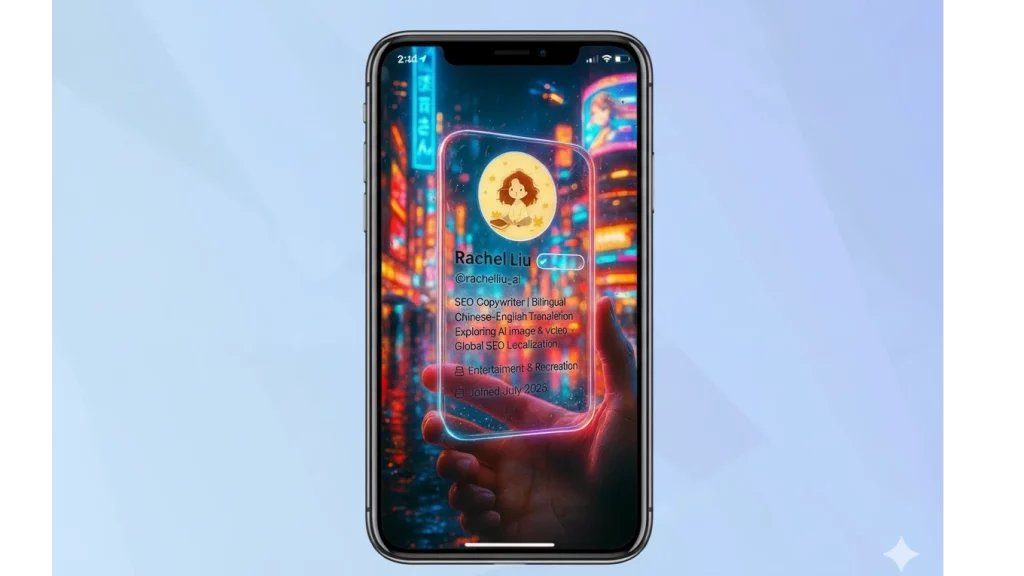
High-saturation neon, Tokyo rain reflections, manga visual impact.
Best for:Anime lovers, JP cyberpunk vibe creators
Main Prompt:
Create a hyper-realistic 3D cyberpunk Twitter profile glass card in vertical portrait 9:16 composition. The card is transparent glossy glass with rounded edges, lit by saturated neon signs of Tokyo night streets. Add rainy reflections, neon puddle bounce light, manga rim highlights and anime high-saturation energy. Scene feels like Shibuya at midnight. Do NOT alter or stylize the profile UI — keep avatar, handle, bio, badges perfectly accurate, complete and readable. All environment effects must stay behind the card only. Intense neon city cyberpunk vibe.
2. Viral Glitchcore Hacker ID
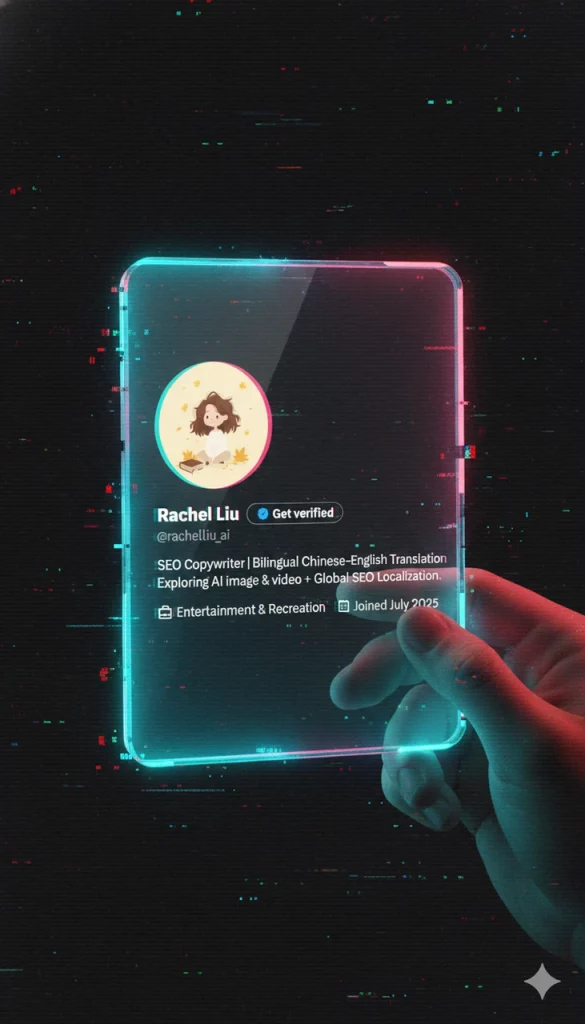
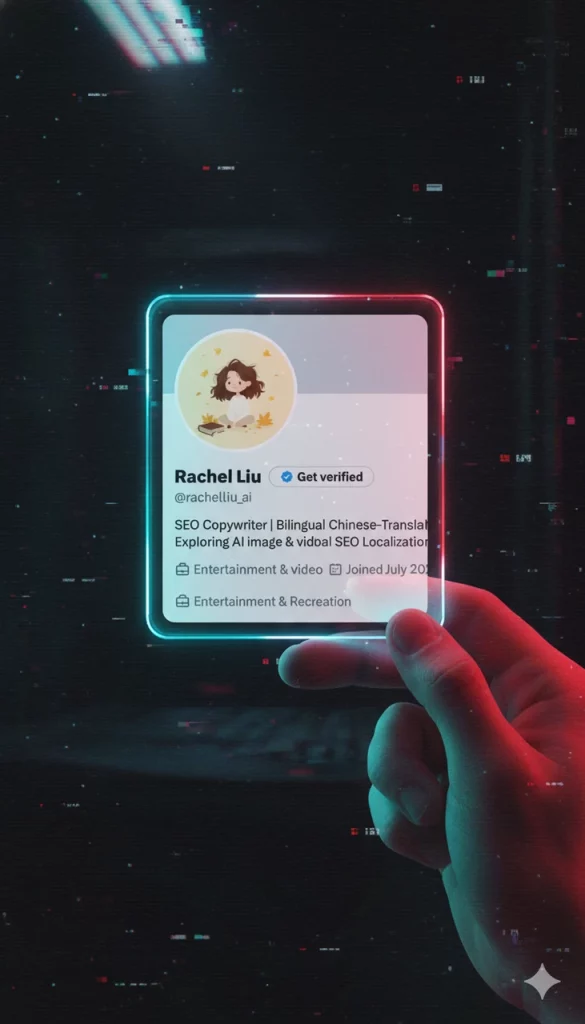
VHS scanlines + chromatic glitch + retro cyber lab energy.
Best for:Hacker aesthetic / edgy tech persona
Main Prompt:
Create a hyper-realistic 3D cyberpunk Twitter profile glass card in vertical portrait 9:16 composition. A cinematic close-up of a vertical portrait-oriented transparent acrylic card is the main subject, filling most of the frame. The card is transparent glossy glass with sharp neon edges. The hand only lightly supports the card edge — do NOT cover any UI. Background features retro glitchcore: VHS scanlines, pixel glitch sparks, chromatic aberration, and hacker lab noir ambience. All glitch effects must stay only in the background + frame edges — never inside the UI panel. Display the full profile exactly from the uploaded image: avatar, username, verified badge, handle, bio and icons — complete, unchanged, not stylized. Identity fidelity must remain 100% exact. Dark cinematic cyber atmosphere with subtle red neon pulse.
3. Y2K Aesthetic Profile Card
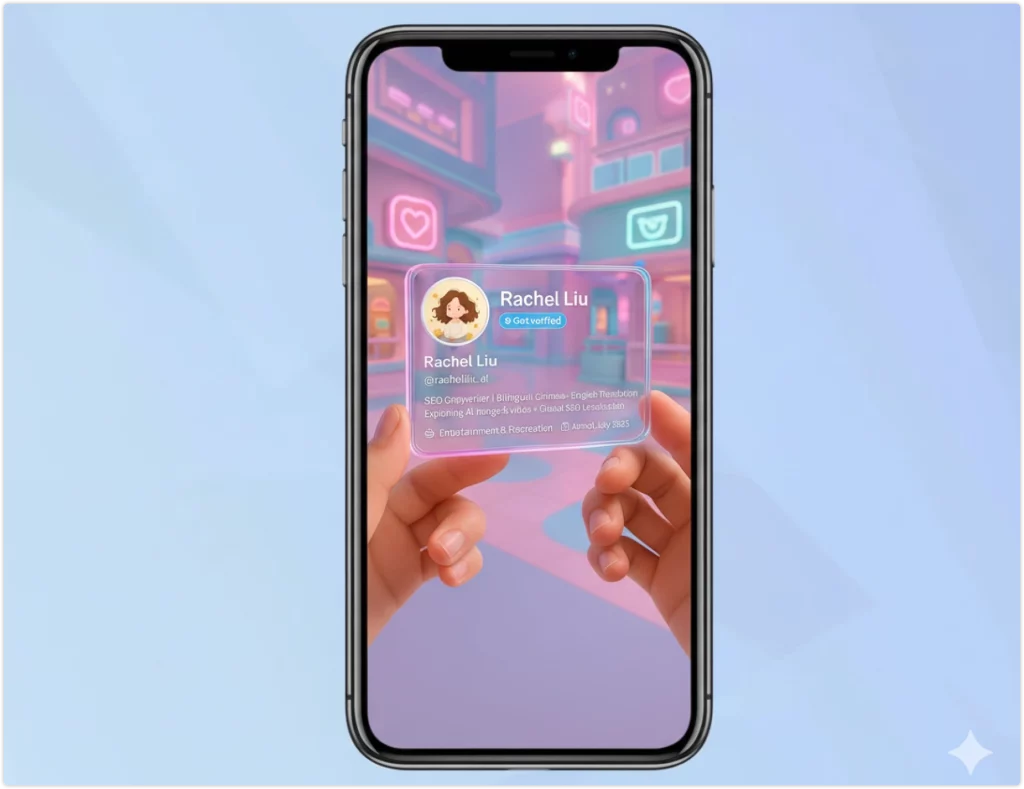
Pastel neon (pink / teal / lavender) + kawaii digital mall toy-tech tone.
Best for:Aesthetic girls / cute sci-fi niche
Prompt:
Create a transparent Twitter profile glass card with soft pastel neon (pink / teal / lavender) inspired by Y2K kawaii aesthetic in vertical portrait 9:16 composition. Cute pastel digital mall background only — do NOT cover the card UI. Keep avatar + text 100% unchanged.
Conclusion
CyberCards are one of the fastest rising visual identity formats on X and Twitter. This CyberCard Generator for X workflow gives the most reliable way to build a clean cyberpunk aesthetic profile identity that looks accurate and ready to share.
After testing multiple AI image generator tools for CyberCard creation, the method that delivers the most consistent post-ready result for how to make X/Twitter cyberpunk-style personalized card output is using Ima Studio with vertical portrait 9:16 prompts. Nano Banana outputs fast but adds watermarks, while Midjourney and Seedance often struggle with profile fidelity in a cyberpunk aesthetic.
This step-by-step CyberCard Generator method shows how to make X/Twitter cyberpunk-style personalized card results consistently, even if you do not have design background.
About The Author