Free AI Thumbnail Generator: The Picture, With Room for the Headline

Describe the shot — a face mid-reaction, a pan catching fire, a desk raked by one hard light — and a 16:9 frame comes back with one side deliberately kept empty, because that is where your five words are going.
AI Thumbnail Generator
Prompt — already written, edit freely
Output Size
Free to try — sign up to see your results
example result
example result
example result
example result
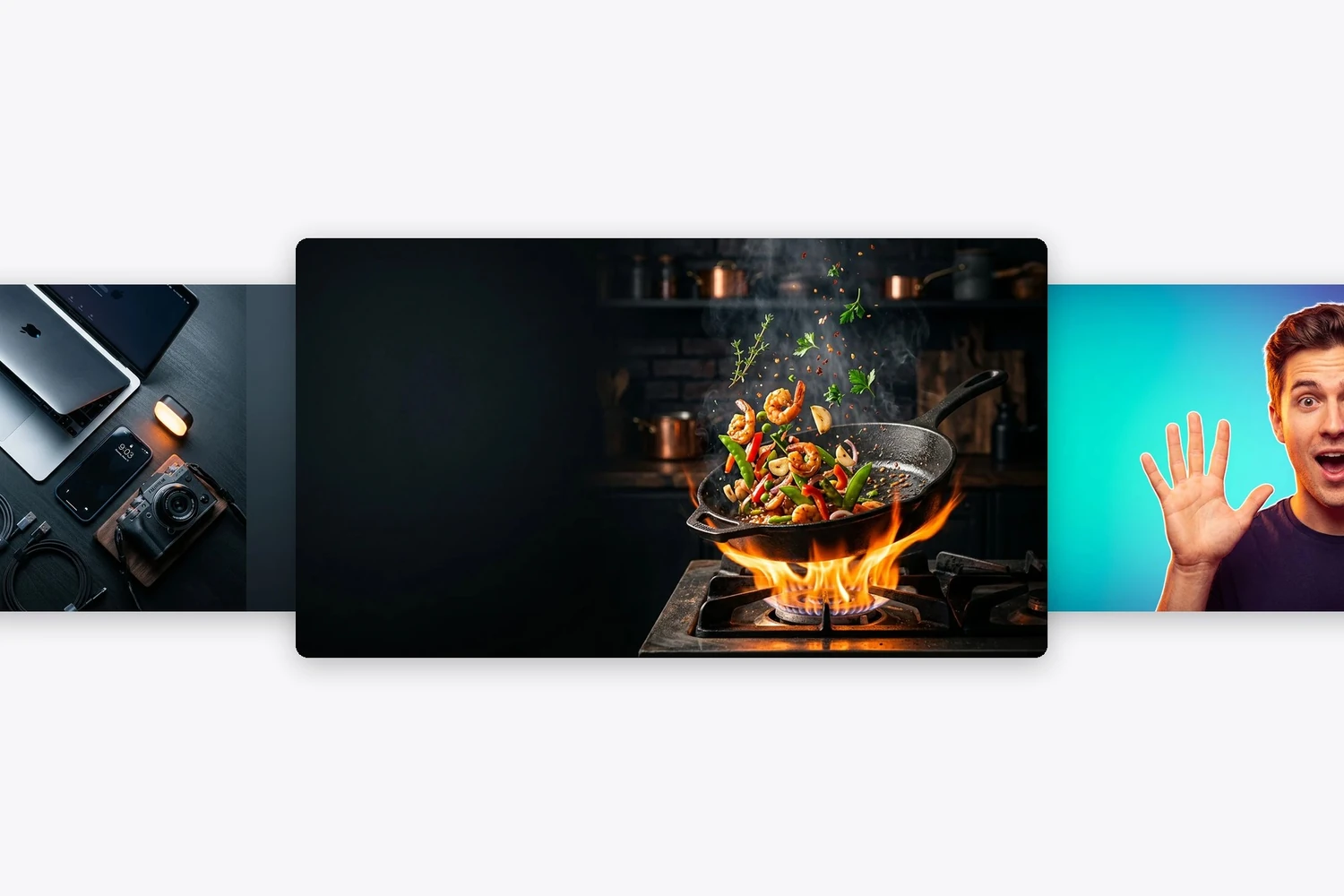
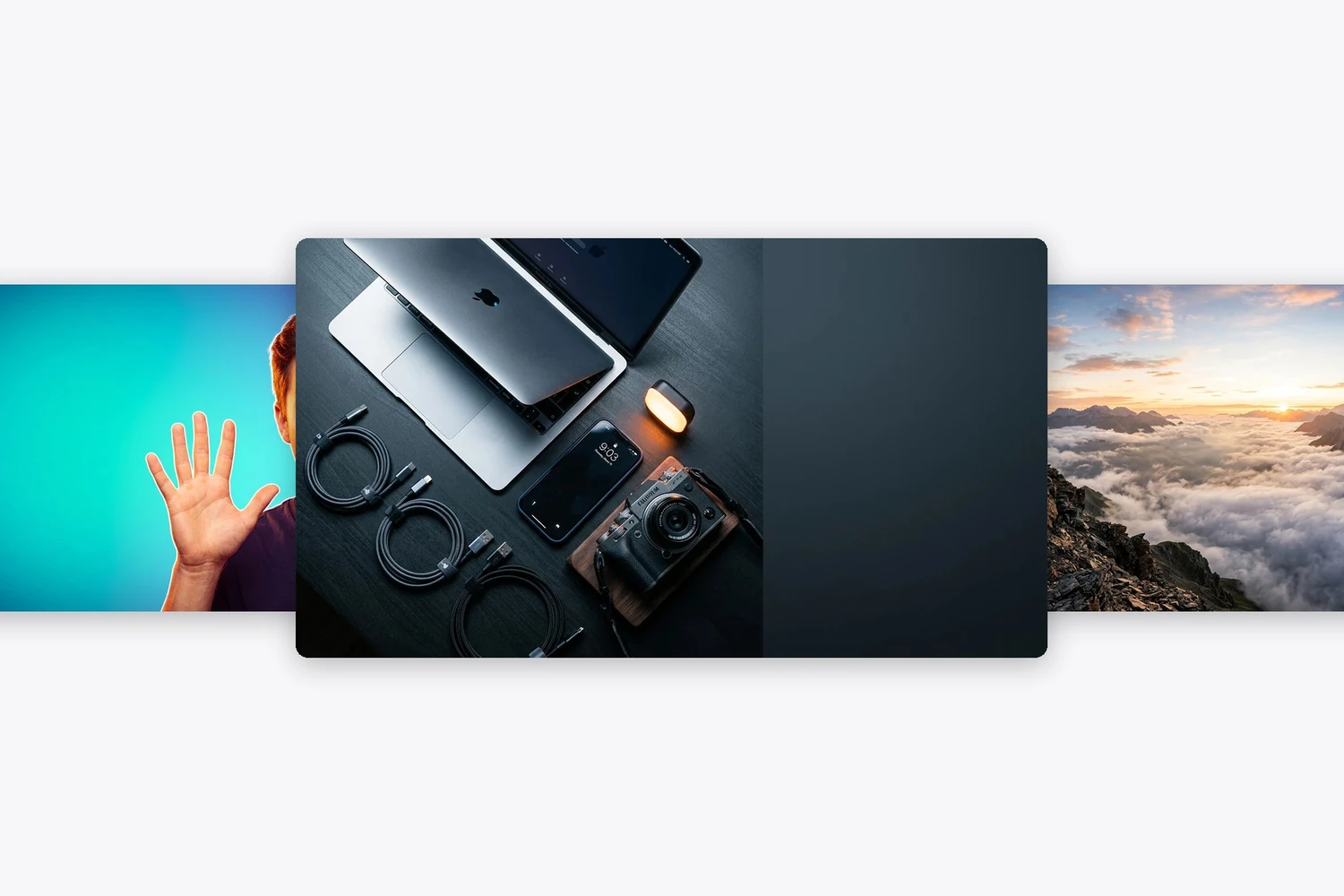
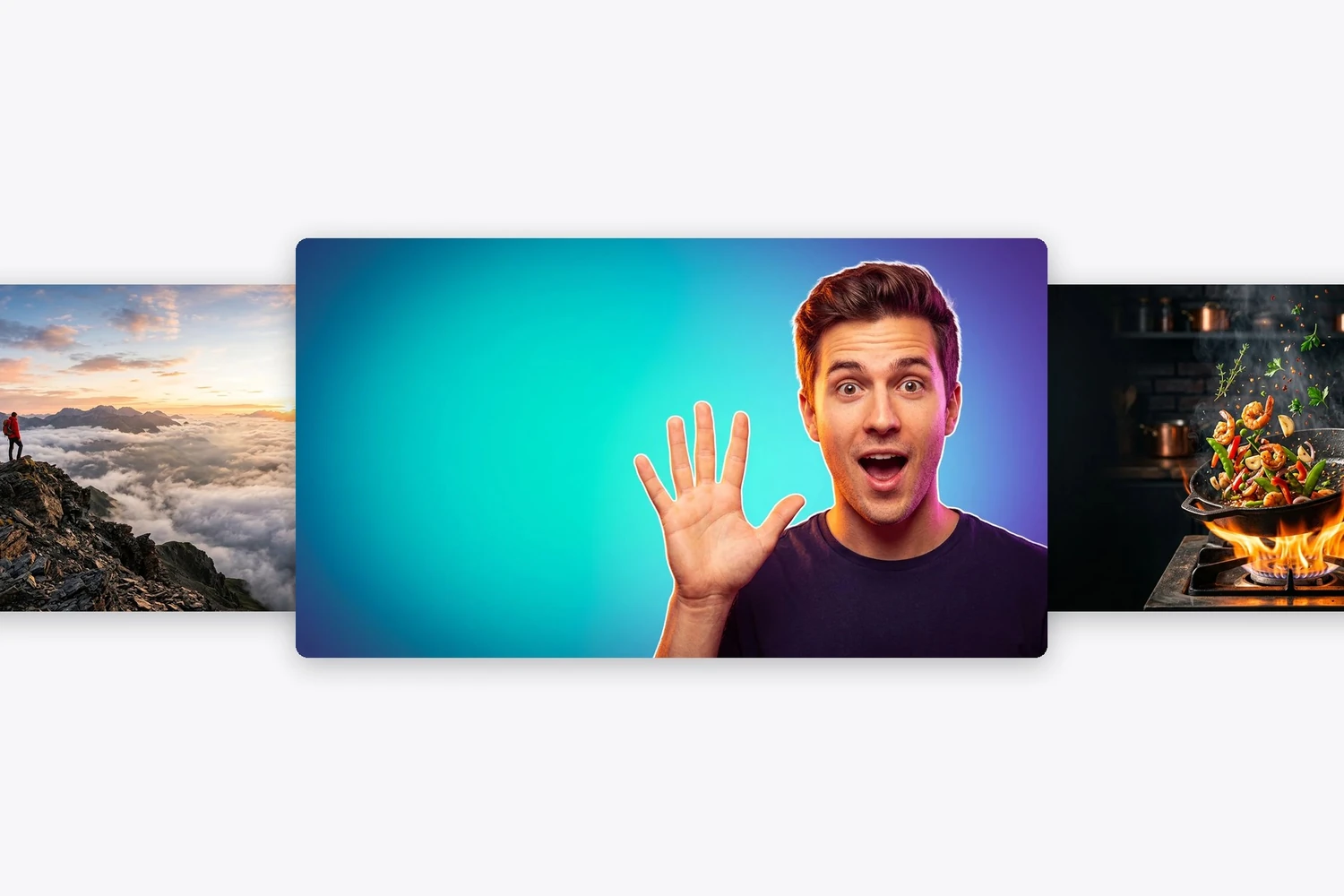
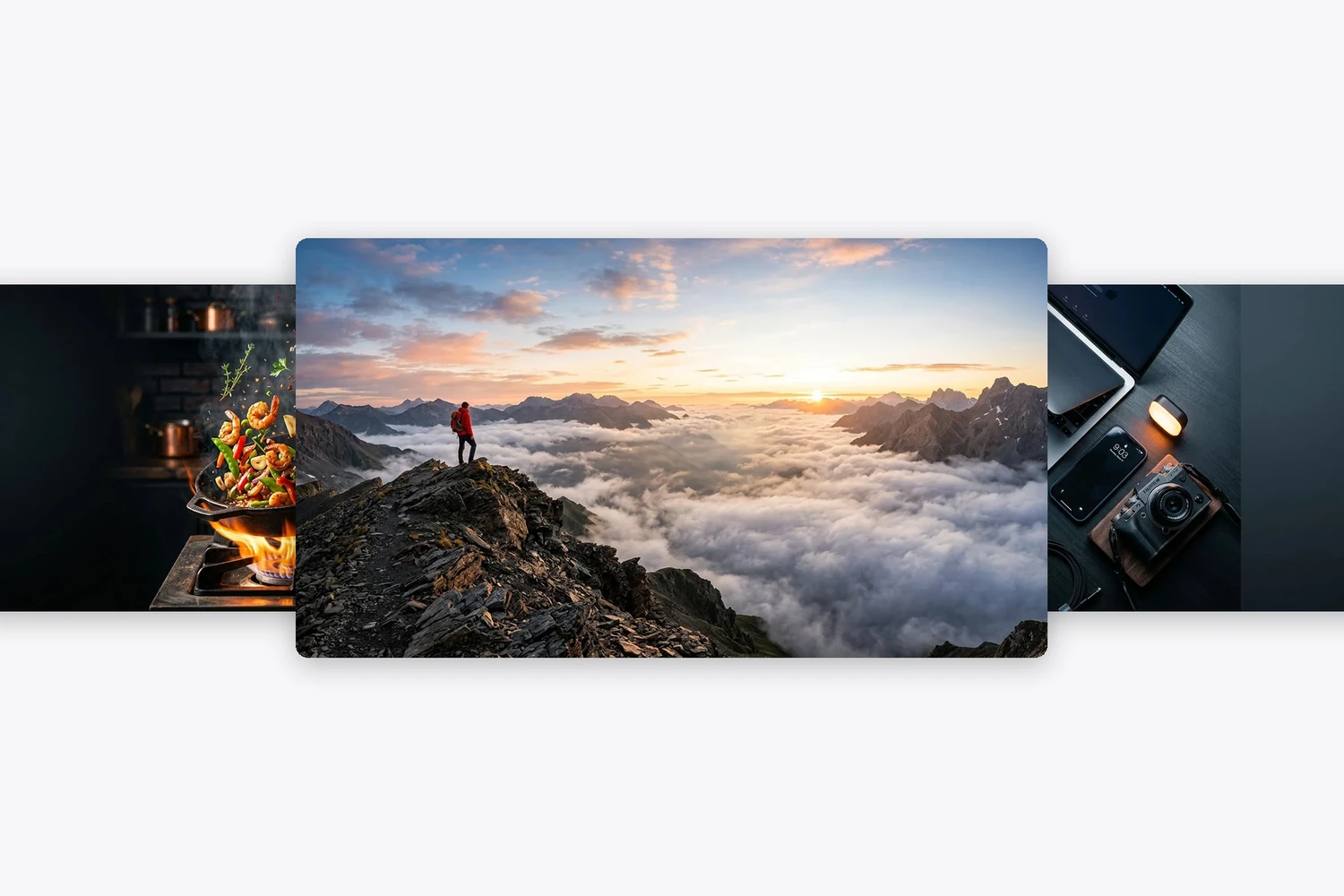
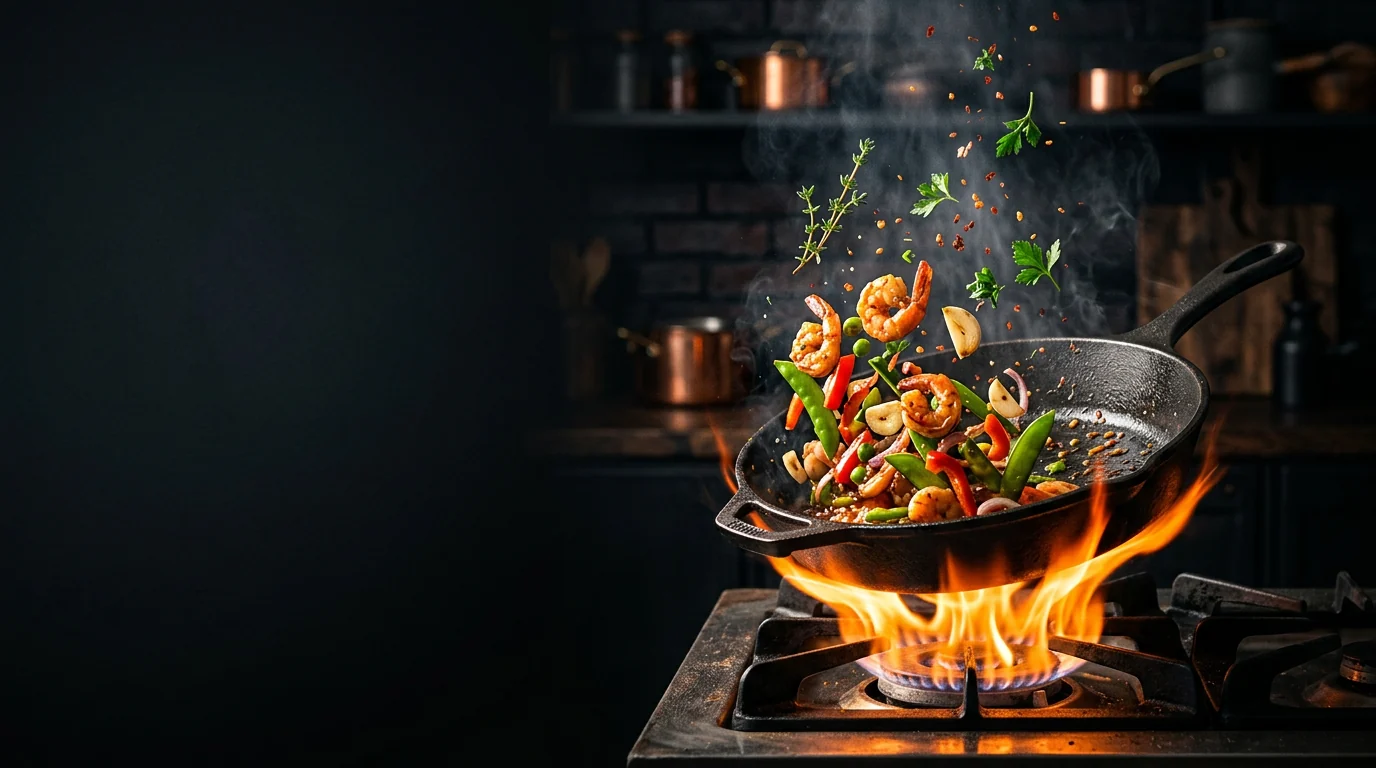
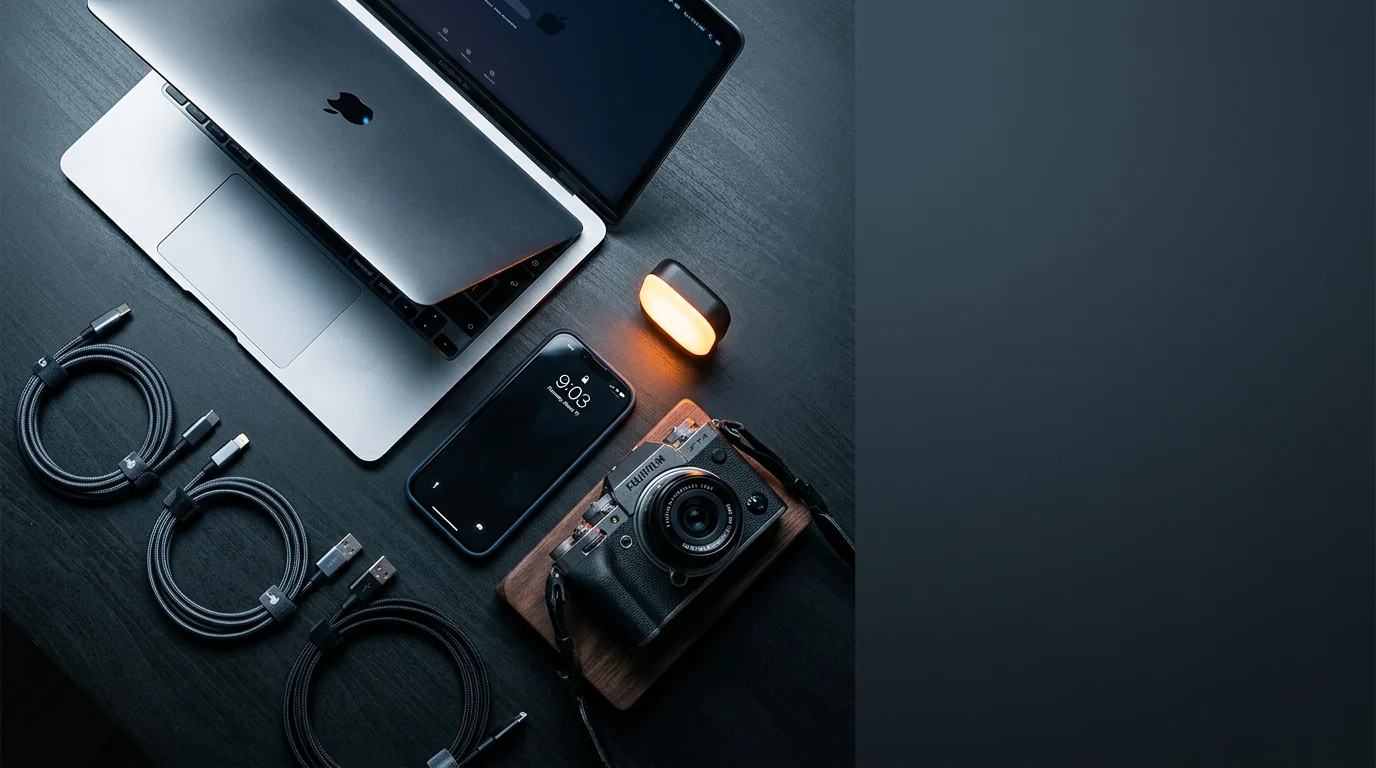
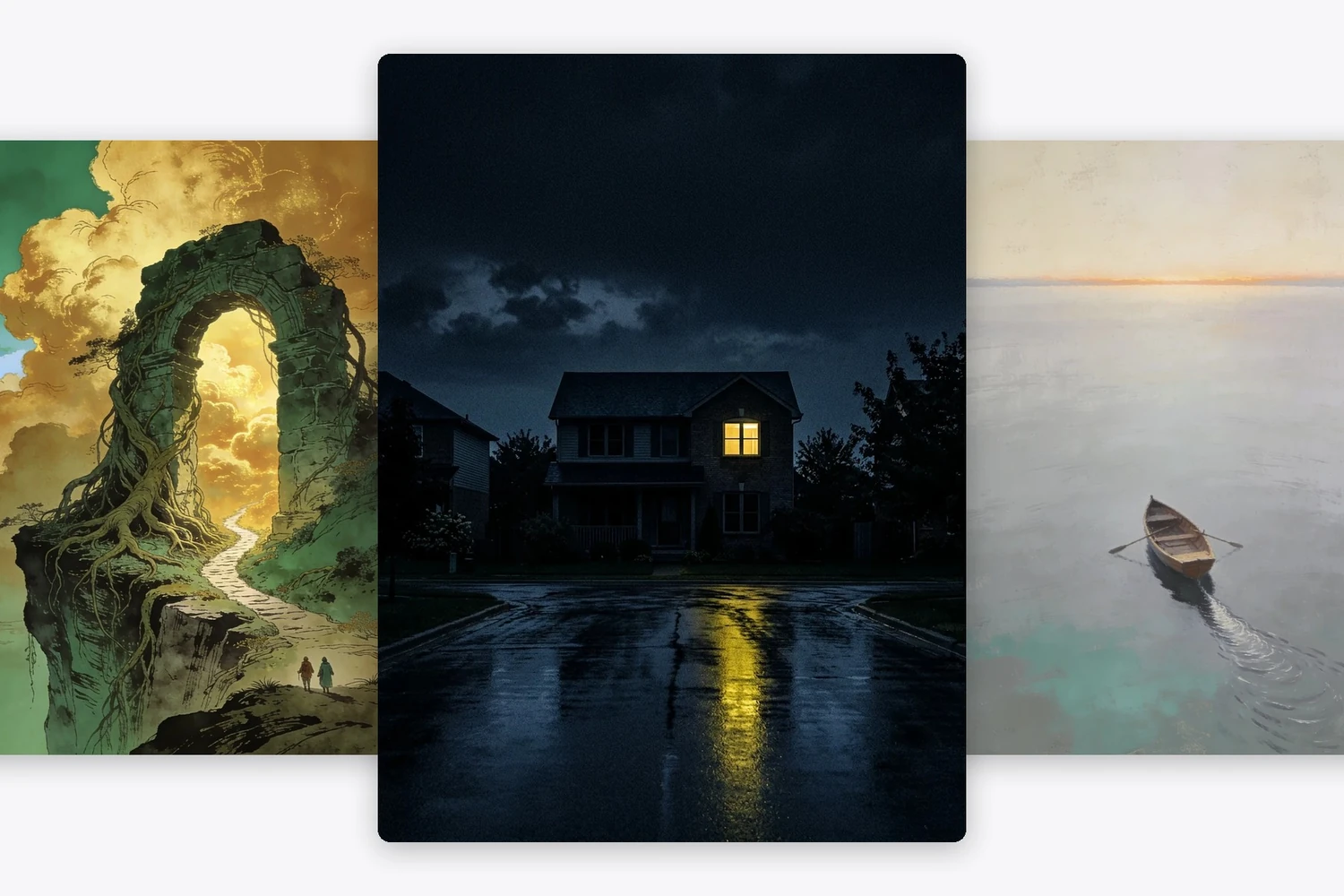
One side is kept empty on purposeEach frame above was briefed with a clear zone — left two thirds, upper right, a dark band. That empty area is the whole reason the headline you add afterwards will still be readable at 320 pixels wide.
Nothing is written in the pictureGenerated lettering falls apart the moment anyone reads it, so the brief rules it out and leaves the words to your editor. Type set in software stays crisp when the frame is scaled down; type baked into pixels does not.
Built to survive shrinkingHard key light, pushed colour, a strong single subject and a vignette. Those four choices are what keep a frame legible at the size a browsing viewer actually sees it, which is roughly a postage stamp.
Four categories, four looksA reaction face, a food shot, a product flat-lay and a landscape. The visual grammar differs across them, and naming the category is what gets the lighting right rather than generic.

Three Steps to a Frame Your Headline Can Sit On

1
Describe the shot, not the video

One subject, one action, one light source. A pan mid-toss with flame under it beats a description of the recipe, because the frame has about half a second to land.

2
Reserve the space before you generate

State which part stays clear — left two thirds, top right, a dark lower band. Doing it in the brief is far cheaper than trying to carve out a clean area later with a blur.

3
Add the words in your editor

Drop the frame into whatever you already use and set the headline in the reserved zone. Big, few words, high contrast against what is behind them.

What People Ask a Thumbnail Generator For

AI YouTube Thumbnail Generator for a Reaction Frame

AI YouTube Thumbnail Generator for a Reaction Frame

The single most reliable click on the platform is a face doing something obvious, held on one side with room beside it. Getting the expression right matters more than the background, so name the reaction — open-mouthed surprise, narrowed eyes, a flat unimpressed stare — rather than saying a person.

Build a reaction frame

Food and Cooking Frames That Read at Postage-Stamp Size

Steam, flame and a glossy surface survive downscaling; a carefully plated dish does not. One hero object, an aggressive key light and a background that falls away into shadow is the recipe, and it leaves the dark half free for the words.

Try a food frame
Food and Cooking Frames That Read at Postage-Stamp Size
Tech and Product Frames Without a Studio

Tech and Product Frames Without a Studio

A flat-lay raked by a single hard light does most of the work for a review or an unboxing, and it costs nothing to reshoot when the list of devices changes. Ask for one accent colour so the frame does not disappear into every other grey desk on the page.

Lay out a desk

Free AI Thumbnail Generator for Travel and Vlog Frames

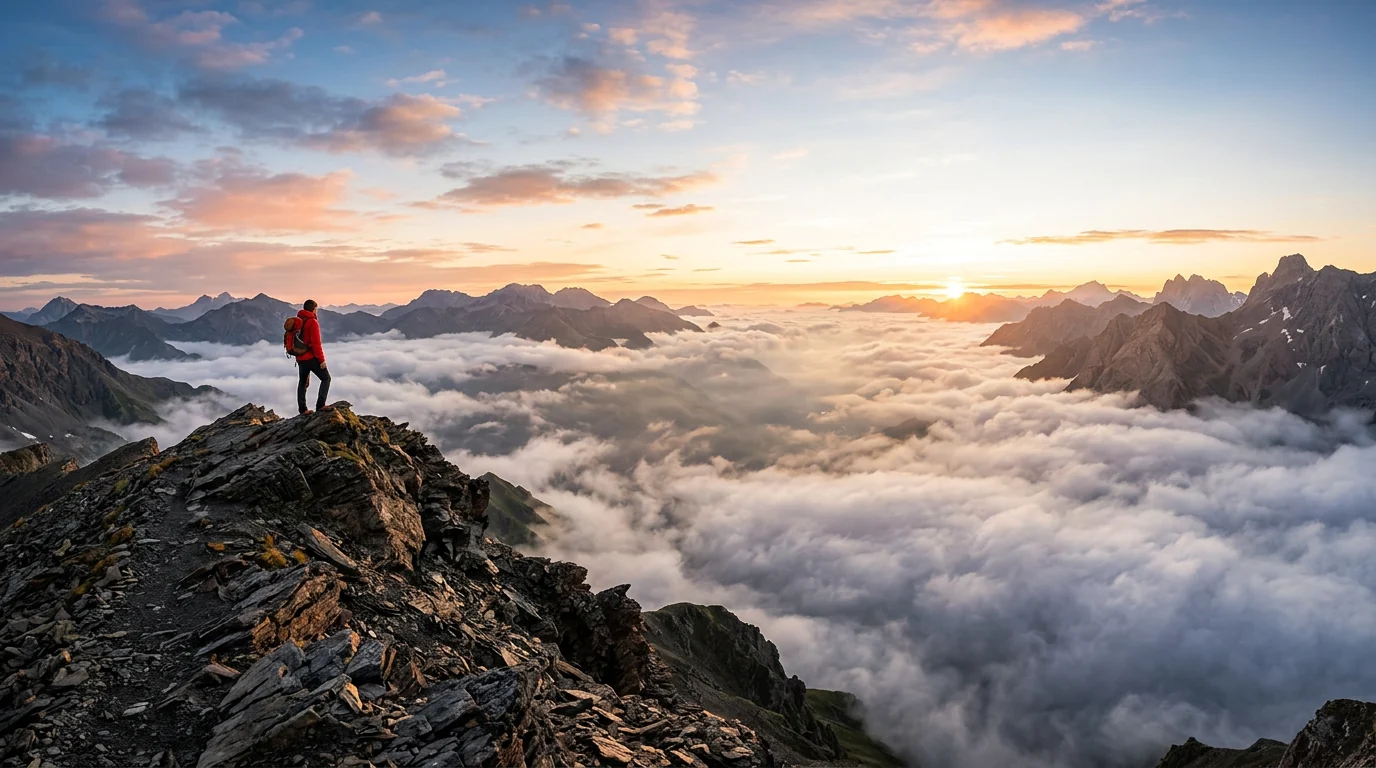
Scale is what sells a location: one small figure against something enormous, with open sky where the headline goes. It is also the easiest brief to repeat across an entire series without every frame looking identical.

Frame a location
Free AI Thumbnail Generator for Travel and Vlog Frames

AI Thumbnail Generator FAQ

Is the AI thumbnail generator free?
Generating costs nothing. Describe the frame, press the button, and an account only matters when you want the file on your machine.
Why does it not write the headline for me?
Because letterforms produced by an image model tend to collapse into something that looks like writing until you try to read it. Setting the words in your own editor keeps them sharp at every size and lets you change them without regenerating the picture.
Which side should I leave clear?
Whichever side your subject is not on, and preferably the side your channel's layout leaves uncluttered. All four examples here reserved a different zone, which is why the briefs name it explicitly.
Will it work for shorts and vertical video?
The ratio strip above switches the frame shape before generation, so a tall version comes back composed for that shape rather than cropped down from a wide one.
Can I put my own face in it?
This page draws the frame from a description. If you want your own face in the shot, start from one of the photo tools linked below and bring the result into your editor alongside this artwork.
How do I keep a whole series consistent?
Hold the lighting and palette wording constant and change only the subject. Channels that read as a set almost always keep one colour and one light direction across every frame.

User Reviews

★★★★★

I was paying a designer per thumbnail for a weekly upload. Now I generate the frame, drop it in Premiere and set the headline myself — about six minutes, and the click rate has not moved.

Yannick T.

★★★★

Reaction frames took a few goes before I learned to name the expression precisely. Once I started writing open-mouthed surprise instead of excited it got there first time.

Priyanka M.

★★★★★

The reserved-space thing is the bit nobody else does. Every other generator gives me a beautiful picture with the subject dead centre and nowhere to put the words.

Ade O.