Free AI Book Cover Generator: Finished Artwork, Your Title on Top

Say the genre, the object at the centre and the palette. What comes back is a cover-shaped picture with the upper third left open, so the title you have been arguing about for a month has somewhere to sit.
AI Book Cover Generator
Prompt — already written, edit freely
Output Size
Free to try — sign up to see your results
example result
example result
example result
example result
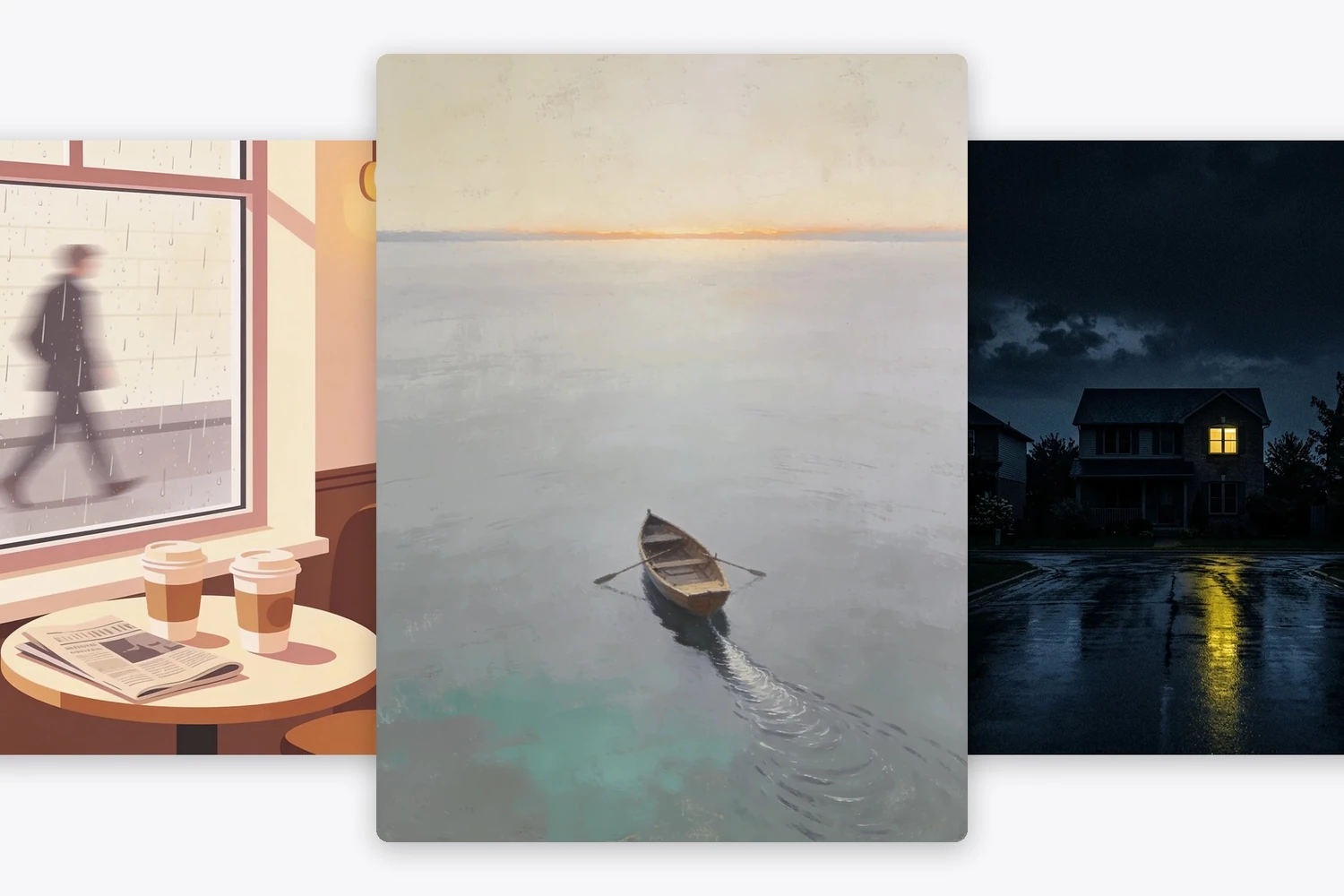
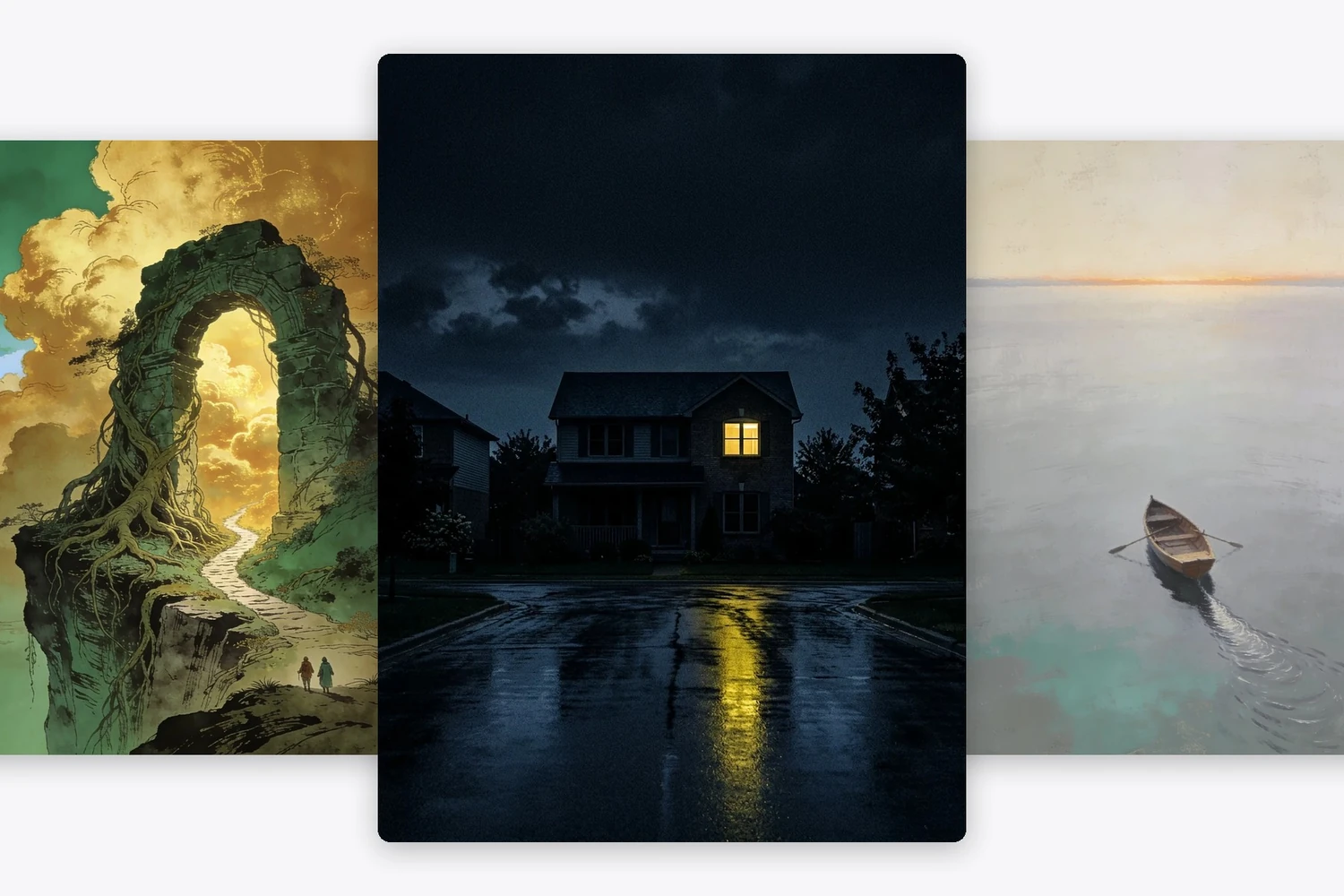
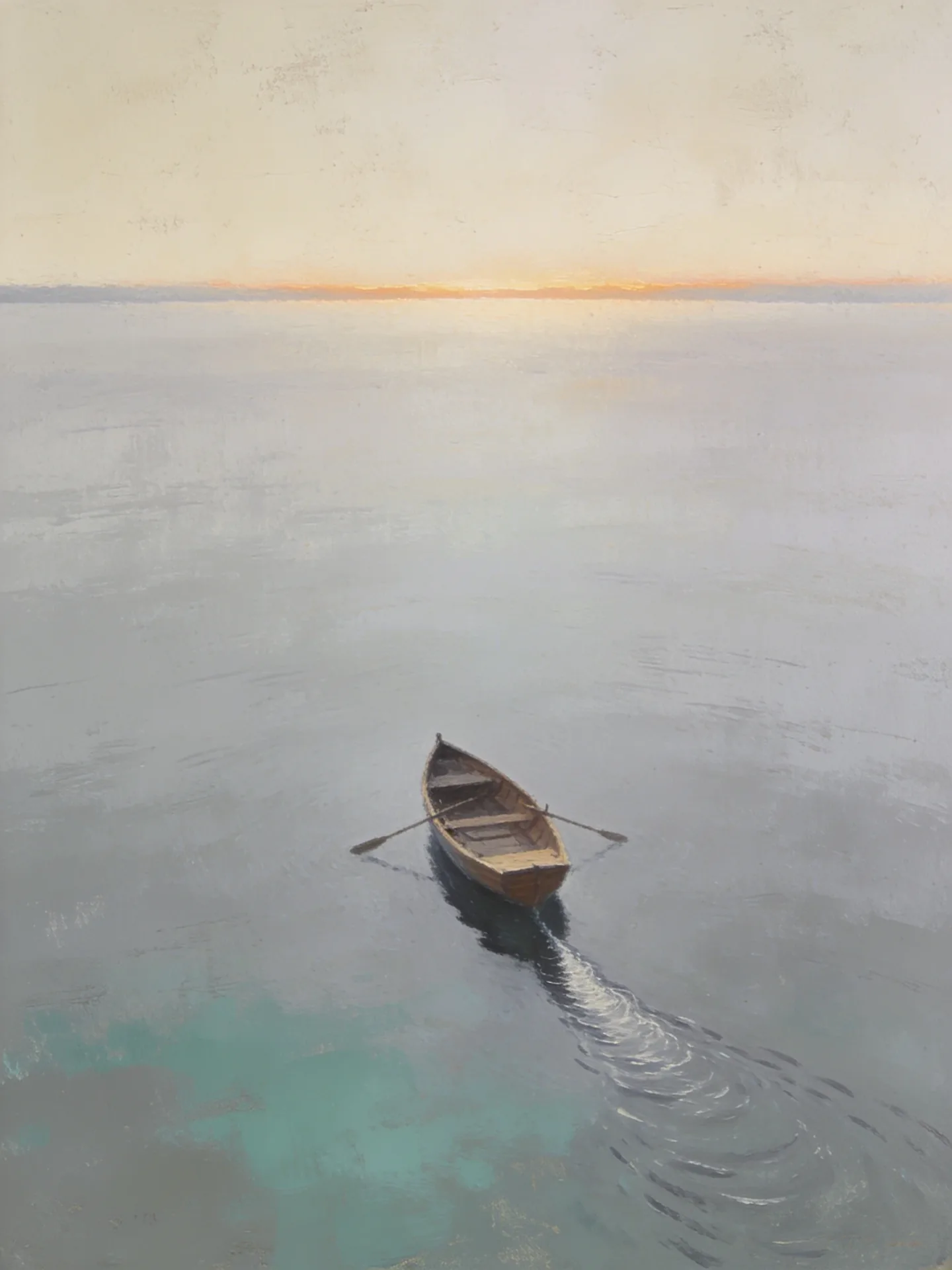
The title space is part of the briefEvery example here was asked for with the upper third kept simple — open sky, flat water, plain wall. That is the difference between artwork you can set type over and a picture that fights every font you try.
No invented letteringThe instruction in the box says in as many words that nothing may be written in the frame. Image models will otherwise scatter half-formed letters across a cover, and half-formed letters are worse than none.
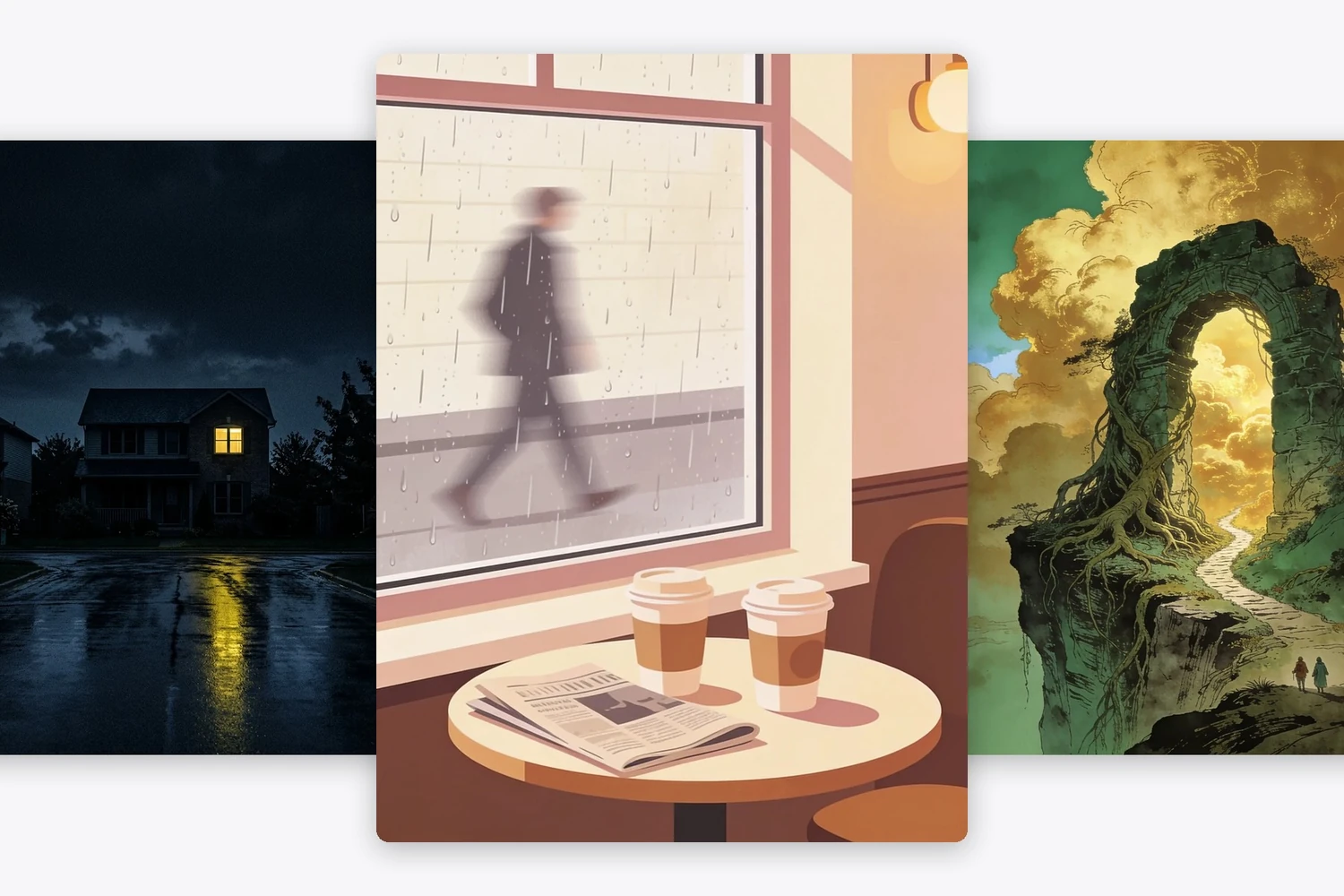
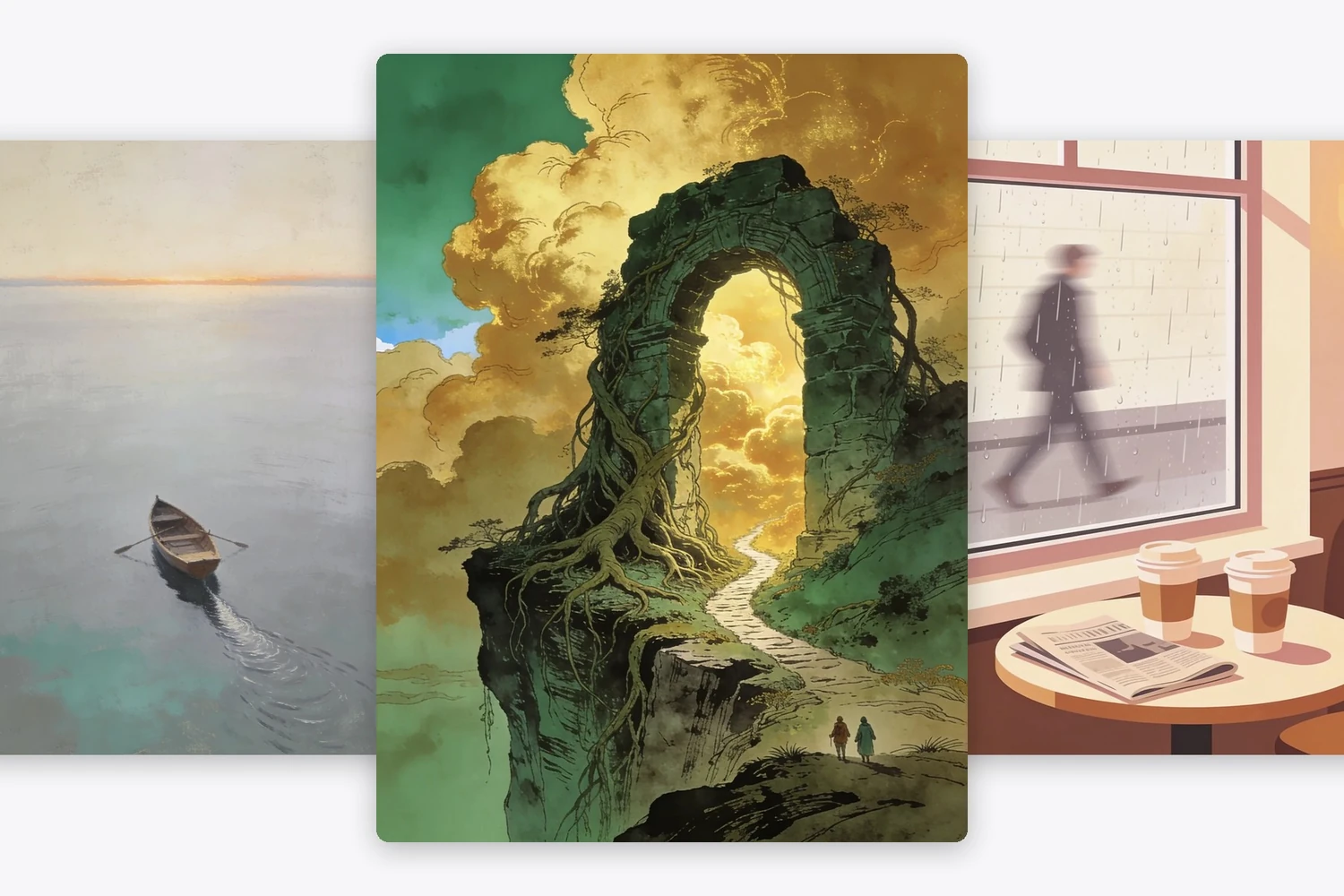
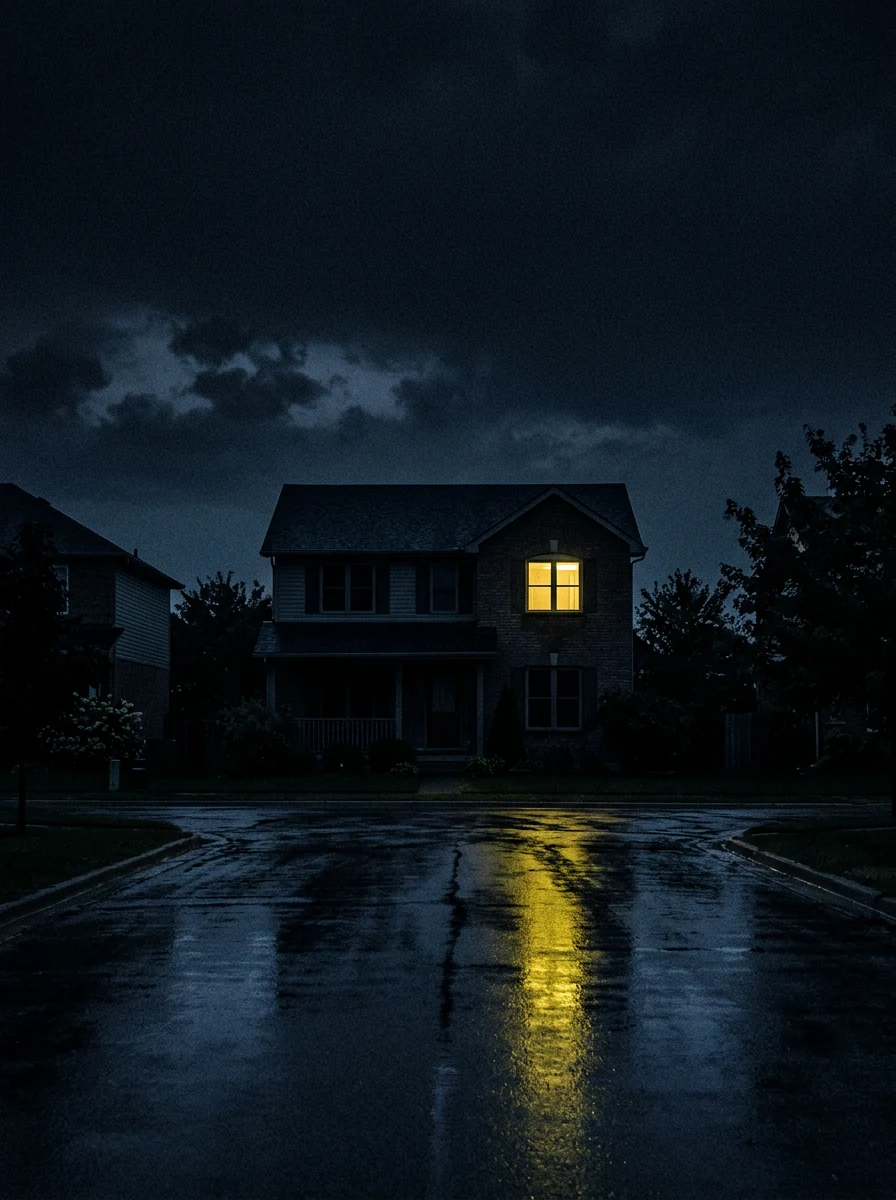
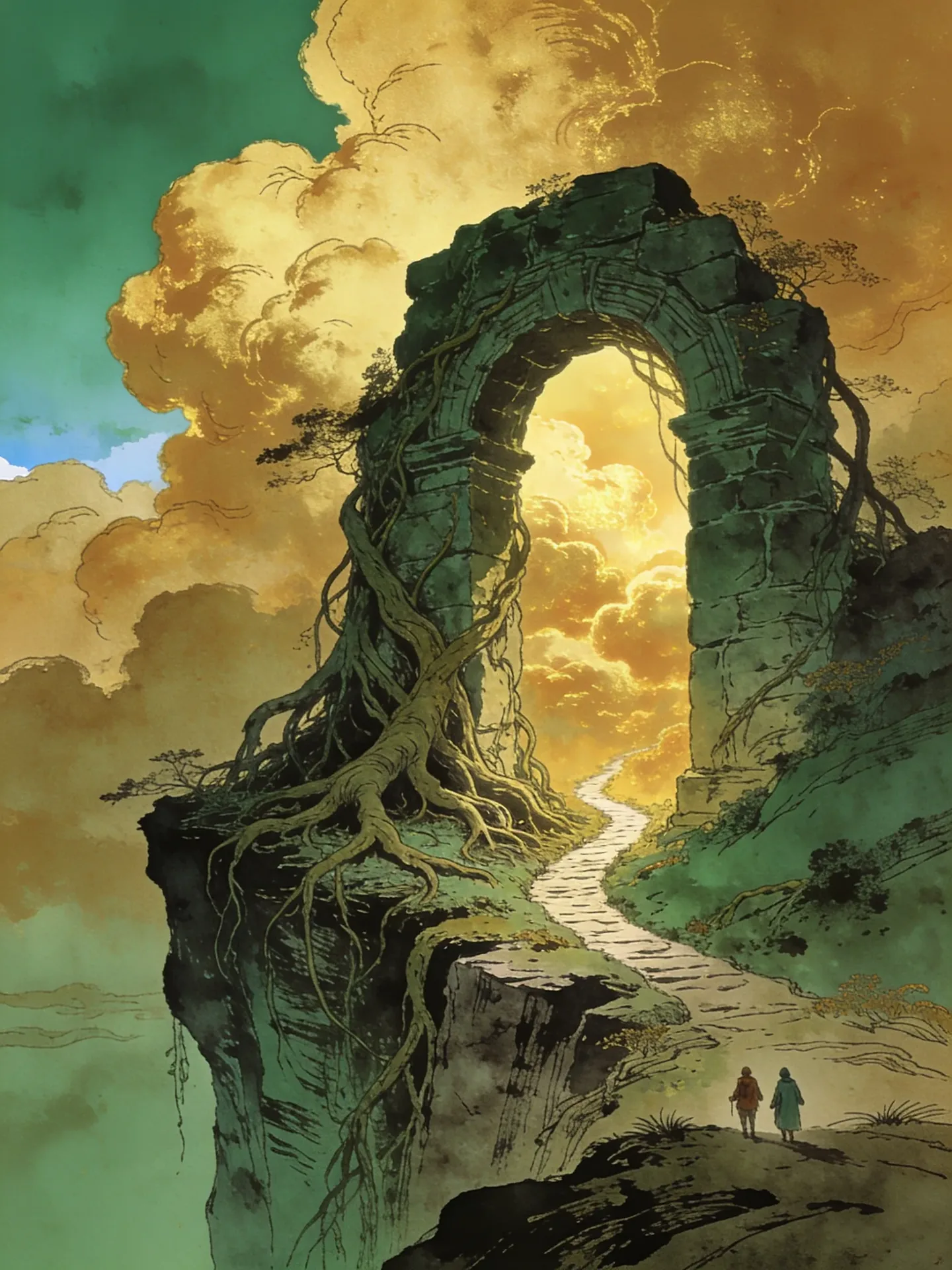
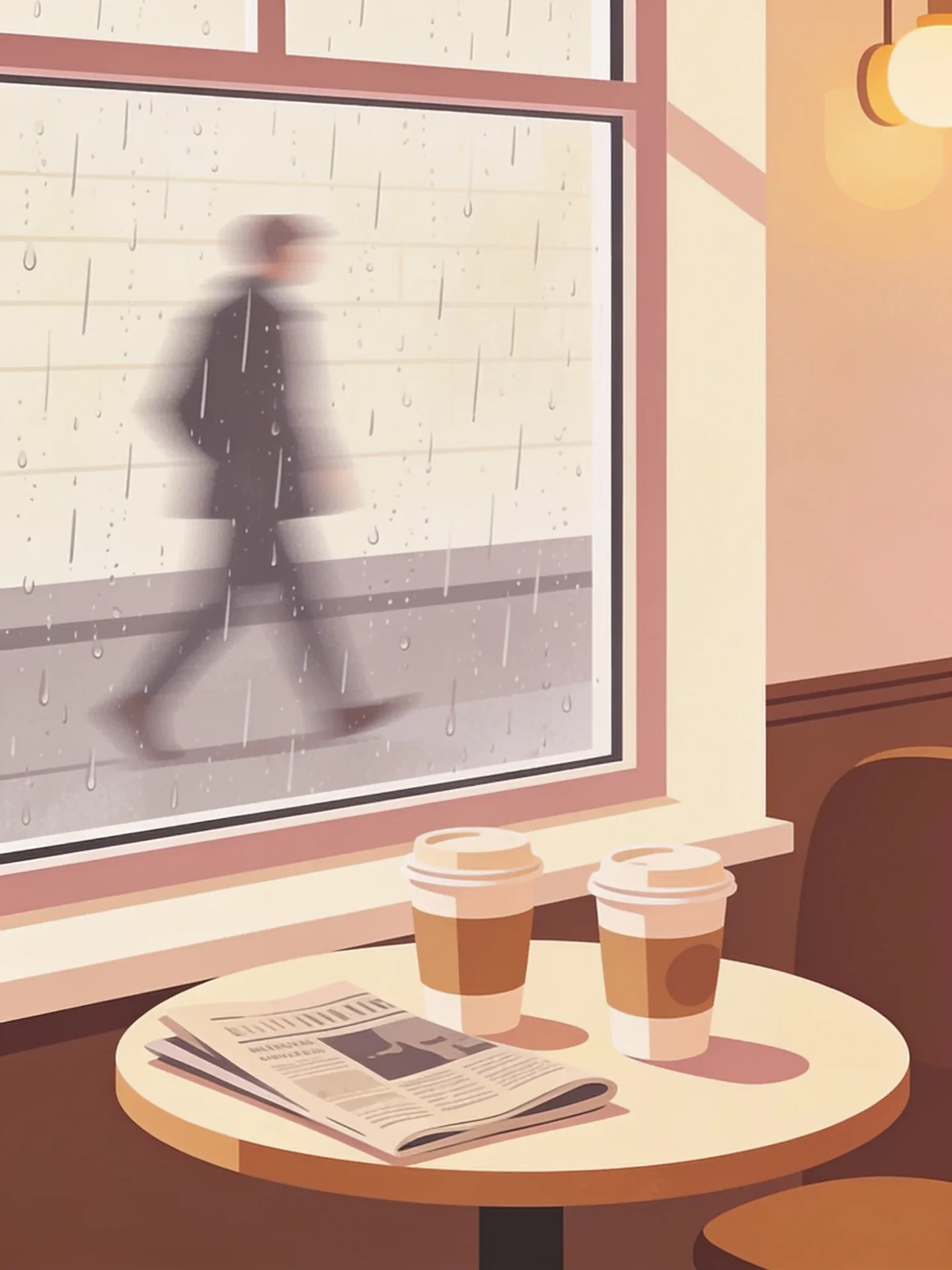
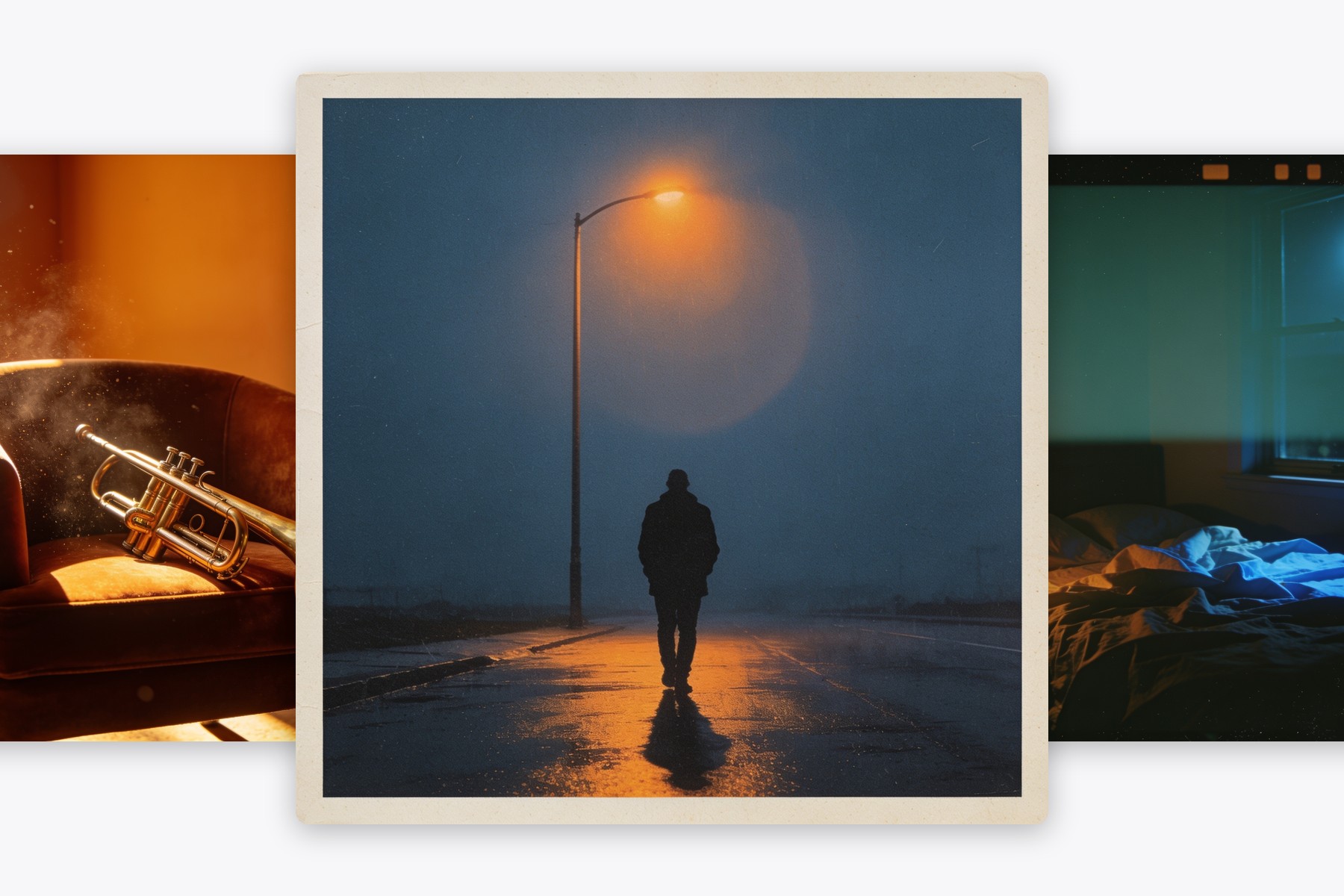
Four genres, four visual languagesPainterly stillness for literary, one lit window for a thriller, ink and wash for fantasy, flat shapes for romance. Genre lives in the technique as much as in the subject, which is why naming both gets you closer.
Flat art, not a mockupWhat comes back fills the frame edge to edge, with no spine, no shadow and no white margin. Mockups are for showing a finished book; this is the file you take into layout.

Three Steps to Cover Art You Can Set a Title On

1
Name the genre and the object

One central object carries a cover better than a scene: a rowing boat, a lit window, an archway, two cups. Say the genre too, because it tells the model which visual language to use.

2
Say where the title goes

Ask for the upper third to stay open, or the lower band, or the left column. Doing this before generation saves the retouching you would otherwise do to clear a space afterwards.

3
Generate, then set the type yourself

Take the file into any layout tool and put the title where you left room. Keeping the words out of the generated image is what makes them sharp when the cover shrinks to a thumbnail on a store page.

What People Ask a Book Cover Generator For
AI Book Cover Generator for a First Self-Published Novel

AI Book Cover Generator for a First Self-Published Novel

A commissioned cover is the single biggest line item before launch, and most first books cannot carry it. Generating the artwork and setting the type yourself moves the cost to an afternoon, which is usually the difference between publishing this month and next year.

Start a cover

Book Cover Generator AI for Pitching a Concept

Editors and agents respond to a cover before they respond to a synopsis. Three versions of the same idea in three visual languages is a cheap way to find out which one your book actually is.

Try three directions
Book Cover Generator AI for Pitching a Concept
Fantasy and Sci-Fi Covers That Need Scale, Not Detail

Fantasy and Sci-Fi Covers That Need Scale, Not Detail

An archway with two tiny figures at its base reads as epic in a way that a crowded battle scene never does at thumbnail size. Ask for one large form and something small beside it for scale, and the genre announces itself.

Build a world

Free AI Book Cover Generator for a Series That Should Match

Books two and three have to look like book one. Keep the palette and the technique wording identical and change only the central object, and the shelf reads as a set instead of three unrelated paperbacks.

Match a series
Free AI Book Cover Generator for a Series That Should Match

AI Book Cover Generator FAQ

Is the AI book cover generator free?
Generating costs nothing. Describe the cover, press the button, and an account only comes into it when you want to download the file.
Why does it not put my title on the cover?
Because image models render lettering unreliably — they produce shapes that look like words until you read them. Leaving the type to a layout tool is what keeps the title sharp at thumbnail size, and the brief asks for open space so it has somewhere to go.
What if a title appears anyway?
Run it again with the no-lettering clause intact; it is in the default instruction for exactly this reason. Different models behave differently here, and the one wired to this page was chosen because it respects that clause.
Can I use the artwork commercially?
The output is yours to use, including on a book you sell. Do check the cover against the store's own content rules before you upload, since those differ between retailers.
How do I keep a series looking consistent?
Hold the palette and the technique words steady and change only the central object. Genre reads through technique — painterly, ink and wash, flat shapes — so keeping that wording identical is what makes three covers look like one shelf.
What size does it come back at?
A portrait frame close to standard paperback proportions, which is what the ratio strip above is set to. Set the type over it and export to whatever your printer or store asks for.

User Reviews

★★★★★

I had been sitting on a finished manuscript for eight months because the cover quote was more than my whole budget. Generated the artwork in an evening, set the title in Affinity, and it went up that weekend.

Coretta S.

★★★★

The genre wording matters more than I expected. Asking for ink and wash gave me something usable straight away, where just saying fantasy gave me a video game splash screen.

Emil J.

★★★★★

Used it for book three of a series. Same palette wording, new object in the middle, and it sits next to the other two without looking like a different author.

Nadia F.