




Free AI Album Cover Generator: One Line In, Cover Art Out
Name the sound and the mood — the reverb, the room, the decade it borrows from — and the art comes back square and finished, sized for the upload form
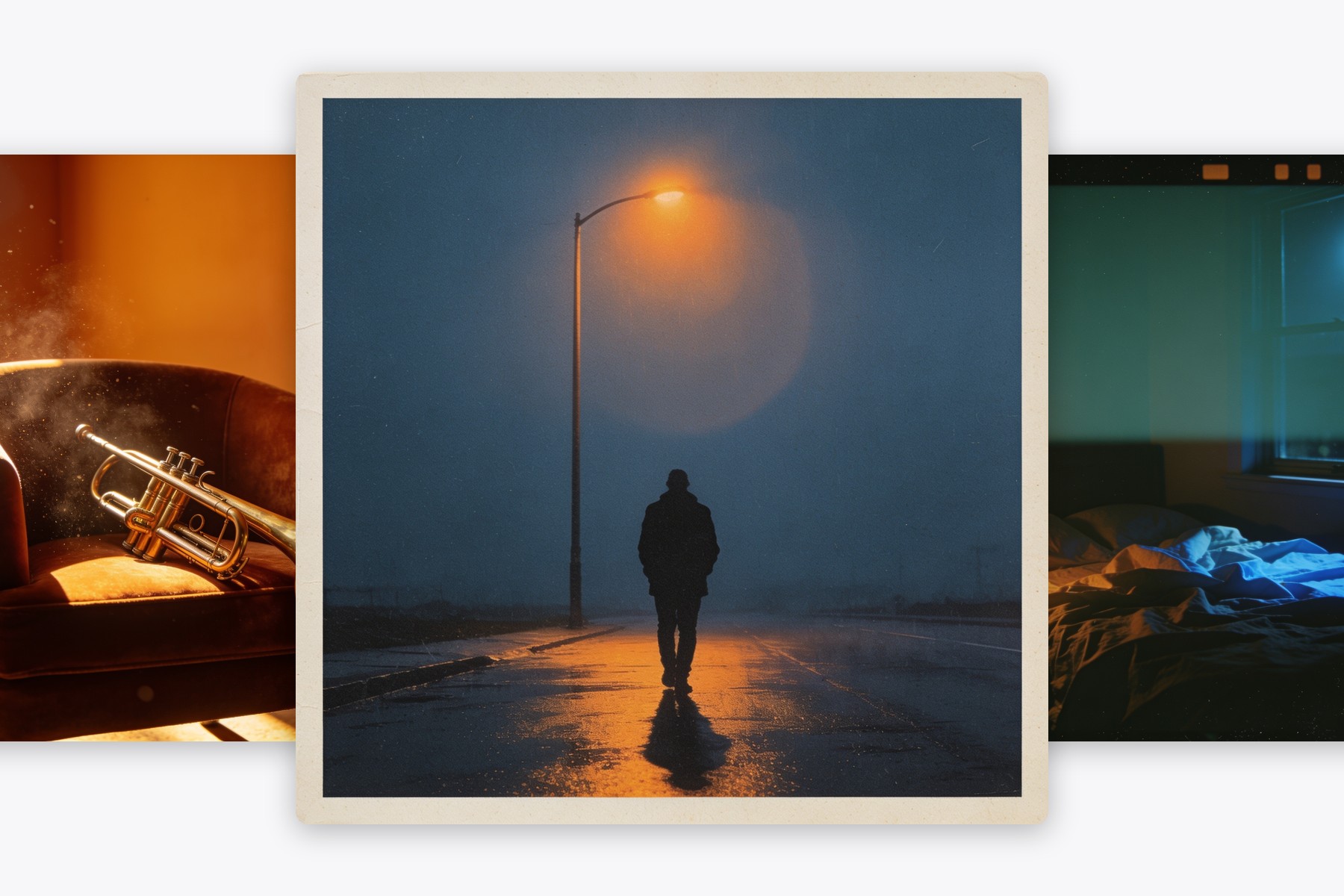
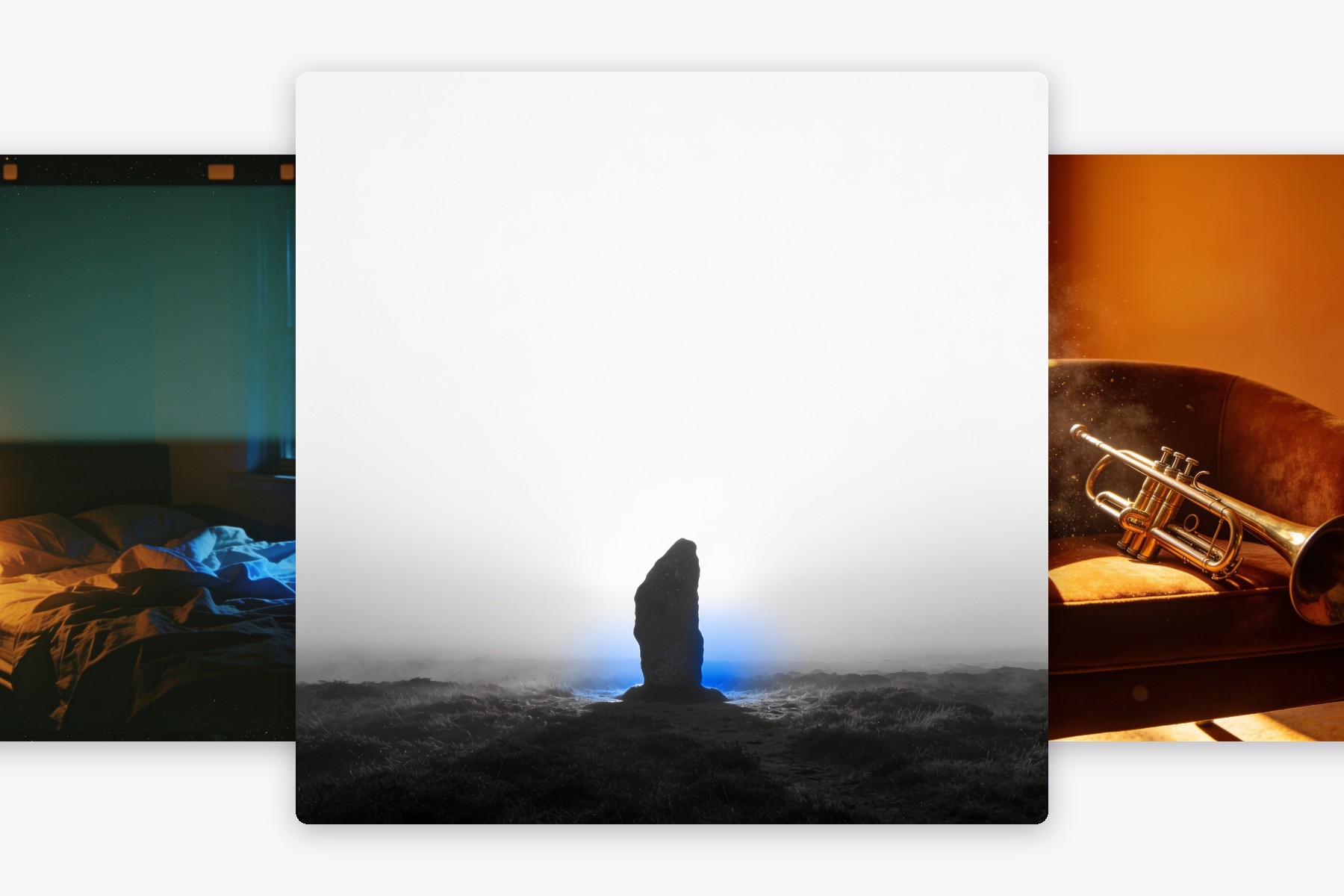

Three Steps From a Sentence to Finished Cover Art
Genre, tempo, the decade it borrows from and the feeling you want someone to have three seconds in. "Late-night bedroom pop, warm tape hiss, someone walking home alone" gives the model far more to work with than a list of colours.
Shrink the result down before you judge it. If the subject still reads at that size, the cover works; if it turns to mush, ask for fewer elements and one stronger light source rather than more detail.
The file comes back at 1:1, ready for the upload form. Add the artist and record name in your own editor — keeping type out of the render is what stops you from regenerating the whole cover over a single typo.
What People Ask an AI Album Cover Generator For
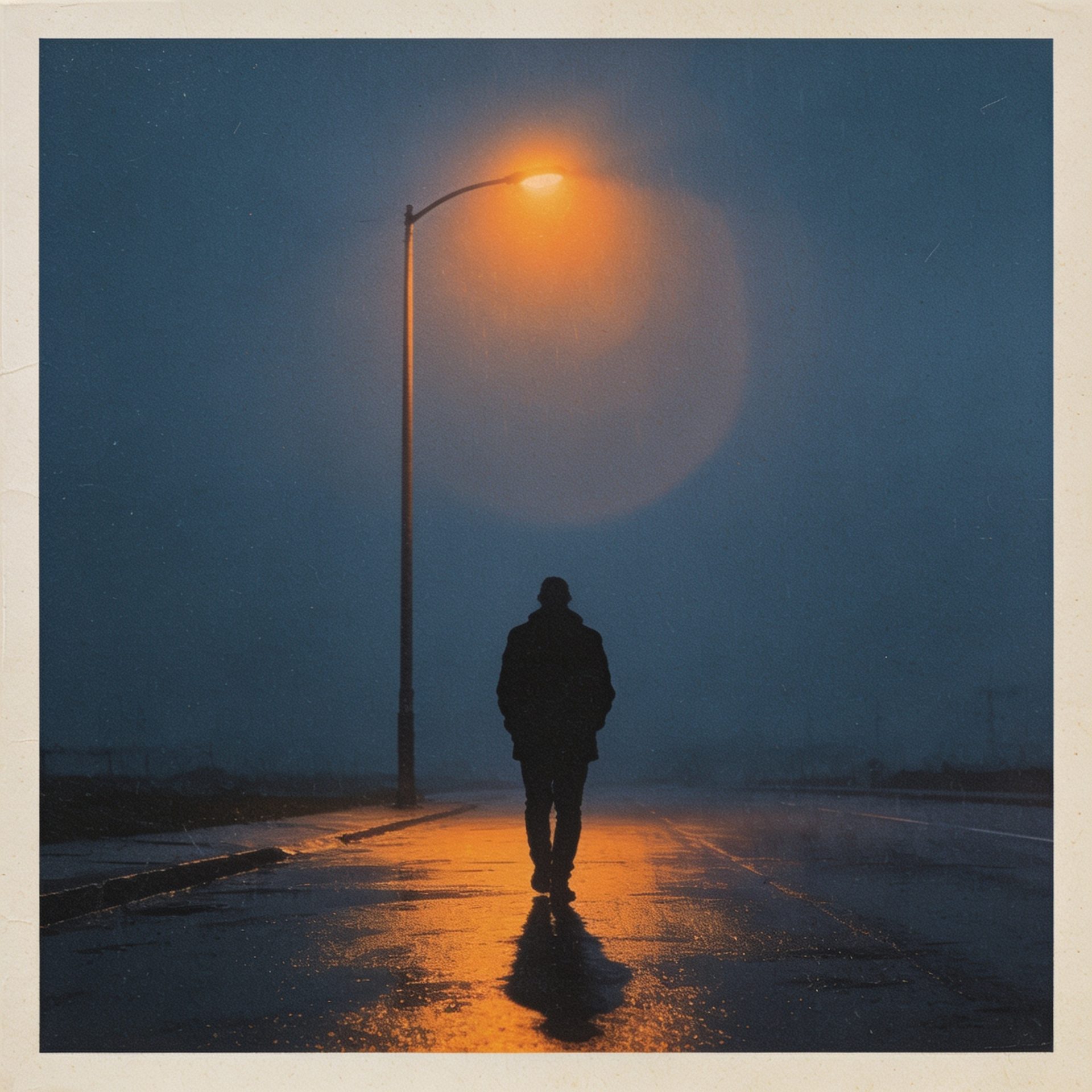
Album Cover Maker for a Single Dropping This Week
The most common brief by a distance: one track, a Friday release date and no budget line for artwork. A single needs one idea, not a concept series — pick the strongest image in the song and let the frame hold only that.
Make a single sleeveCover Art for an EP That Has to Look Like a Set
Four or five sleeves that belong together read as a set through repetition, not similarity. Keep one element fixed across all of them — the same light source, the same palette, the same distance from the subject — and let everything else move.
Start an EP set
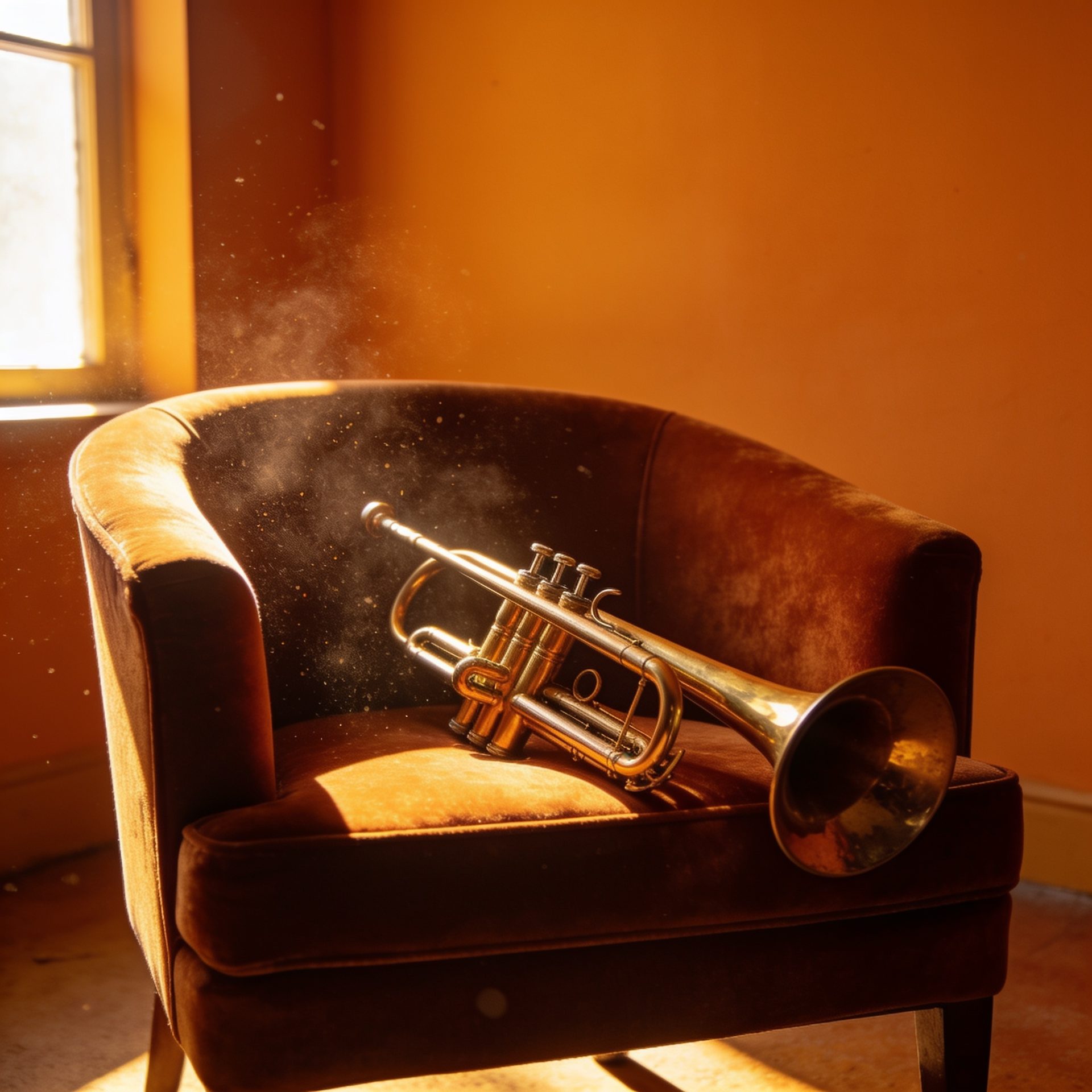
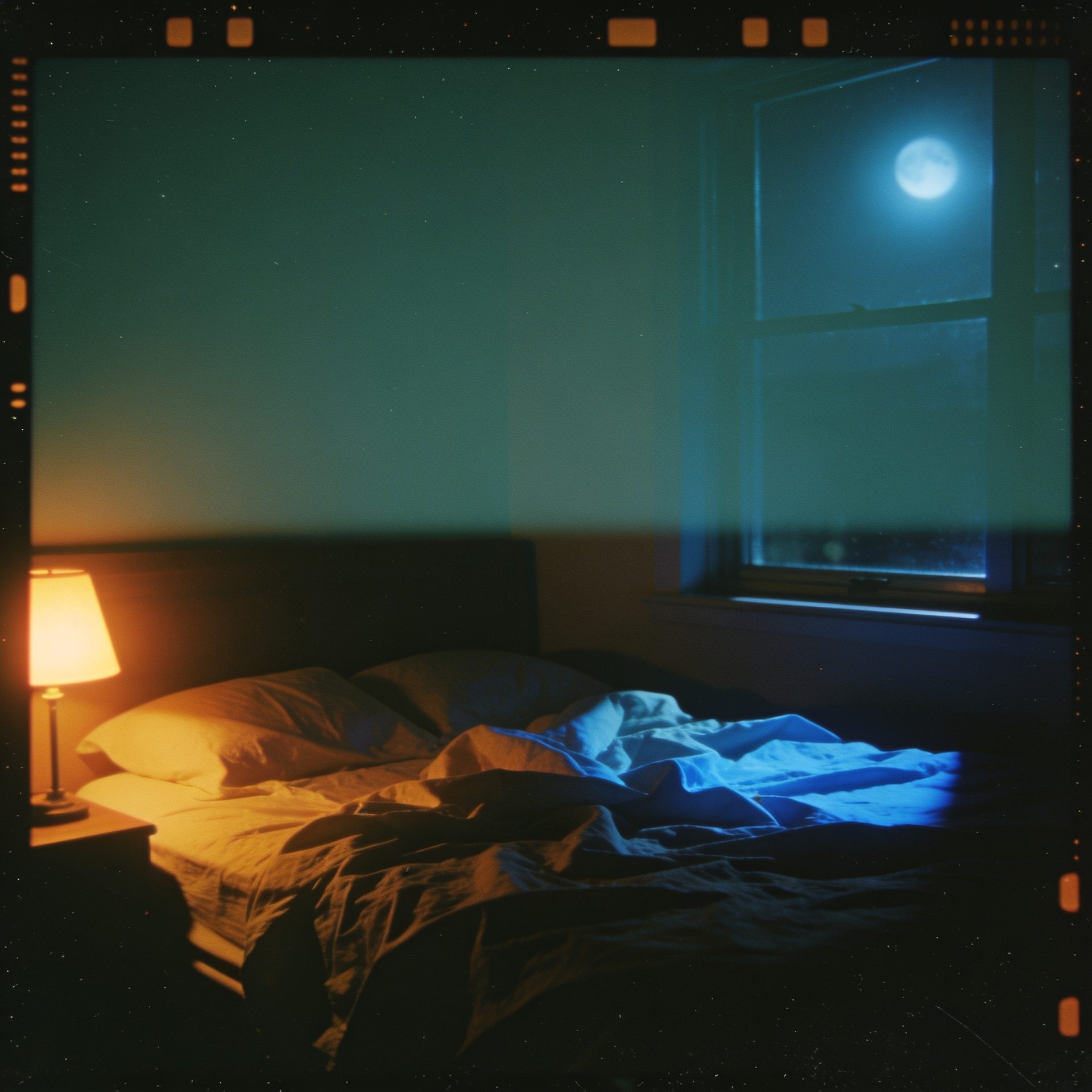
Playlist Covers That Still Read in a Scroll Feed
Playlist art competes against a wall of other squares at thumbnail size. High contrast and a single silhouette beat a busy illustration every time, because the eye picks up shape long before it picks up detail.
Make a playlist coverMixtape and Demo Sleeves With a Borrowed Decade
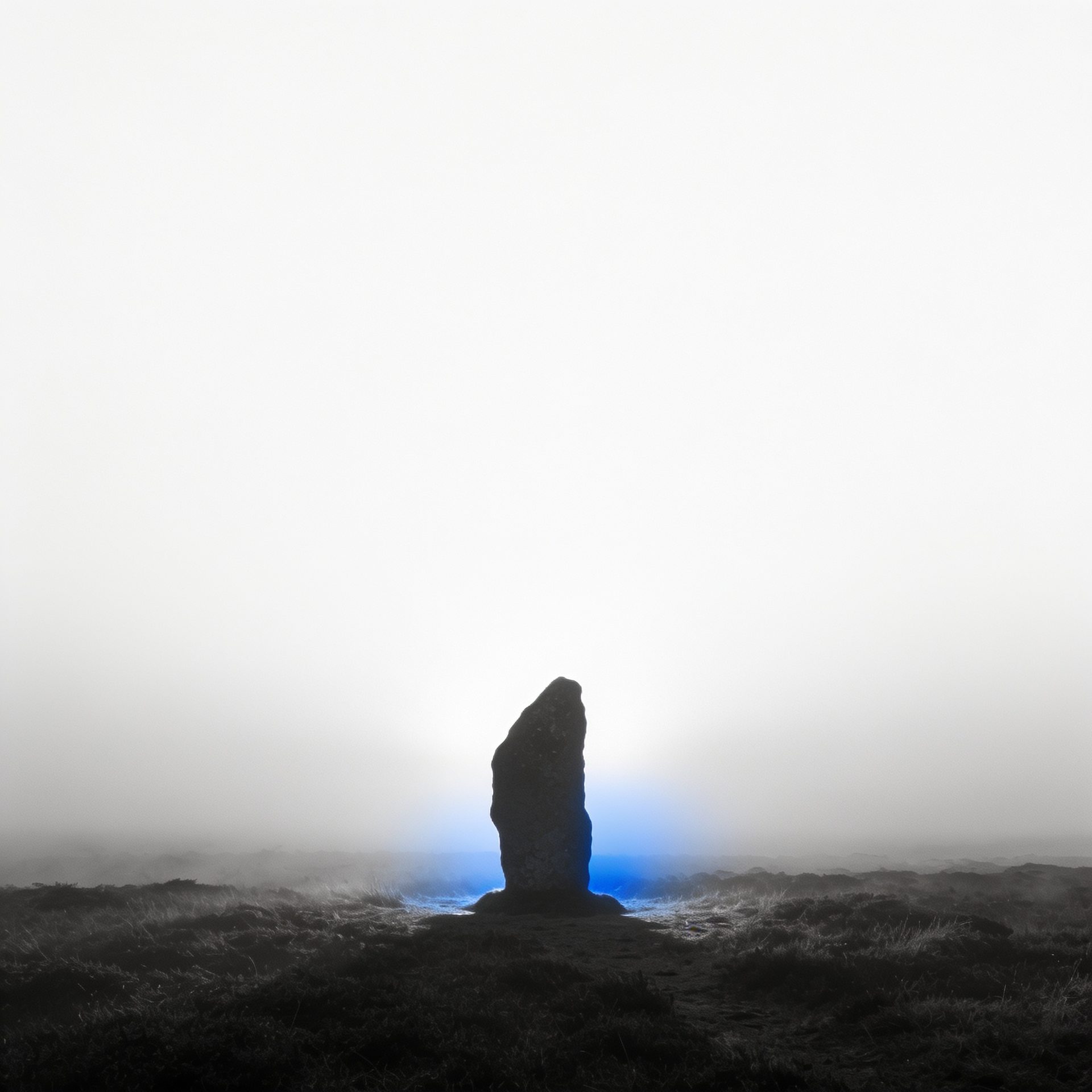
Naming a specific era does more than naming a style. "Late-seventies jazz-funk sleeve, heavy grain, printed on matte stock" lands closer than "retro", because the model has something concrete to reach for.
Borrow a decade
Related Tools
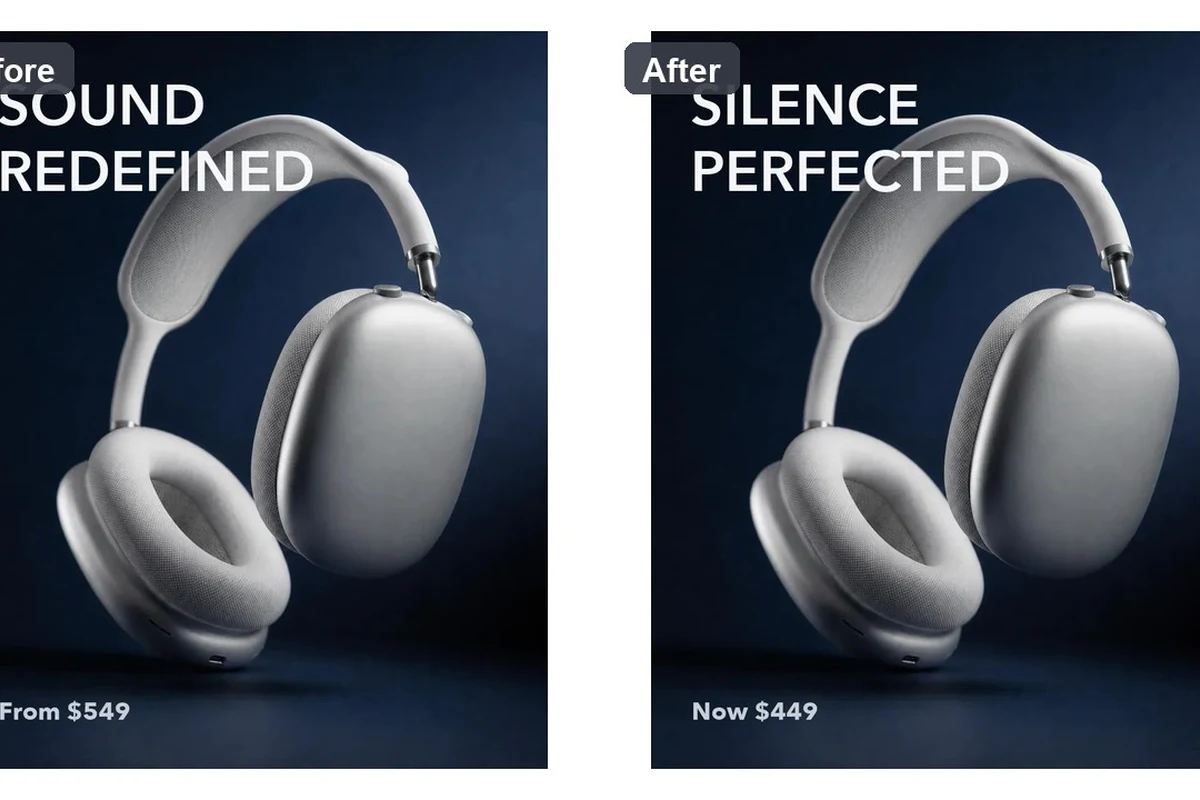
Set the artist and record name onto the finished cover, and change it later without a new render.
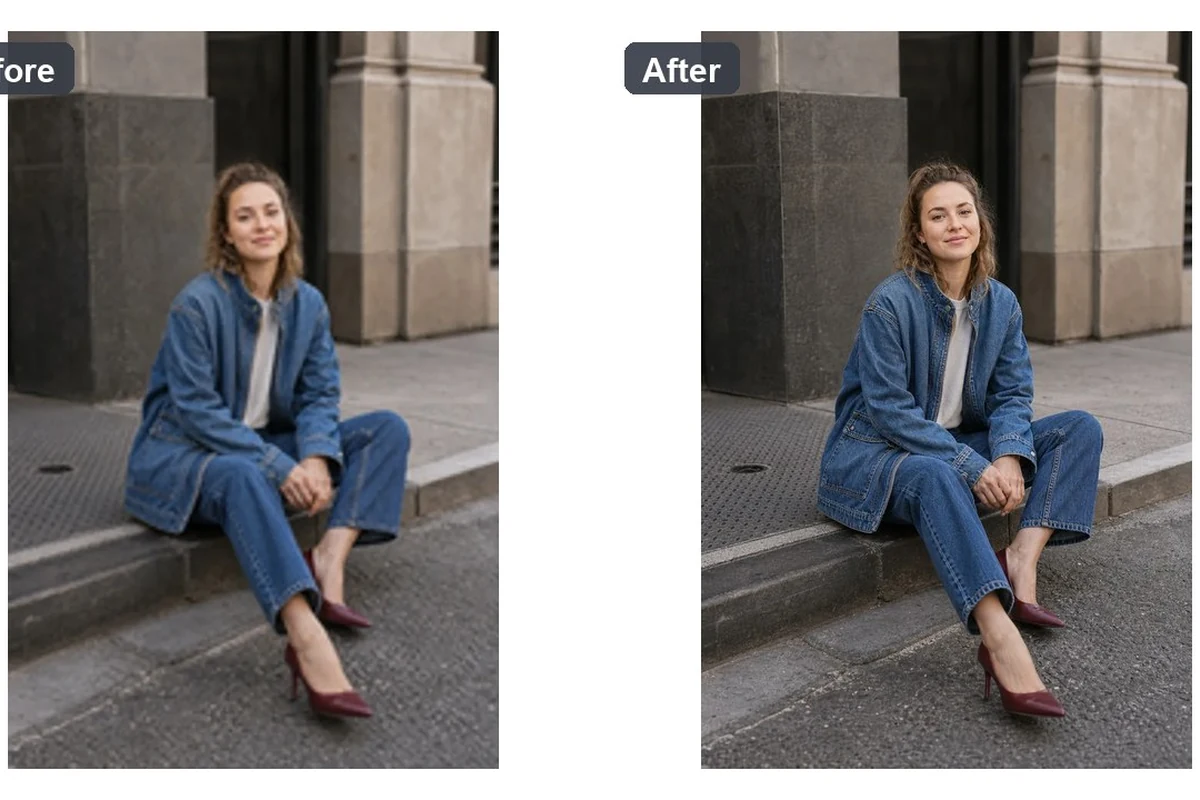
Push the square up to print resolution when the release needs a physical sleeve.
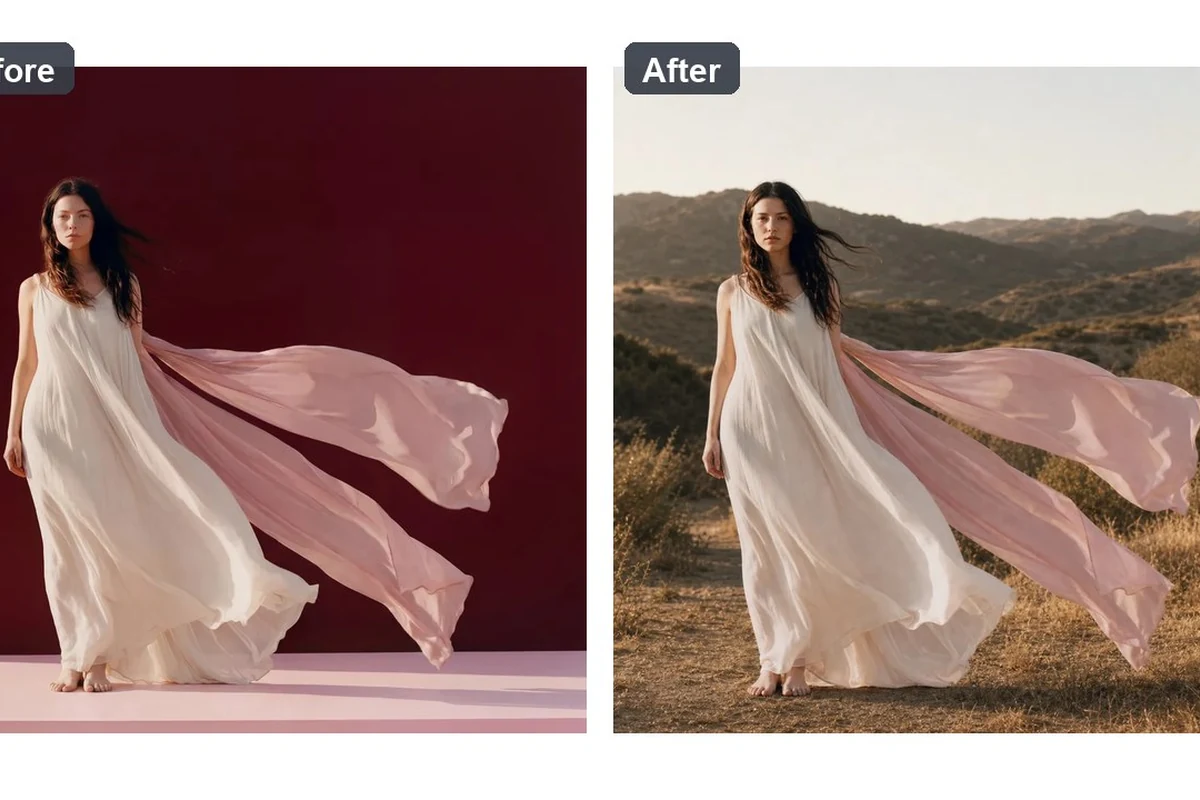
Change one element of a cover you already like, instead of regenerating the whole frame.
AI Album Cover Generator FAQ
Can it put the artist and album name on the cover?
Is the art free to use on a commercial release?
What if I want a whole EP to match?
Does it work as an album cover maker for a specific genre?
How many covers can I generate?
User Reviews
Put out a single every six weeks and the artwork was always the thing holding up the release. Described the track, took the third render, set the type in Affinity and had it on the distributor the same evening. The square-by-default thing sounds small until you have spent an afternoon recropping something.
Teodor V.
Used it for a five-track EP and the set idea in the FAQ was the useful part — I kept the same streetlight in every sleeve and changed the subject. Took more attempts than I expected to stop it filling the frame; asking for fewer elements is what finally did it.
Priya N.
The advice to judge it at thumbnail size is worth more than it sounds. My first pick looked great full screen and turned into grey soup in the app. Regenerated with one silhouette and one light and it holds up next to major label covers in the feed.
Callum R.