Free AI Photo to Video: Hand Over One Image, Get a Clip Back

The photo you already have is the whole input. Say what should move — hair, water, steam, a turn of the head — and a few seconds of footage comes back with the face, the clothes and the light left alone.

AI Photo to Video Generator
Prompt — already written, edit freelyYour Photo*
Try Sample Photos
Output Size
Free to try — sign up to see your results
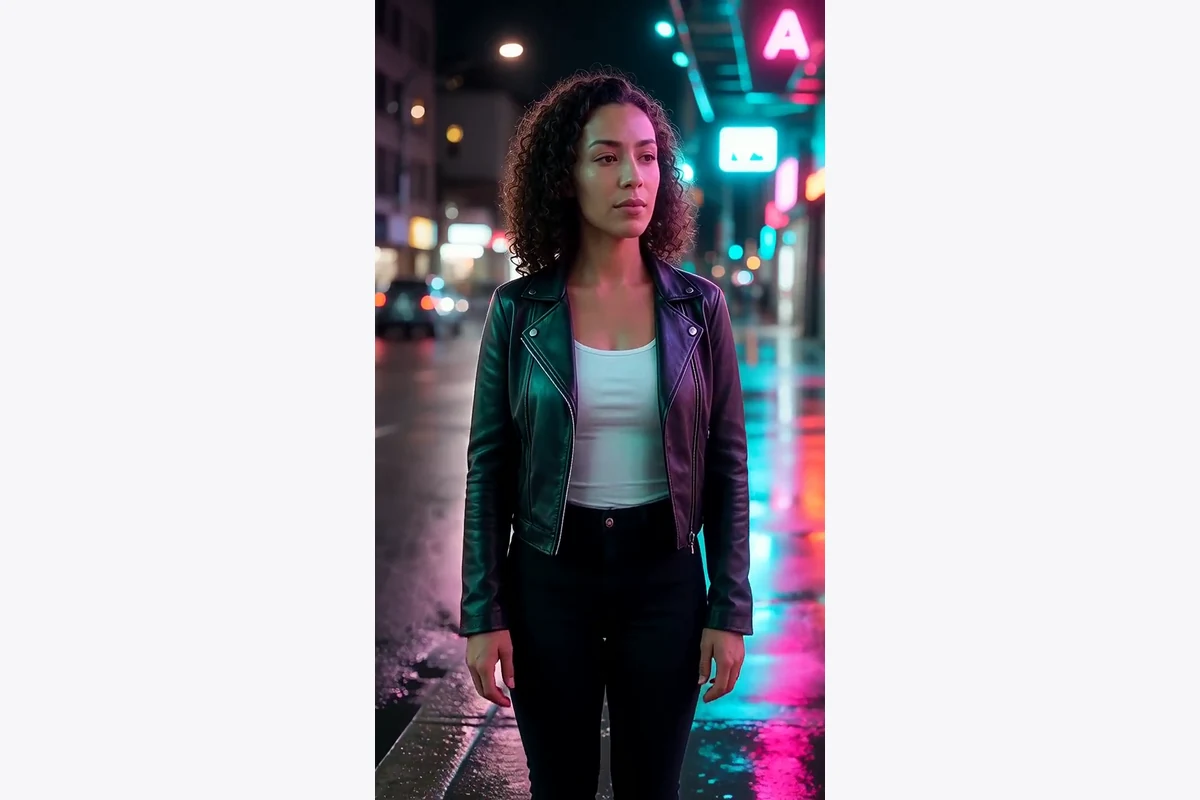
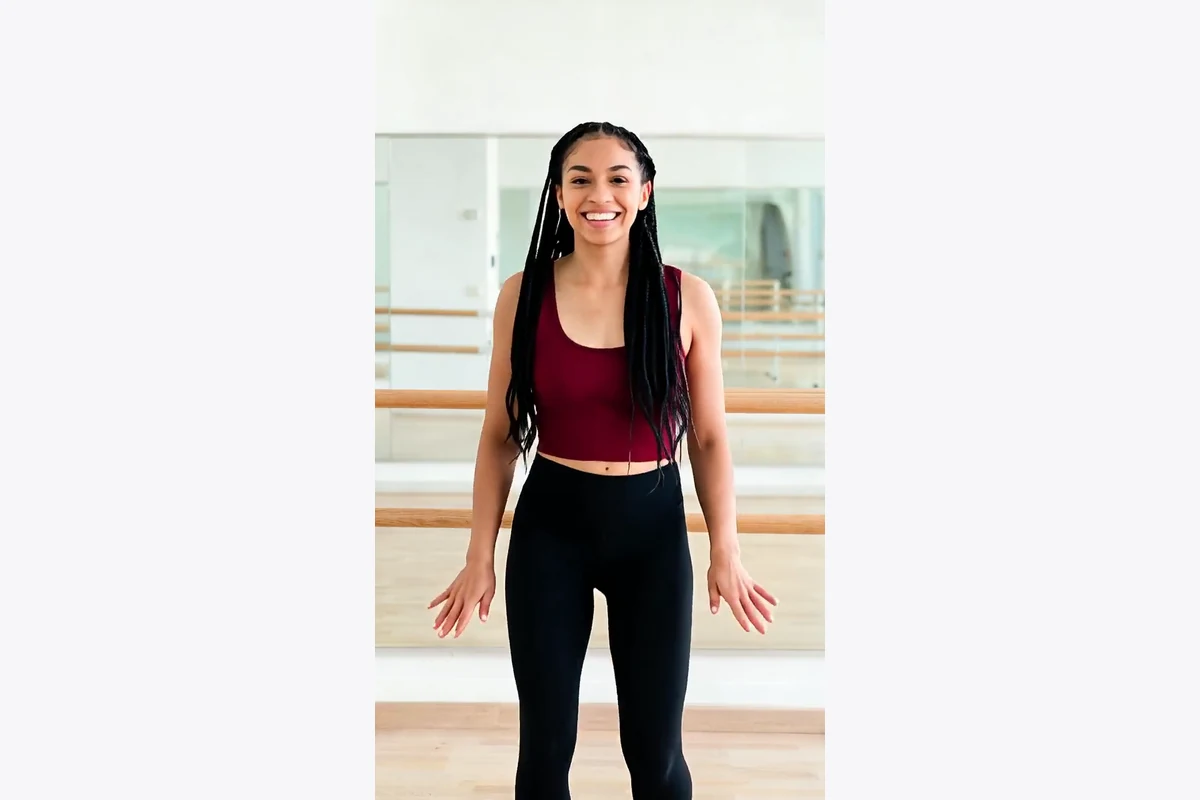
The four clips above started as the four sample photosEach one was a single still, sent through this box with a sentence describing the motion. The sample tray holds those exact stills, so you can run the same pair yourself and compare what came back.
Your face and your clothes stay putThe instruction that ships with the page pins identity, wardrobe and location, and asks only for movement. That is why the woman on the rooftop is still wearing the same skirt four seconds later.
A few seconds, on purposeShort footage loops cleanly and holds detail. Four seconds of a skirt catching wind is usable on a feed; forty seconds of the same shot is a slideshow with extra steps.
No timeline, no keyframesThere is nothing to scrub and nothing to align. One image, one sentence, one button — the editing skill this normally asks for sits in the sentence instead.

From a Still Photograph to Moving Footage in Three Steps

1
↑
Add the photograph

Sharp beats large. A face in focus with the subject clearly separated from the background gives the model something to hold on to; a dim group shot from across a room does not.

2
▶
Say what should move

Name one or two things — hair in the wind, waves sliding up the sand, steam off a cup, a turn of the head — and say what must stay still. Vague briefs get you a drifting camera and little else.

3
↓
Generate and pick

Footage comes back in the same session. If the motion overshot, cut the sentence down rather than adding to it: fewer instructions usually reads as calmer, more believable movement.

What People Point a Photo to Video AI At
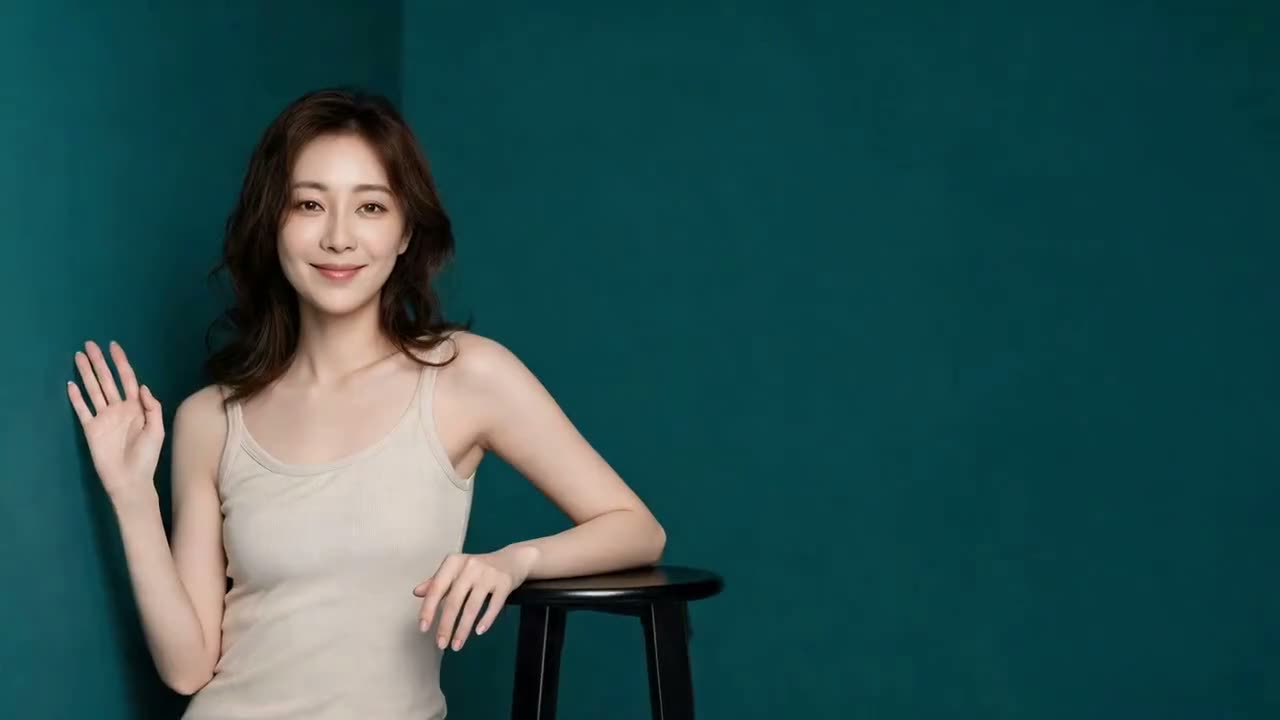
Photo to Video AI Free Runs on Portraits You Already Shot

Photo to Video AI Free Runs on Portraits You Already Shot

The single most common request is the one that needs the least invention: a portrait that is already lit and already styled, asked to breathe. Hair, fabric and a small head turn are enough to move it out of the still-image bucket without turning it into someone else.

Animate a portrait

Animate Photo AI for Landscapes, Water and Weather

Scenery carries motion better than almost anything else, because water, cloud and grass move without anyone having to act. A shoreline still where the waves start sliding up the sand reads as footage within half a second.

Move a landscape
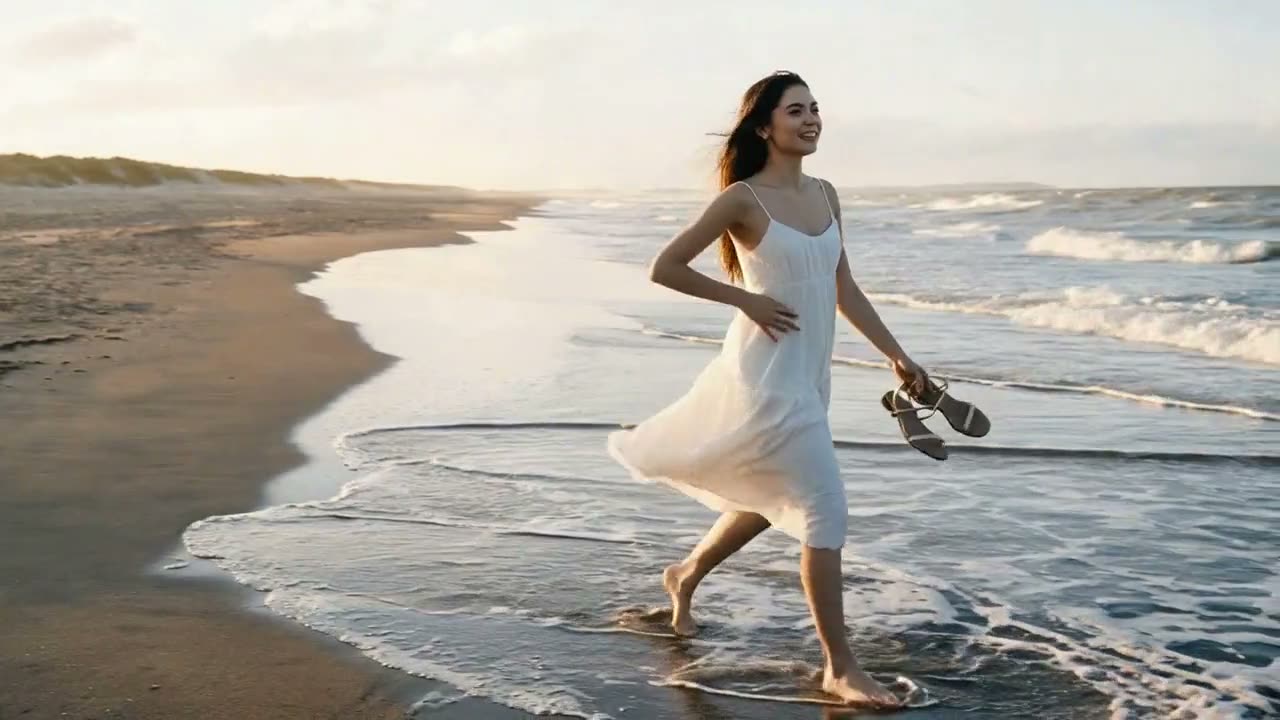
Animate Photo AI for Landscapes, Water and Weather
AI Photo to Video Generator Output for Feeds and Ads

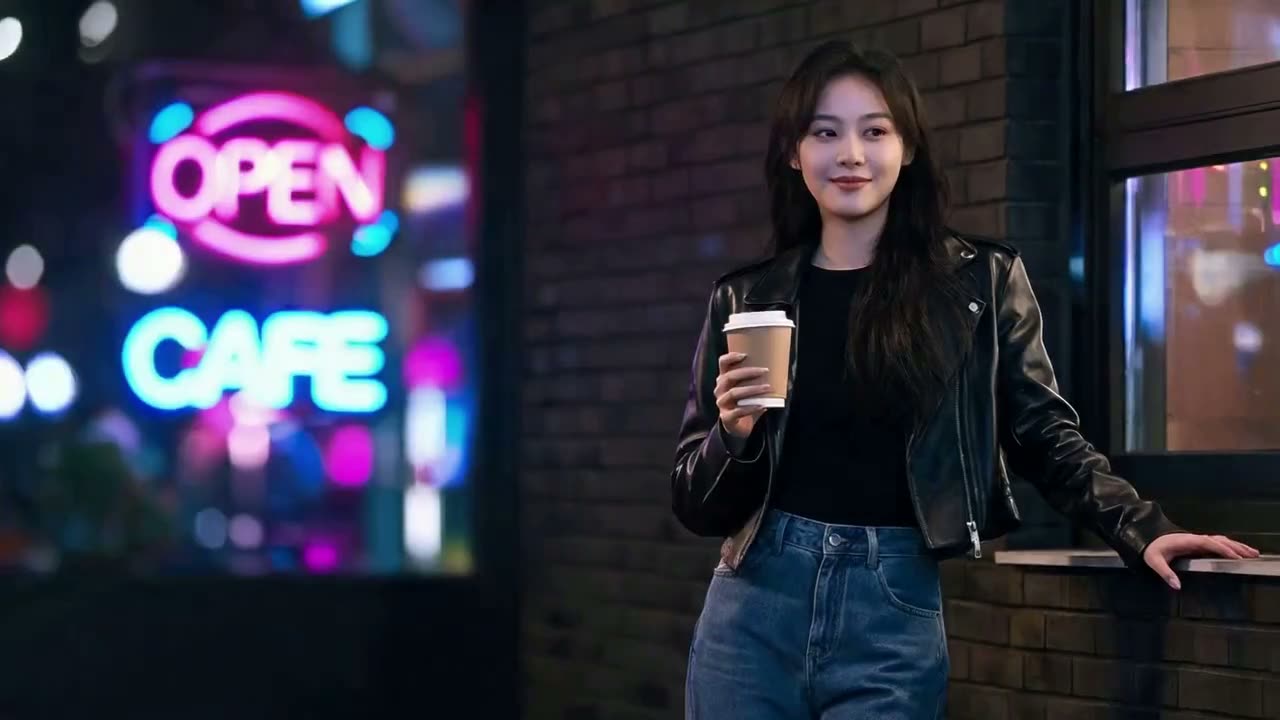
AI Photo to Video Generator Output for Feeds and Ads

A four-second loop is the unit that social feeds actually reward, and it is also the cheapest thing to produce from stock you own. Neon, steam and a slight lean carry a city shot far enough to stop a thumb.

Make a loop

Free AI Photo to Video for Old Family Pictures

Scanned prints work the same way as digital files, and the brief that suits them is the quietest one: a breath, a blink, a small smile. Ask for a camera move on a hundred-year-old photograph and the grain starts inventing detail that was never there.

Bring a print to life
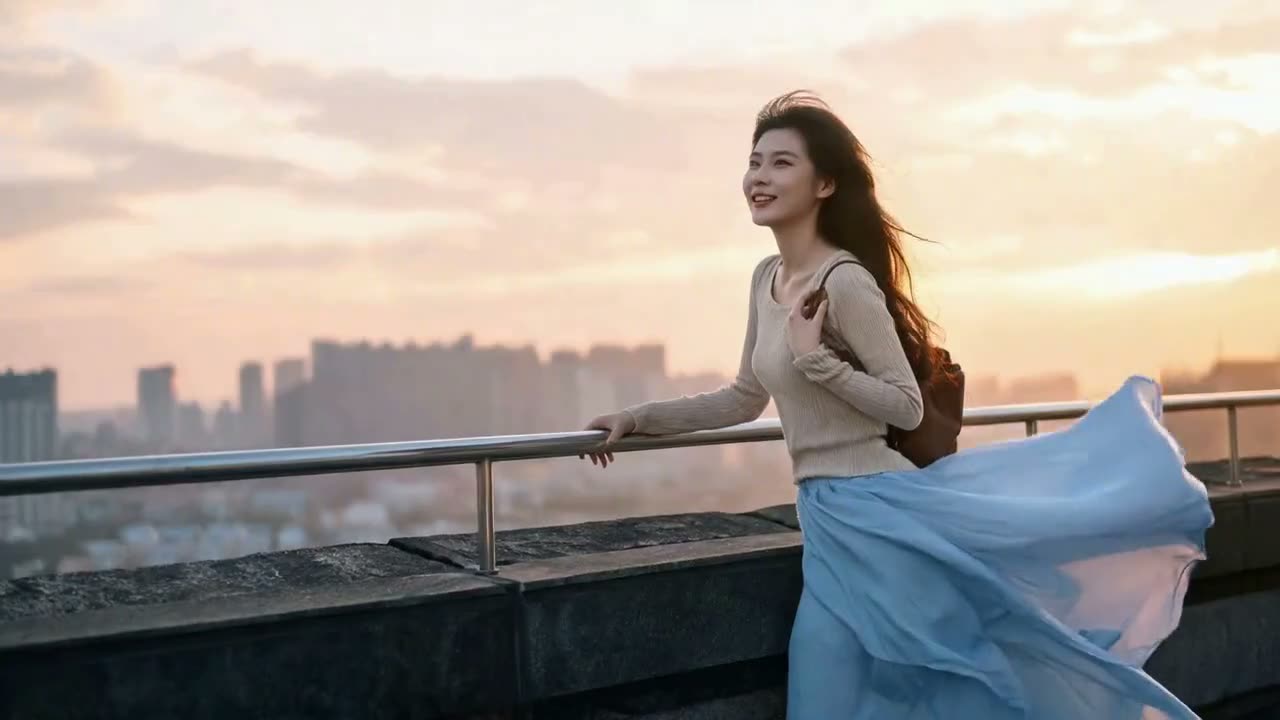
Free AI Photo to Video for Old Family Pictures

AI Photo to Video FAQ

Is this an animate photo AI, or something different?
Same thing, different wording. You hand over one still and get short footage back; whether you call it animating a photo, a photo to video AI or an image to video generator, the input and the output are identical here.
Is the AI photo to video free to use?
Yes. Sending a still through and getting footage out costs nothing, and there is no watermark burned into the result. An account only comes into it at the moment you want the file saved to your library or pulled down to your own machine.
Will it change my face or my clothes?
The instruction that loads with the page pins identity, wardrobe and location and asks only for movement, which is why the samples come back wearing what they started in. If you rewrite the sentence, keep that pinning clause — most drift starts when it gets deleted.
How long is the clip, and does it have sound?
A few seconds, silent. Short footage loops cleanly, holds detail and is the unit feeds actually reward; audio would only add weight to something built to autoplay muted.
Which model runs it, and can I choose a different one?
This page runs Seedance 1.5 Pro. If you want a specific engine by name, the model pages linked below hand the same photograph to Sora or Pika instead, with their own settings exposed.
What kind of photograph works best?
One clear subject, in focus, standing out from the background, with hands and face unobstructed. Motion is invented around what is already legible, so a sharp waist-up portrait beats a wide group shot taken in low light every time.

User Reviews

★★★★★

I shoot product lifestyle stills and clients keep asking for something that moves. Four seconds of fabric and hair on an existing frame covers most of those requests without a reshoot.

Tomás R.

★★★★★

Tried it on a scanned photo of my grandmother. Kept the sentence very plain — a blink and a small smile — and it stayed her. Anything more ambitious started to look wrong, so plain is what I stuck with.

Aiko M.

★★★★

Good results on portraits and shoreline shots. Busy street scenes needed a couple of runs before the background stopped wobbling, which the page did warn me about in the steps.

Bethany C.