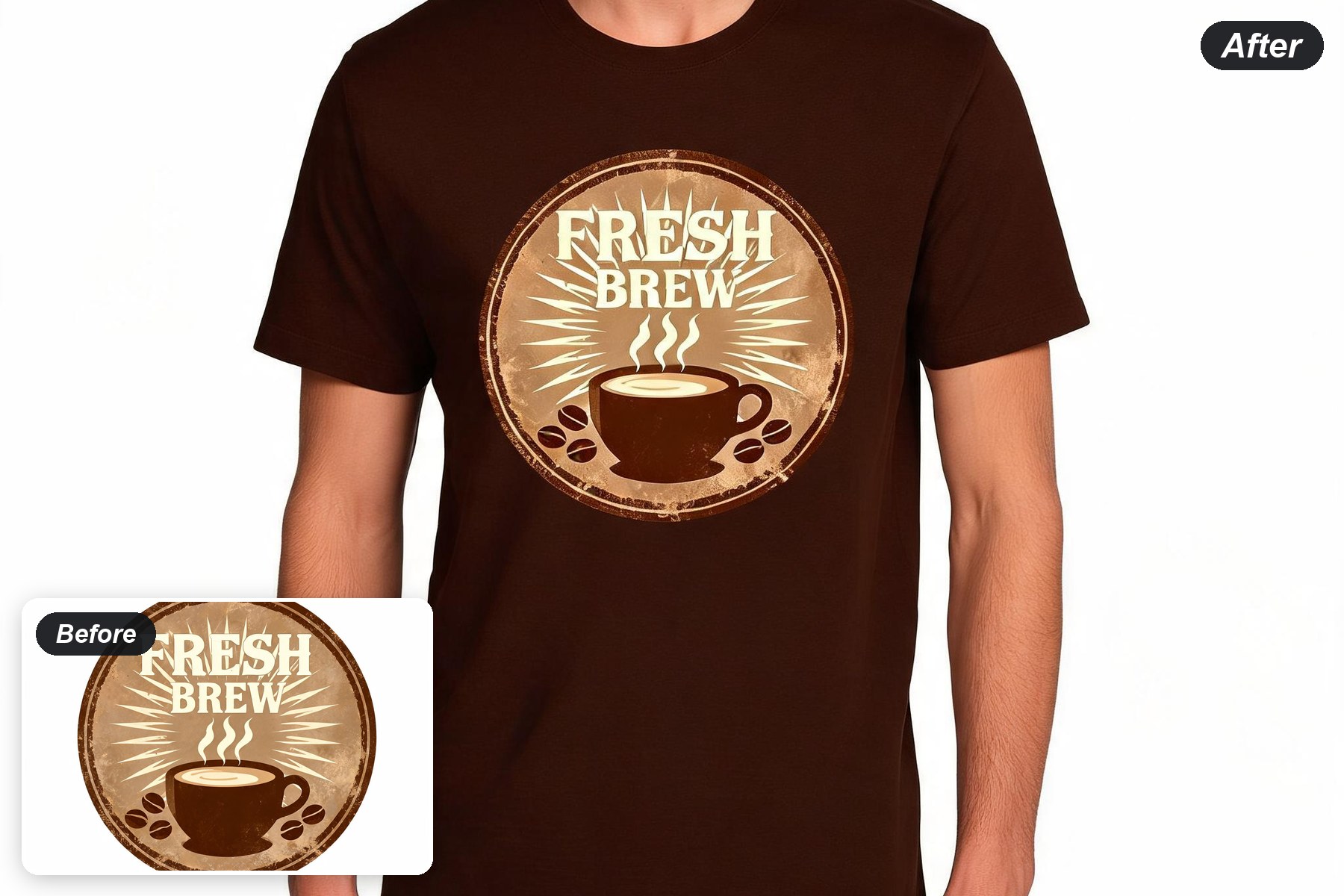
Use Ima Studio's AI T-Shirt Design Maker to turn an idea into a shirt graphic and an on-model preview

Describe the artwork, generate a clean shirt graphic, then see the same design on a T-shirt mockup. Explore vintage badges, bold typography, minimalist line art, illustrated themes, and more without starting in a blank design file.

AI T-Shirt Design Maker
Upload Your T-Shirt Design*
Or Try a Design
Output Size
Free to try — sign up to see your results
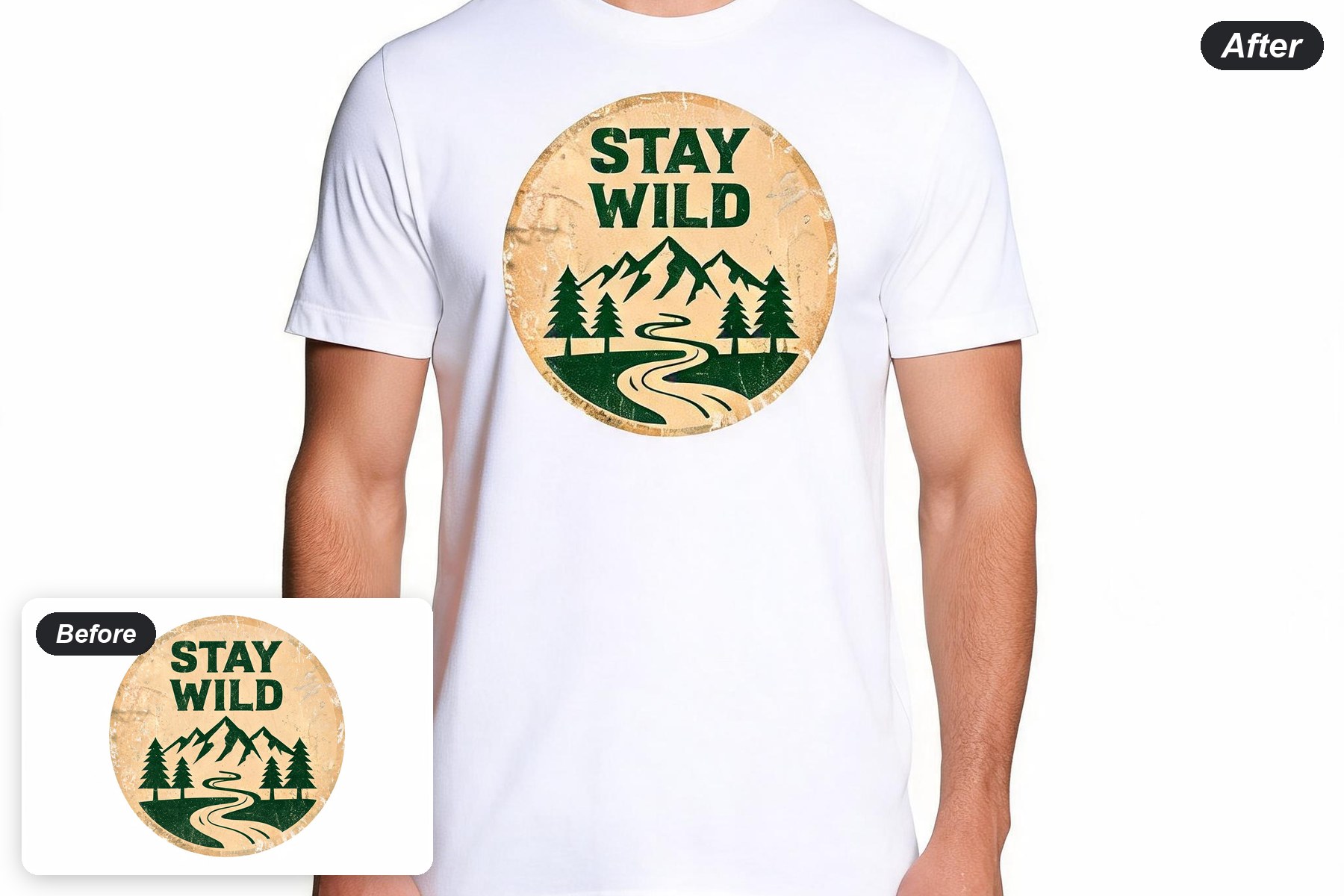
before and after example
One idea, two useful viewsStart with a flat graphic, then preview how it reads on a shirt.
Explore styles quicklyTry vintage badges, mascots, line art, typography, and illustrated themes.
Review before productionUse the result as a concept preview and confirm print specifications before production.

How to Create a T-Shirt Design with AI

1
01
Describe the graphic

Name the subject, wording, visual style, colors, and print mood. Specific instructions help the model build a more coherent shirt graphic.

2
02
Generate the artwork

Start with a clean graphic concept on a simple background. Try a few directions before choosing the artwork you want to preview on a shirt.

3
03
Preview it on a model

Use the selected artwork with an apparel prompt to create a front-facing shirt preview. Check placement, contrast, folds, and readability.

Build a Shirt Graphic for the Job

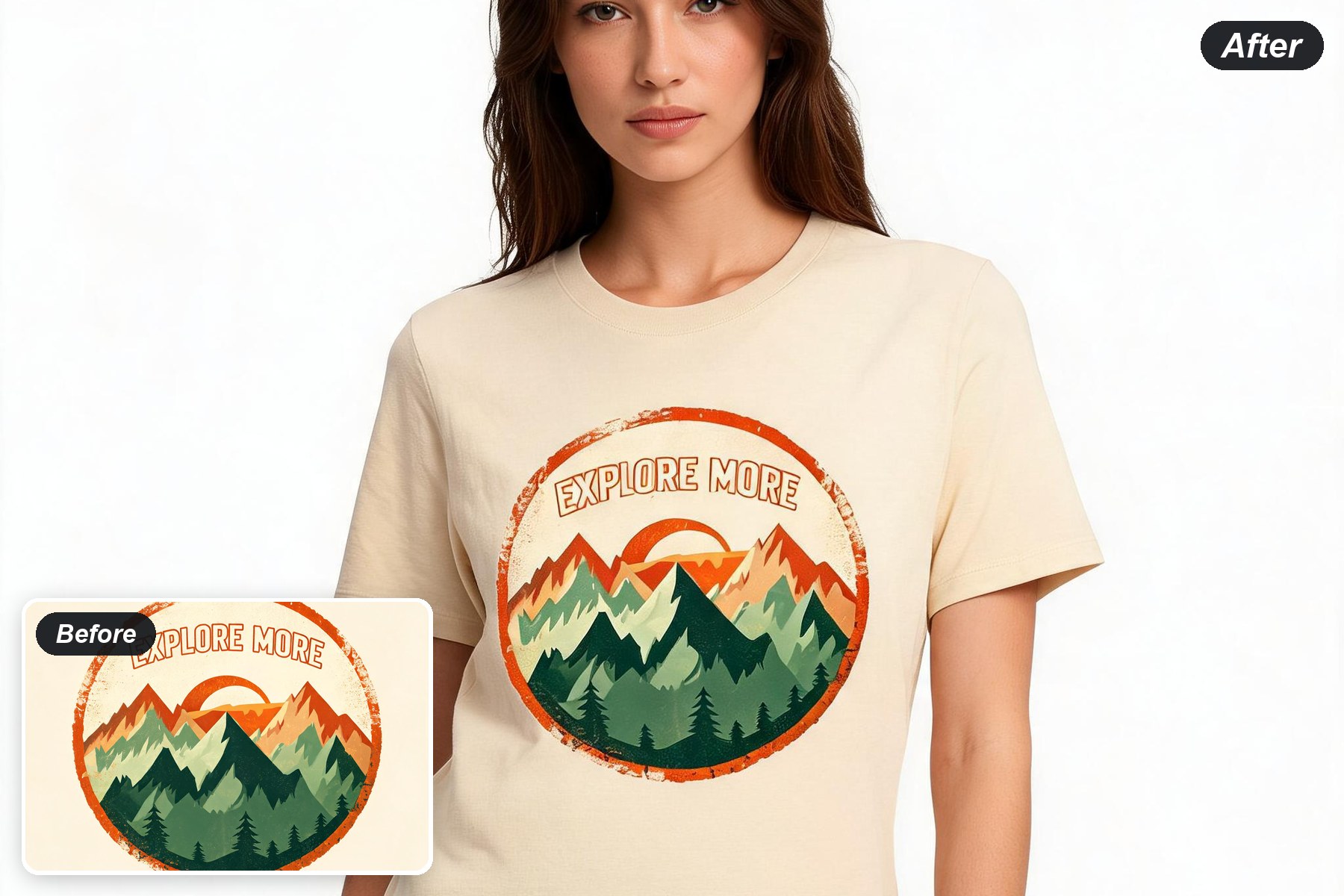
Vintage badge graphics

Vintage badge graphics

Create compact emblems with bold type, simple silhouettes, distressed texture, and a controlled palette.

Try a badge

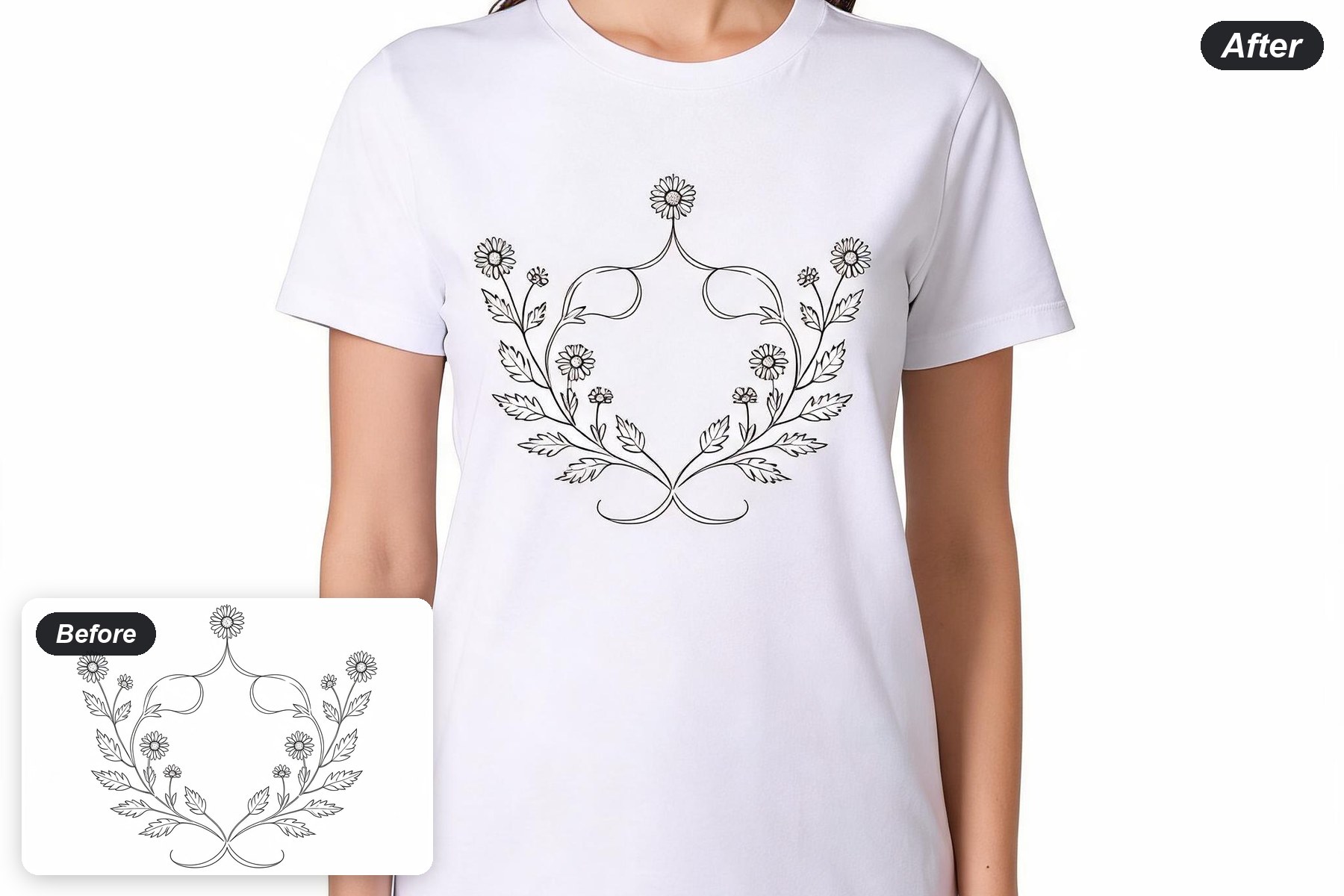
Minimal line-art designs

Keep the main shape readable with clean, high-contrast graphics that suit front-chest placement.

Try line art
Minimal line-art designs
Illustrated themes and mascots

Illustrated themes and mascots

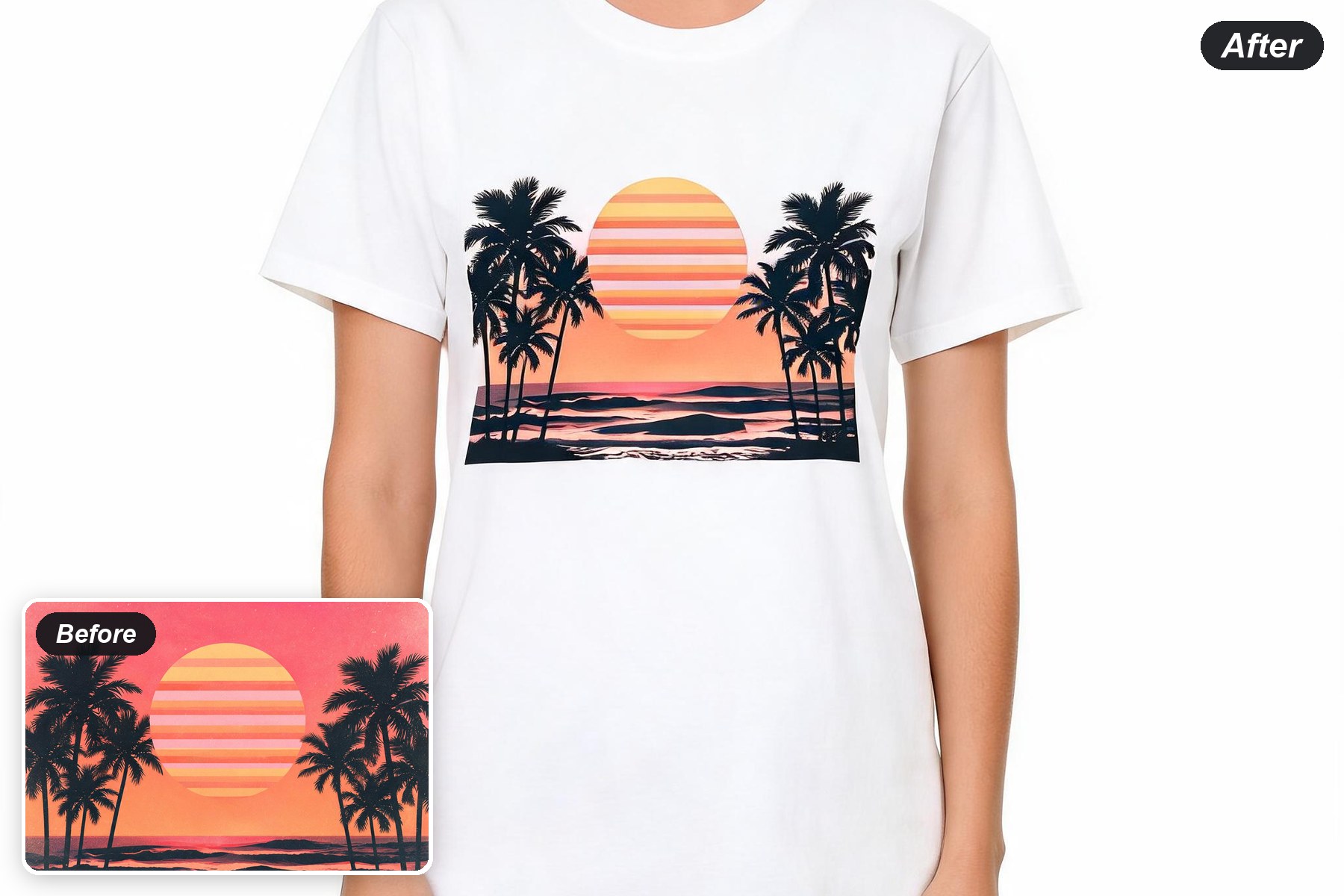
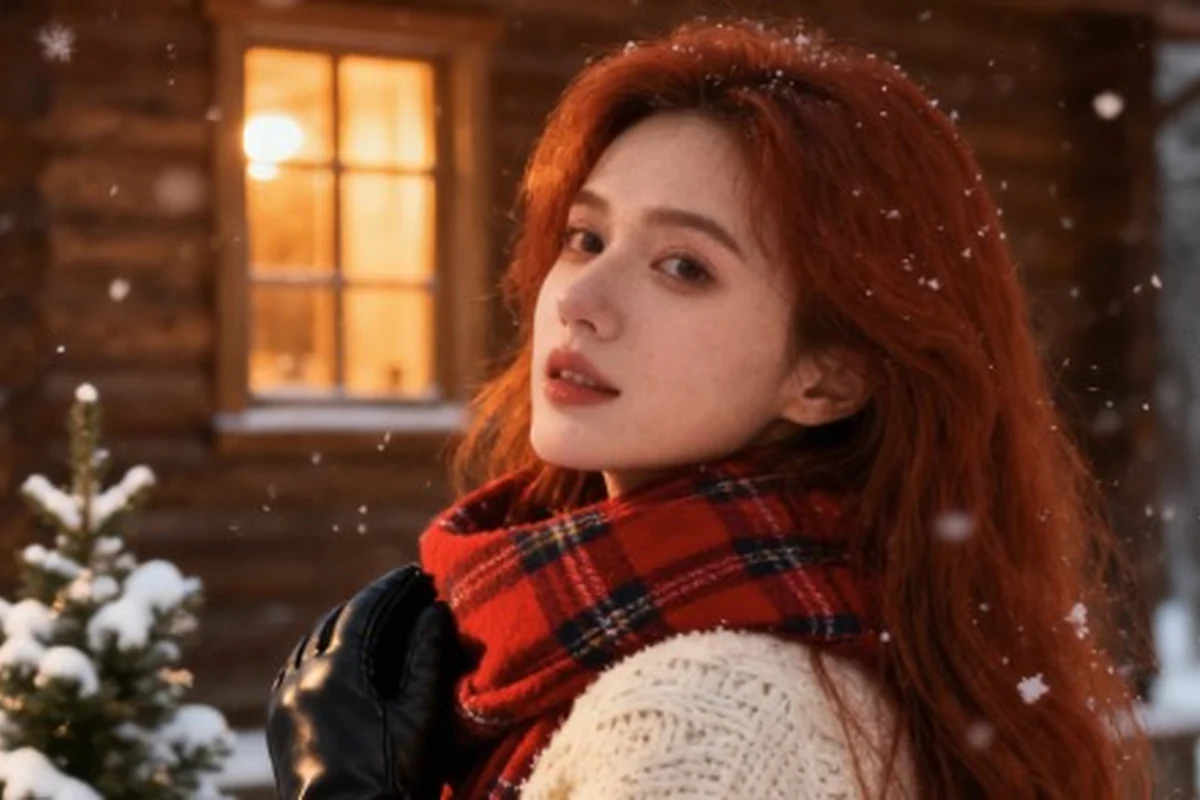
Explore outdoor, tropical, coffee, space, and other visual directions from one short brief.

Explore themes

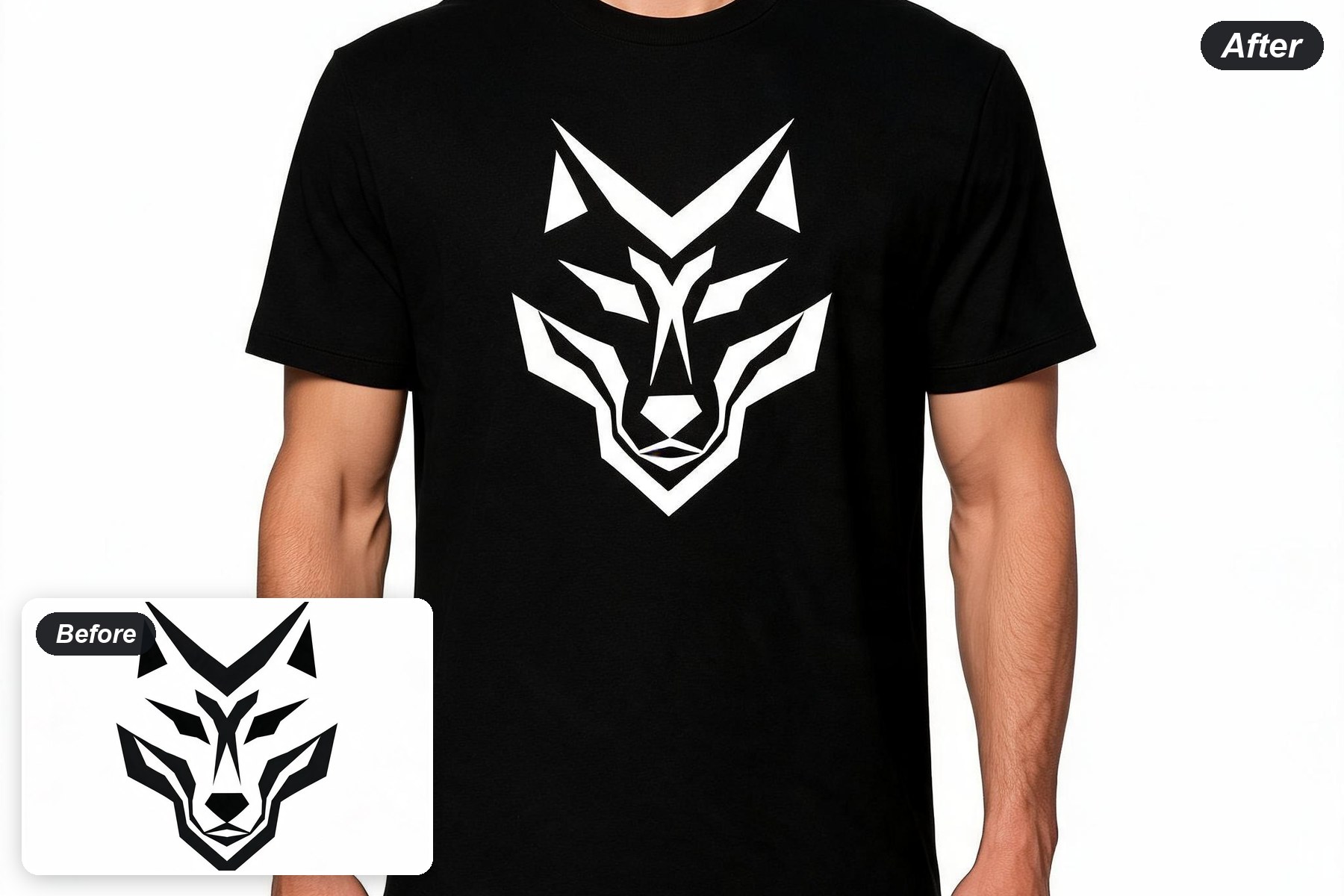
On-model shirt previews

Move from a flat graphic to a front-facing apparel preview so you can inspect placement and presentation.

Preview a shirt
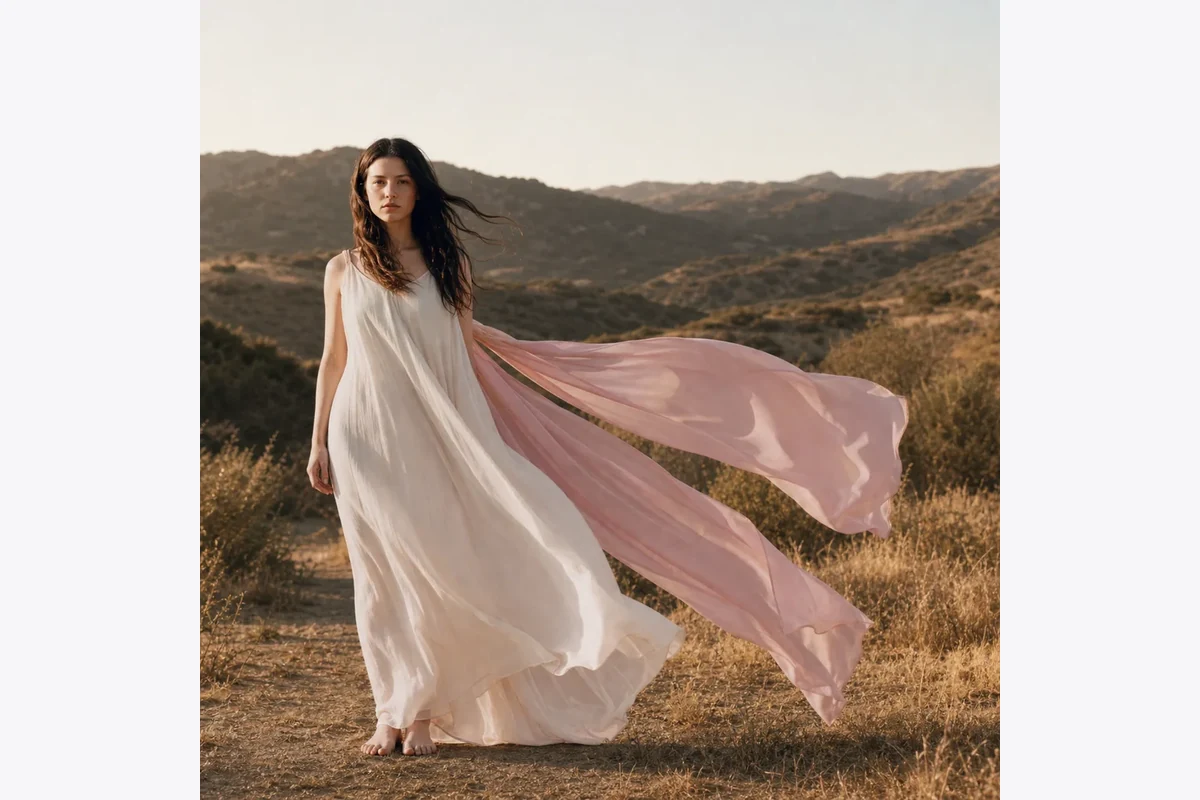
On-model shirt previews

AI T-Shirt Design Maker FAQ

What can I create with the AI T-Shirt Design Maker?
You can explore graphic concepts, typography-led artwork, badges, illustrations, and apparel mockup directions from a written brief.
Do I need a blank shirt image?
The first step can start from text. The second step uses the generated artwork together with an apparel prompt to create an on-model preview.
Can I use the result for printing?
Use the result as a design concept and preview. Confirm resolution, transparent-background needs, color separation, and commercial rights before production.
How do I get cleaner shirt graphics?
Specify print placement, number of colors, contrast, negative space, and whether typography is essential. Short wording is easier for image models to render reliably.
What should I avoid uploading?
Use artwork and references you have permission to use. Do not use minors, private images, or protected logos and characters without the necessary rights.

Made for Fast Design Exploration

★★★★★

Turn a rough idea into a graphic direction, then check how it reads on a shirt.

Ima Studio