Use Ima Studio's AI T-Shirt Design Maker to turn an idea into a shirt graphic and an on-model preview
Describe the artwork, generate a clean shirt graphic, then see the same design on a T-shirt mockup. Explore vintage badges, bold typography, minimalist line art, illustrated themes, and more without starting in a blank design file.
AI T-Shirt Design Maker
Upload Your T-Shirt Design*Or Try a Design
Output Size
Free to try — sign up to see your results
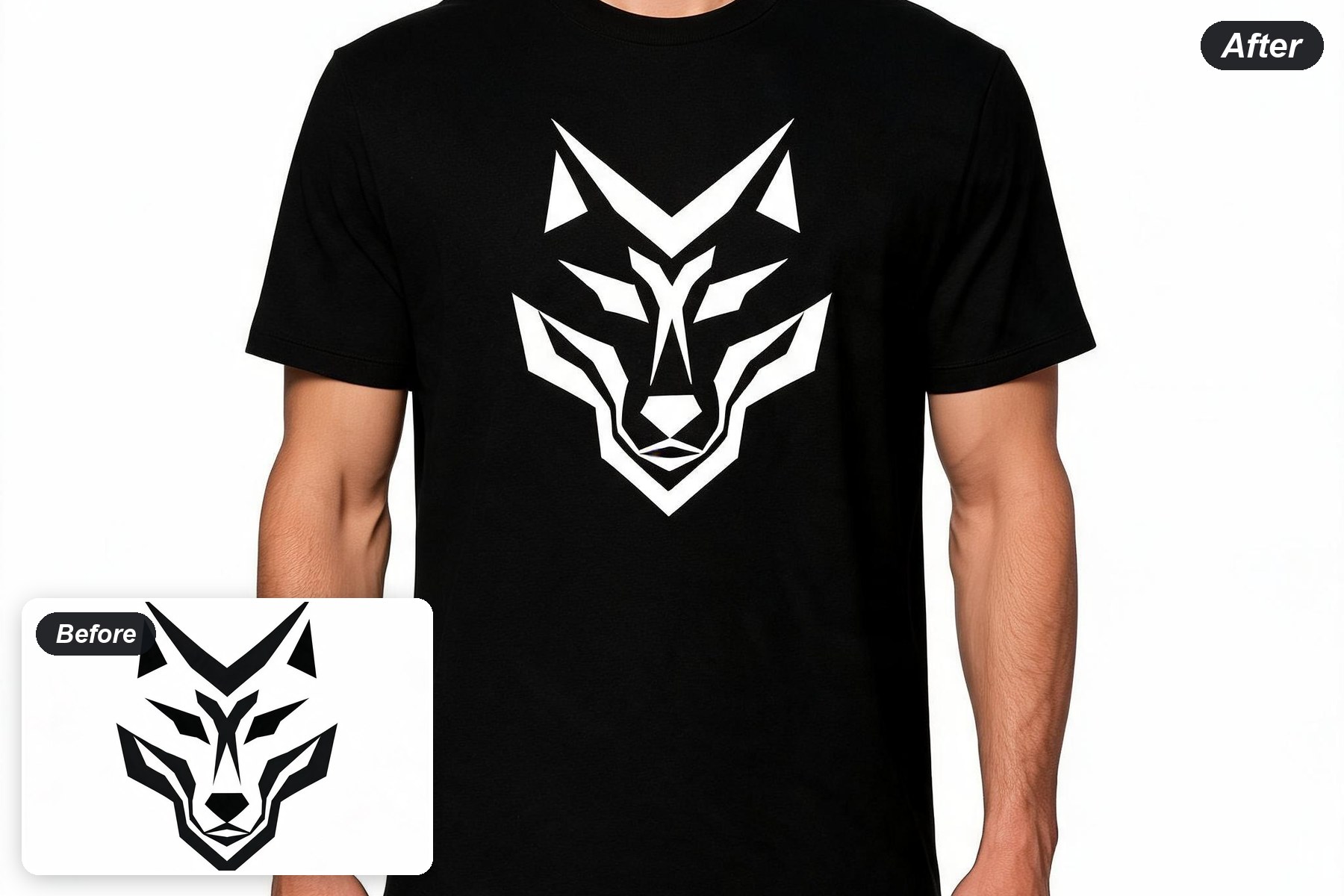
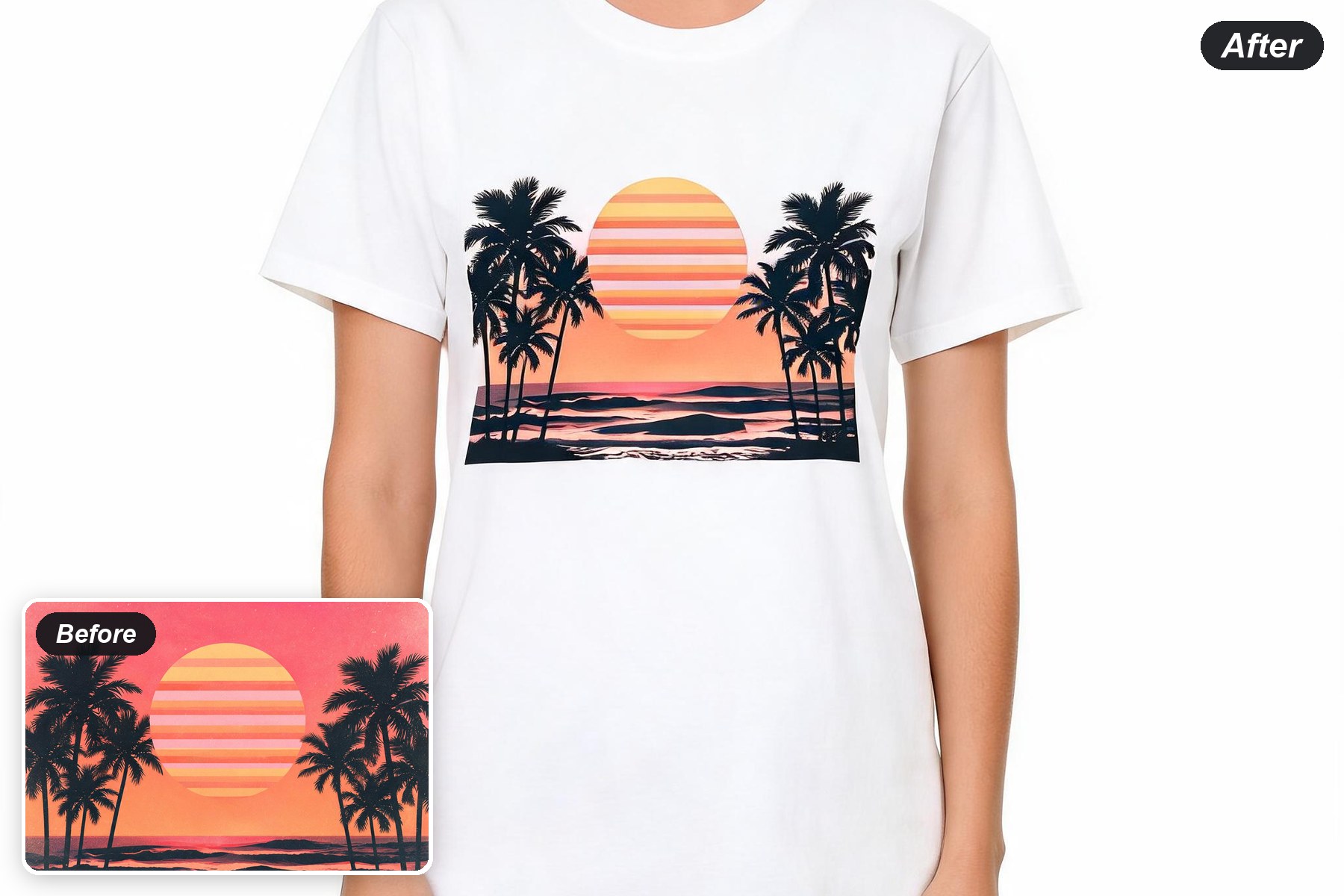
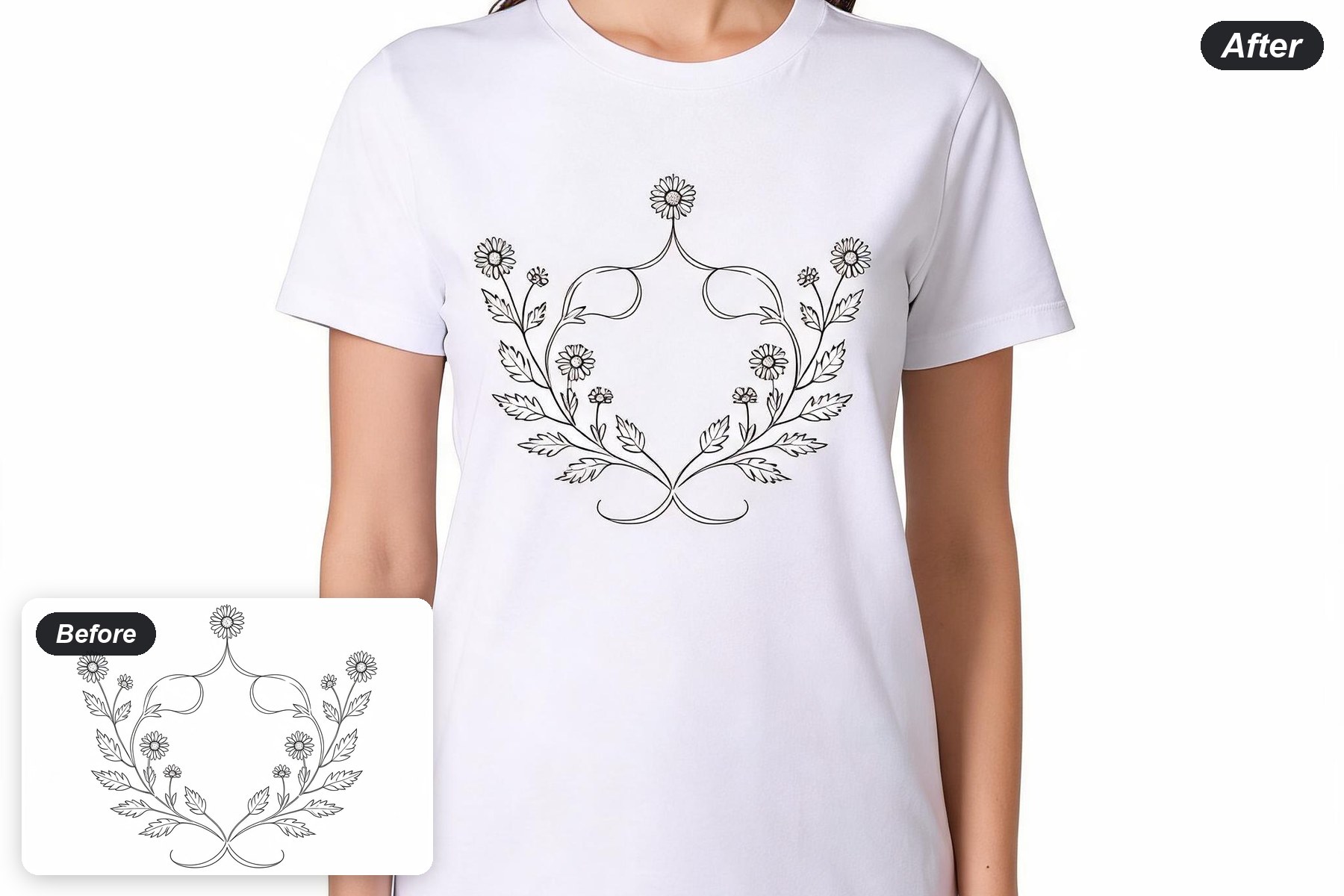
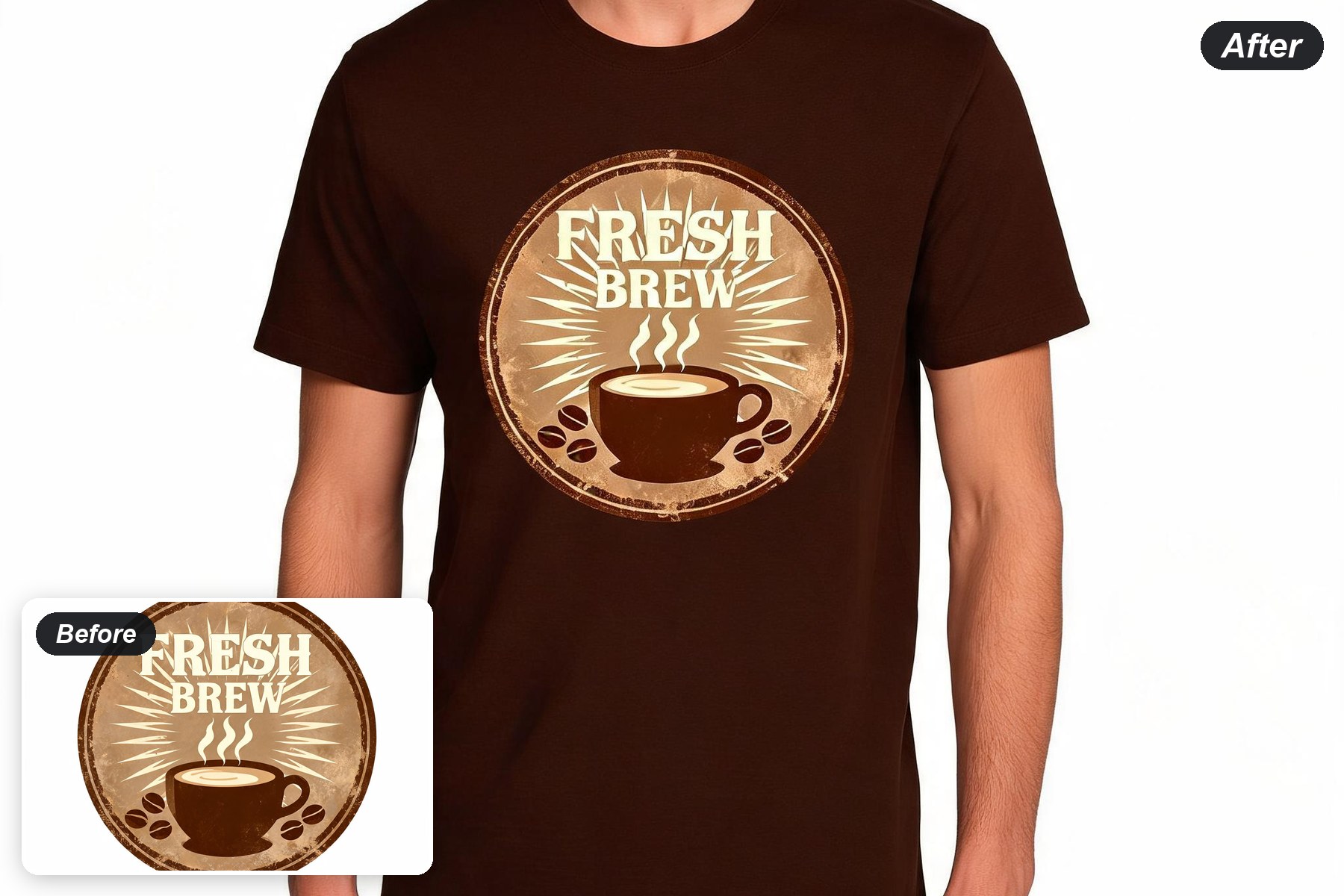
Build a Shirt Graphic for the Job
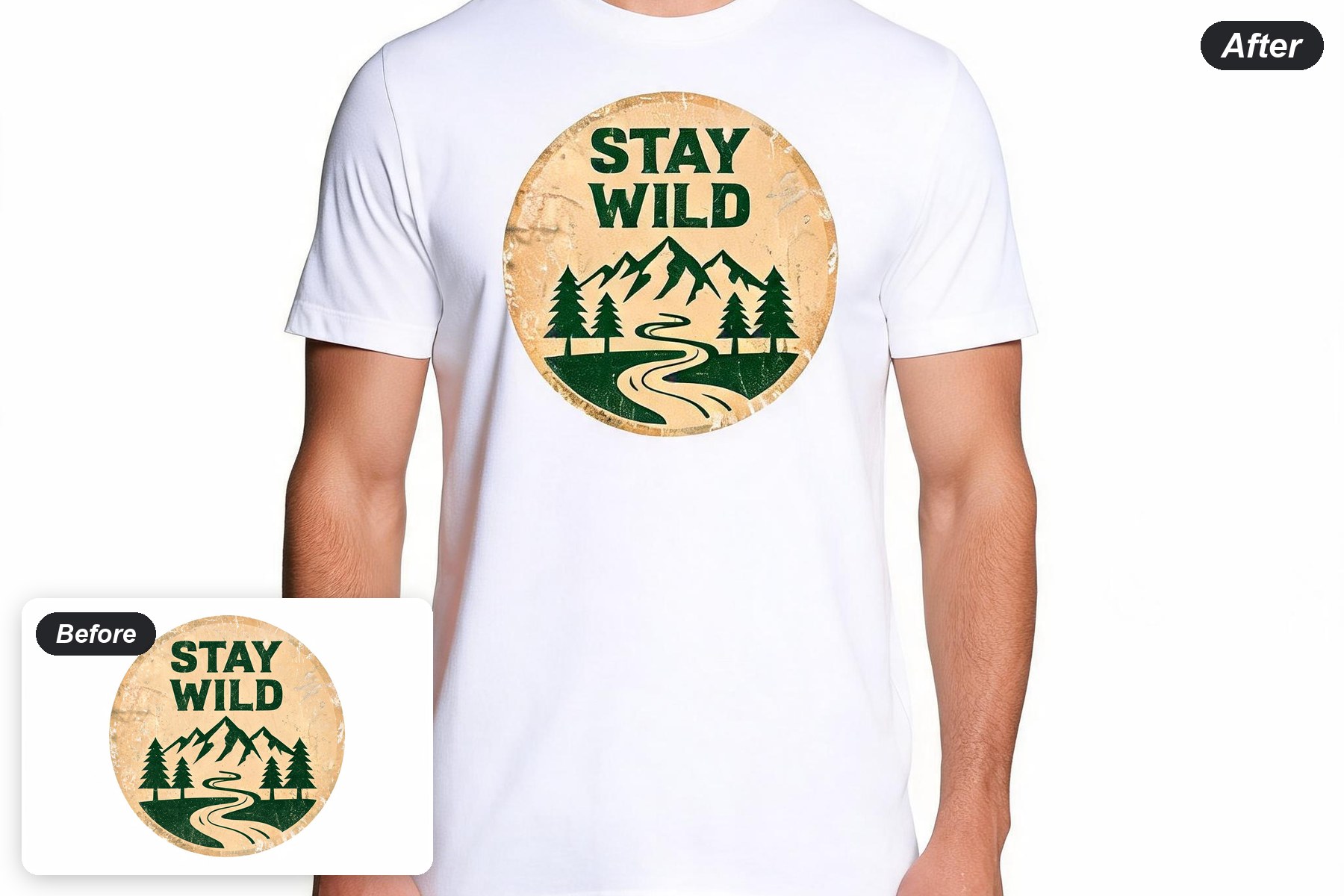
Vintage badge graphics
Create compact emblems with bold type, simple silhouettes, distressed texture, and a controlled palette.
Try a badgeMinimal line-art designs
Keep the main shape readable with clean, high-contrast graphics that suit front-chest placement.
Try line artIllustrated themes and mascots
Explore outdoor, tropical, coffee, space, and other visual directions from one short brief.
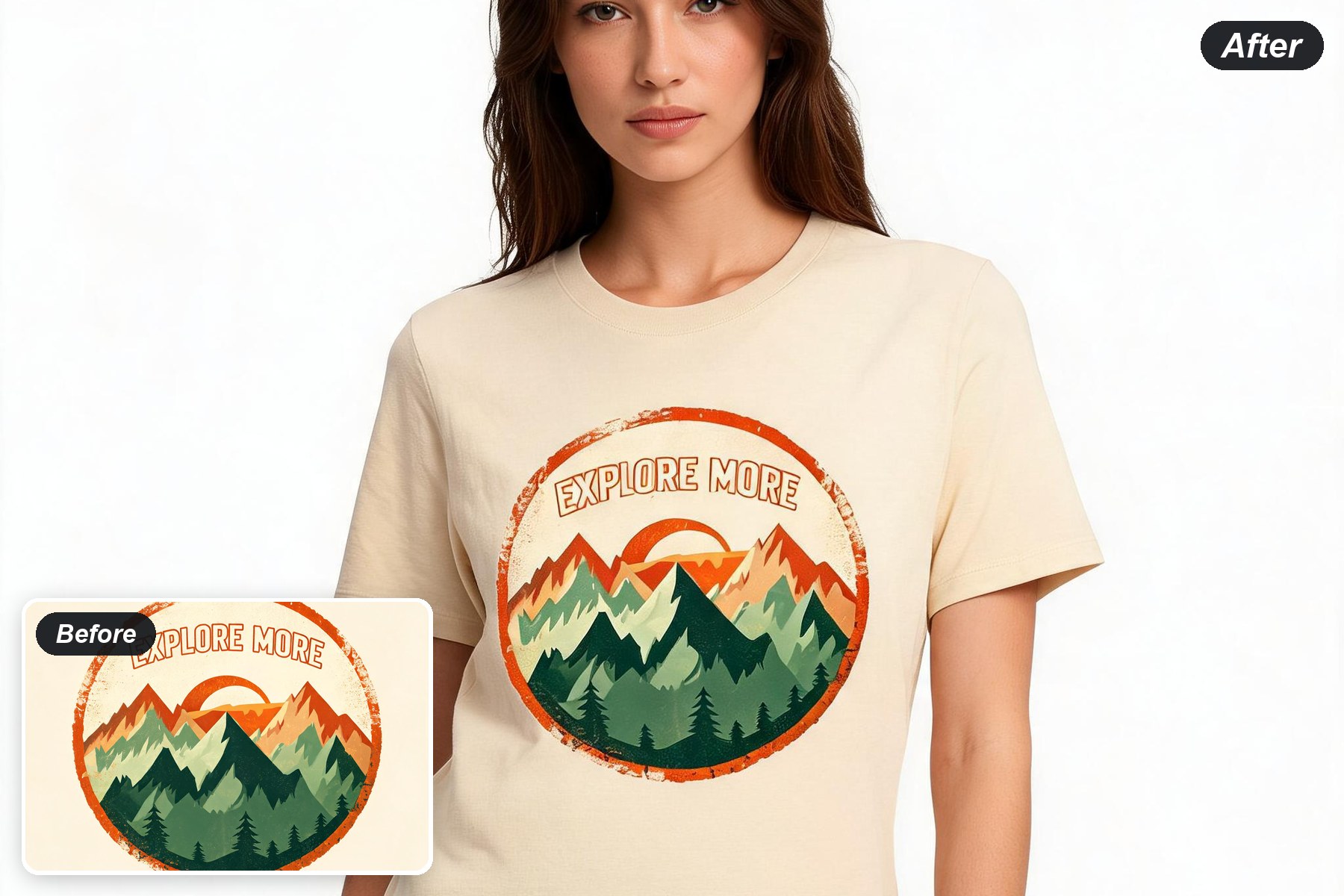
Explore themesOn-model shirt previews
Move from a flat graphic to a front-facing apparel preview so you can inspect placement and presentation.
Preview a shirt