


One Product Photo. Six Real-World Scenes.
Upload a clear product image and create two groups of realistic UGC-style photos for product pages, social content and visual storytelling.
UGC Product Scene Images
Your Product Photo*Try a Product
Generation Mode
Output Resolution
Aspect Ratio
Your product and brief open prefilled — review them, then press Generate
UGC Product Photography Across Categories
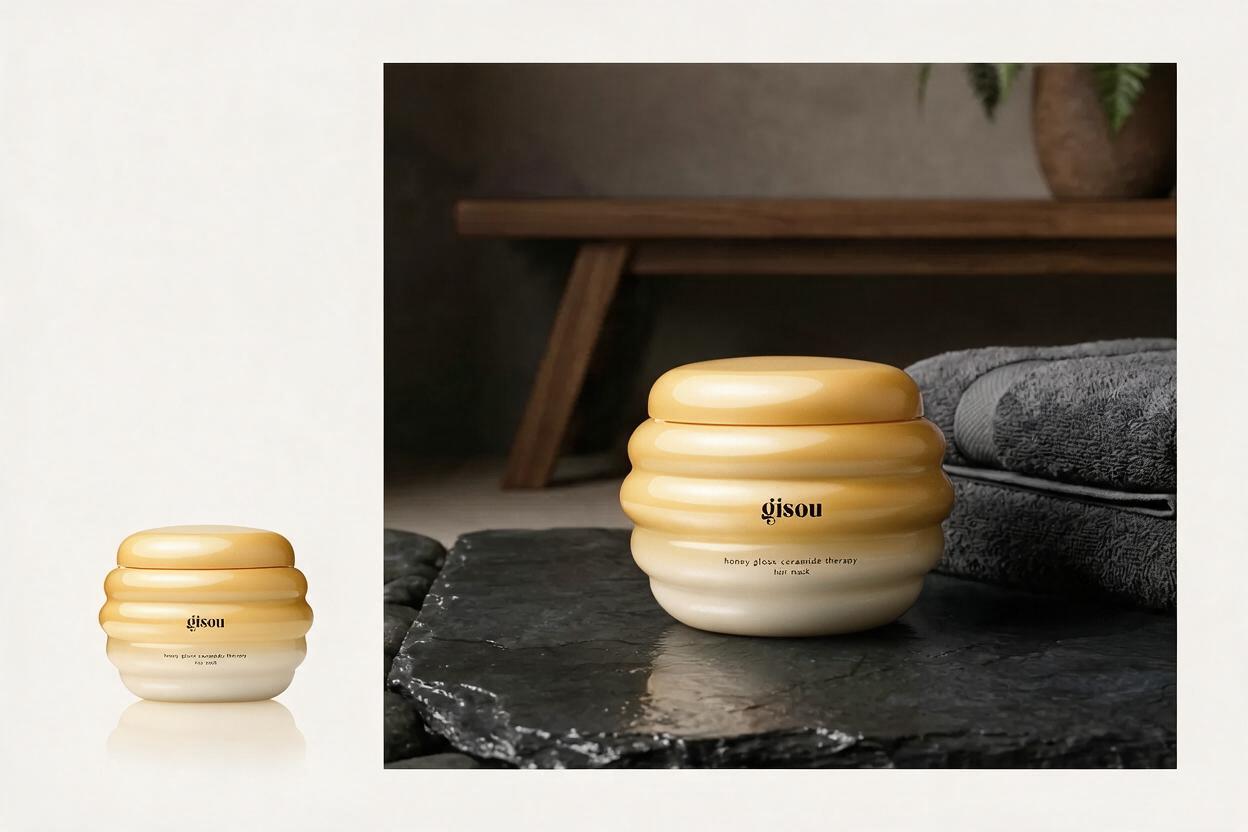
Place beauty products in natural light
Turn a clean hair-care product photo into a warm bathroom scene while keeping the jar shape, color and material recognizable.
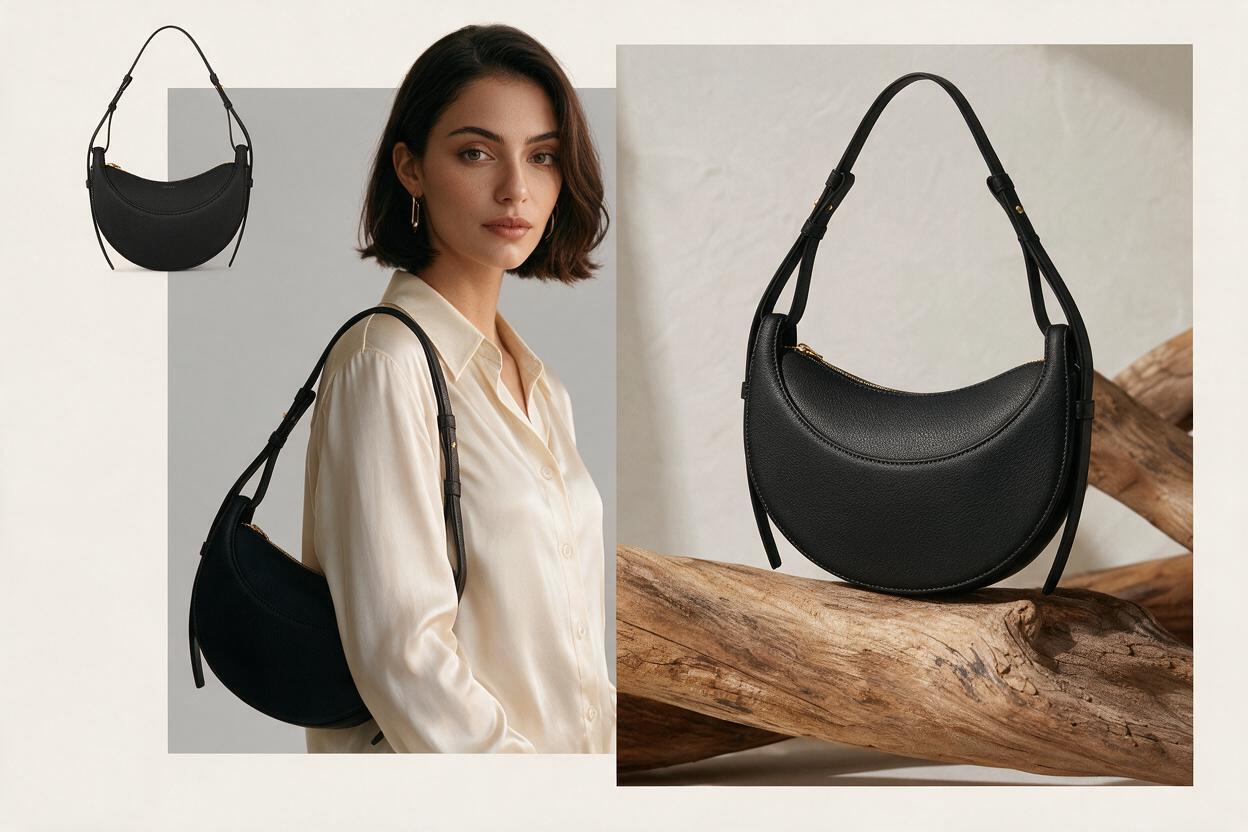
Create a beauty sceneTurn a clean handbag photo into a fashion campaign
Show the same bag as an isolated packshot, an on-body styling moment and a tactile still life without changing its silhouette or hardware.
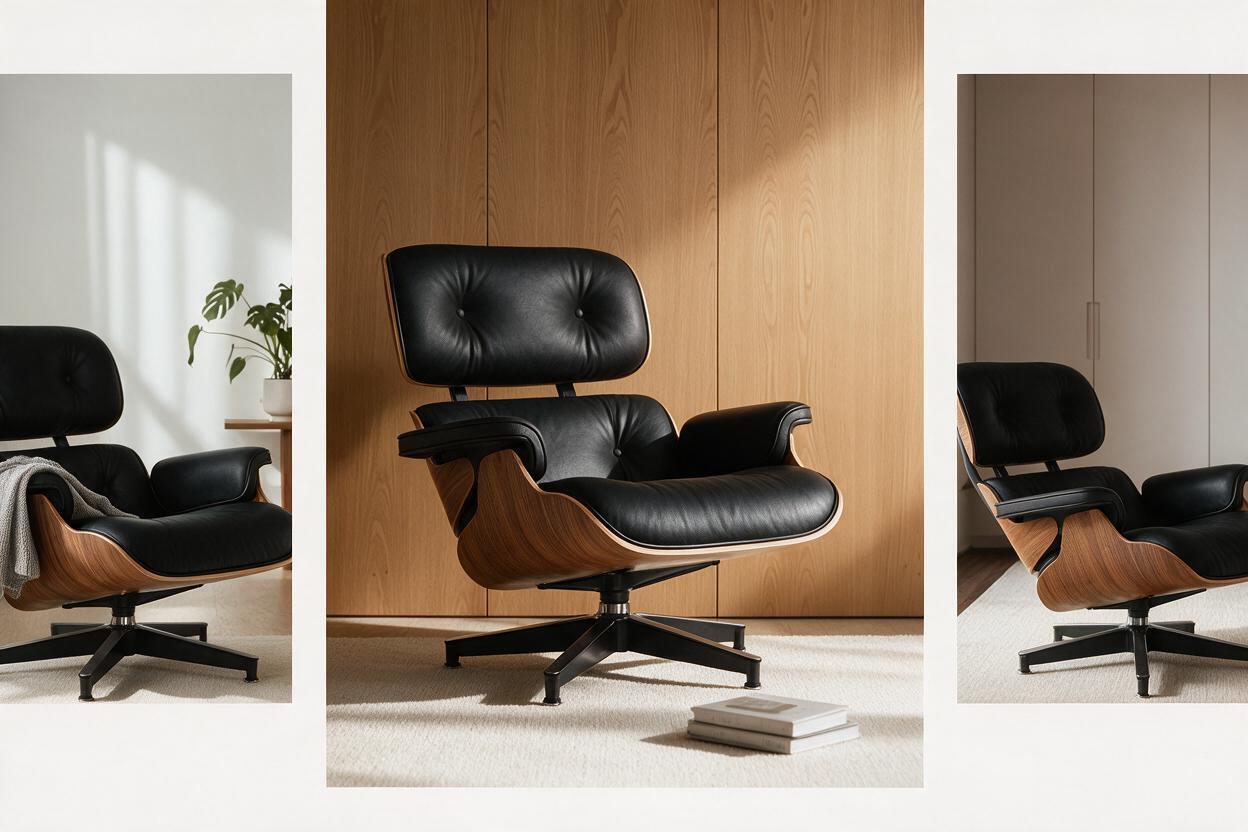
Create a fashion sceneStage furniture in a believable interior
Place a design chair in warm modern rooms with accurate scale, stable floor contact, natural side light and consistent materials.
Create an interior scene