One Product Photo. Six Real-World Scenes.

Upload a clear product image and create two groups of realistic UGC-style photos for product pages, social content and visual storytelling.

UGC Product Scene Images
Your Product Photo*
Try a Product
Generation Mode
Output Resolution
Aspect Ratio
Your product and brief open prefilled — review them, then press Generate
example result
example result
example result
One product referenceStart with the product you actually sell and keep its visible identity at the center of each scene.
Two scene groupsCompare product-focused compositions with everyday-use images in a single creative run.
Details worth reviewingInspect shape, material, branding, scale and physical contact before choosing a result.

How to Create UGC Product Photos

1
01
Upload the real product

Choose one clear product photo. Front, side and detail views can help when the item has complex structure or small controls.

2
02
Create realistic scenes

Use the product reference to build believable settings with natural light, stable scale, physical support and distinct backgrounds.

3
03
Review and choose

Compare the generated scenes and check important product details before downloading or continuing to a video workflow.

UGC Product Photography Across Categories

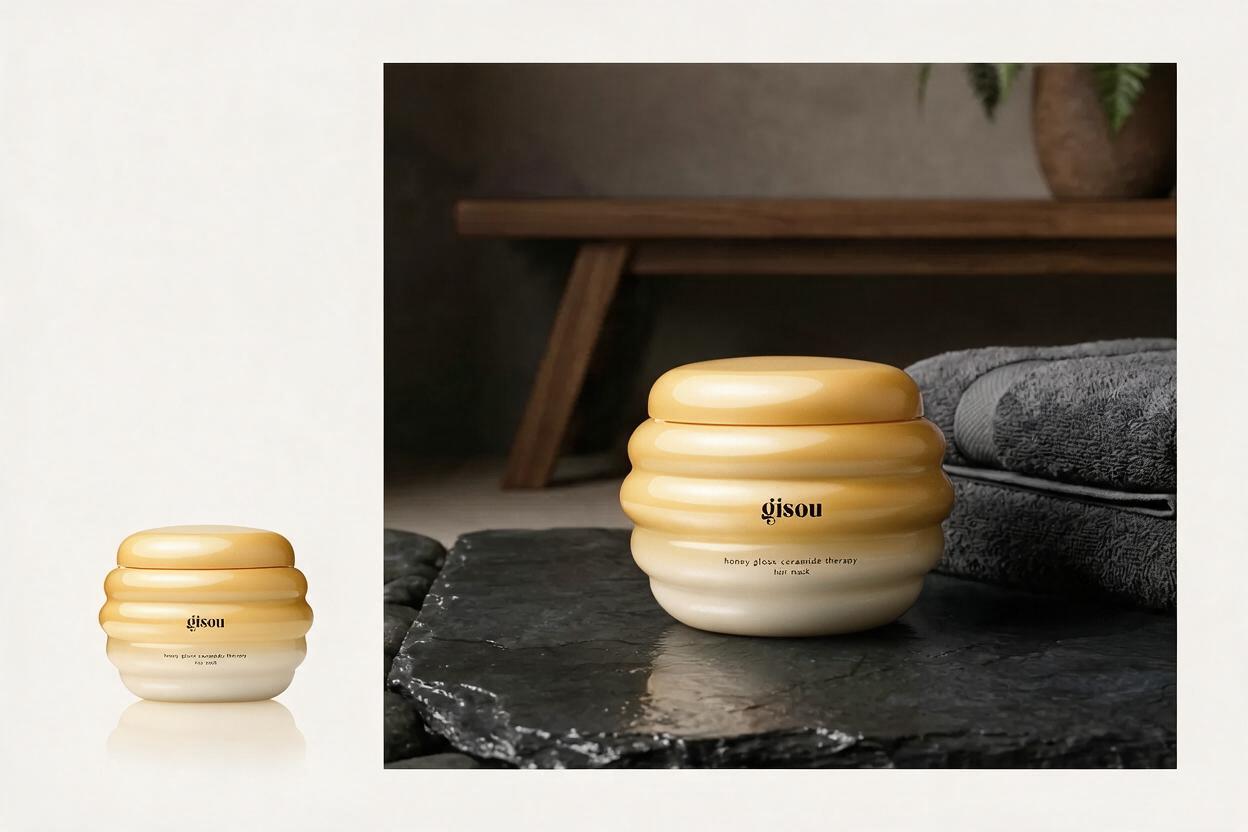
Place beauty products in natural light

Place beauty products in natural light

Turn a clean hair-care product photo into a warm bathroom scene while keeping the jar shape, color and material recognizable.

Create a beauty scene

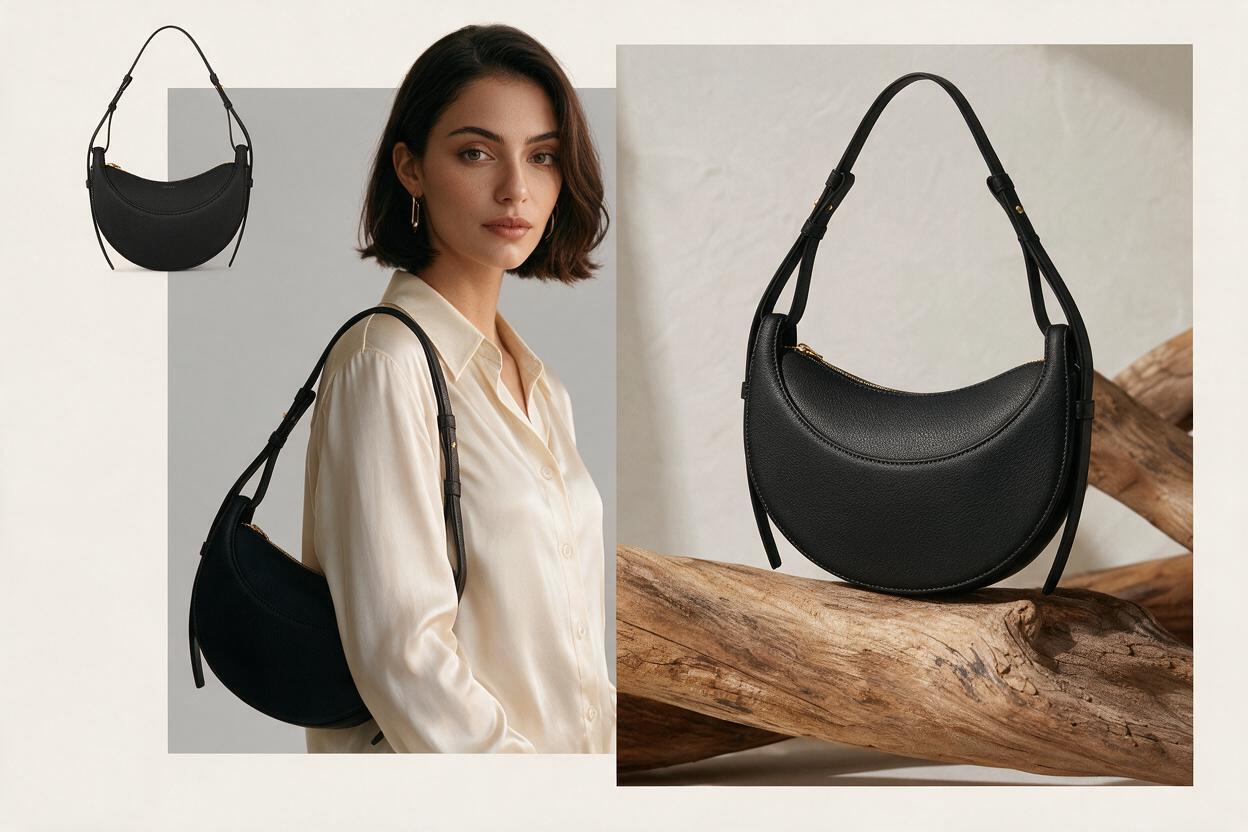
Turn a clean handbag photo into a fashion campaign

Show the same bag as an isolated packshot, an on-body styling moment and a tactile still life without changing its silhouette or hardware.

Create a fashion scene
Turn a clean handbag photo into a fashion campaign
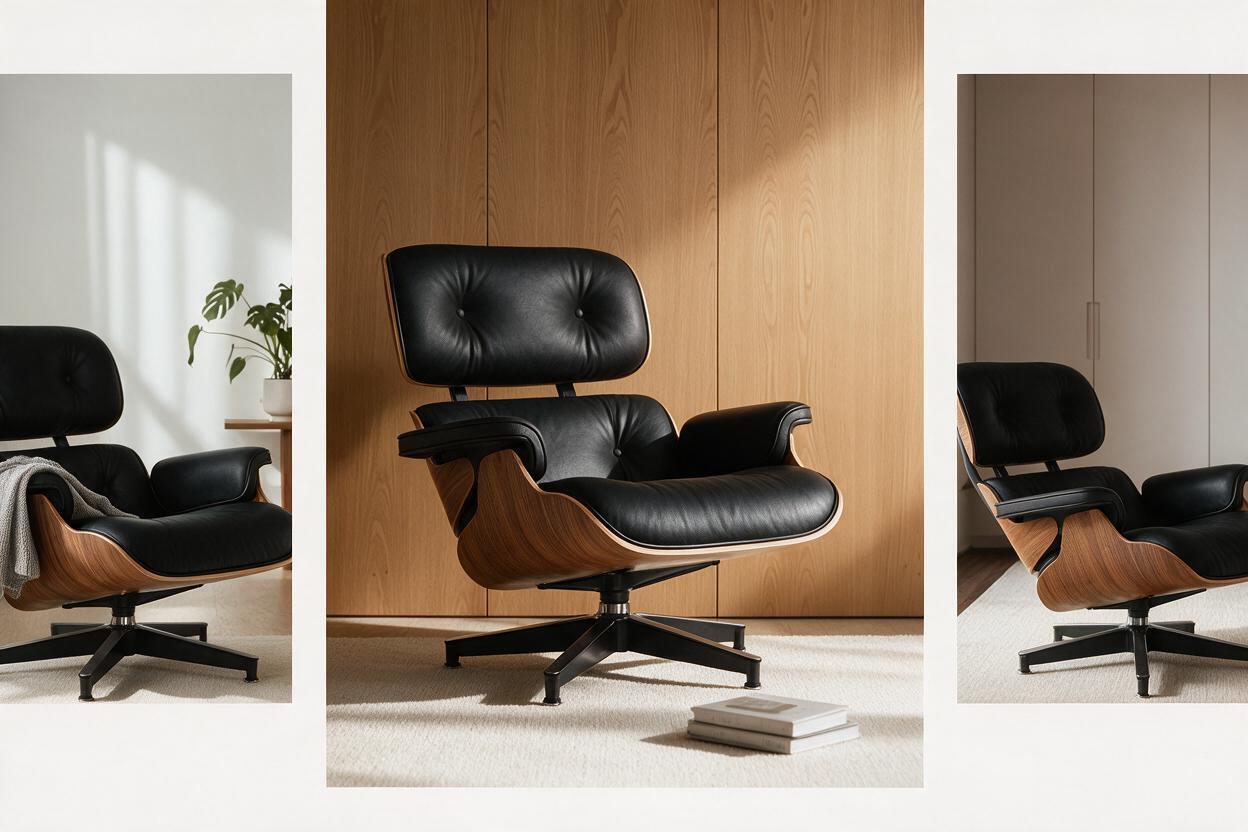
Stage furniture in a believable interior

Stage furniture in a believable interior

Place a design chair in warm modern rooms with accurate scale, stable floor contact, natural side light and consistent materials.

Create an interior scene

UGC Product Scene FAQ

How many images does the UGC Skill create?
The Skill is designed to deliver two groups of three images, for six images in total.
Can I start with one product image?
Yes. One clear image is enough to begin, while additional angles can improve the stability of complex details.
What should I check in the results?
Compare shape, proportions, material, visible branding, small controls, shadows and product support with the original reference.
Can I turn a selected image into video?
After the image set is complete, select one result and explicitly continue to the separate product video step.
Are these authentic customer photos?
The results are AI-generated UGC-style product images based on your reference. Present them as generated creative assets and review them before publishing.