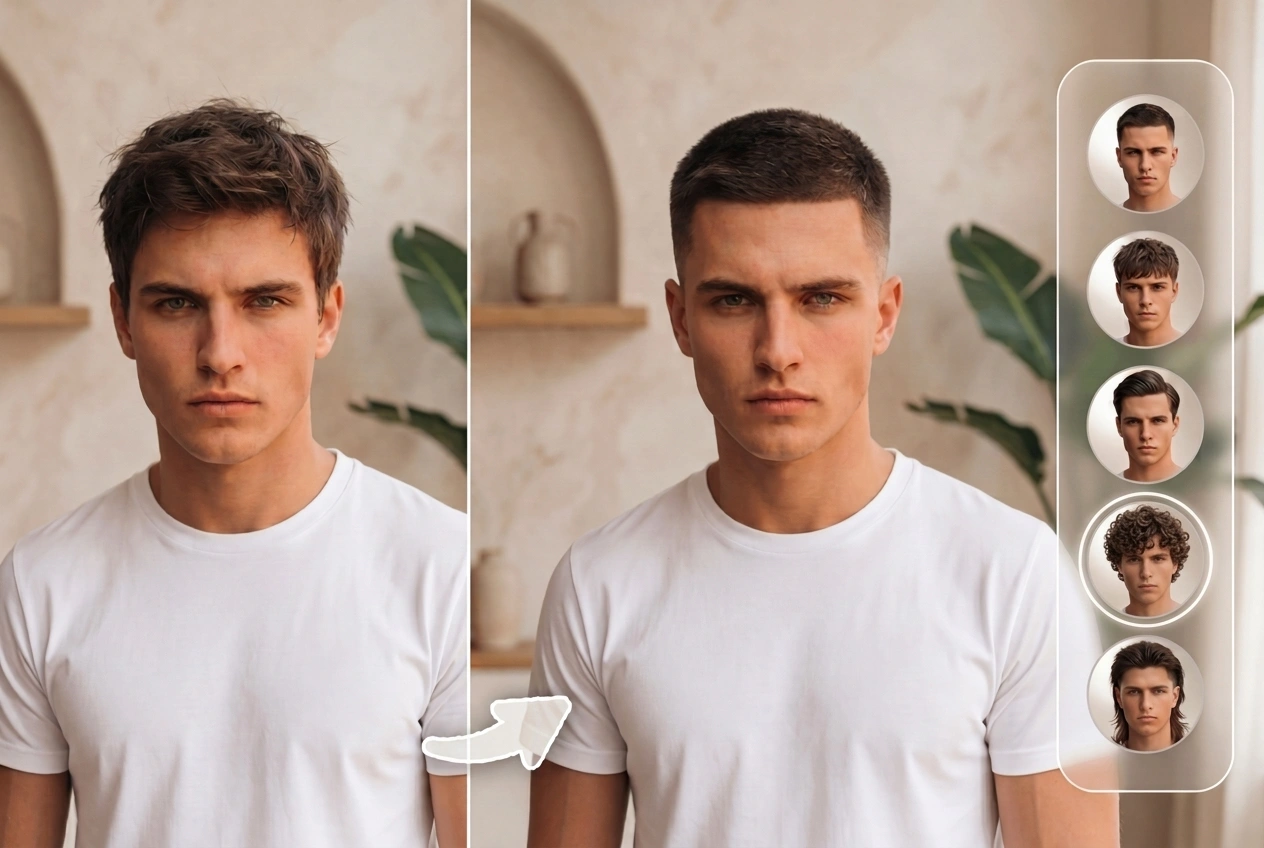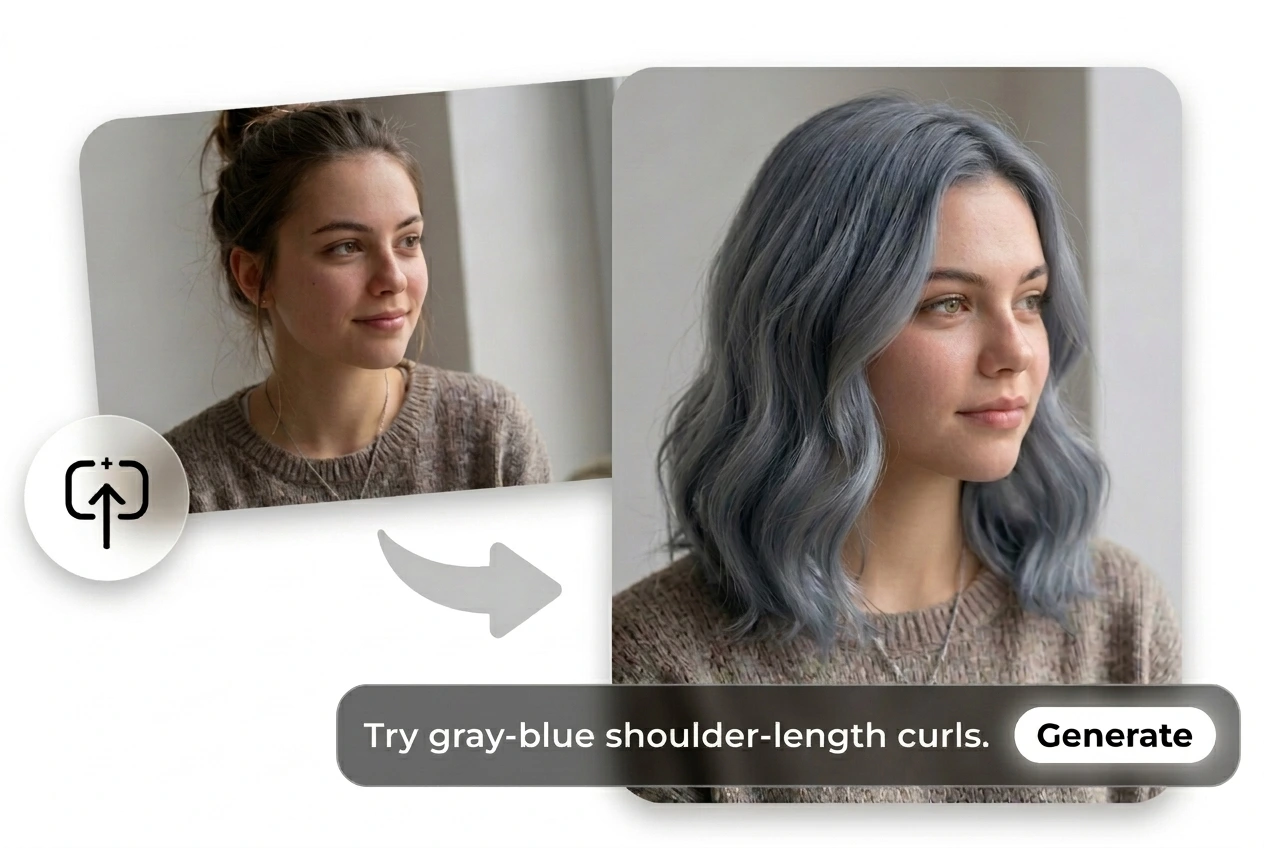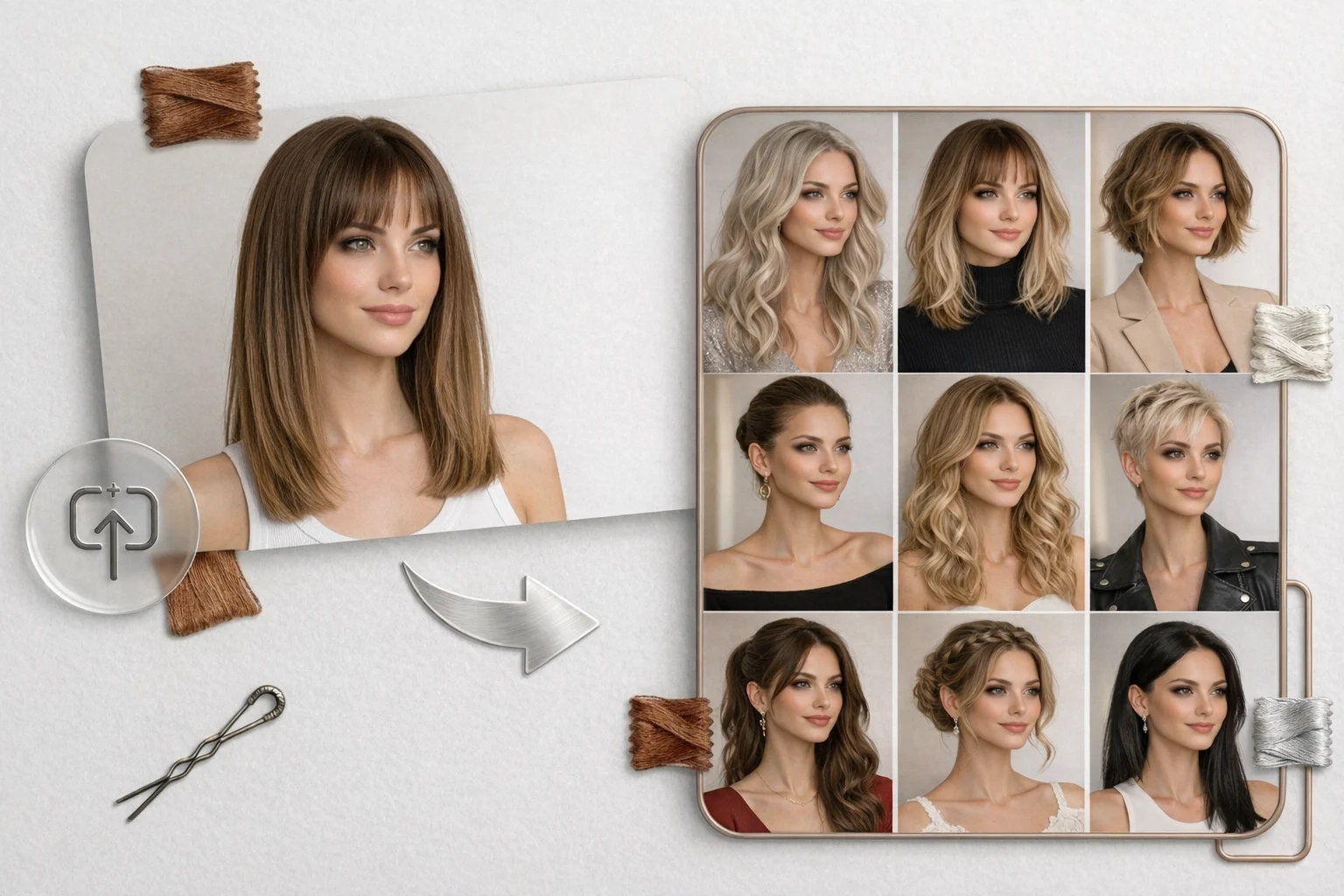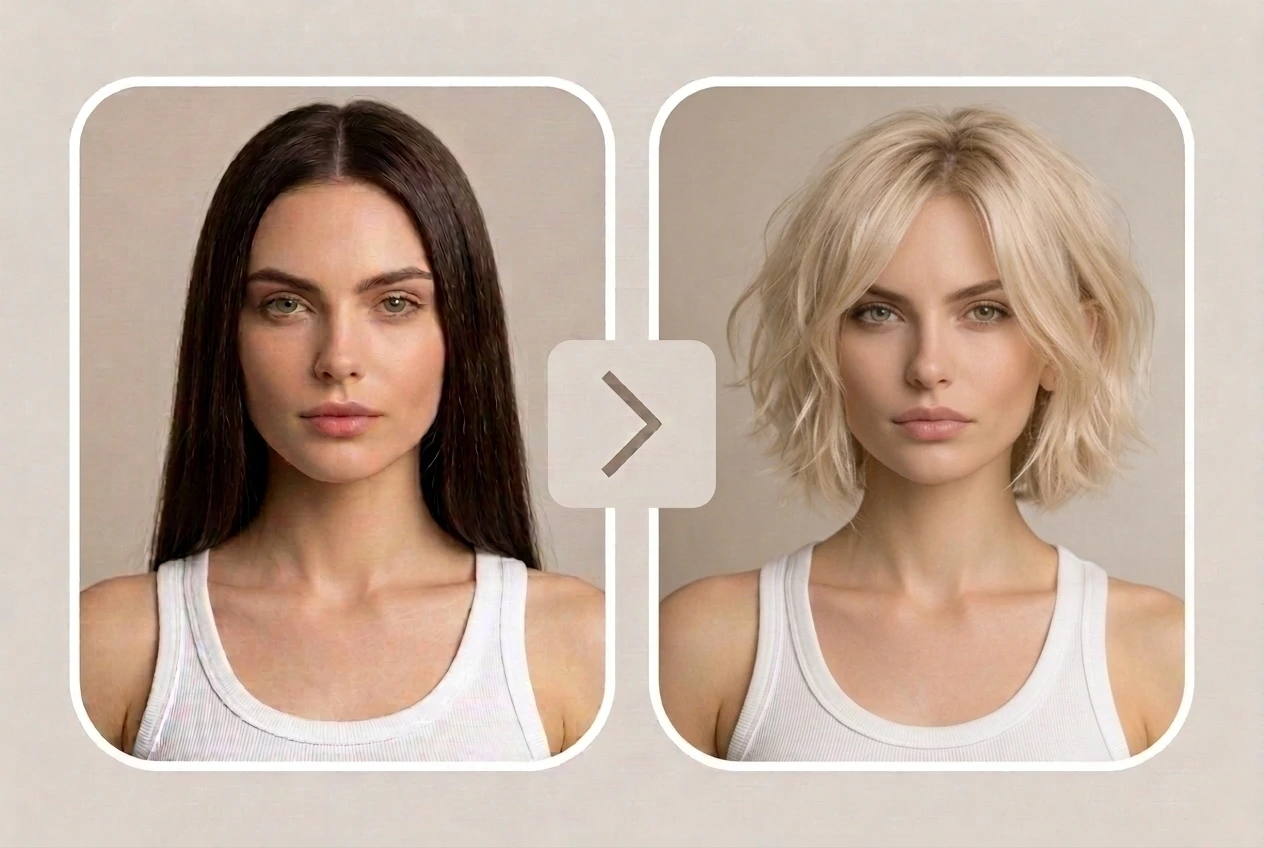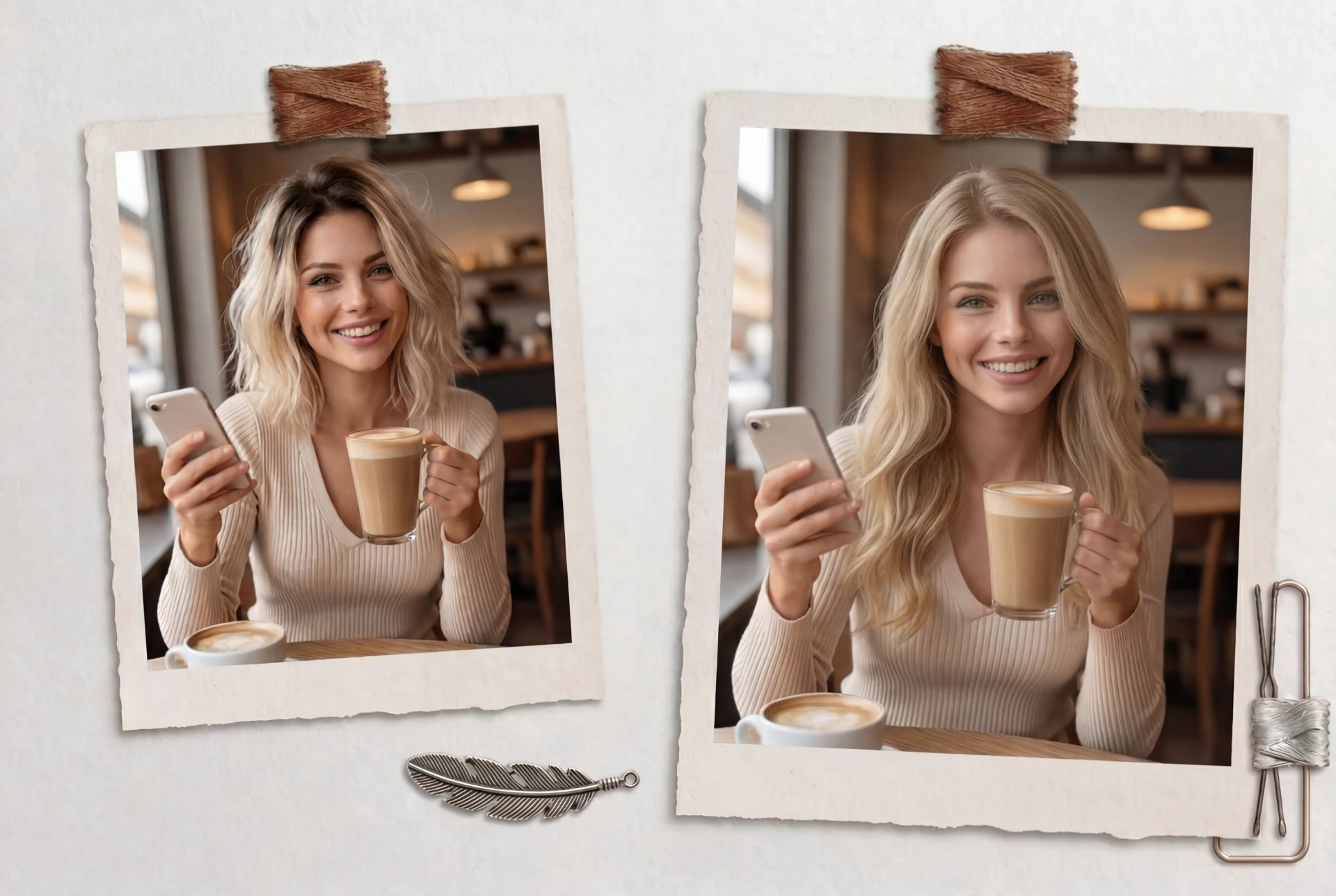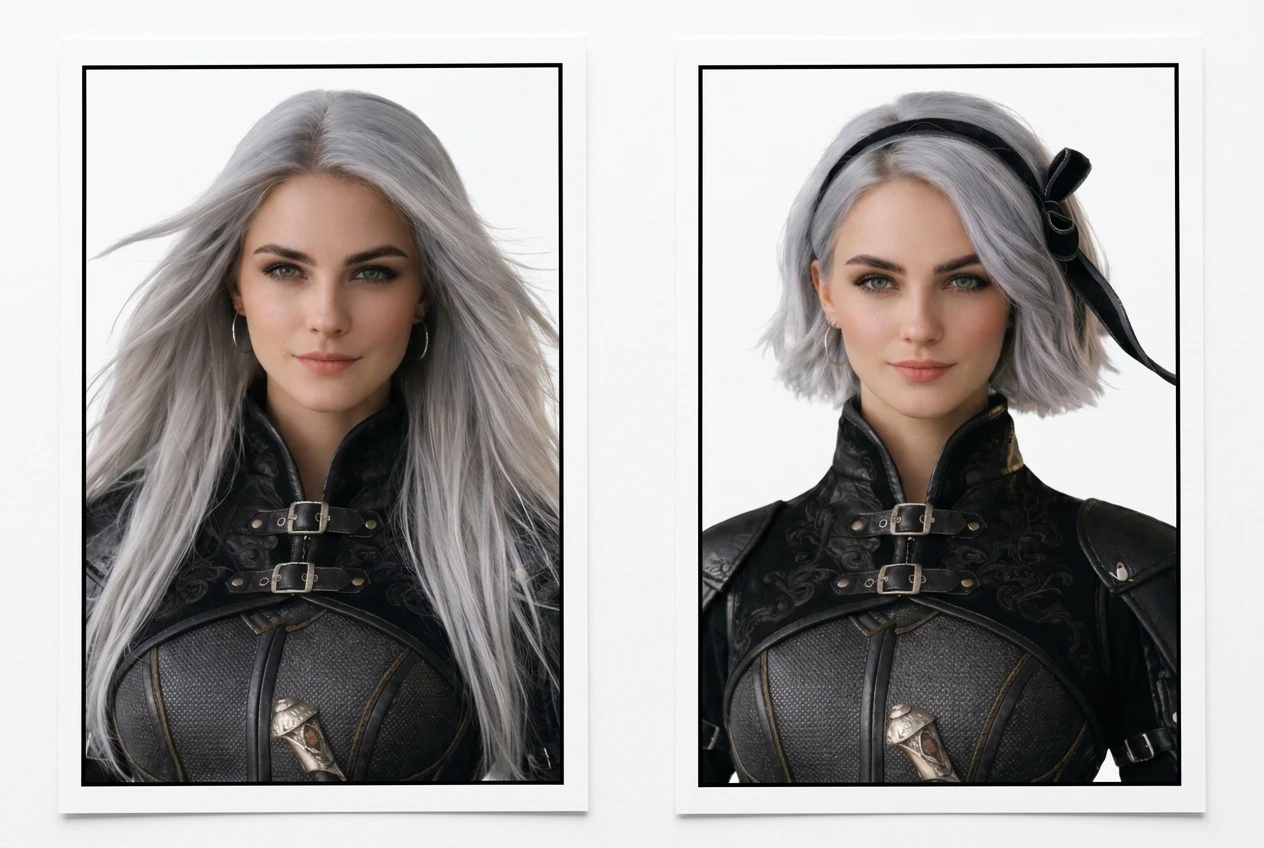
Refresh your look in seconds with our free online AI hairstyle changer — upload your selfie and preview realistic new hairstyles before your next salon visit. Try hairstyle changes from your photo online, explore everyday cuts, and test new hair colors with more confidence.

Upload a front-facing, well-lit photo so the AI can clearly recognize your hairline, face shape, and current hairstyle. You can also upload a reference image if you want to try a specific celebrity, runway, or trend-inspired look.
Type your hairstyle idea in natural language. For example: “short wolf cut,” “long wavy black hair,” “curtain bangs with soft layers,” or “light blonde shoulder-length hair.”

Click once to generate your hairstyle preview. Ima Studio analyzes your photo and prompt to create realistic results. You can compare styles, try more variations, and download your favorite look to share with friends or show your hairstylist.
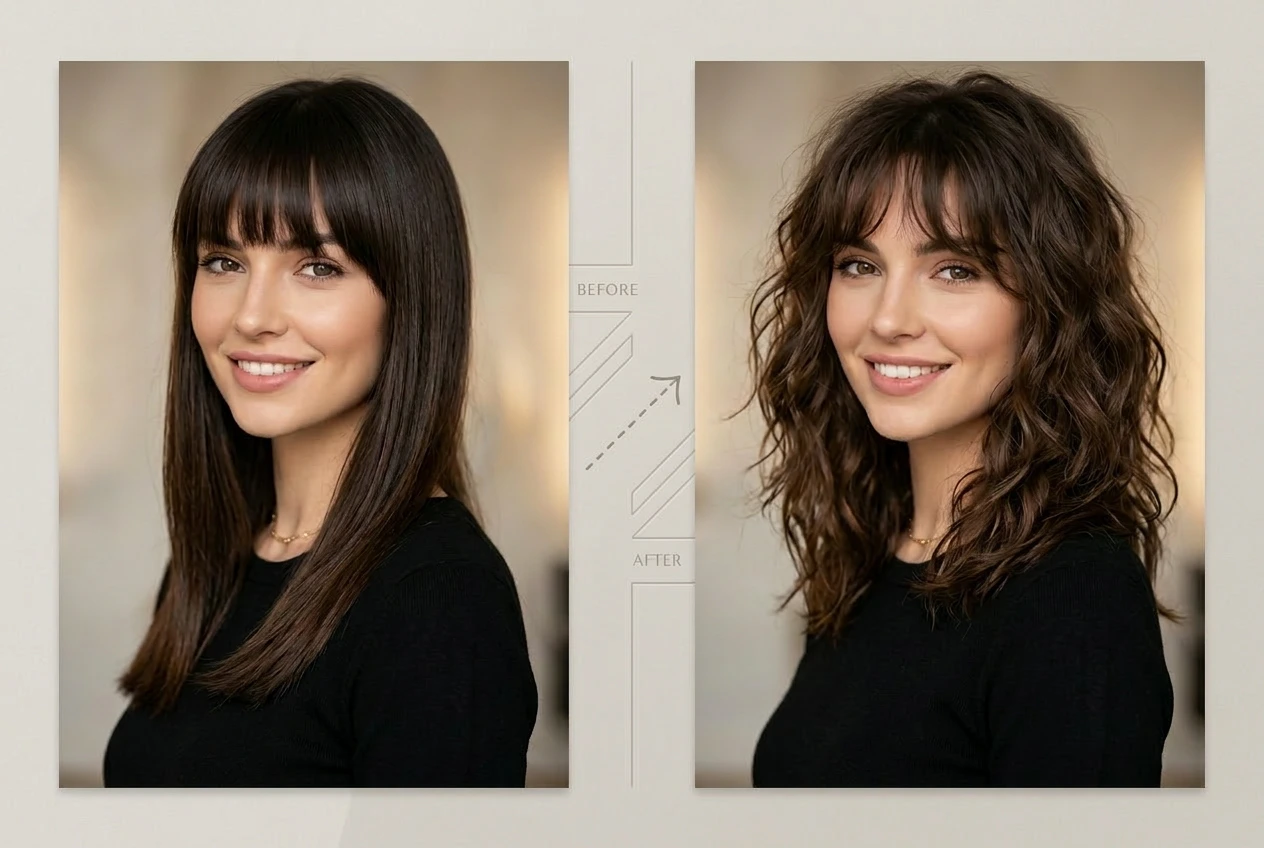
Say goodbye to traditional “sticker” or overlay tools that slap fake hair on your head with harsh, unnatural edges. Ima Studio’s Arena Engine, powered by more than 10 next-gen AI models, analyzes your photo and focuses on what matters most. It only changes the shape, texture, and color of your hair while preserving your natural facial features and vibe. The new hairstyle hugs your face and head shape realistically, giving you a more realistic hairstyle preview just like you have actually walked out of the salon with a fresh cut and color. If you want to compare different hairstyle results side by side, you can also explore Ima Arena.


Whether you want to keep up with 2026 Paris Fashion Week runway trends, from blunt bobs to butterfly cuts, or you simply want a one-of-a-kind look for yourself, you can test it all in Ima Studio. Mix and match hairstyles and hair colors any way you like, and every new prompt brings a fresh wave of inspiration. Whether you are styling for women or men, or trying different cuts and colors from your own photo, Ima’s AI hairstyle changer helps you quickly find a look that fits you and turns you from a trend follower into a true trendsetter. For more hairstyle ideas and prompt inspiration, you can also browse Community.
Ima Studio offers a friendly, chat-style interface designed for all kinds of users, and you can start using it for free. Just talk to it like you are chatting with a friend: describe the hairstyle you want in everyday language, and the AI turns it into ready-to-use hairstyle previews. No professional editing tools to learn, no complicated prompt engineering. Simple, natural sentences are all you need to get polished hairstyle previews.


Ima Studio runs in your browser with no installation required. Whether you are on desktop, tablet, or mobile, you get fast, reliable AI hairstyle generation wherever you are.
Your photos and AI results are processed securely. You stay in control of your data at all times: you decide what to keep, download, or delete.
By default, Ima Studio uses Agent mode to read your prompt and photo, then auto-routes to the best of 10+ next-gen models. You can also pick a model manually, or switch to Arena mode to compare two side by side.
Yes. Ima Studio lets you upload a selfie or photo and preview realistic hairstyle changes online in seconds. You can try different lengths, layers, bangs, curls, straight styles, and colors before making a real haircut decision. This makes it easier to explore new looks, avoid miscommunication at the salon, and show your hairstylist a visual reference of what you want.
Yes. You can use Ima Studio to preview both haircut and hair color changes from your own photo. Try short or long styles, straight or curly looks, bangs, layers, highlights, or full color changes before making a real salon decision. It’s a simple way to see what suits you best and narrow down your favorite look in advance.