Free Online AI Hairstyle Changer

Refresh your look in seconds with our free online AI hairstyle changer — upload your selfie and preview realistic new hairstyles before your next salon visit. Try hairstyle changes from your photo online, explore everyday cuts, and test new hair colors with more confidence.

Free to try online, 4K quality, no installation needed.
Your photos stay private — Ima Studio does not reuse your images or prompts for training.

Step 1: Upload a Clear Selfie

Upload a front-facing, well-lit photo so the AI can clearly recognize your hairline, face shape, and current hairstyle. You can also upload a reference image if you want to try a specific celebrity, runway, or trend-inspired look.
Step 2: Describe the Hairstyle You Want

Type your hairstyle idea in natural language. For example: “short wolf cut,” “long wavy black hair,” “curtain bangs with soft layers,” or “light blonde shoulder-length hair.”

Step 3: Generate & Download

Click once to generate your hairstyle preview. Ima Studio analyzes your photo and prompt to create realistic results. You can compare styles, try more variations, and download your favorite look to share with friends or show your hairstylist.
How to Use Ima Studio's AI Hairstyle Changer

Natural, Realistic Hairstyles Powered by Arena Engine

Say goodbye to traditional “sticker” or overlay tools that slap fake hair on your head with harsh, unnatural edges. Ima Studio’s Arena Engine, powered by more than 10 next-gen AI models, analyzes your photo and focuses on what matters most. It only changes the shape, texture, and color of your hair while preserving your natural facial features and vibe. The new hairstyle hugs your face and head shape realistically, giving you a more realistic hairstyle preview just like you have actually walked out of the salon with a fresh cut and color. If you want to compare different hairstyle results side by side, you can also explore Ima Arena.

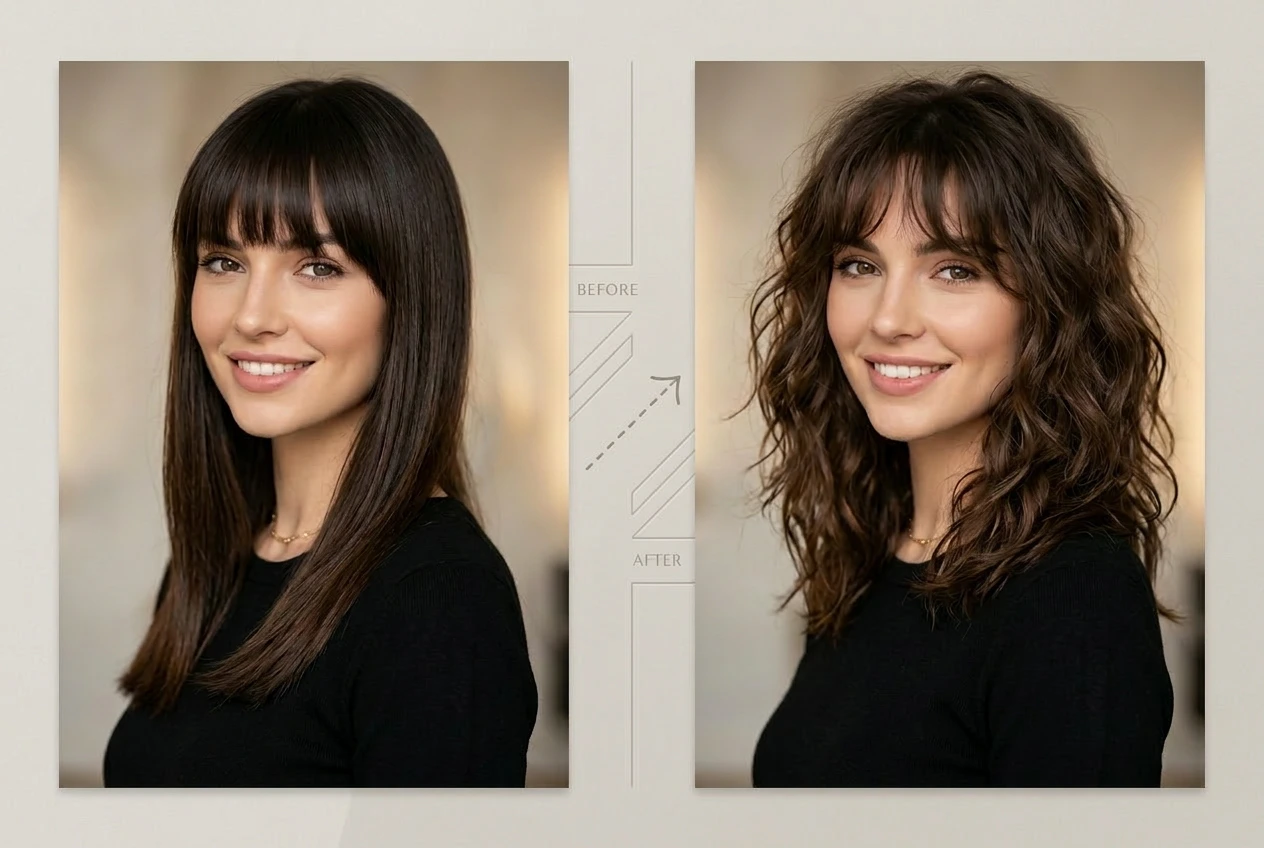
AI hairstyle changer before and after showing straight dark hair transformed into soft shoulder-length curls
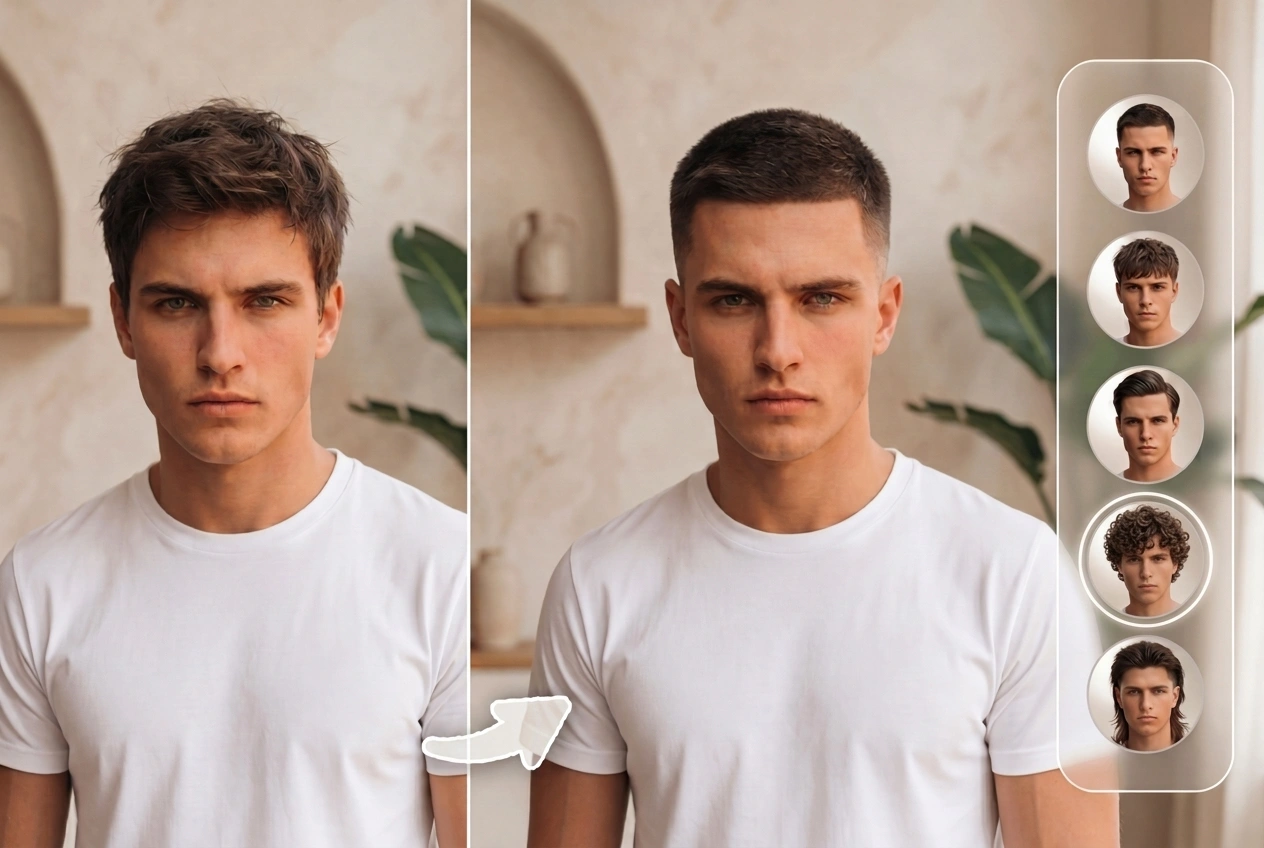
AI hairstyle changer for men showing short haircut transformation with multiple hairstyle options

Customize Unlimited AI Hairstyles, Unlock Creative Freedom

Whether you want to keep up with 2026 Paris Fashion Week runway trends, from blunt bobs to butterfly cuts, or you simply want a one-of-a-kind look for yourself, you can test it all in Ima Studio. Mix and match hairstyles and hair colors any way you like, and every new prompt brings a fresh wave of inspiration. Whether you are styling for women or men, or trying different cuts and colors from your own photo, Ima’s AI hairstyle changer helps you quickly find a look that fits you and turns you from a trend follower into a true trendsetter. For more hairstyle ideas and prompt inspiration, you can also browse Community.

Free, Chat-Style Interface with Zero Learning Curve

Ima Studio offers a friendly, chat-style interface designed for all kinds of users, and you can start using it for free. Just talk to it like you are chatting with a friend: describe the hairstyle you want in everyday language, and the AI turns it into ready-to-use hairstyle previews. No professional editing tools to learn, no complicated prompt engineering. Simple, natural sentences are all you need to get polished hairstyle previews.

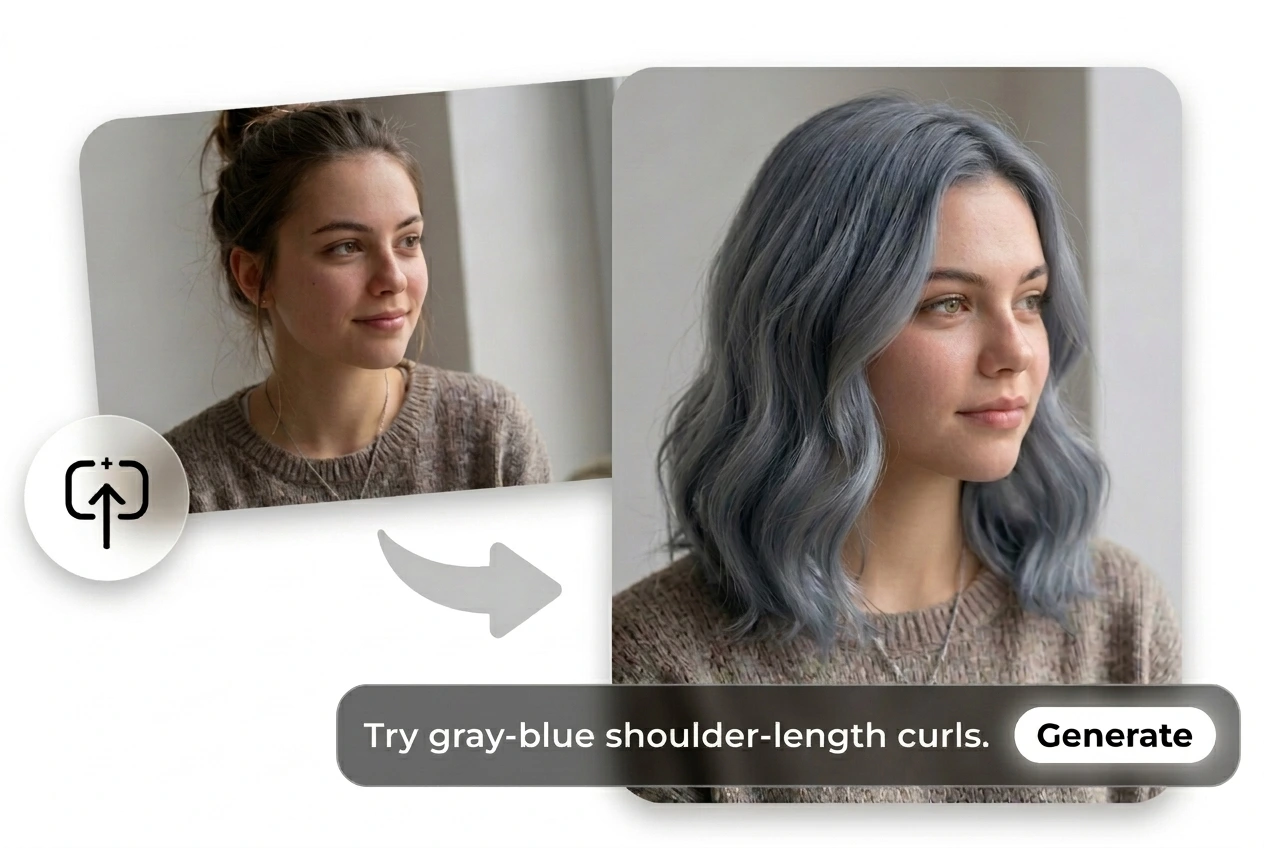
AI hair color changer from photo showing gray-blue shoulder-length curls generated from a selfie

Get Inspired by These Popular AI Hairstyle Scenarios

Try a New Cut Before the Salon

Before you visit the salon, try your haircut on Ima Studio first. Generate multiple new looks from your own photo and preview different lengths, layers, and colors in advance. Show your favorite AI result to your hairstylist so they instantly understand what you want. It makes communication easier, improves accuracy, and helps you avoid hairstyle disasters for both everyday looks and big events.
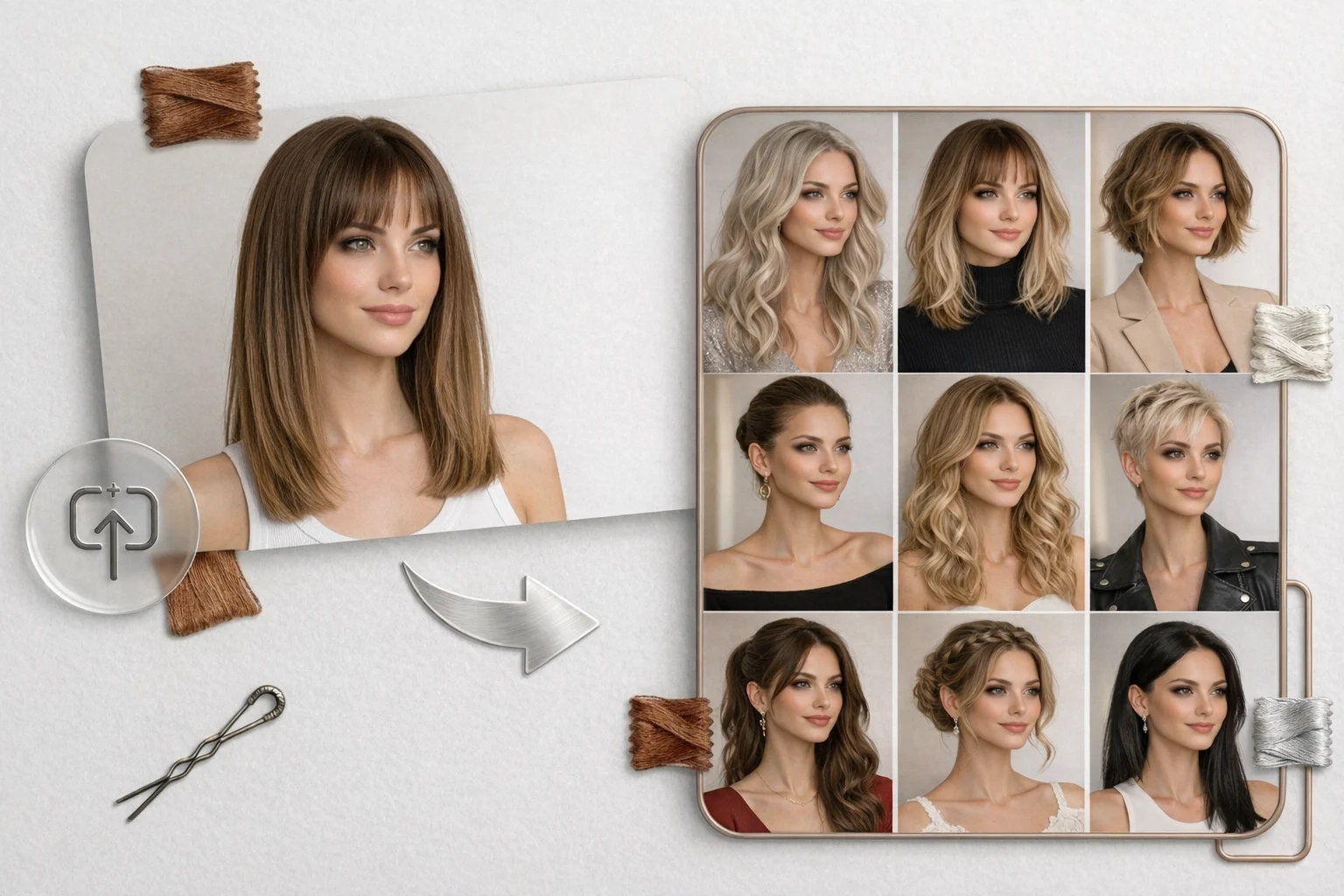
AI hairstyle changer from photo showing multiple haircut and styling ideas for women
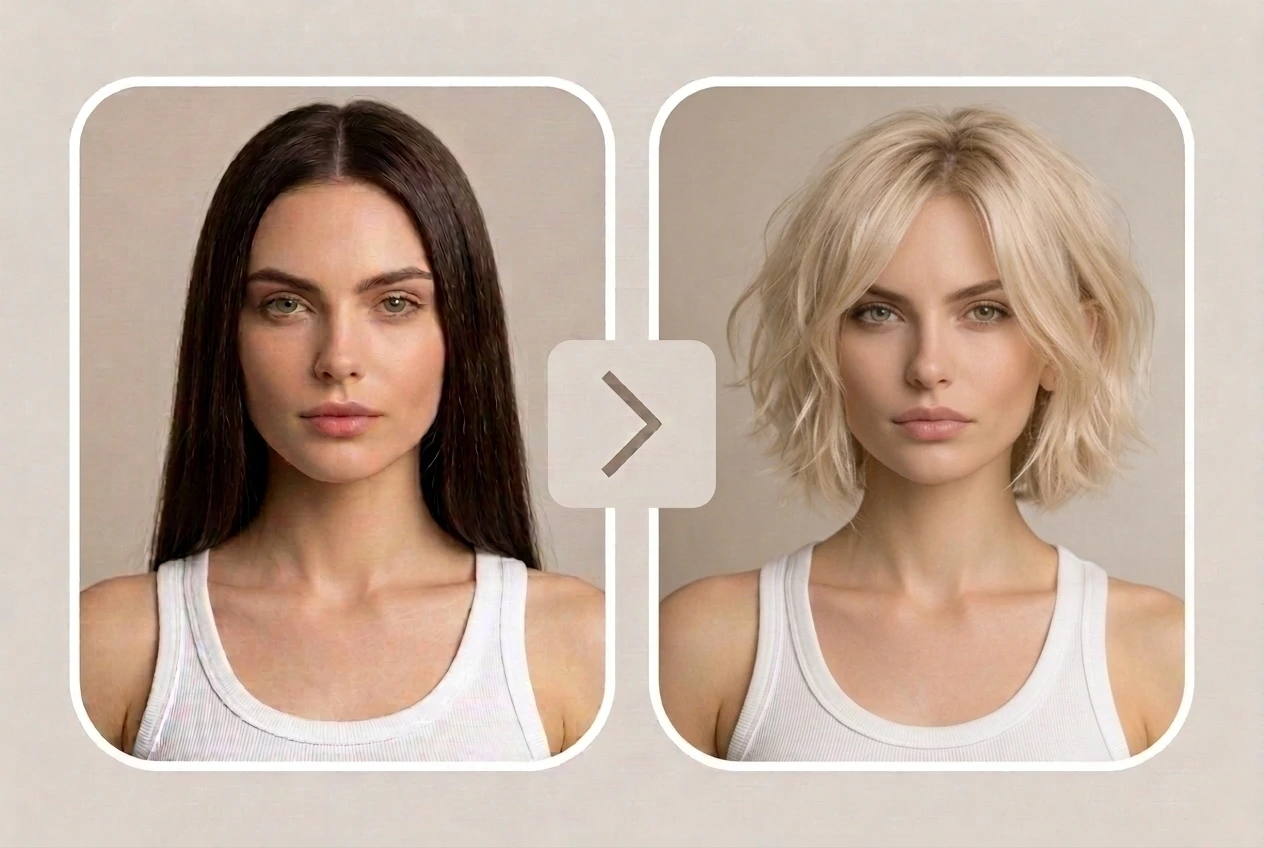
virtual hairstyle changer before and after showing long dark hair transformed into a short blonde bob

Help Clients Choose a Look (For Stylists & Creators)

If you are a hairstylist, makeup artist, or creative director, you can use Ima’s AI Hairstyle Changer during consultation to generate multiple hairstyle options for your clients. Realistic previews speak louder than vague descriptions, helping clients decide faster and giving you a smoother, more professional communication flow that boosts satisfaction.

Keep Fresh Looks for Content Creators

Content creators no longer need constant salon visits to keep their image fresh. Switch hairstyles in seconds to match different themes or series. With one click, you can match your hair to your makeup, outfits, or brand aesthetic, showing many sides of yourself without damaging your real hair or burning extra time. For more creator inspiration and styling ideas, you can also visit Blog.
AI hairstyle preview from photo showing blonde wavy hairstyle transformation in a lifestyle portrait
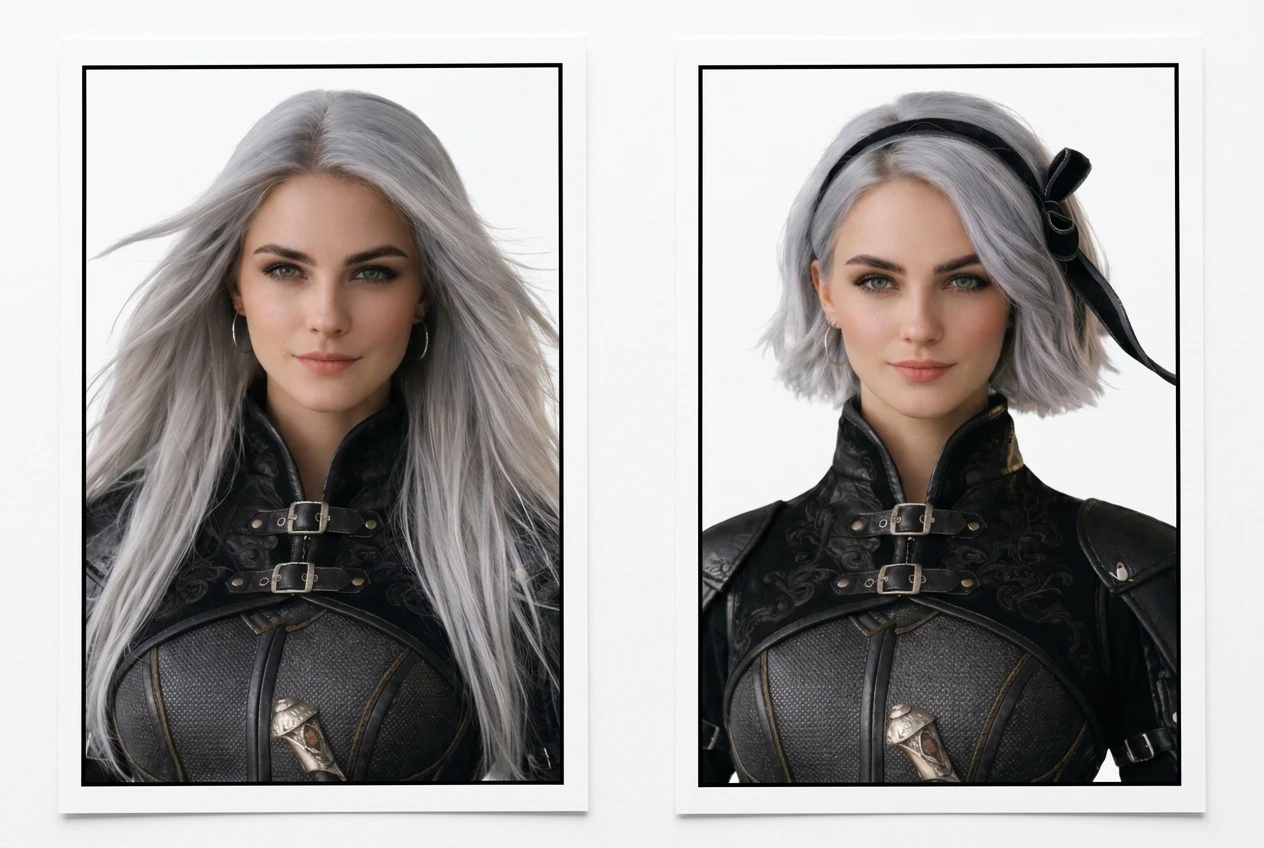
AI character hairstyle generation showing long silver hair and a short silver bob

Create Character & Cosplay Hairstyles

Need a memorable hairstyle for a cosplay, VTuber avatar, or game character? On Ima Studio, one prompt is enough. Describe the vibe, length, and color – for example, “cool female swordsman, long silver straight hair, slightly messy” – and Ima’s Arena mode instantly returns two polished options. Pick your favorite and lock it in, or tweak the prompt slightly to spin off alternates: add gradients, switch to twin-tails, or add clips and ribbons. In just seconds, you get a signature hairstyle ready for illustrations, skins, thumbnails, or promo art. If you want to push the look further into stylized transformations, you can also try photo to cartoon.

Why Choose Ima Studio's AI Hairstyle Changer

Stable on Any Device

Ima Studio runs in your browser with no installation required. Whether you are on desktop, tablet, or mobile, you get fast, reliable AI hairstyle generation wherever you are.

Safe & Private

Your photos and AI results are processed securely. You stay in control of your data at all times: you decide what to keep, download, or delete.

Multi-Model Support

By default, Ima Studio uses Agent mode to read your prompt and photo, then auto-routes to the best of 10+ next-gen models. You can also pick a model manually, or switch to Arena mode to compare two side by side.

FAQs About Ima Studio's AI Hairstyle Changer

Yes. Unlike traditional wig overlay toolsIma Studio‘s Arena Engine analyzes your facial features and only changes your hairstyle (length, texture, color). Your natural face shape and features are preserved, and the new hair is blended seamlessly onto your head and hairline.
Use a clear, front-facing photo with good lighting where your face and hairline are visible. Avoid heavy filters, extreme angles, and very dark images. For prompts, you don’t need any professional wording. Just describe what you want in plain language (length + texture + color + vibe), and the AI will handle the rest. You can also reuse ready-made prompts from Ima Studio‘s Community to get proven good results. Ima is designed so that anyone can get a great hairstyle preview with minimal effort.
Yes. Once you register, you’ll receive 200 free credits to get started. All results from the AI hairstyle changer are 100% watermark-free with no hidden costs. You can also try other tools inside Ima Studio, including Text to Image and Image to Image.
You’re generally free to use your generated images for personal purposes such as social media posts, avatars, portfolios, or sharing with your hairstylist and clients. For commercial or large-scale use (e.g., ads, brand campaigns), please check Ima Studio‘s latest Terms and Conditions to make sure your use case is fully compliant.
Absolutely. Ima Studio‘s AI hairstyle changer works for all genders. It’s great for men who want to test short fades, textured crops, slicked-back styles, K-pop inspired looks, longer wavy hair, and more before visiting the barber.

Yes. Ima Studio lets you upload a selfie or photo and preview realistic hairstyle changes online in seconds. You can try different lengths, layers, bangs, curls, straight styles, and colors before making a real haircut decision. This makes it easier to explore new looks, avoid miscommunication at the salon, and show your hairstylist a visual reference of what you want.

Yes. You can use Ima Studio to preview both haircut and hair color changes from your own photo. Try short or long styles, straight or curly looks, bangs, layers, highlights, or full color changes before making a real salon decision. It’s a simple way to see what suits you best and narrow down your favorite look in advance.