











Use AI Collage Generator — Turn Prompts, Photos & Templates into Stunning Collages
Ever imagined generating beautiful collages from just an idea or a few photos?
With Ima Studio’s AI Collage Generator, powered by Creation Agents and Arena Insights, you can instantly transform prompts, uploads, or templates into high-resolution collages — perfect for creators, marketers, teachers, and students.
What Is the AI Collage Generator?
Ima Studio’s AI Collage Generator lets anyone design visually stunning collages without design skills or complex tools.
It doesn’t stop at arranging photos — it interprets your idea and creates a polished collage automatically:
- Transform prompts or uploads into ready-to-use collages
- Auto-balance images, text, and textures
- Edit and adjust layouts instantly
- Download in 4K resolution with no watermark
- All online, free, and commercial-friendly

How to Use Ima Studio’s AI Collage Generator

1. Choose Your Start Mode
Pick from Prompt, Upload, or Template methods — whichever fits your workflow. Supported formats: JPG, PNG, WEBP (max 10 MB per file).
2. Describe or Upload
“Create a retro magazine collage.”
“Use my travel photos in a scrapbook layout.”
“Make a clean grid for my product shots.”
The AI instantly interprets your inputs and builds a layout.
3. Arena-Optimized Model Selection
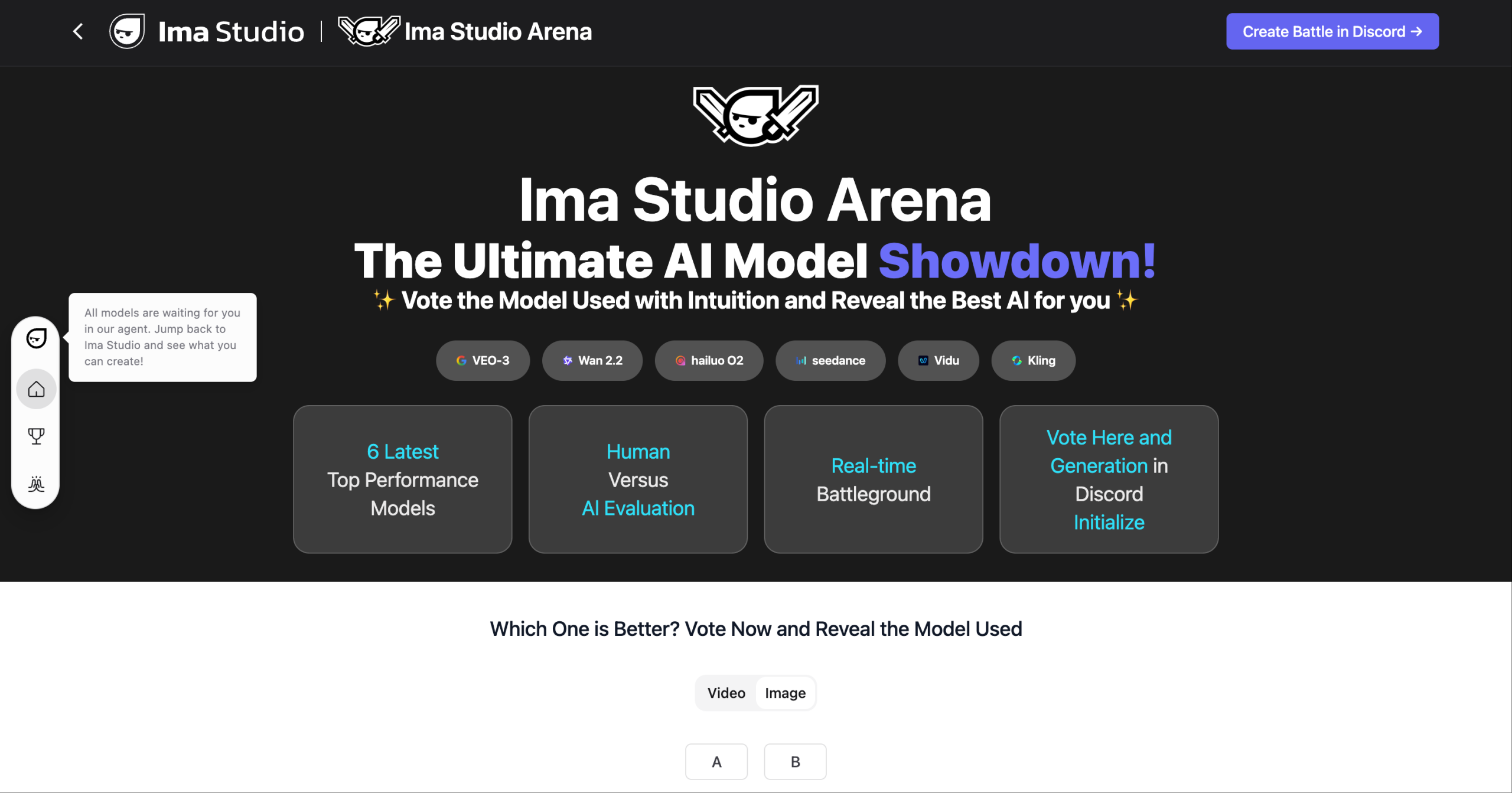
Ima Arena evaluates multiple image-generation engines and selects the best combination for your collage, ensuring balance, texture, and detail — no manual tweaking required.

4. Edit & Export
Fine-tune your collage with the built-in editor:Adjust layout, add text, stickers, or filters Change background or color palette Download instantly in PNG, JPG, or transparent PNG
Why Choose Ima Studio for Collage Generation
Creation Agents & Arena Insights
No guesswork needed.
Creation Agents select the right AI tools for your input, while Arena Insights ensures your collage uses the best-performing models for superior composition and quality.
🎨 Full Creative Control
Go beyond static layouts — edit layers, apply masks, tweak colors, or switch backgrounds in real time. Turn ideas into finished visuals effortlessly.
🌐 Community Templates
Explore thousands of free templates by real creators — from moodboards to magazine cutouts. Customize any template instantly and make it your own.
🛡️ Privacy & Ownership
Your prompts and uploads are processed securely. You retain full ownership and commercial rights to every collage you create.
📸 High-Resolution, No Watermark
Export your collages up to 4K resolution — watermark-free and ready for print or digital publishing.
Explore Top Collage Templates from Ima Studio
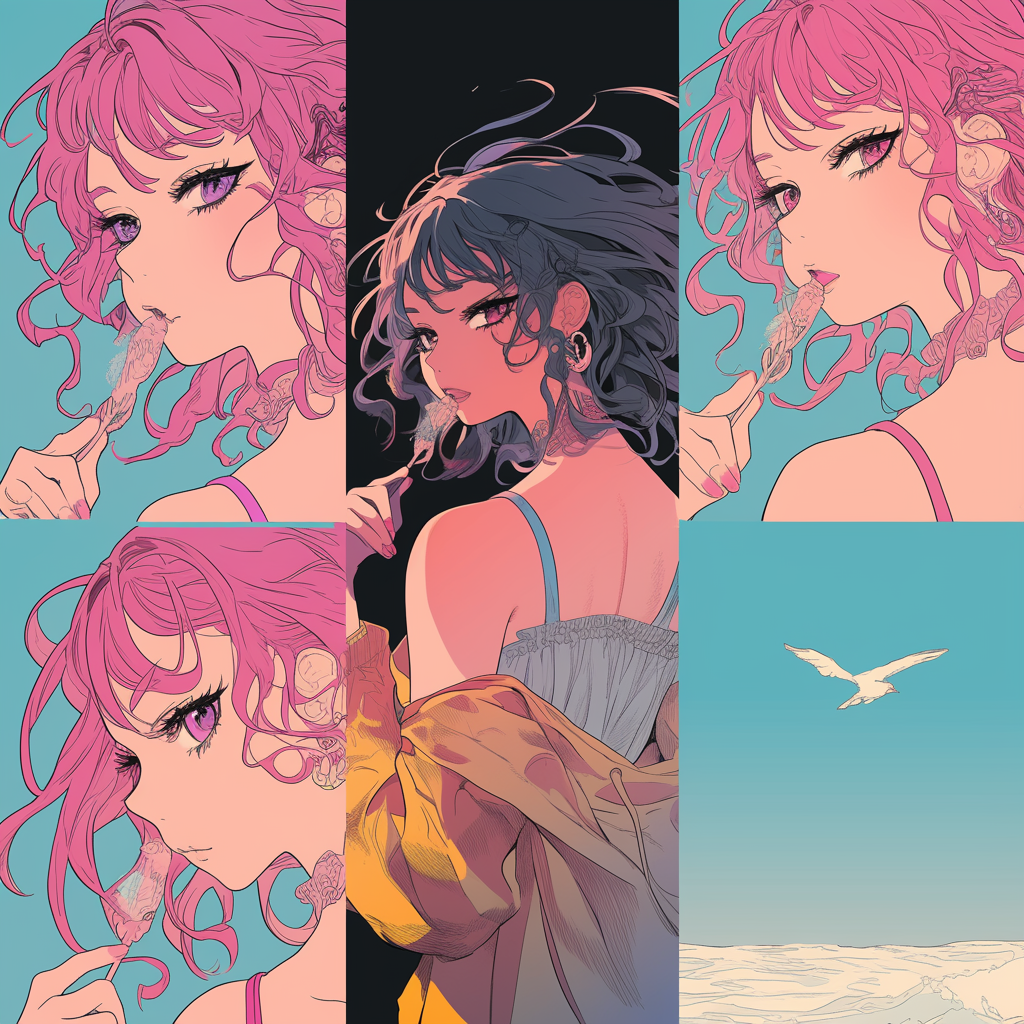
Browse a live gallery of Ima Studio’s 30 most popular collage templates, curated from real creator activity. The templates are displayed in a responsive masonry grid so you can quickly spot layouts for social posts, moodboards, memory collages, product boards, and more.Click any template to open it instantly in the editor — swap photos, adjust text, tweak colors, and export in 4K with no watermark. No design skills needed: just pick a layout you love and start creating.
Popular Use Cases
Social Media & Marketing
Perfect for creators, brands, and marketers.
- Design visually engaging Instagram grids or TikTok covers
- Create seasonal promo boards or event flyers
- Highlight product collections with branded layouts
- Mix lifestyle photos, text, and stickers for storytelling

Education & Research
Ideal for teachers, students, and presenters.
- Summarize lessons or projects as visual boards
- Combine charts, notes, and photos into collages
- Use pre-built classroom templates for quick results
- Make learning more interactive and visual
Events & Personal Memories
Designed for weddings, birthdays, and family trips.
- Compile event photos into recap collages
- Design digital invitations or thank-you boards
- Use auto-layouts to keep every memory balanced
- Export in print-ready or shareable formats
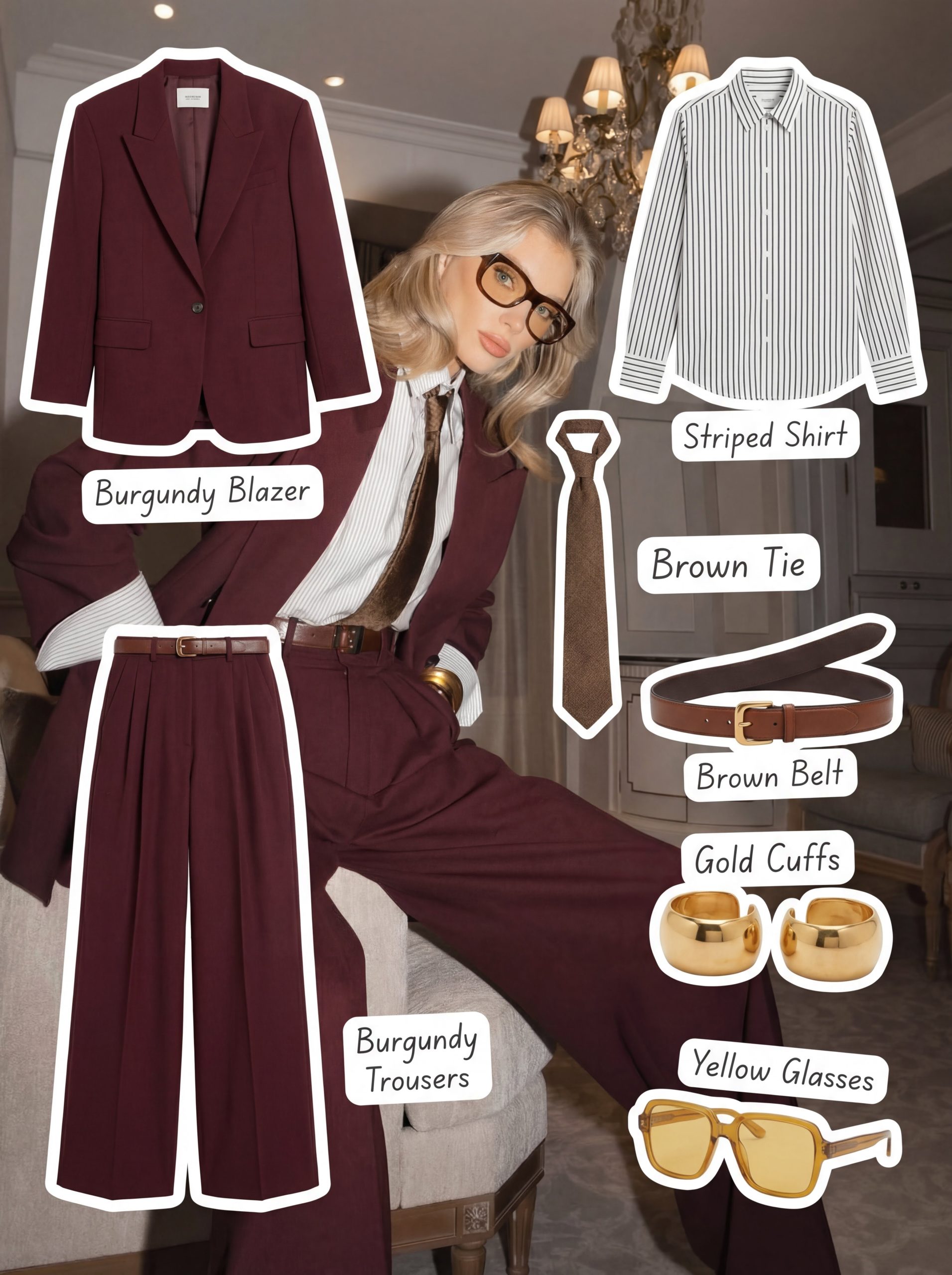
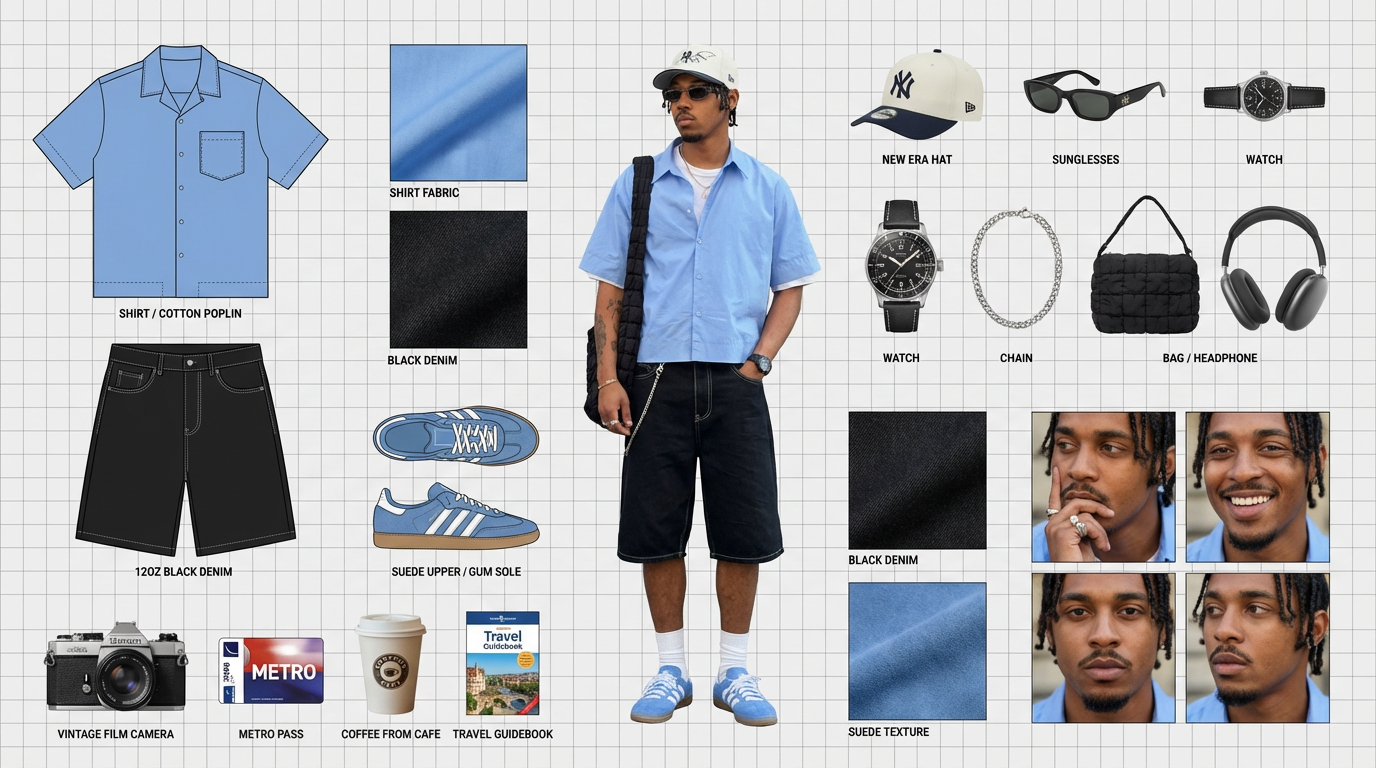
Creative & Artistic Projects
For designers, hobbyists, and experimental artists.
- Mix textures, typography, and generated visuals
- Experiment with scrapbook, Y2K, or surreal layouts
- Animate transitions or video collages
- Use templates as starting points for your style
FAQs About Ima Studio’s AI Collage Generator
Yes. You can create and export watermark-free collages for free. Optional Pro features are available for advanced exports and batch generation.
You can upload JPG, PNG, and WEBP files up to 10 MB each. For best results, use clear, well-lit photos or concise prompts.
Absolutely. Upload multiple photos, and the AI will blend them seamlessly with generated textures, elements, or backgrounds to match your chosen theme.
Yes. You can modify layers, change backgrounds, add text, stickers, or filters — everything updates instantly before export.
Yes. All collages generated with Ima Studio are rights-cleared for commercial use — perfect for marketing, education, and business materials.
Our Creation Agents analyze your prompt and route it through the best-performing image models based on real user data from Arena Insights, ensuring consistent quality.
Yes. Your uploads are processed securely and automatically deleted after your session. Ima Studio does not use your data for training or sharing.
Yes — the AI Collage Generator works seamlessly on desktop and mobile browsers, with full upload, edit, and export support.
Yes. You can generate animated collage reels or short video slides from your designs — great for social media or presentations.
For the best outcome:
- Use clear ideas or high-quality photos.
- Be specific with your prompt or theme.
- Try different templates or styles to explore aesthetics.
- Edit and refine using built-in tools before exporting.