











Ima Studio's AI Face Generator
Create realistic portraits, anime characters, and stylized avatars from text or photos in seconds. Use Ima Studio to generate consistent AI faces for profiles, branding, games, social content, and creative projects—free to try.
How to Use AI Face Generator on Ima Studio for Free
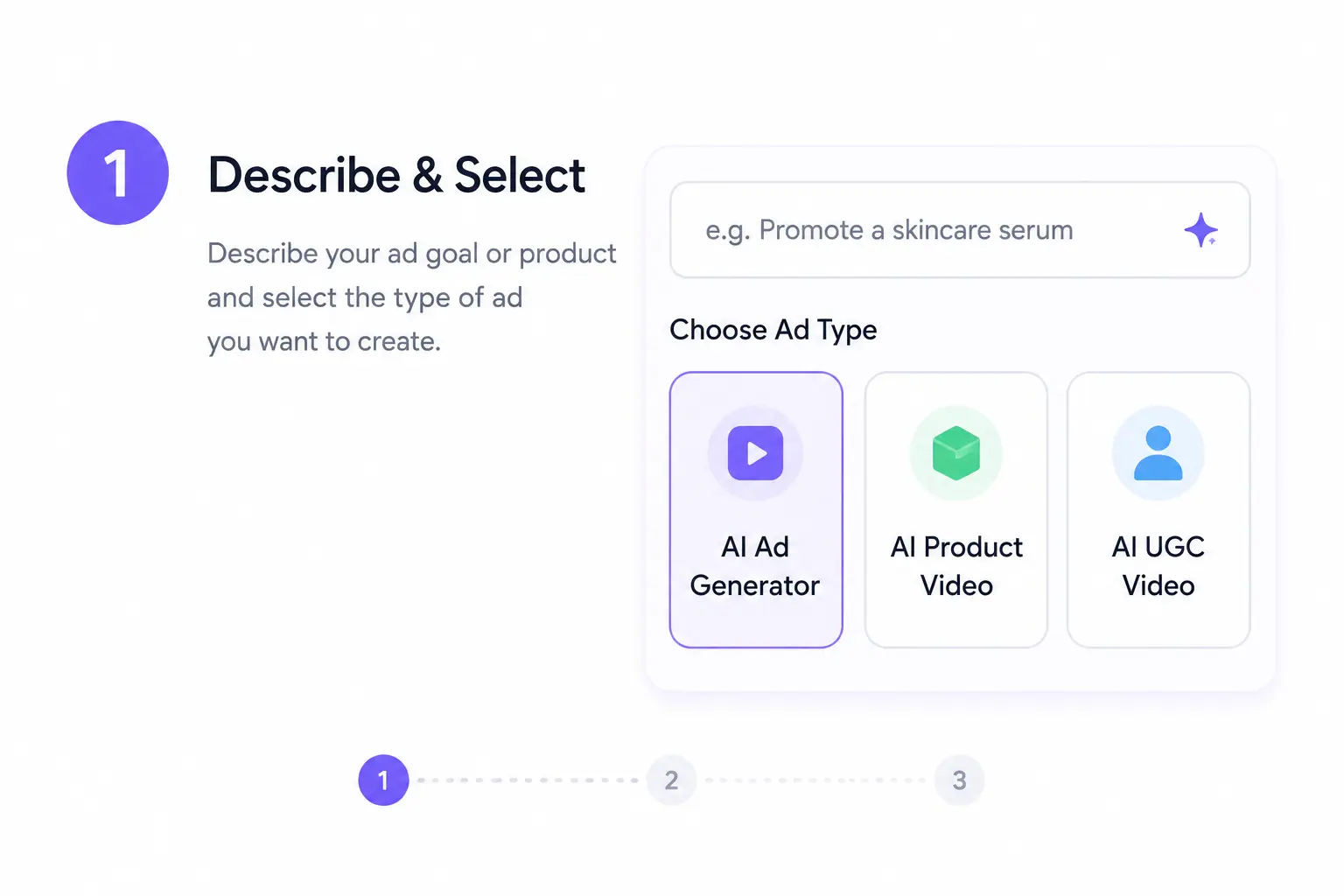
Describe Your Face Idea or Upload a Photo
Open Ima Studio, select AI Face Generator, and start by typing your prompt or uploading a seed image—or choose a proven community template for instant results.
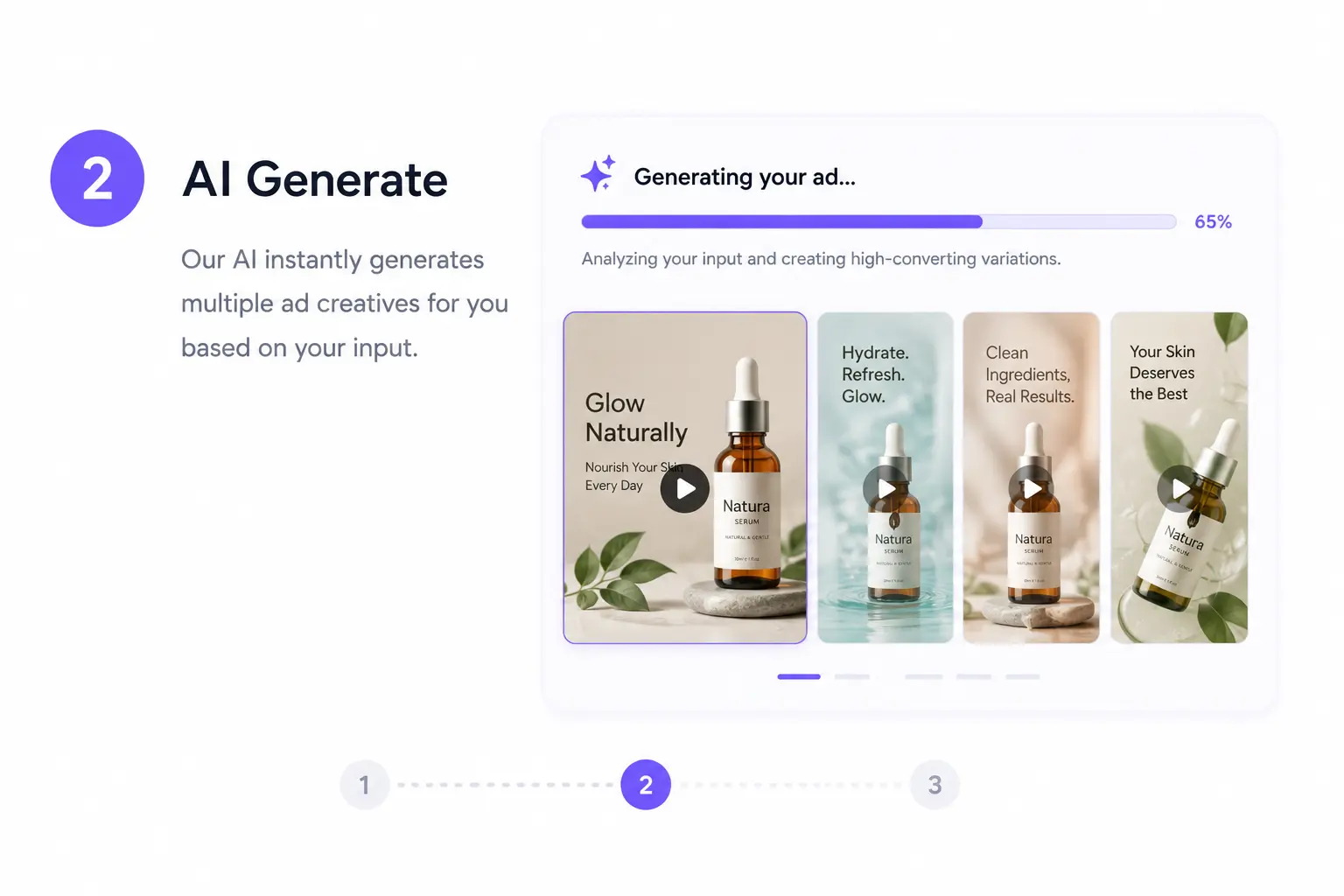
Agents Auto-Select the Best Model for Your Look
Enter a detailed prompt or upload references. You can:
Generate from portrait descriptions, style cues, or seed photos
Let Creation Agents route to Arena-proven face models
Apply Same-Face Studio for consistency across renders
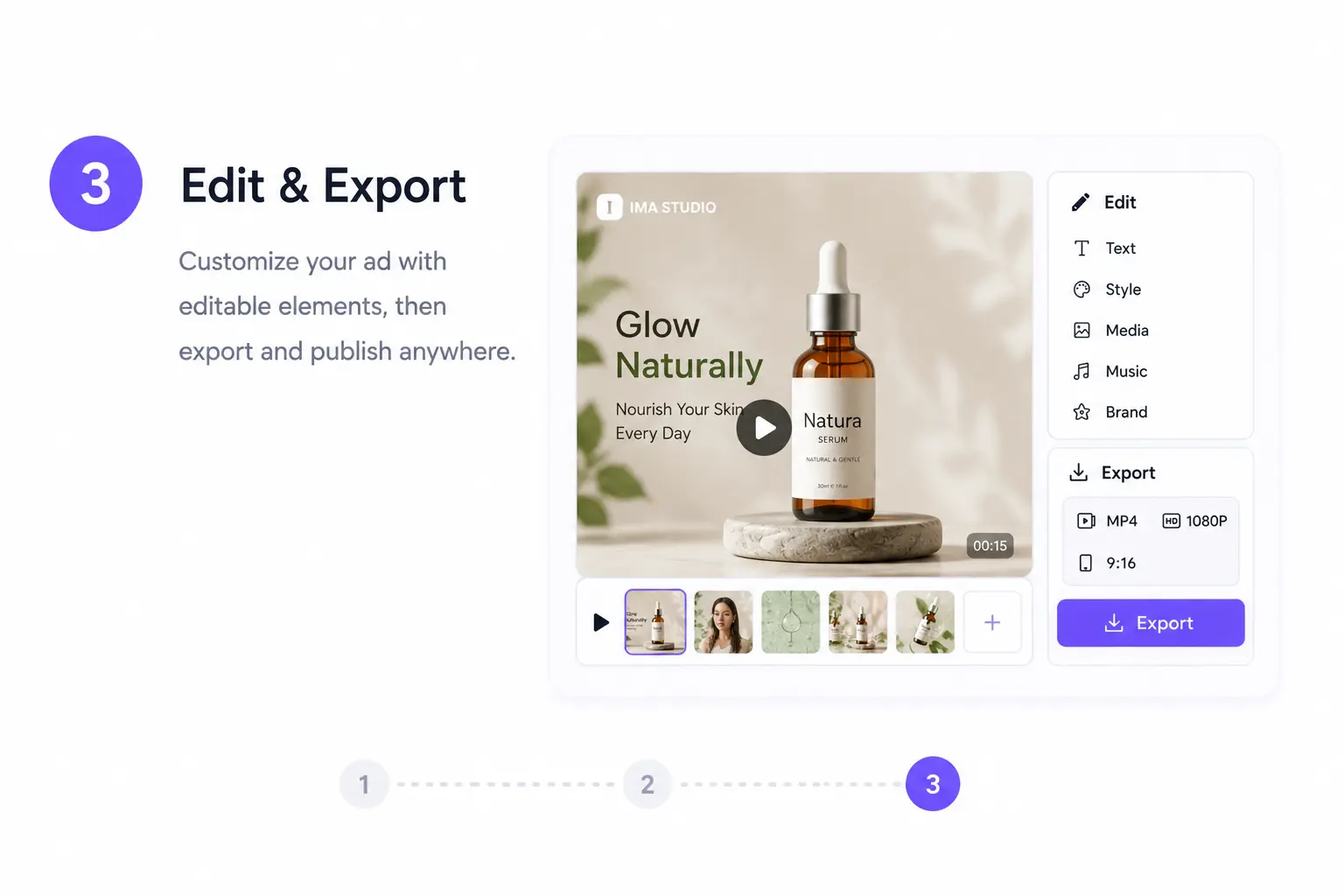
Refine, Lock Identity, and Export
Adjust style sliders for realism, mood, lighting, or age. Toggle Same-Face for stable identity. Download in your chosen resolution—ready for branding, creative projects, or social use.
Why Choose AI Face Generator on Ima Studio
Prompt-to-Face in Under a Minute
Skip manual model testing—go straight from idea to high‑quality face output with auto-routing, Same-Face Studio, and Arena-backed performance.
Arena‑Validated Model Routing
Our Creation Agents use live Arena win rates to pick models delivering the most accurate results for your style, reducing retries.
Same‑Face Character Consistency
Keep proportions, features, and subtle traits consistent across shots by locking identity in dedicated Same‑Face workflows.
Style Diversity with Precision
Switch between photorealism, anime, and fantasy styles using presets or fine-tune attributes like ethnicity, lighting, and expression.
All‑in‑One AI Face Creation Suite
Prompt‑to‑Portrait Generation
Photo‑to‑AI Face Transformation
StoryFrames: Build Consistent Characters
Expressions & Enhancements
AI Face Generator FAQs
Yes. You can try AI Face Generator free with daily credits. An account helps you save Same-Face profiles and unlock higher resolutions.
Yes. Same-Face Studio locks a subject’s identity so you can render different angles, outfits, and environments without losing consistency.
Yes, with consent. You can swap faces from an uploaded photo into AI-generated scenes. Public figure likenesses are blocked for safety.
Creation Agents match your prompt against live Arena performance data and pick the most suitable face model automatically. You can override this for manual control.
Generated images are yours to use commercially, except for likenesses of public figures or where prohibited by terms.
Uploaded photos and prompts are processed securely for generation only, not used to train unrelated models, and deletable from your account.
Yes. Paid plans support batch creation and API access, including Same-Face workflows, for integration into your apps or pipelines.
Yes. You can create multiple face styles and variations in one workflow, ready for different creative or professional uses.
Yes. You can refine outputs, adjust styles, and explore new variations without starting from scratch.
Ima Studio supports multiple resolutions and formats, suitable for print, digital, social media, and game assets.
Yes, provided you have rights to any uploaded reference materials and comply with our Rights & Safety policy.
Ima Studio combines auto-routing, Arena validation, Same‑Face consistency, style diversity, and multimodal handoff in one streamlined face creation workflow.