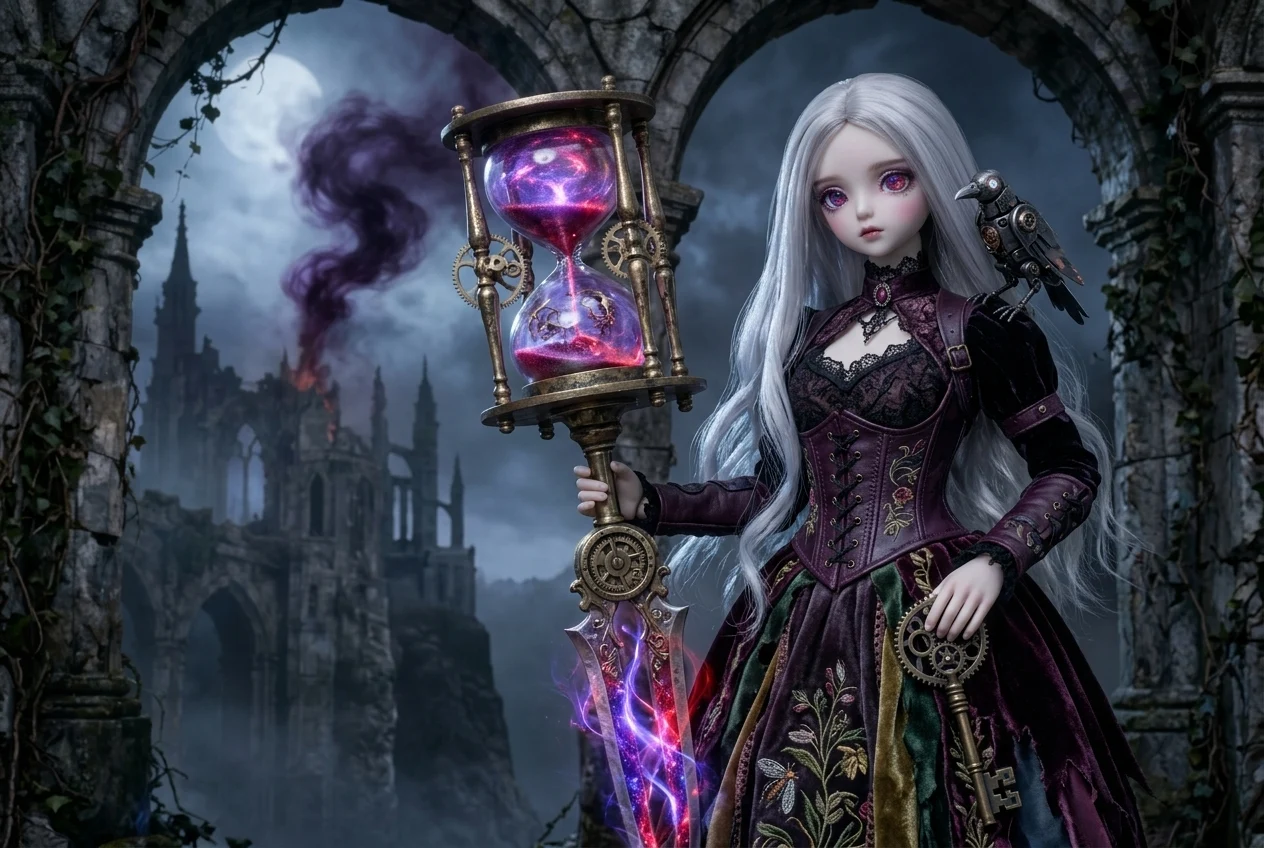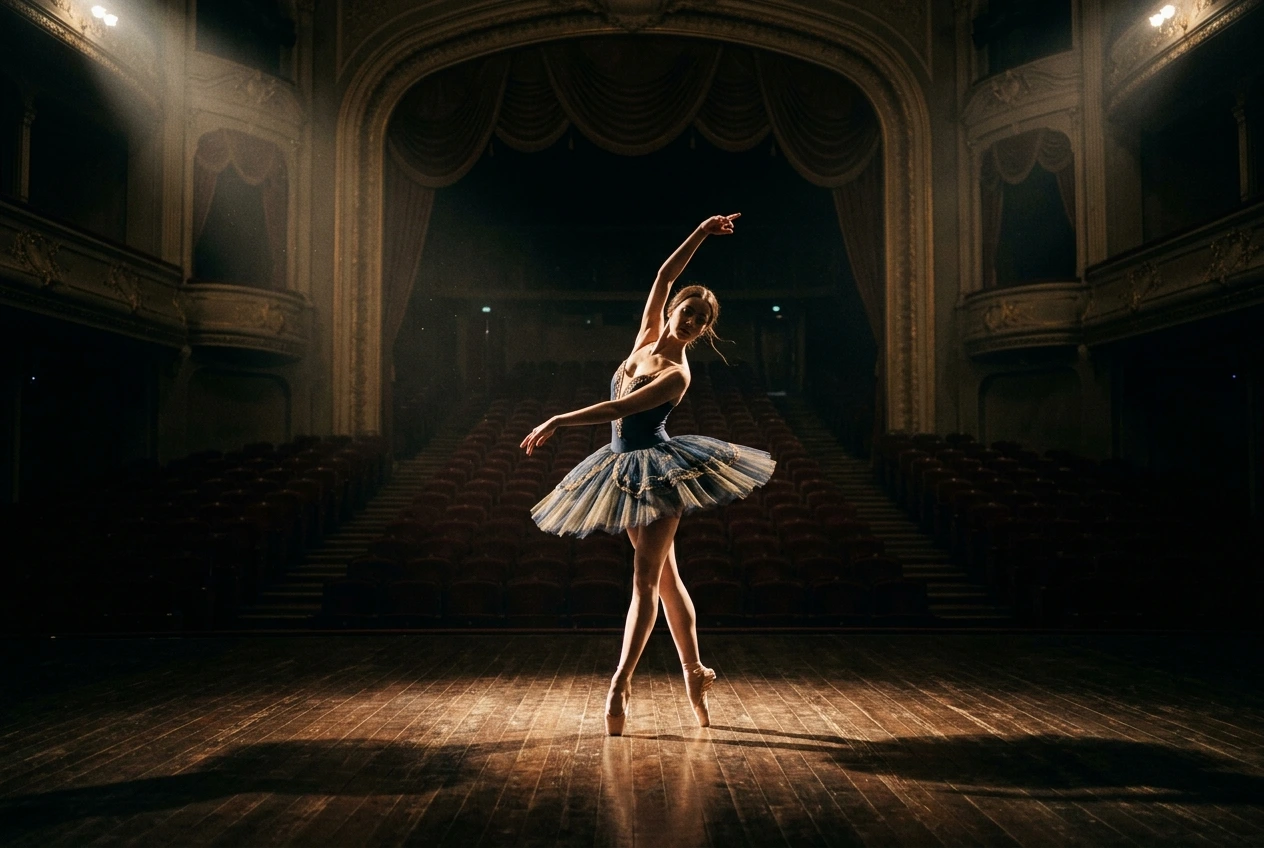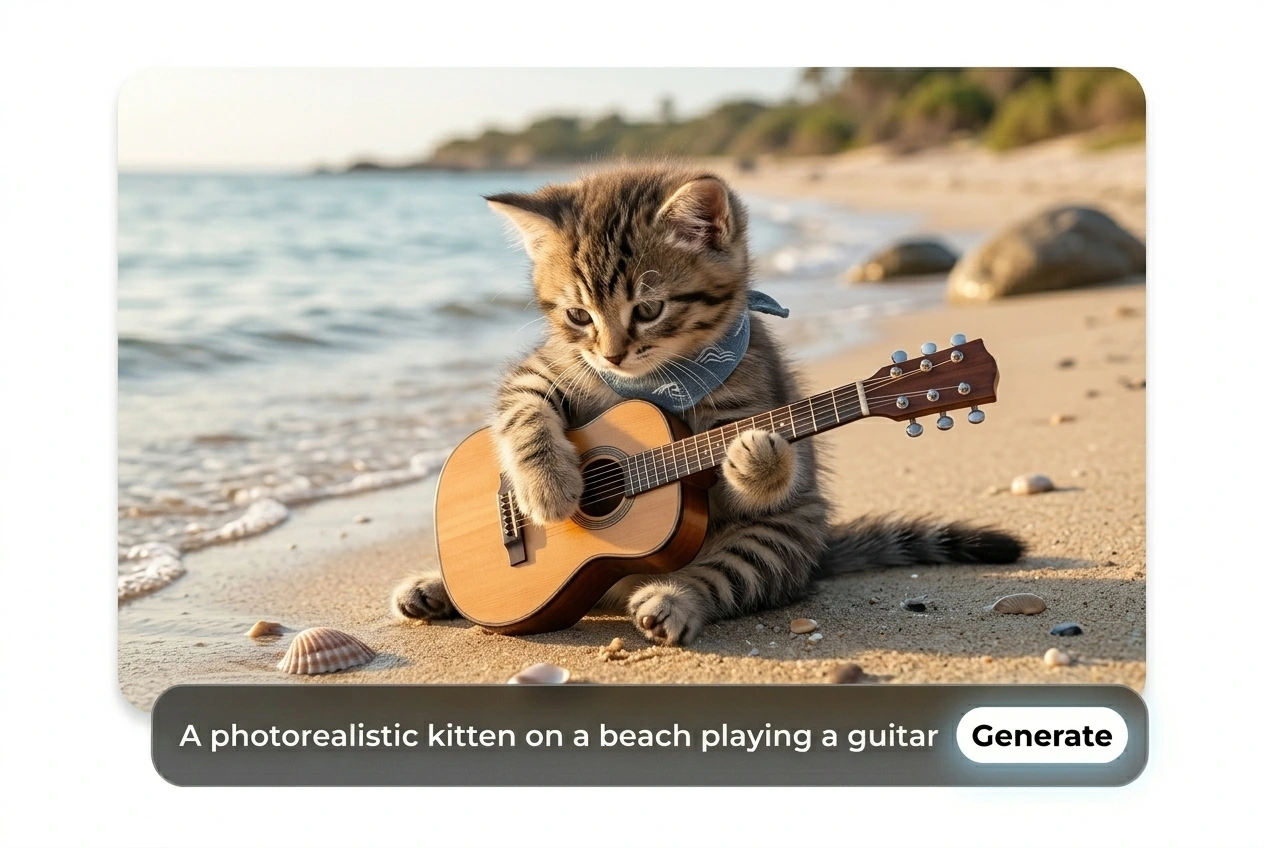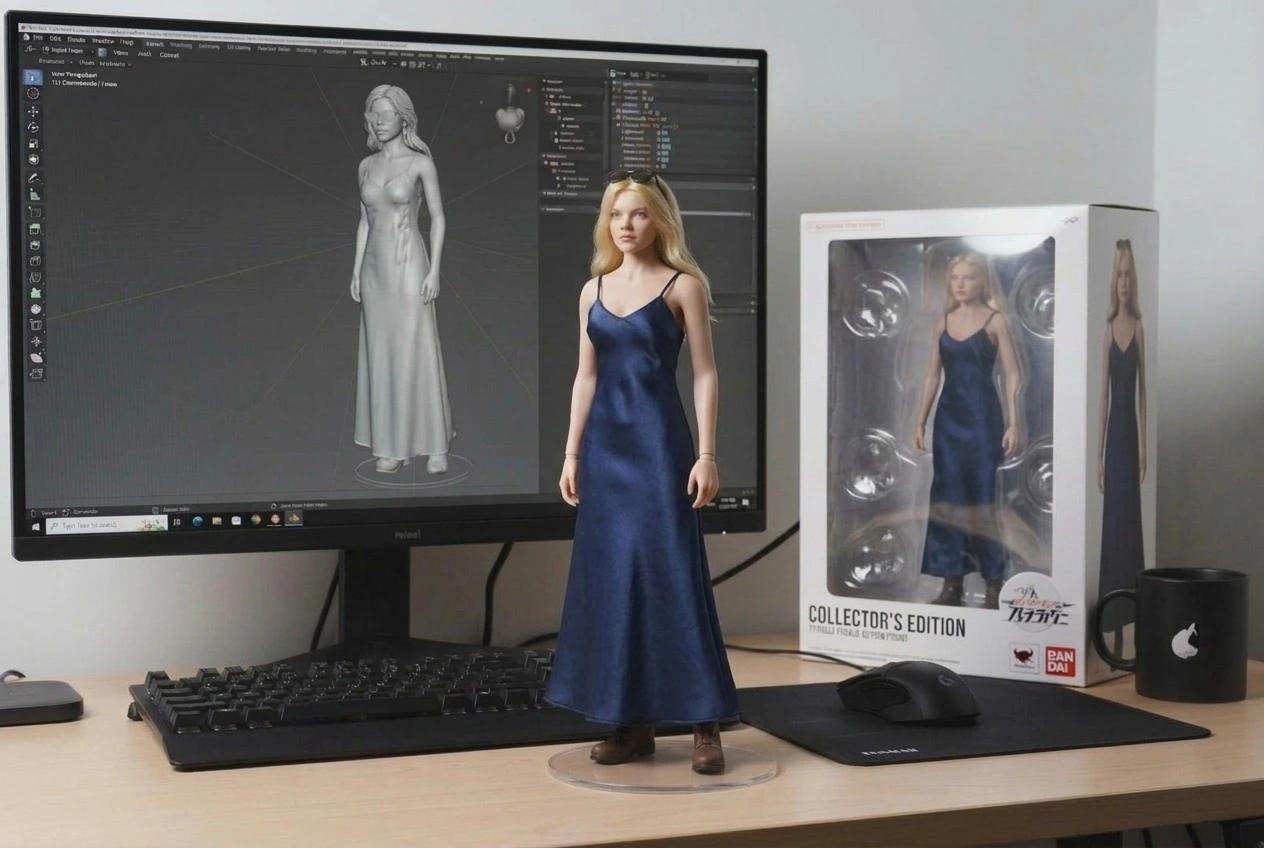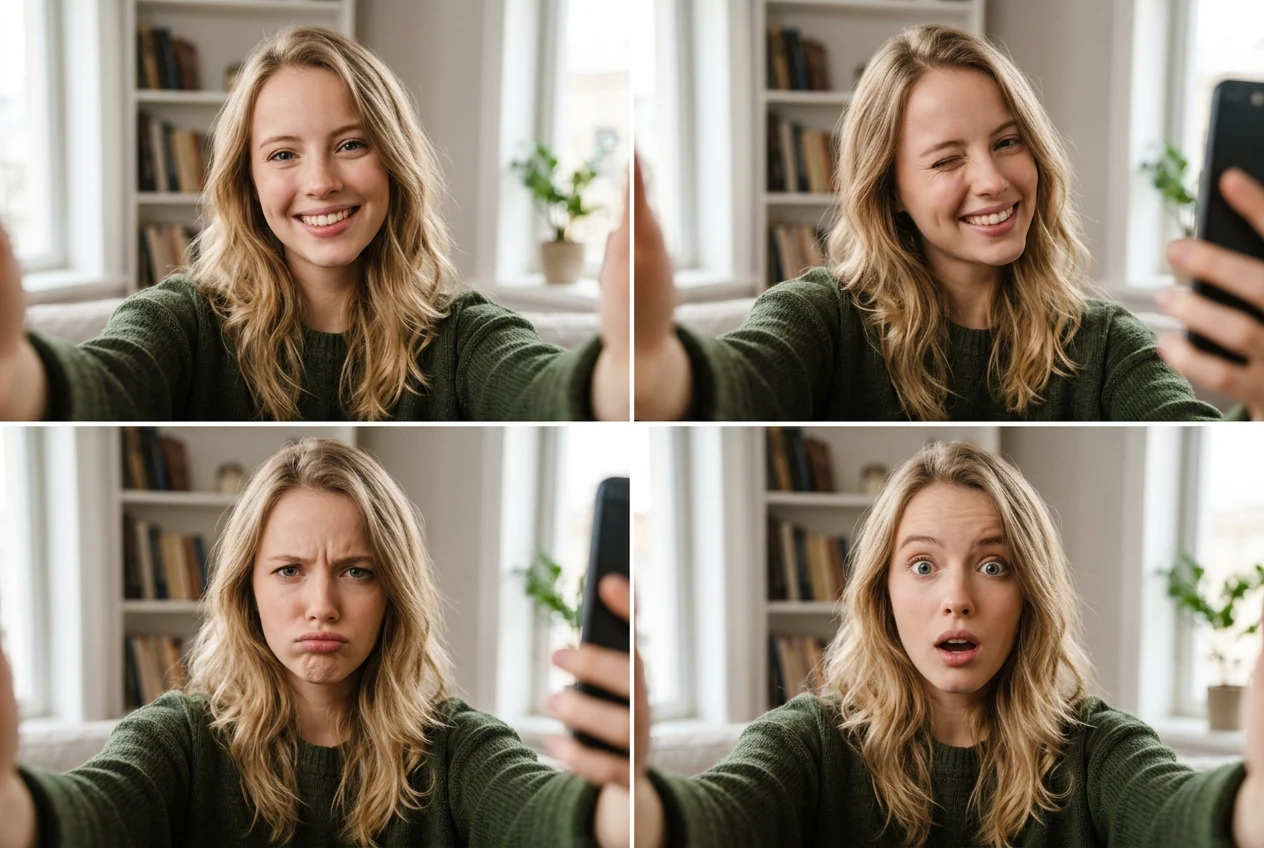
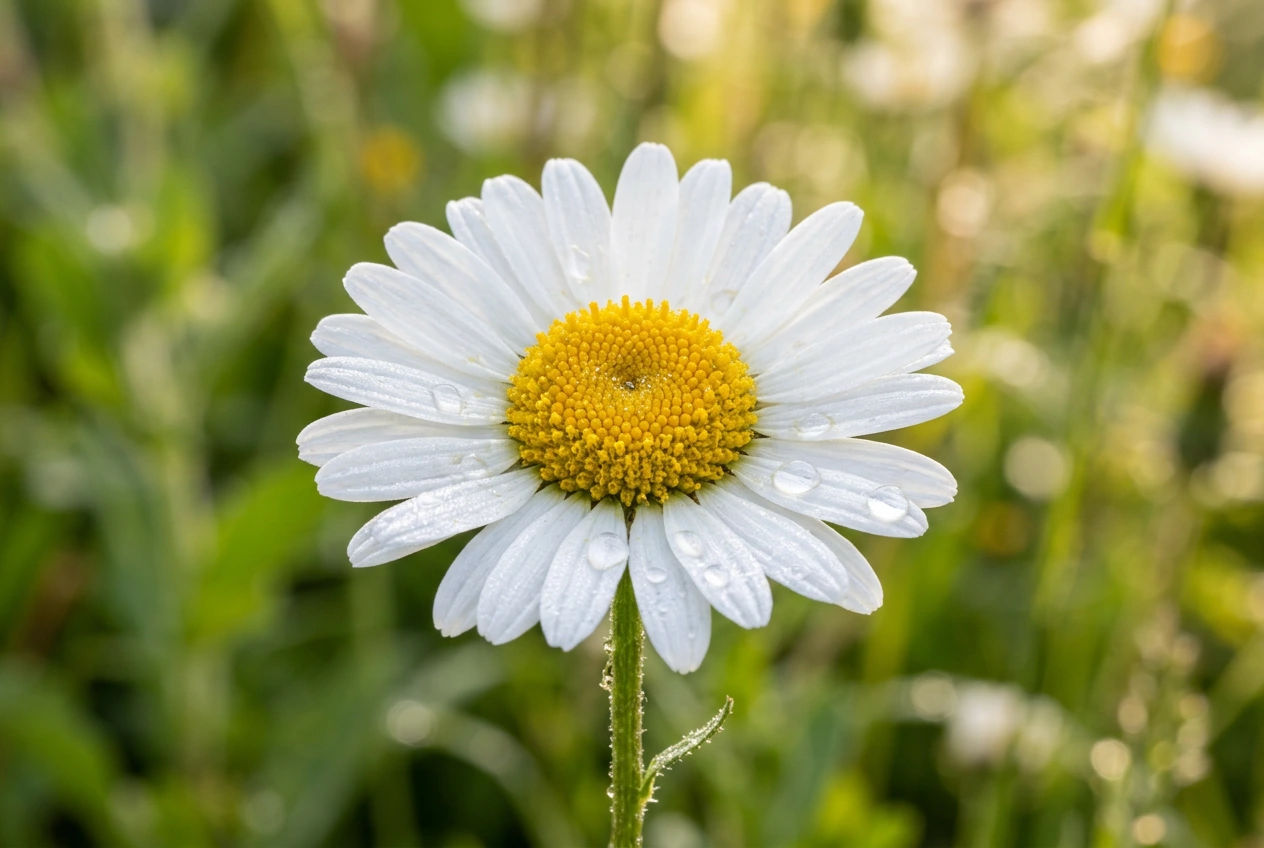
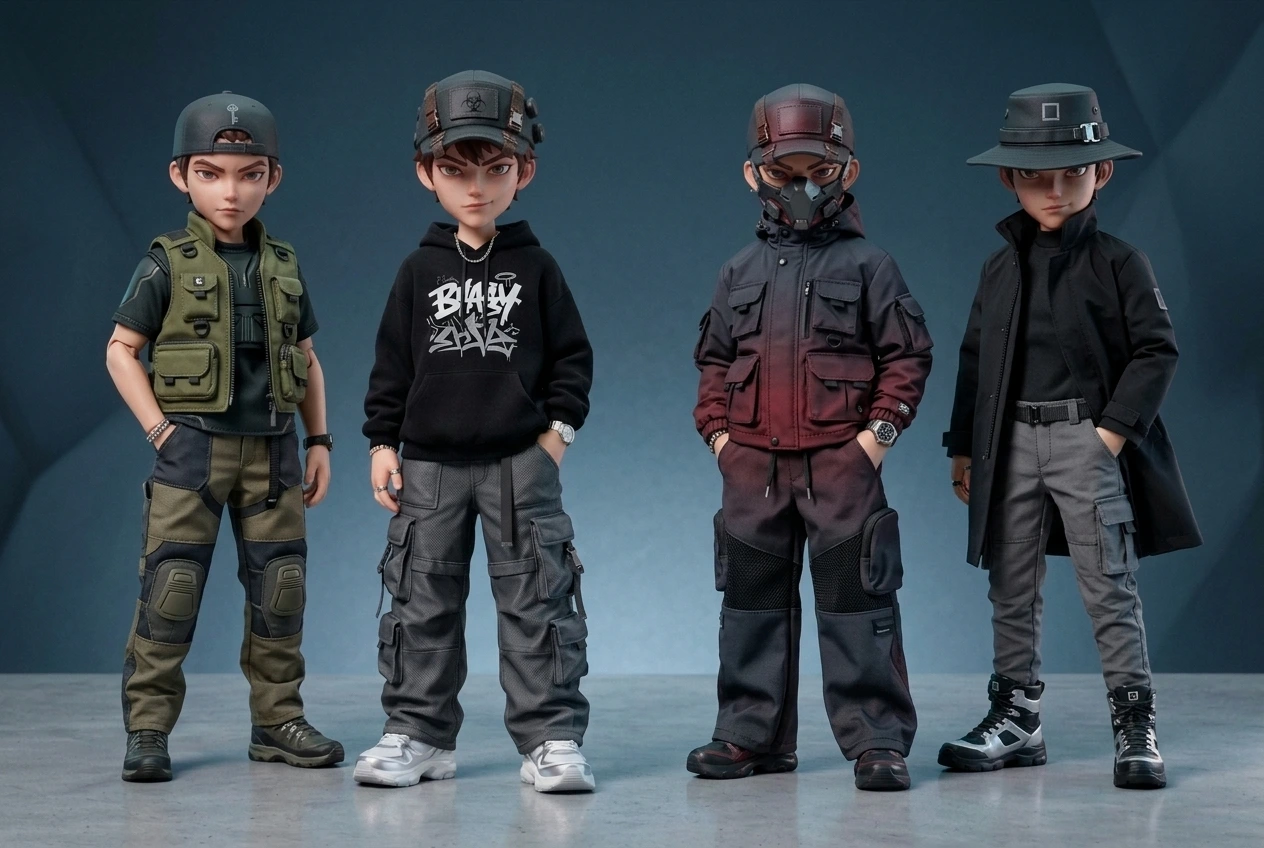

Flux AI Image Generator gives you studio-quality images in seconds — no learning curve, no endless retries.


Choose Text to Image or Image to Image, then select the Flux AI model.

Enter your prompt — Flux will instantly optimize and generate vivid results in seconds. Set an aspect ratio, and optionally upload a reference image (JPG/PNG/WebP, max 10MB).

Click Generate to create your image in seconds, then download the high-resolution up to 4K, watermark-free results for any use.
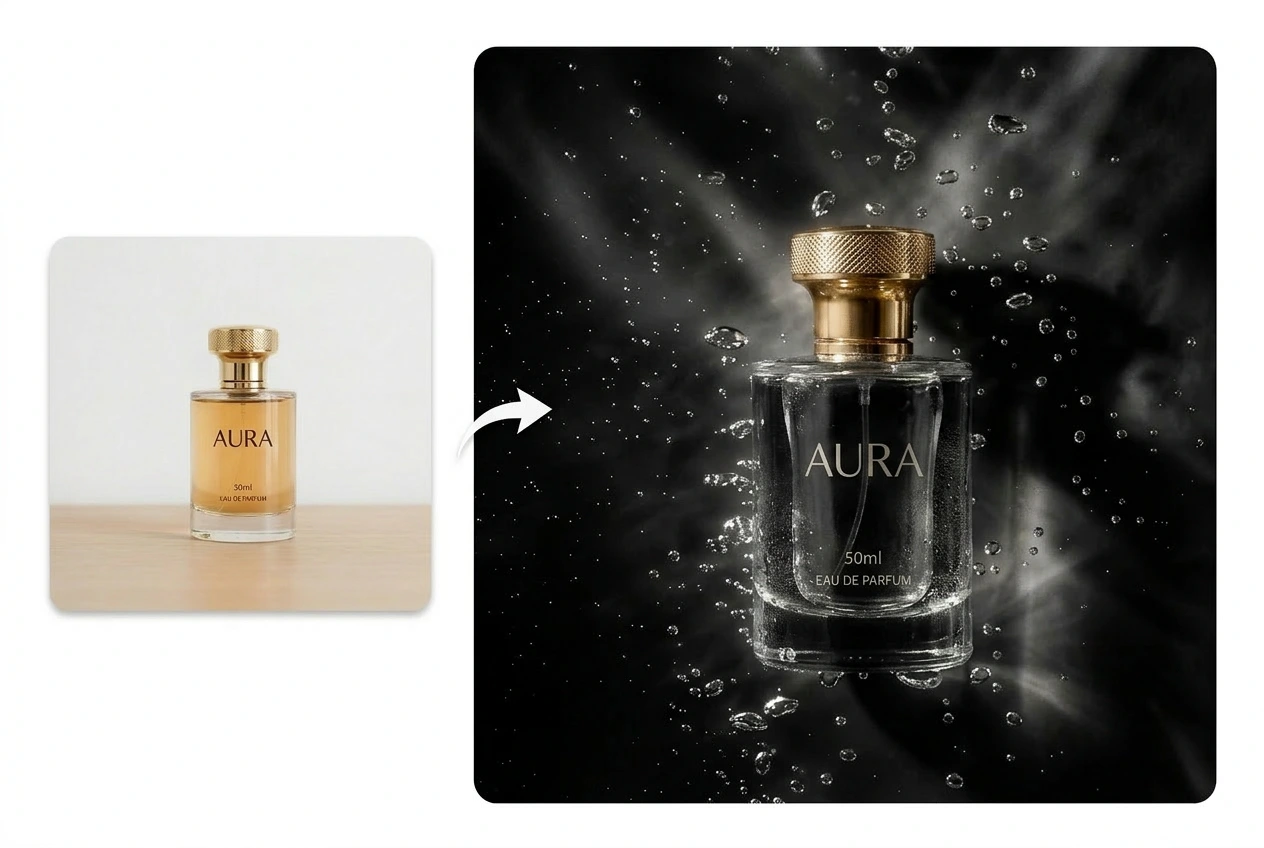
Ima Studio ensures Flux follows even complex prompts accurately. If you’re unsure how to start, you can try Auto (Arena-guided) to optimize prompts and get results closer to your vision.
Keep characters and styles consistent by reusing reference images and preset aspect ratios, ensuring stable results across projects.
With cloud-optimized access, Flux AI image generator on Ima Studio runs fast and smoothly — just click Generate to get high-resolution, watermark-free images.


Flux AI on Ima Studio ensures strict prompt adherence and ultra-realistic detail, while Auto (Arena-guided) lowers the learning curve and Ima Arena picks the best model for your prompt.
Yes. Commercial use of Flux AI on Ima Studio is generally allowed under our Terms. While exclusivity isn’t guaranteed, most outputs are commercial-ready. Please make sure that any third-party rights (such as logos, artworks, or public figures) are respected.
Learn more👉 Terms of Service
Ima Studio uses encrypted transport, strict access controls, and data minimization to keep your files secure. With Flux AI on Ima Studio, you remain in control of your content — you can manage and delete your uploads or outputs anytime directly from your account.
Learn more👉 Privacy Policy