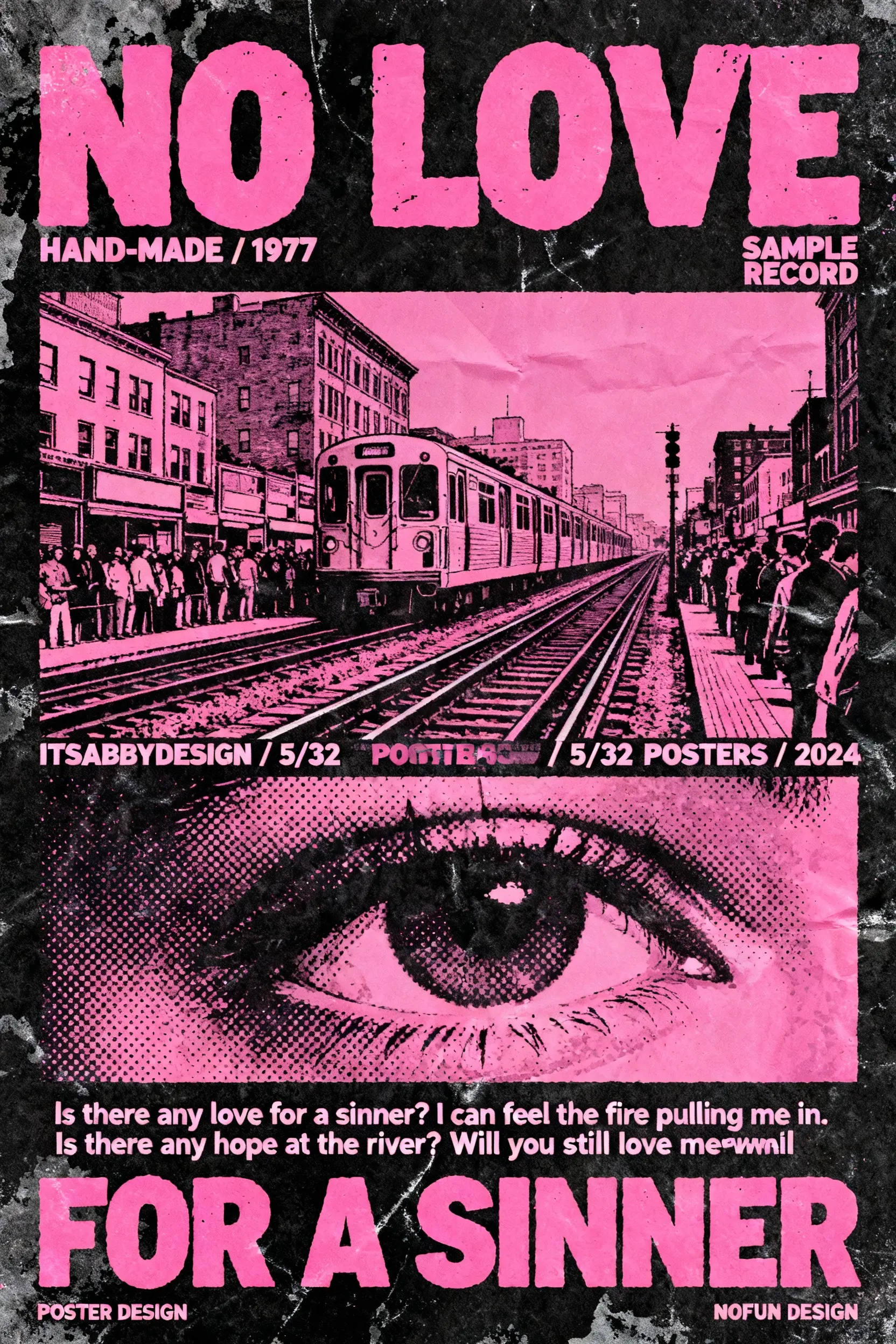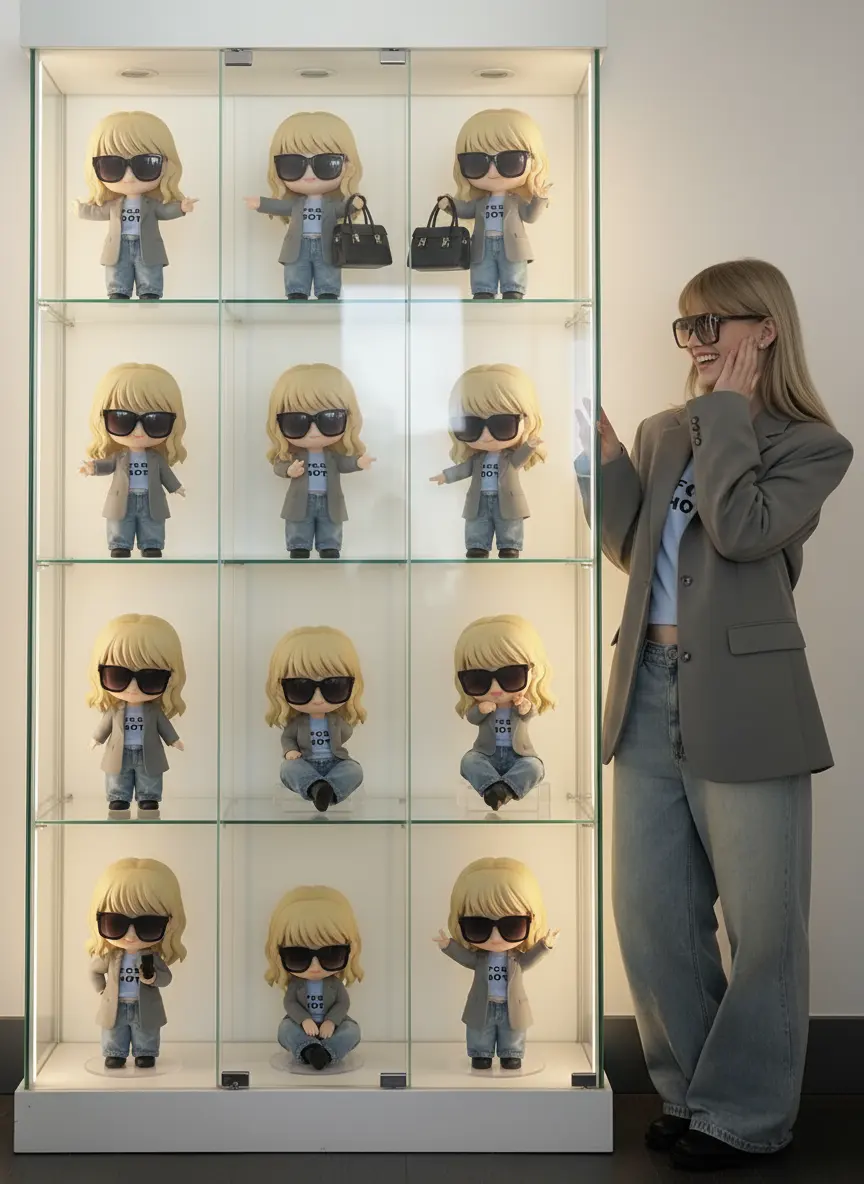

Struggling with messy text or distorted faces in AI images? Ideogram fixes it with next-level typography and consistent characters — professional visuals in seconds.


Simply type your text prompt — or upload an image to describe, edit, or extend.

Fine-tune the aspect ratio, style, characters, and colors — or use Auto/Magic Prompt to instantly enrich your idea. Ideogram then generates four images for you to choose from.

Download, share, or refine with built-in tools like Remix, Upscale, Style/Character Reference, and Background Replace — all within the canvas.
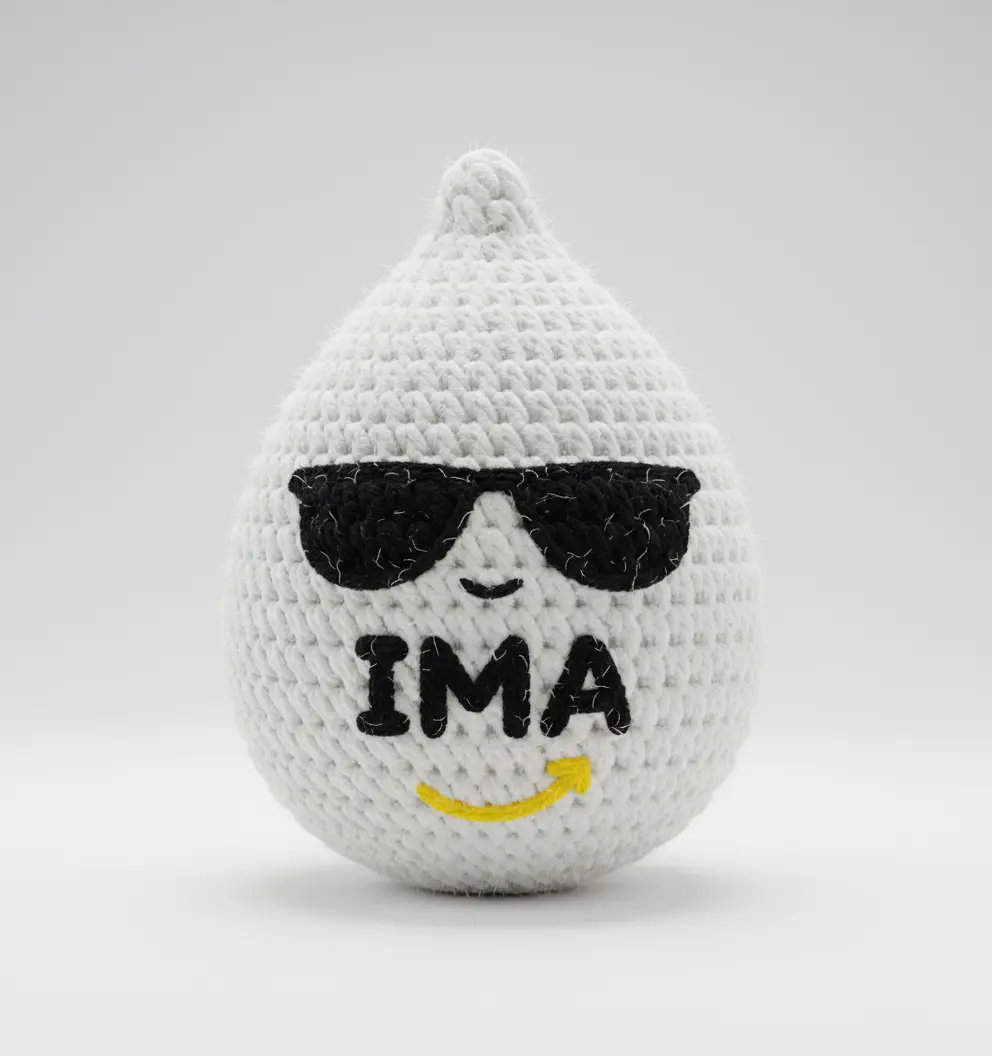
Browse trending artworks, remix popular styles, and turn community prompts into your own creations — no endless trial and error.
With Magic Prompt, even a rough idea becomes a polished, ready-to-use prompt. It expands your input for richer, more diverse images. It even translates into English for smoother, higher-quality results.
On Ima Studio, Ideogram works side by side with other leading AI models. Mix, match, and explore — all in one place, without switching tools.


Yes. You can start for free with an initial token balance on Ima Studio.
Join our Discord and verify your account to receive an extra 200 bonus tokens for image generation.
• Start here: Open the app
• Bonus: Join our Discord
Ima Studio’s Ideogram AI image generator lets you start creating without cost. Here are the current free usage limits:
• Formats supported: JPG / JPEG / PNG / WEBP
• Maximum size: up to 10 MB per image
• Batch upload: up to 20 images at once (tokens are counted per image)
• Aspect ratios: 1:1, 3:2, 2:3, 3:4, 4:3, 16:9, 9:16
You’ll always see the exact token cost before you click Generate, so you know how many free credits each image will use.
On Ima Studio, you get access to multiple leading AI image models, with the in-app list always kept up to date. This lets you combine Ideogram’s strengths in text rendering and style consistency with other models’ unique features — no app-switching, more flexibility, and faster results.
If you’re not sure which model to use, select Auto (Arena-guided). Ima Arena will compare several models on the same prompt and automatically route you to the most suitable option.
Yes. Commercial use of Ideogram AI on Ima Studio is generally allowed under our Terms. While exclusivity isn’t guaranteed, most outputs are commercial-ready. Please make sure that any third-party rights (such as logos, artworks, or public figures) are respected.
Learn more👉Terms of Service
Ima Studio uses encrypted transport, strict access controls, and data minimization to keep your files secure. With Ideogram AI on Ima Studio, you remain in control of your content — you can manage and delete your uploads or outputs anytime directly from your account.
• Learn more👉 Privacy Policy
Add details to your prompt — mention subject, style, lighting, colors, or composition. For Image-to-Image, say what you want to keep and what you want to change. If you’re not sure, try Auto (Arena-guided) or use free one-click templates in the Ima Studio Community to start strong.