



Make a soundtrack for your video

Upload your clip to see a music proposal and its credit cost. Listen to the track, then decide whether to mix it into your video.

Drop a video or music file here

See my soundtrack proposal in IMA

Add music to your video in three steps

  1. 1. Upload your clip

    Open IMA and send the prepared request with your video. You can also start with a music reference.

  2. 2. Review the music and its cost

    The Agent suggests a style, tempo and instruments. The same card shows the total credits. Choose Generate once to make the track, or revise the proposal first.

  3. 3. Listen and pick your track

    When two tracks are ready, listen to both and pick one in IMA. Both stay available. Only your pick goes into the mix.

    Keep the assets
    Keep the original video and all music takes to revisit later.
    Mix the video
    Get a finished video with the original sound and a gentle musical fade-out.

Want a different feel? Ask the Agent

Make the music a little more upbeat. Keep the drums soft under speech and bring them up at transitions. Show me the revised proposal and its credit cost first.
THE METHOD

Trim, balance and export

Mix the video and soundtrack

  1. In your current Canvas, add the video and the music you want to use. If you started with music, drag in your video now.
  2. Select both clips. Choose Editing Studio, then Open Studio. Keep the video audio on.
  3. Select the music clip. Move the playhead to each end of the section you want and press S to split there. Delete the extra pieces and drag the remaining music to the start of the video.
  4. Start with the music low. Play both tracks and raise the music until it supports the scene. Choose Export Video.
How to write a shot-by-shot prompt
01
Give each shot its own sentence and time range.“Shot 1 (0-2s): …” This gives the model an edit to follow. Check the cut points in the result.
02
Say how the camera moves.Try a low tracking shot, a drone dive or a head-on pass.
03
Name the light and the materials.Try low sun, wet asphalt, scuffed leather or flying dust.
04
Name the sounds, then ban music.List the engine, tires and wind.
05
State the rules of the world.“All cars drive the same direction.” Leave it out and you may get cars driving the wrong way.
EXAMPLE 01 of 3

Desert rally

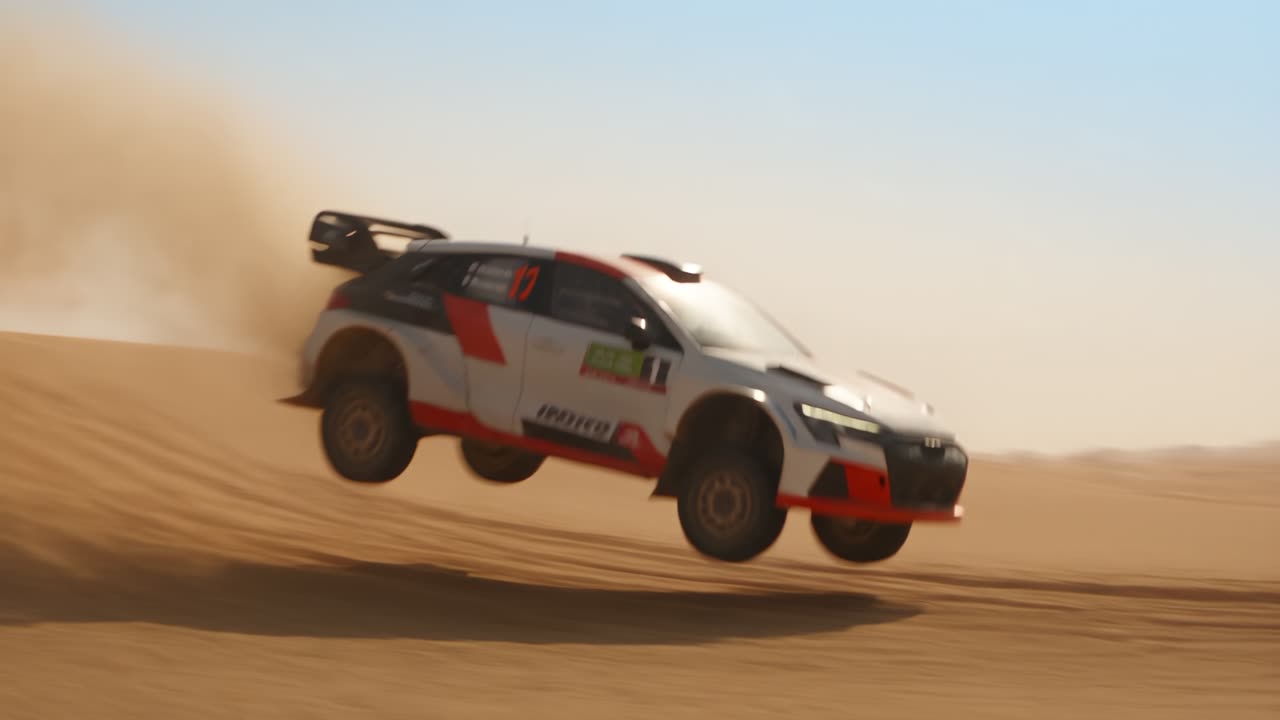
Heavy drums give the jumps and flying gravel more weight.

01
One clip, two soundtracks
Choose a version to hear it. Switch while it plays to compare the same moment.
Step 1 · Video
Seedance 2.5 · 16:9 · 10 s · sound on
  1. Low camera in the sand, car jumps over the lens
  2. Side chase, a wall of dust
  3. Wheel close-up, stones flying
  4. Drone through a narrow canyon
  5. High drone, drift on a salt flat
Hyper-real rally documentary-style commercial, multi-shot edit with kinetic hard cuts, blazing midday desert sun, high contrast, dust and heat haze, handheld energy, shot on large-format cinema camera. Shot 1 (0-2s): low camera half-buried in the sand as an unbranded white-and-orange rally car crests a dune and goes airborne straight over the lens, sand raining down. Shot 2 (2-4s): side tracking shot from a chase vehicle at full speed, suspension compressing hard on landing, a thick wall of dust exploding behind the car. Shot 3 (4-6s): extreme close-up of the front wheel, tire biting into gravel, stones flying toward the camera in slow motion then snapping back to real speed. Shot 4 (6-8s): FPV drone tight behind the car weaving through a narrow rocky canyon, walls rushing past on both sides. Shot 5 (8-10s): wide drone shot from high above, the car drifting sideways across a dry salt flat, a long dust plume glowing in the sunlight. Realistic materials: sand-blasted paint, mud-caked panels, flexing rubber, sun-bleached rock texture, airborne dust particles catching light. Sound: aggressive turbo engine, anti-lag bangs, gravel spray hitting the chassis, suspension thuds, wind and roaring dust. Only natural on-location sound effects. No background music, no musical score, no song, no dialogue, no text, no logos.
Step 2 · Music
Suno · paste into the music description
Instrumental cinematic tribal action cue for a desert rally film, 120 BPM, D minor. Start instantly with huge war drums and taiko hits, distorted low brass, gritty bass synth pulse, rising string ostinato, sharp percussion accents on every jump and landing. Raw, dusty, epic and relentless. No vocals, no engine sounds, no sound effects.
Step 3 · Mix

Use 72.5–82.5 seconds of the Suno track. Line it up with the start of the clip and lower it until you can still hear the gravel and engine.

EXAMPLE 02 of 3

GT on a mountain pass

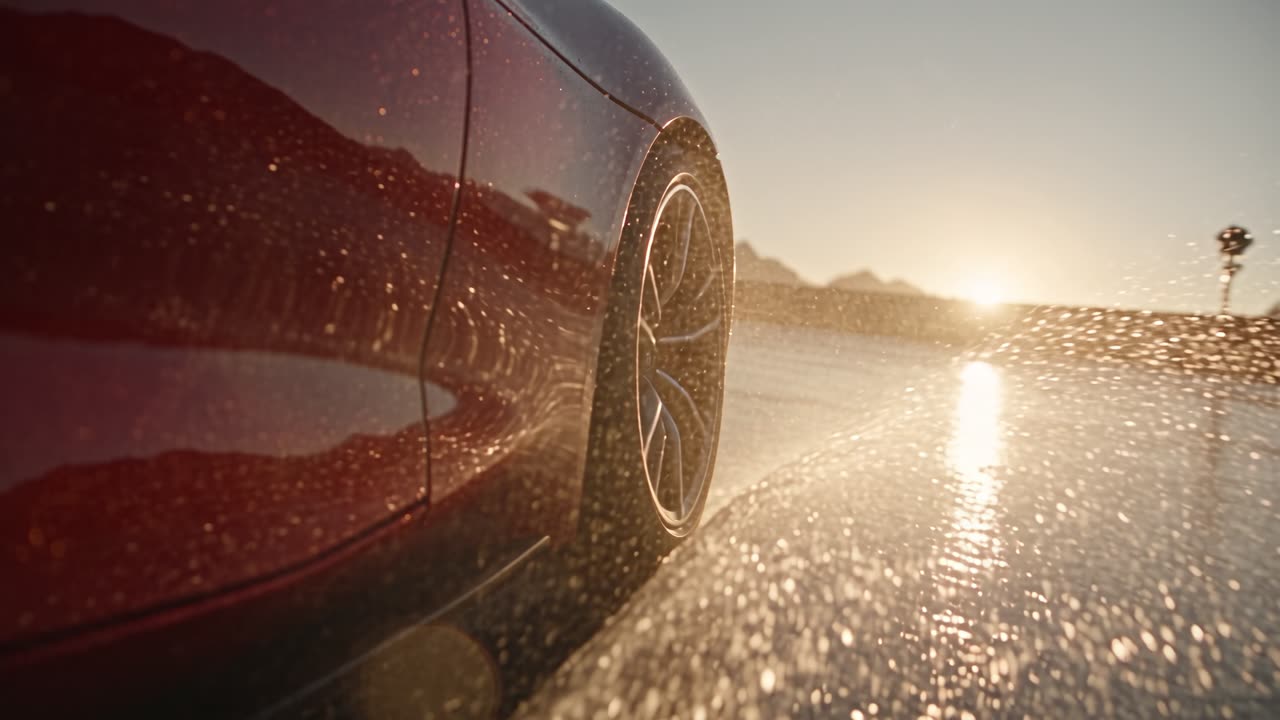
Strings build beneath the V8 as the car sweeps through the mountain bends.

02
One clip, two soundtracks
Choose a version to hear it. Switch while it plays to compare the same moment.
Step 1 · Video
Seedance 2.5 · 16:9 · 10 s · sound on
  1. Aerial over a hairpin bend
  2. Rear wheel, backlit water spray
  3. Inside: gloved hand close-up
  4. Roadside: the car blasts past
  5. Drone pulls back: the road and the peaks
Hyper-real automotive film, multi-shot edit with fast hard cuts, golden hour on an alpine mountain pass, warm low sun raking across wet granite and asphalt, cinematic anamorphic look, real film grain. Shot 1 (0-2s): helicopter aerial follows a glossy deep-red unbranded GT sports car carving a hairpin switchback, long shadow stretching across the road, camera sweeps around the car. Shot 2 (2-4s): camera rig mounted low on the rear quarter, rear tire tearing through a shallow puddle, water spray backlit by the sun into glowing droplets. Shot 3 (4-6s): interior close-up, gloved hand snaps the paddle shifter, dashboard light on the driver’s jaw, mountains blurring through the side window. Shot 4 (6-8s): roadside camera at bumper height, the car fills the frame and blasts past inches from the lens, sun glinting off the curved bodywork. Shot 5 (8-10s): drone rises and pulls back fast to reveal the car exiting a tunnel into a valley of sunlit peaks. Realistic materials: metallic paint reflecting sky and rock, carbon fiber weave, hot brake discs glowing faintly, wet road reflections. Sound: deep V8 roar echoing off the cliffs, turbo flutter, downshift crackle, tire squeal, water splash, wind. Only natural on-location sound effects. No background music, no musical score, no song, no dialogue, no text, no logos.
Step 2 · Music
Suno · paste into the music description
Instrumental cinematic synth and orchestra cue for a golden-hour sports car film on a mountain pass, 110 BPM, A minor. Start instantly with a pulsing analog synth bass and tight drums, soaring warm strings, a heroic brass swell as the car exits the tunnel. Sleek, luxurious, confident, wide and emotional. No vocals, no engine sounds, no sound effects.
Step 3 · Mix

Use 63.5–73.5 seconds of the Suno track. Line it up with the start of the clip and lower it until you can still hear the V8 and tire spray.

EXAMPLE 03 of 3

Superbike on the highway

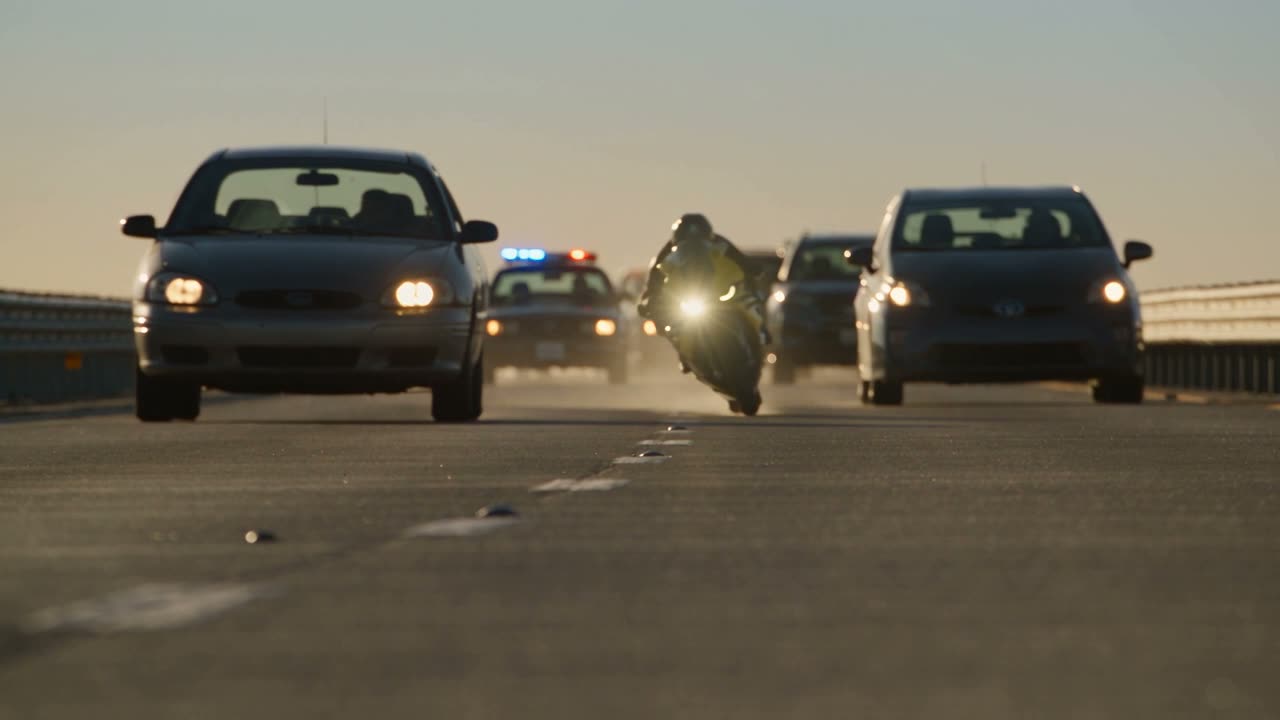
Fast electronic drums push the pace of the chase.

03
One clip, two soundtracks
Choose a version to hear it. Switch while it plays to compare the same moment.
Step 1 · Video
Seedance 2.5 · 16:9 · 10 s · sound on
  1. Low tracking beside the bike
  2. Helmet close-up through the windscreen
  3. Drone from above, weaving through traffic
  4. Head-on, the bike blows past
Hyper-real cinematic action commercial, multi-shot edit with hard cuts, shot on ARRI Alexa with anamorphic lens, harsh late-afternoon sun, crisp contrast, film grain. Traffic rule for every shot: a divided one-way highway, all cars travel in the same direction as the motorcycle, moving forward but slower, so the bike overtakes them from behind; no oncoming traffic, no car faces the camera against the flow, no wrong-way driving. Shot 1 (0-2s): low tracking angle inches above the asphalt races beside a matte yellow-and-black unbranded superbike leaning into a highway curve, adult rider in scuffed black leather and a mirrored helmet, knee nearly touching the road, police cars with flashing lights far behind, heavy motion blur on the road. Shot 2 (2-4s): extreme close-up from the front fairing, locked to the bike, sun flaring across the curved windscreen, reflections sliding over the visor, leather creasing as the rider tucks down. Shot 3 (4-7s): FPV drone dives from above and chases the bike top-down from behind; the bike threads between cars that are all driving forward in the same direction, passing them one by one, long hard shadows, view banking with each lane change. Shot 4 (7-10s): head-on hero shot from a low angle far ahead; the bike charges toward the lens weaving past slower cars that are also driving toward the lens in the same direction, LED headlight flaring, heat haze, it blows past the lens. Realistic materials: glossy paint with micro scratches, rubber tires deforming, brushed metal, dust kicked up. Sound: screaming high-revving engine, gear shifts, tire roar, wind blast, distant sirens, Doppler whoosh as it passes. Only natural on-location sound effects. No background music, no musical score, no song, no dialogue, no text, no logos, no camera equipment visible.
Step 2 · Music
Suno · paste into the music description
Instrumental high-octane drum and bass chase cue for a superbike highway pursuit, 174 BPM, F minor. Start instantly with a breakbeat drum roll, aggressive reese bass, tense riser, stabbing synths and heavy hits on each cut. Fast, dangerous, adrenaline-charged. No vocals, no engine sounds, no sirens, no sound effects.
Step 3 · Mix

Use 88.5–98.5 seconds of the Suno track. Line it up with the start of the clip and lower it until you can still hear the gear shifts and wind.

YOUR TURN

Prompts for your own clip

Video prompt template

Seedance 2.5 · 16:9 · 10 s · audio on. Replace the brackets in English to follow these examples. Try “documentary” for style and “low evening sun” for light.

[Style], multi-shot edit with hard cuts, [light], film grain. Shot 1 (0-2s): [camera move] + [what happens]. Shot 2 (2-4s): [close-up of a detail]. Shot 3 (4-7s): [drone or chase move] + [action]. Shot 4 (7-10s): [hero shot: it comes at the lens and passes]. Rules: [physical rules, e.g. all cars drive the same direction]. Realistic materials: [paint, metal, leather, dust…]. Sound: [engine, wind, tires…]. Only natural on-location sound effects. No background music, no song, no dialogue, no text, no logos.
Music prompt template

Paste into the Suno description. Try “cinematic orchestral” or “drum and bass”. BPM sets the pace. Try 110 for a steady pulse or 174 for a fast chase.

Instrumental [genre] track for a [scene] video, [tempo] BPM. Start with [instruments]. Mood: [3 words]. No vocals, no engine sounds, no sound effects.

Quick answers

Why not let the video model make the music too?

Then the music is baked in. With two tracks you can turn the music down or swap it without making the video again.

What if the music is longer than my video?

Pick a section that fits the clip. If the intro is quiet, try a later section. Trim it to the length of your video.

Can I use my own footage?

Yes. Upload your video at the top of this page, then open IMA to review your music proposal.

Try it on your next clip.

Upload video or music ↑

Want visuals generated from your song instead? Try the AI Music Video Generator

Videos made with Seedance 2.5, music made with Suno, both in IMA Studio. The example mixes were prepared for this page.