Free AI Lingerie Generator: Put a Lingerie Set on the Photo You Have

Upload an indoor portrait and the AI lingerie generator rebuilds the clothing as a lingerie set — bra and brief, a slip, a bodysuit — while her face, her hands and the room around her stay as photographed. Free to try.
Free AI Lingerie Generator
Your Photo*
Try Sample Images
Output Size
Free to try — sign up to see your results
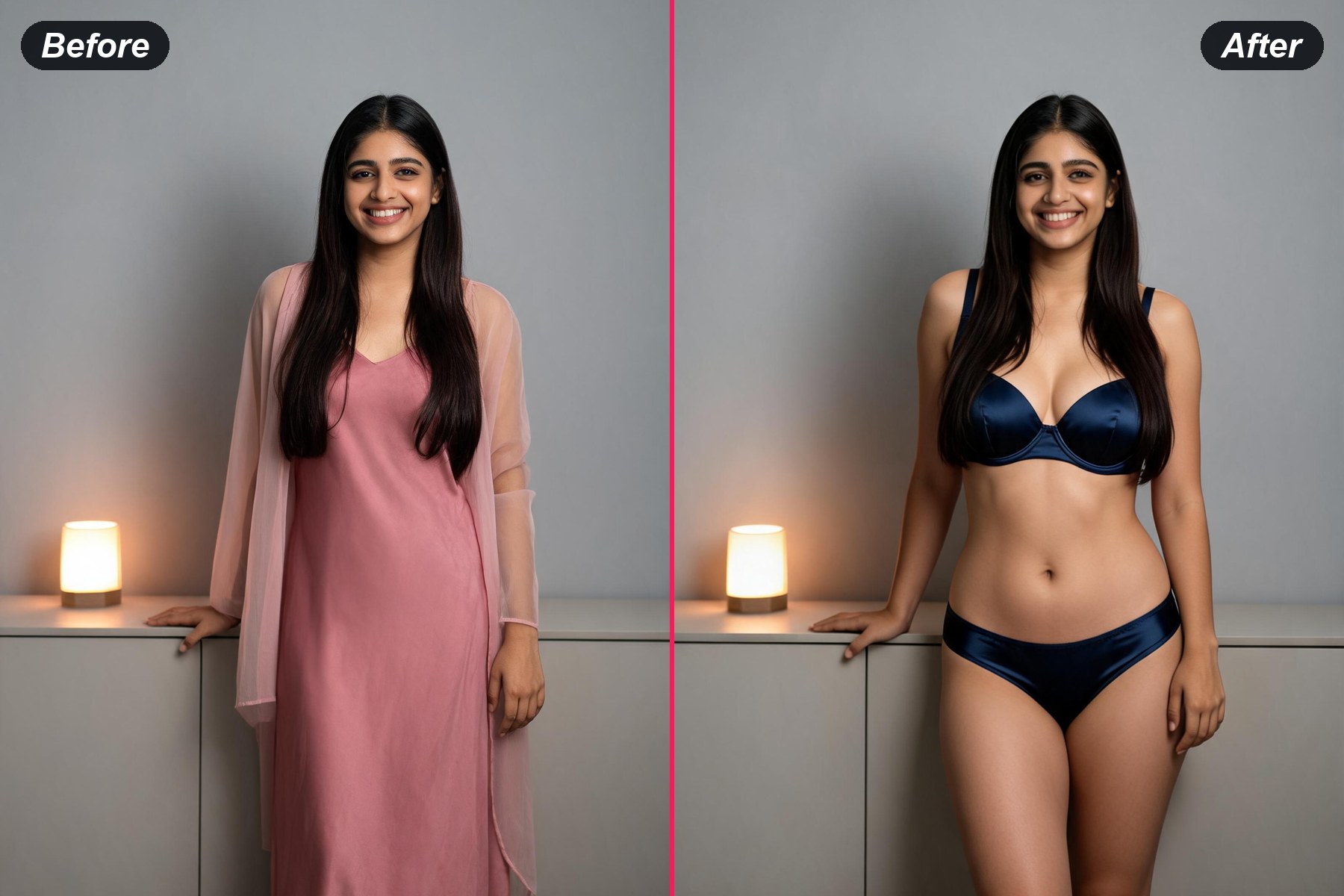
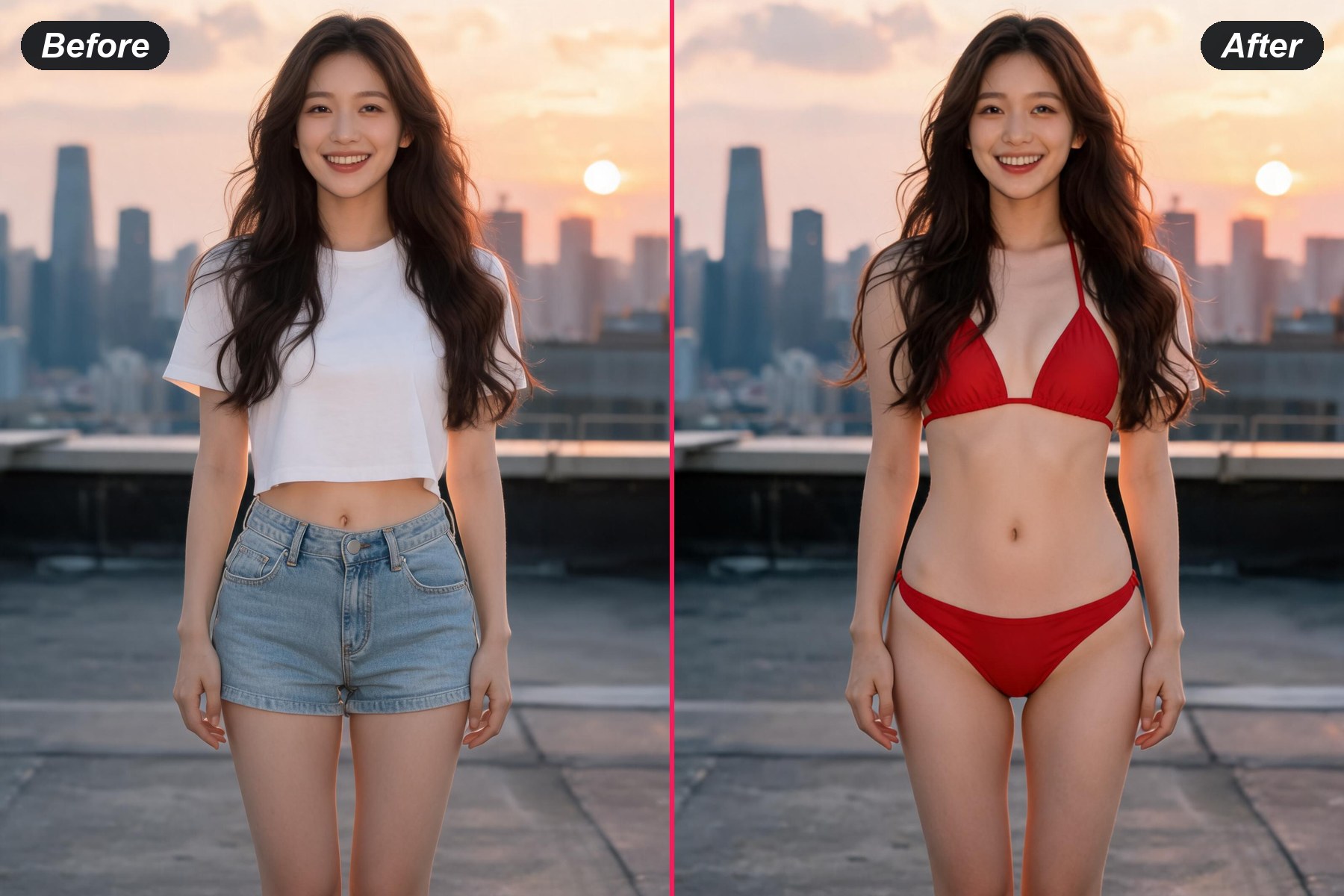
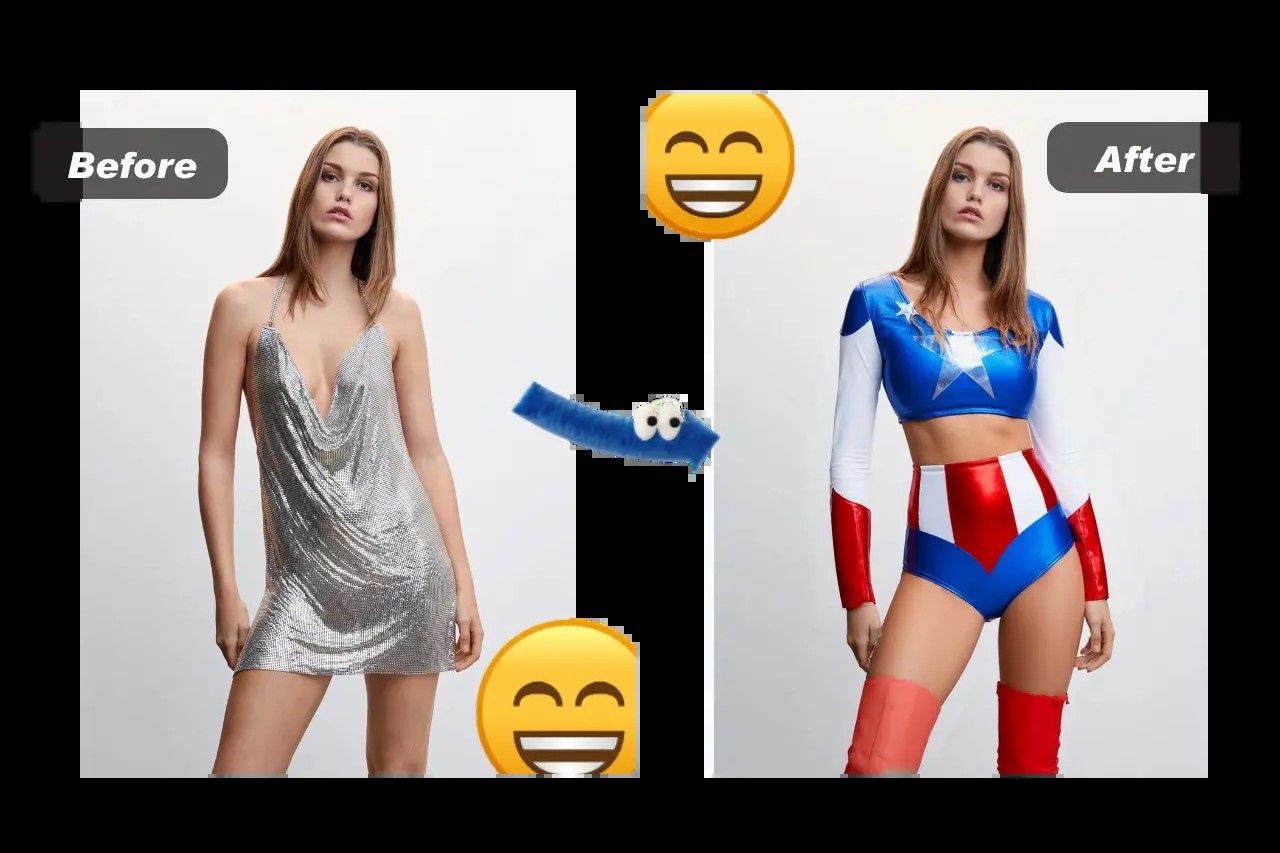
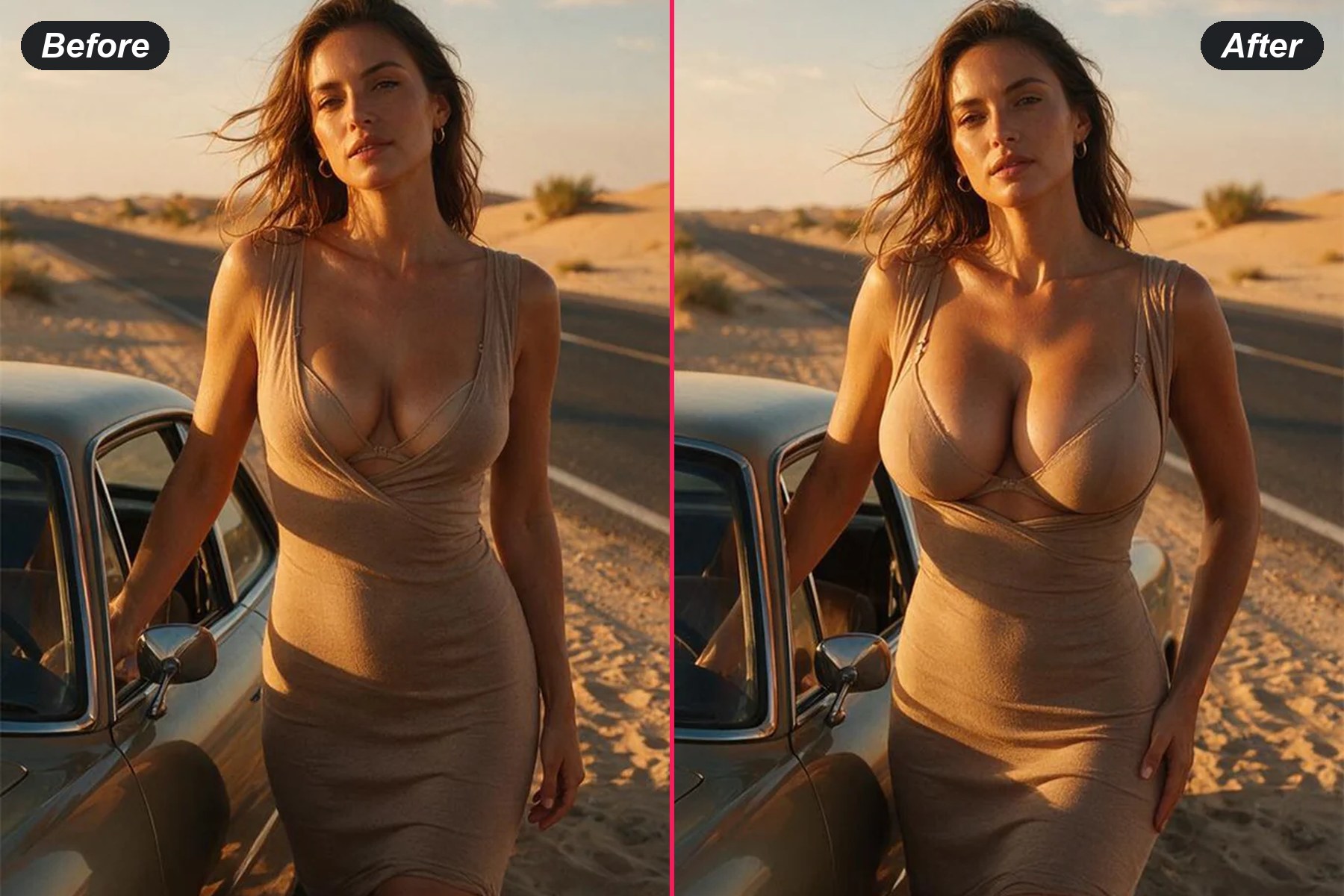
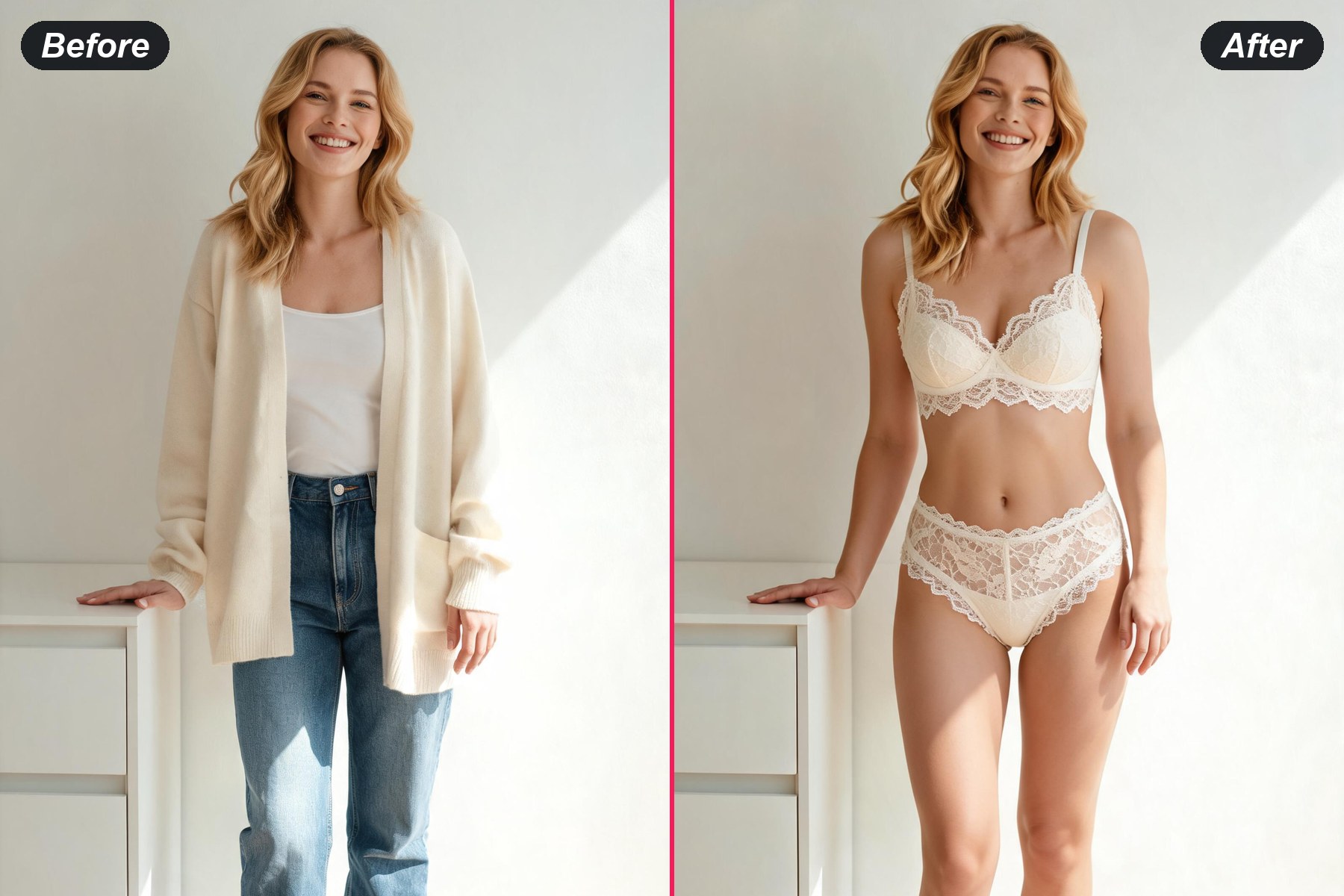
before and after example
Lace, satin, silk — a new set each runMatching bra-and-brief sets, slips, bodysuits, smooth cotton and heavy lace: the garment is built fresh every pass instead of being drawn from a short preset list, so a second press lands another set on the very same frame.
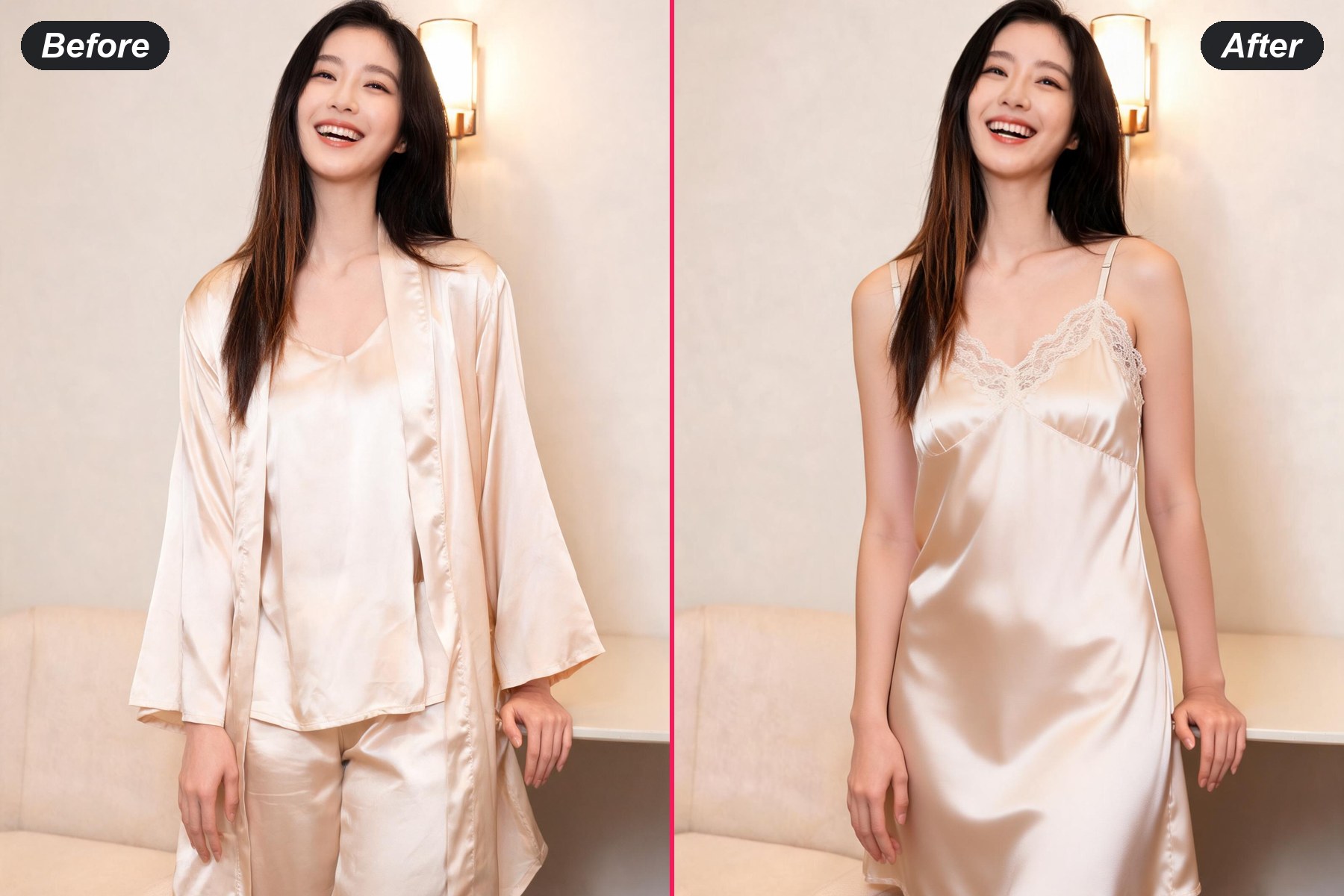
The room, the light and the face all holdOnly the clothing layer is rebuilt. The person in the render is the person who was uploaded — same expression, same hands, same lamp glow on the wall behind her — with the band and straps of the new set refitted to the body already in frame.
Free to tryNothing is charged to run a pass: the sample portraits behave exactly like an upload of your own. Registering is the last thing this page asks for, and it is what opens the finished file at full resolution.

Using the AI Lingerie Generator in Three Steps

1
Upload One Indoor Portrait

A half-body or full-body frame with the torso visible is the right input — a mirror shot at home does it, so does anything taken beside a window. Soft, even indoor lighting matters more here than the angle does. Four sample portraits sit beneath the upload box if a trial pass is useful first.

2
Check the Output Shape

The size selector already matches the shape of whatever came in. 3:4 gives a print-shaped frame, 9:16 fits a story and 1:1 lands cleanly in a grid.

3
Press Generate, Then Compare

The render arrives beside the original, so the new set can be read against the frame it grew out of. Another press rebuilds the lingerie from scratch, which is how a second and a third option turn up.

What an AI Lingerie Generator Gets Used For
AI Lingerie on the Indoor Portraits Already on Your Phone

AI Lingerie on the Indoor Portraits Already on Your Phone

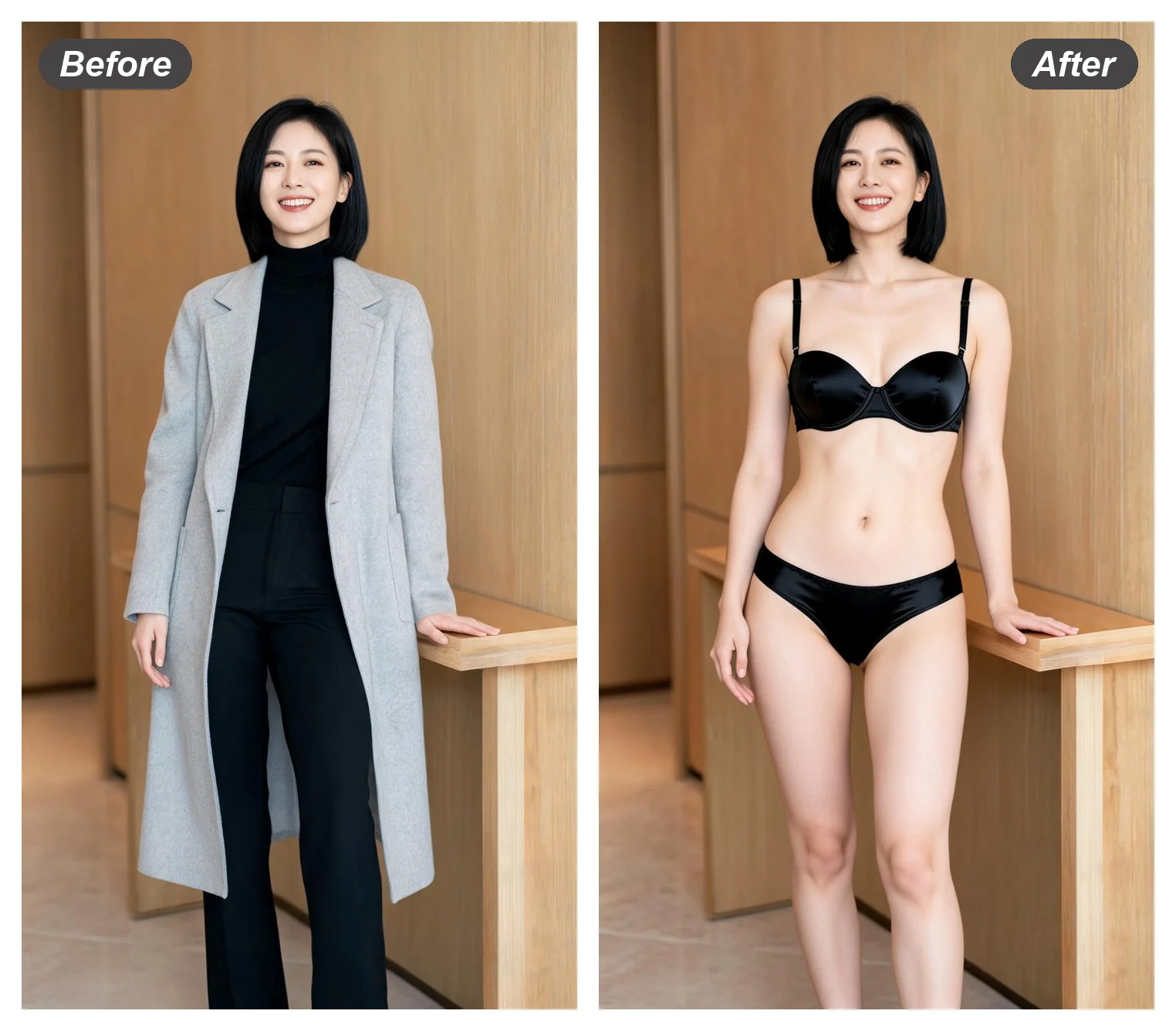
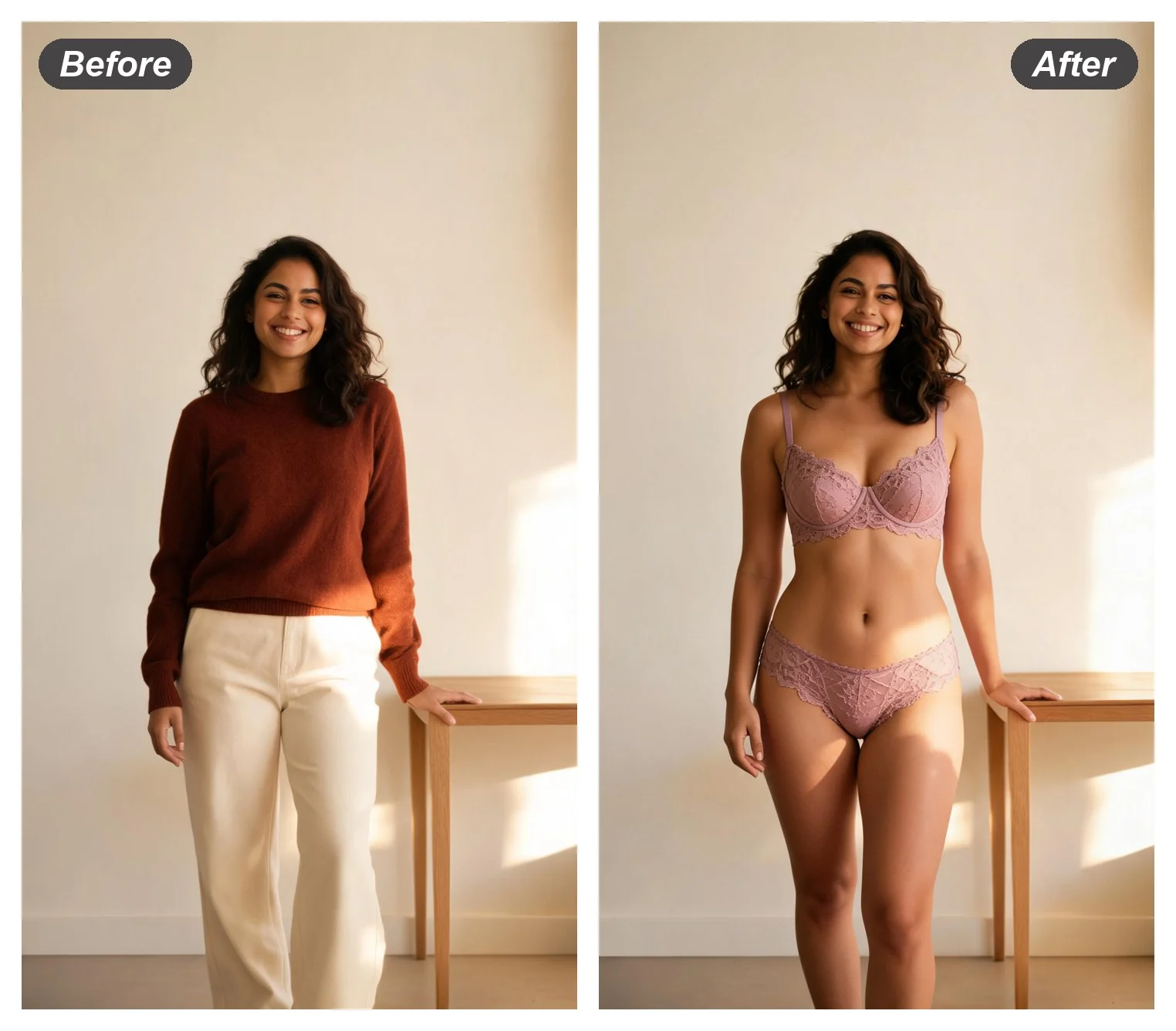
Bedroom light, a hallway mirror, an afternoon window — indoor frames already carry the mood this category needs, which is exactly why they are the strongest input here. Hand one over untouched and the set is refitted to the body inside it, so the room, the hour and the expression all survive the swap.

Use an Indoor Portrait

Lingerie AI for Boudoir, Bedroom and Window-Light Frames

Soft indoor light is where lace and satin actually read — the weave catches a window in a way open sun never asks for. Lingerie ai keeps the frame it was handed and rebuilds the garment alone, so a quiet bedroom shot stays a quiet bedroom shot.

Try a Window-Light Frame
Lingerie AI for Boudoir, Bedroom and Window-Light Frames
AI Lingerie Try On Before a Set Reaches the Basket

AI Lingerie Try On Before a Set Reaches the Basket

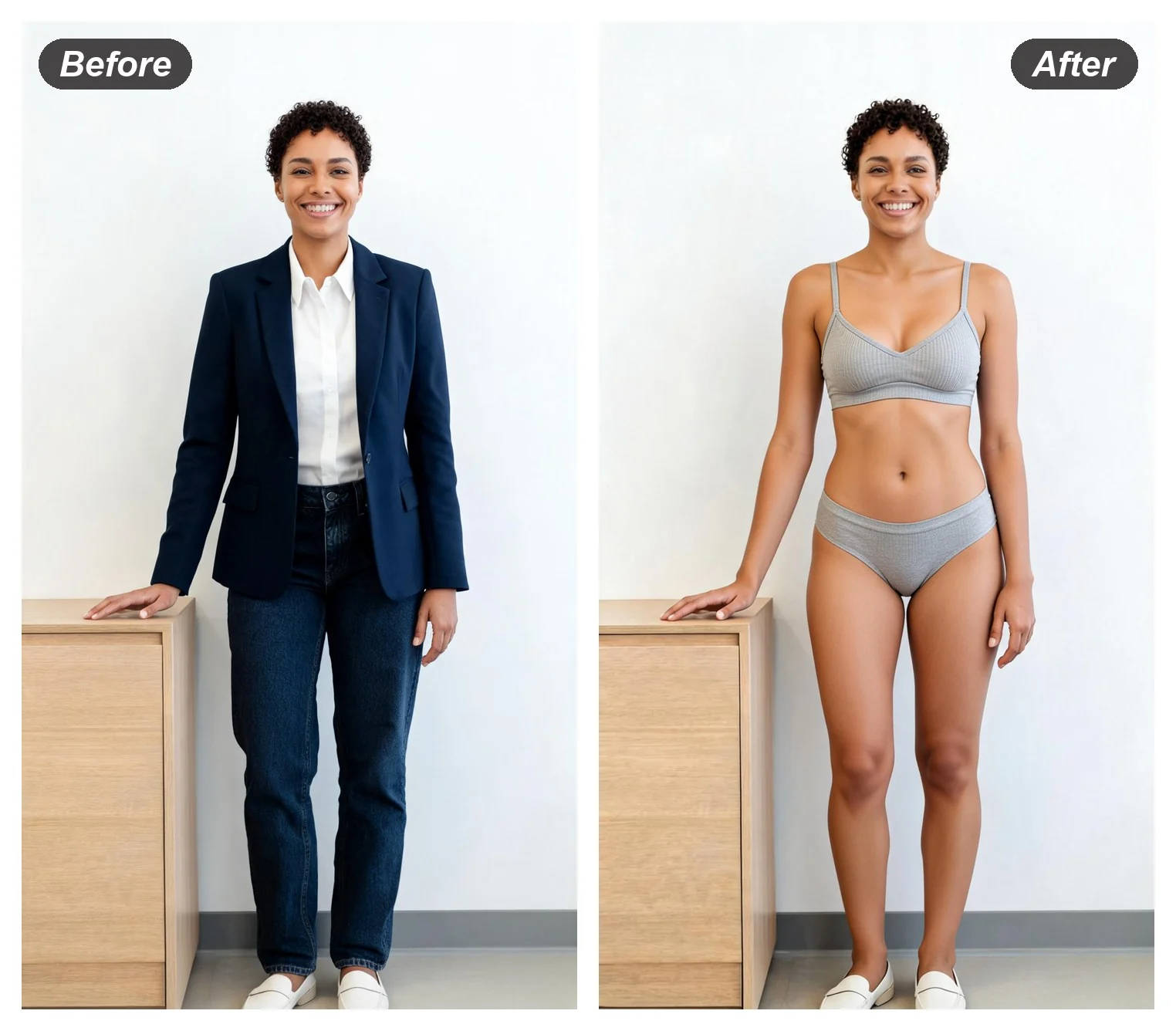
A flat rack photo shows the lace and says nothing about fit. An ai lingerie try on runs the set on the body that would actually wear it, so the band, the straps and the rise are judged on a real shape under real room light instead of on a mannequin.

See a Set on a Real Shape

Free AI Underwear Generator, Nothing to Download

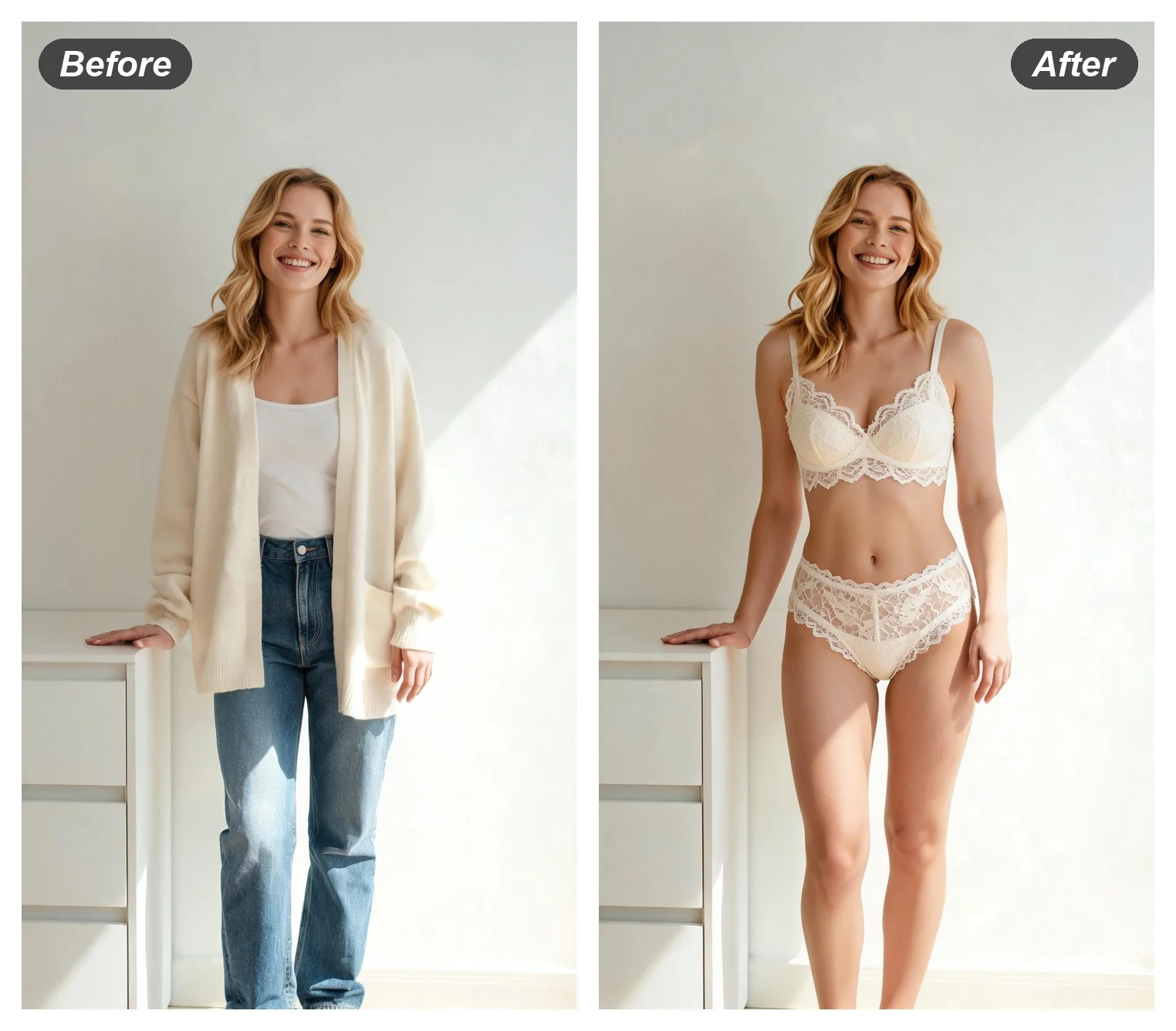
The underwear half of the wardrobe behaves the same way as the outerwear half: one portrait in, a matching set back, and the whole thing runs inside a browser tab with no install anywhere. Registering waits until a render is worth keeping.

Start From a Browser Tab
Free AI Underwear Generator, Nothing to Download

AI Lingerie Generator FAQ

Is the AI lingerie generator free?
A pass costs nothing either way — one of the sample portraits, or a photo out of your own folder. Registration turns up once, right at the end, and it is the step that brings the finished file up at full resolution and lets it be kept.
What does the set look like when it comes back?
Retail underwear of the kind that hangs on a rack: matching bra-and-brief sets, slips, bodysuits, lace, satin and plain cotton, in colours that sit with the room the photo was taken in. Every pass builds its own cut and colourway, which makes running it again the way to see how wide the range goes.
How do I put lingerie on a photo with AI?
One upload, one press. Everything except the garment layer is inherited from the frame that went in — same face, same hands, same wall behind her — so what lands back looks photographed rather than assembled. There is nothing to fill in anywhere.
Is this an undress or clothes remover tool?
It runs the other way round: something arrives on the body rather than leaves it. Every pass dresses the person in a lingerie set — bra and brief, a slip, a bodysuit — on the photo already uploaded. For a swap into some other garment entirely, the clothes remover page takes a reference image alongside the portrait and fits whatever is in that reference onto the body instead.
Where can these renders end up?
Personal previews, fit comparisons before a purchase, lookbooks, mood boards and social posts. Run it on your own portraits, or on an adult who has given a clear yes — with that settled, everything this page renders is fair game.

User Reviews

★★★★

I shoot lookbook stills for a small underwear label and kept one model portrait for the whole set. Band and strap placement come back believable on most passes; heavy lace can go soft near the ribcage, so a couple of extra passes usually settle it.

Sofie L.

★★★★★

The lamp behind me throws orange onto everything and it stayed orange on the fabric — that was the part I expected to break first. My face and my hands came back exactly as they went in.

Renata M.

★★★★★

Wanted to know whether a bralette cut would suit me before ordering one. One mirror photo, one press, no form to fill in.

Hye-Jin P.