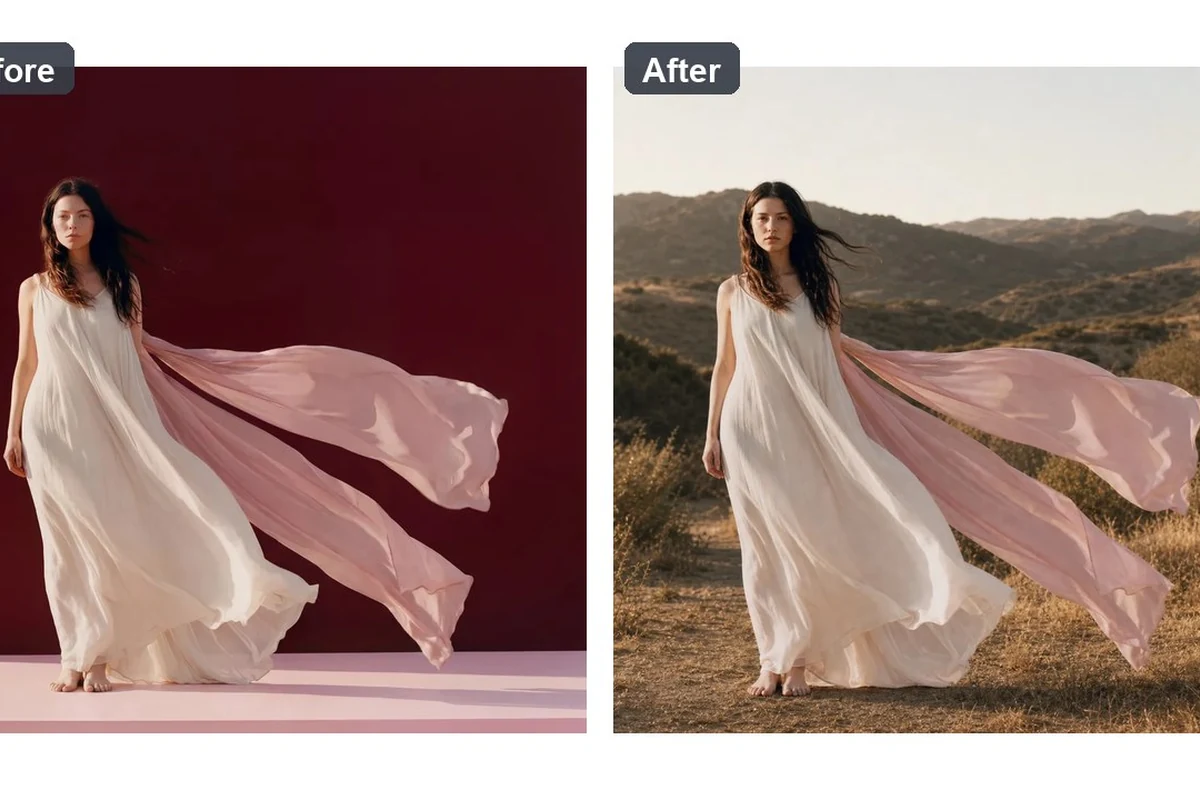
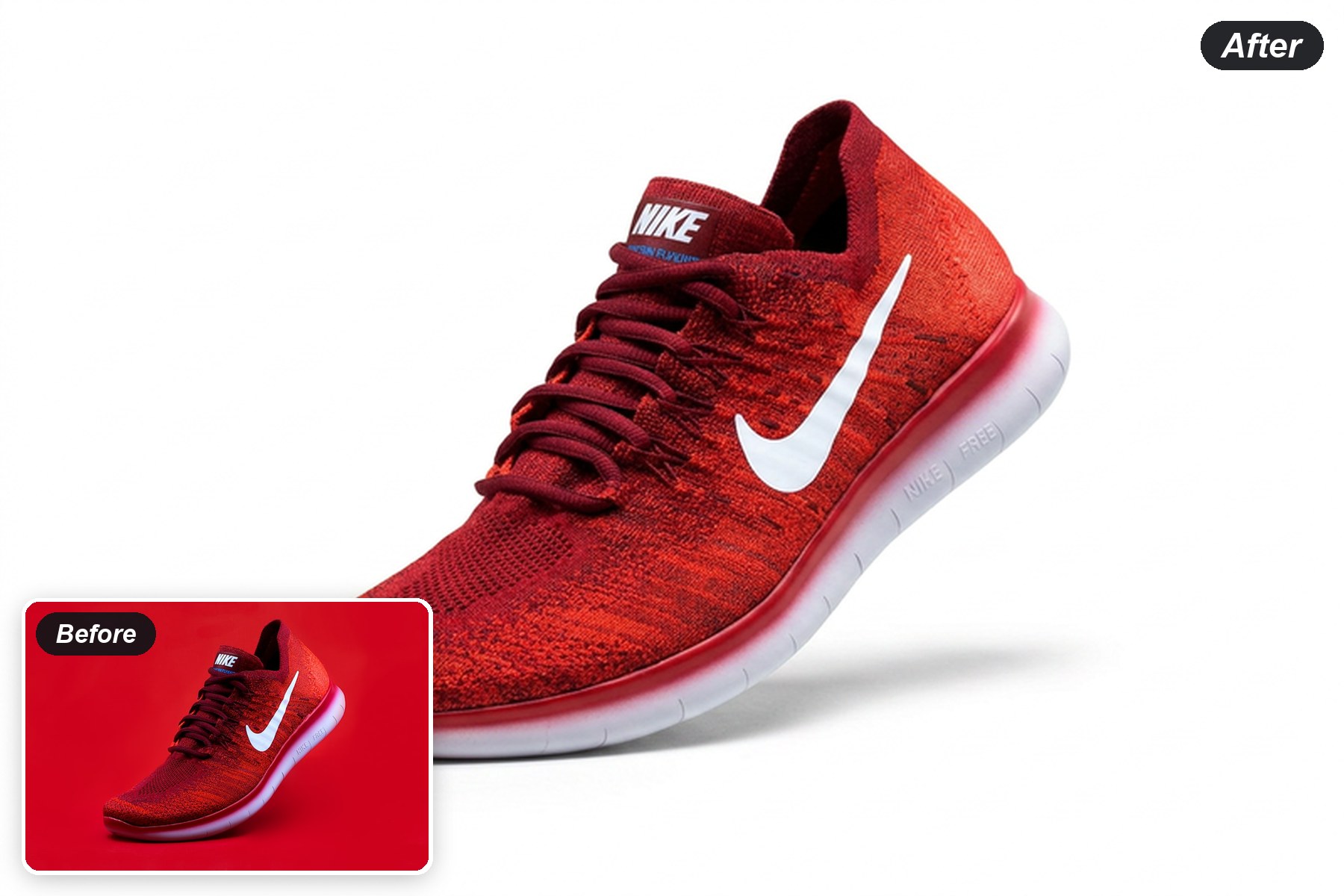
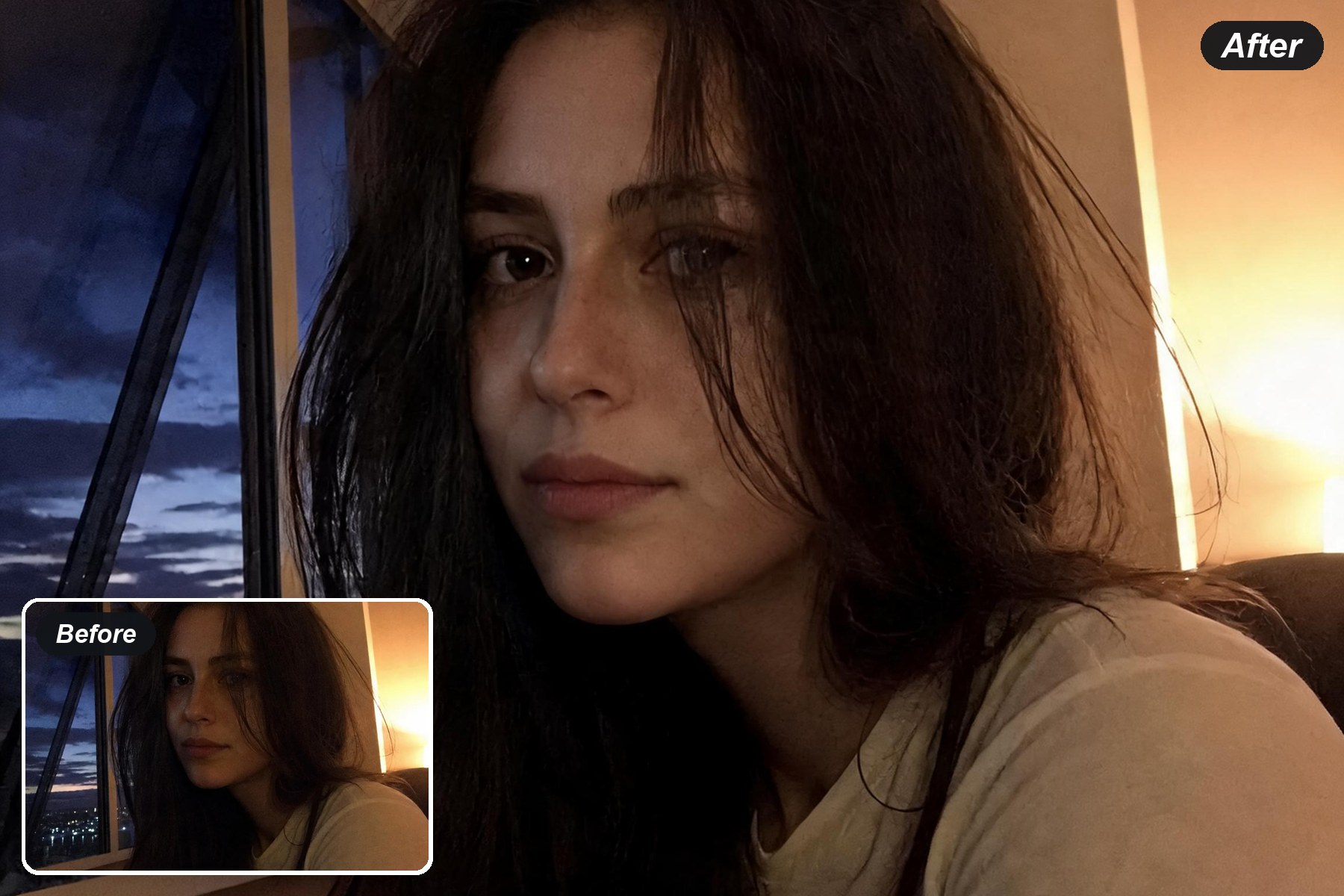
Product Recolor for a New Colorway Preview
Choose the product area and color you want to see. Generate a candidate colorway while keeping fabric weave, glass reflections and the surrounding scene in view.
Product Recolor
Prompt — already written, edit freelyProduct Photo*Try Sample Products
Output Size
Free to try — sign up to see your result
Preview Color Across Different Materials
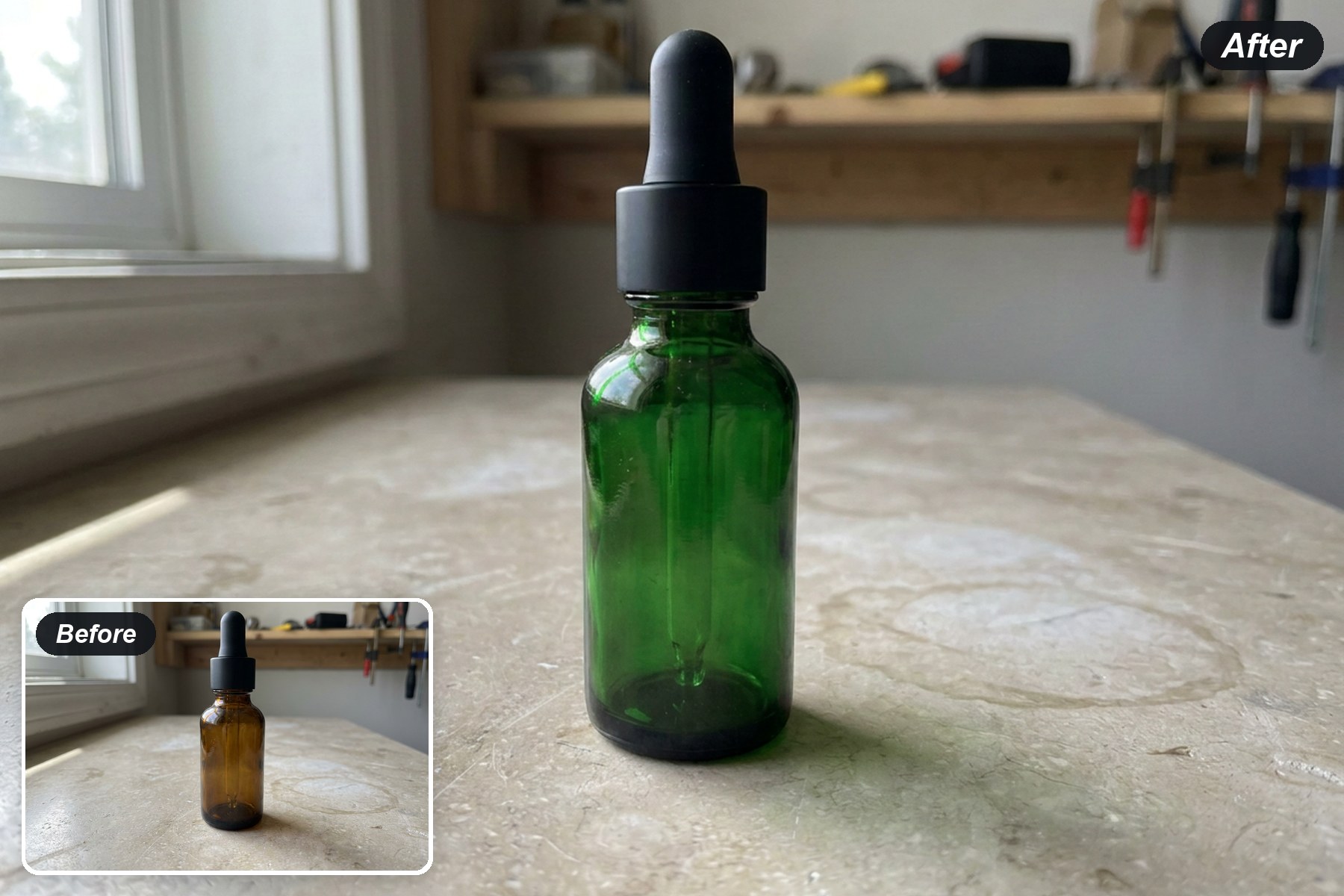
Recolor Transparent Glass
Amber glass changes to deep green while preserving the black cap, pipette and transparent highlights for review.
Try a glass colorPreview a Fabric Colorway
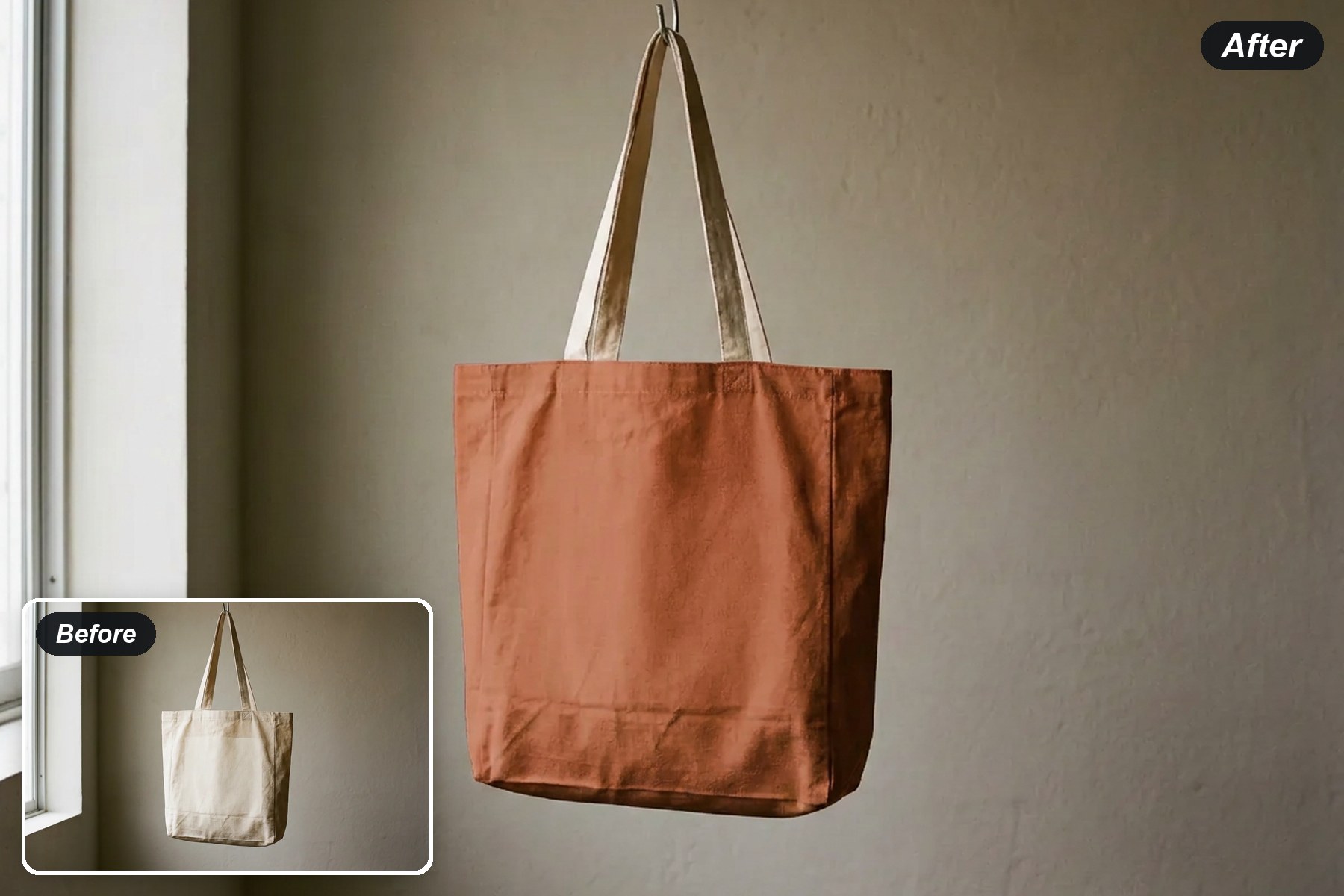
The tote body moves to warm terracotta while its natural cream handles, folds and woven surface stay visible.
Try a fabric colorRecolor a Knit Upper, Keep the Sole
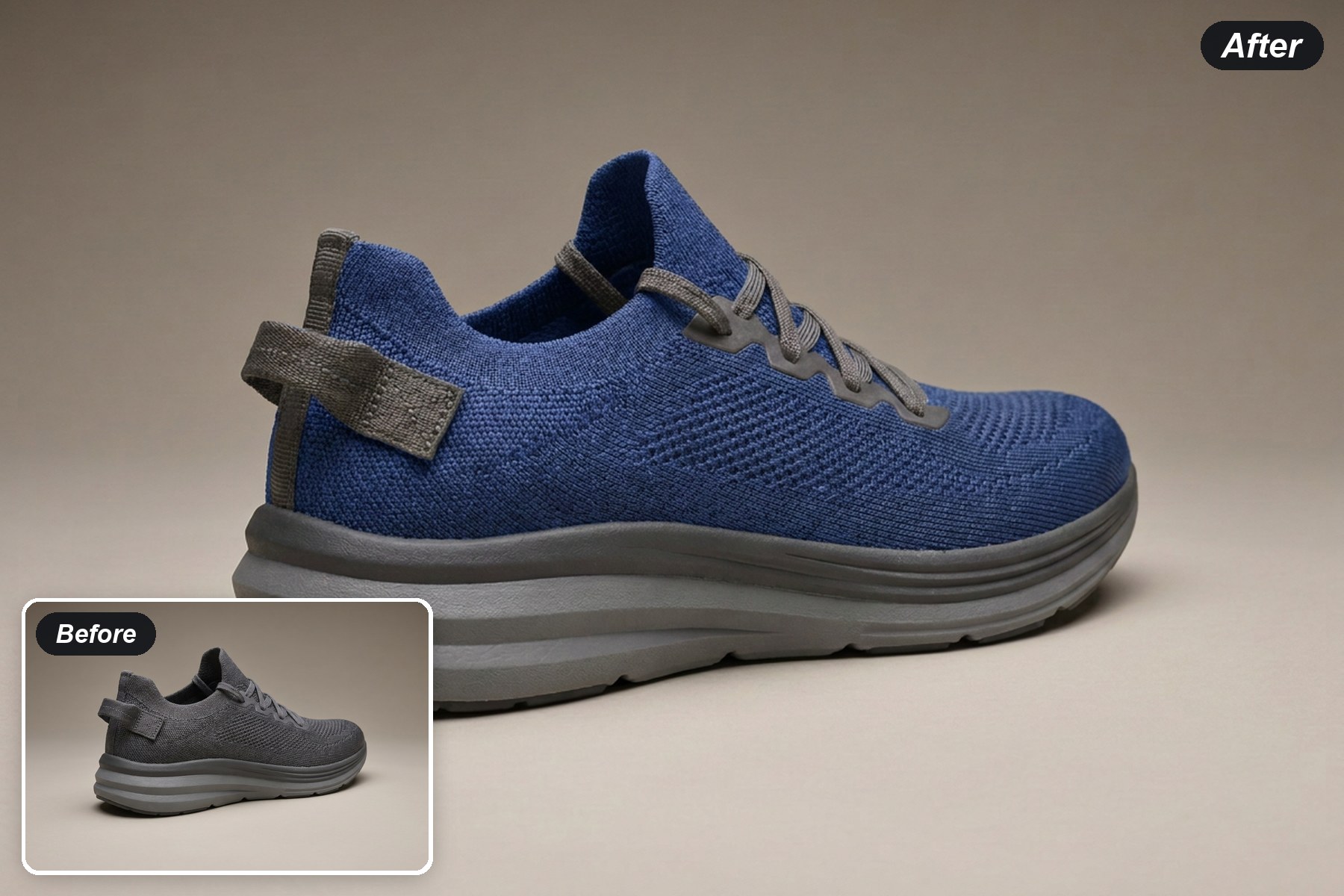
The knit upper shifts to cobalt blue while the grey foam sole, laces and heel tab stay unchanged.
Try a footwear colorRecolor Fabric, Keep the Metal
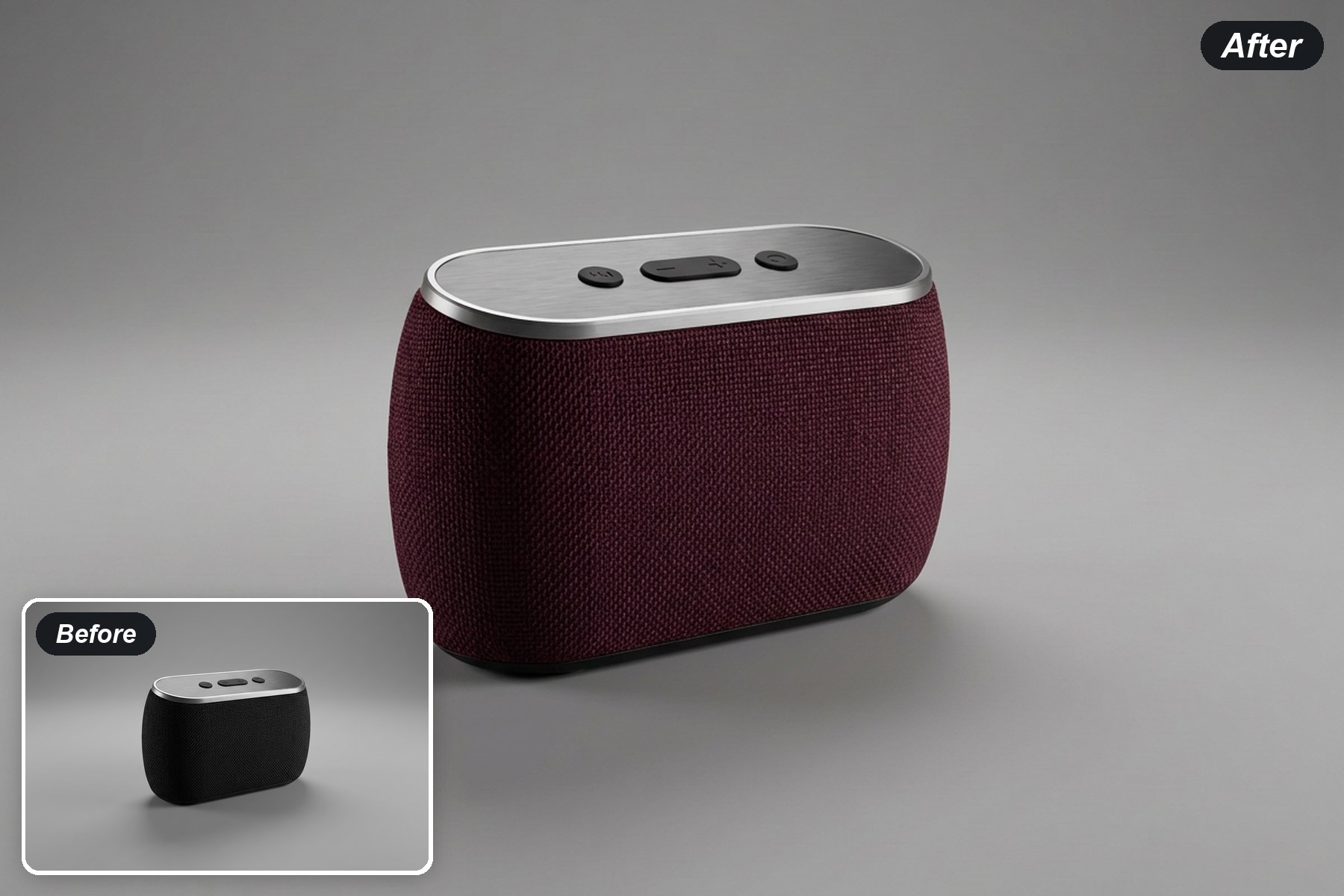
The woven speaker panel becomes deep burgundy while the brushed-metal top and controls keep their original finish.
Try an electronics color