











Free AI Gender Swap: See the Other Version of Yourself
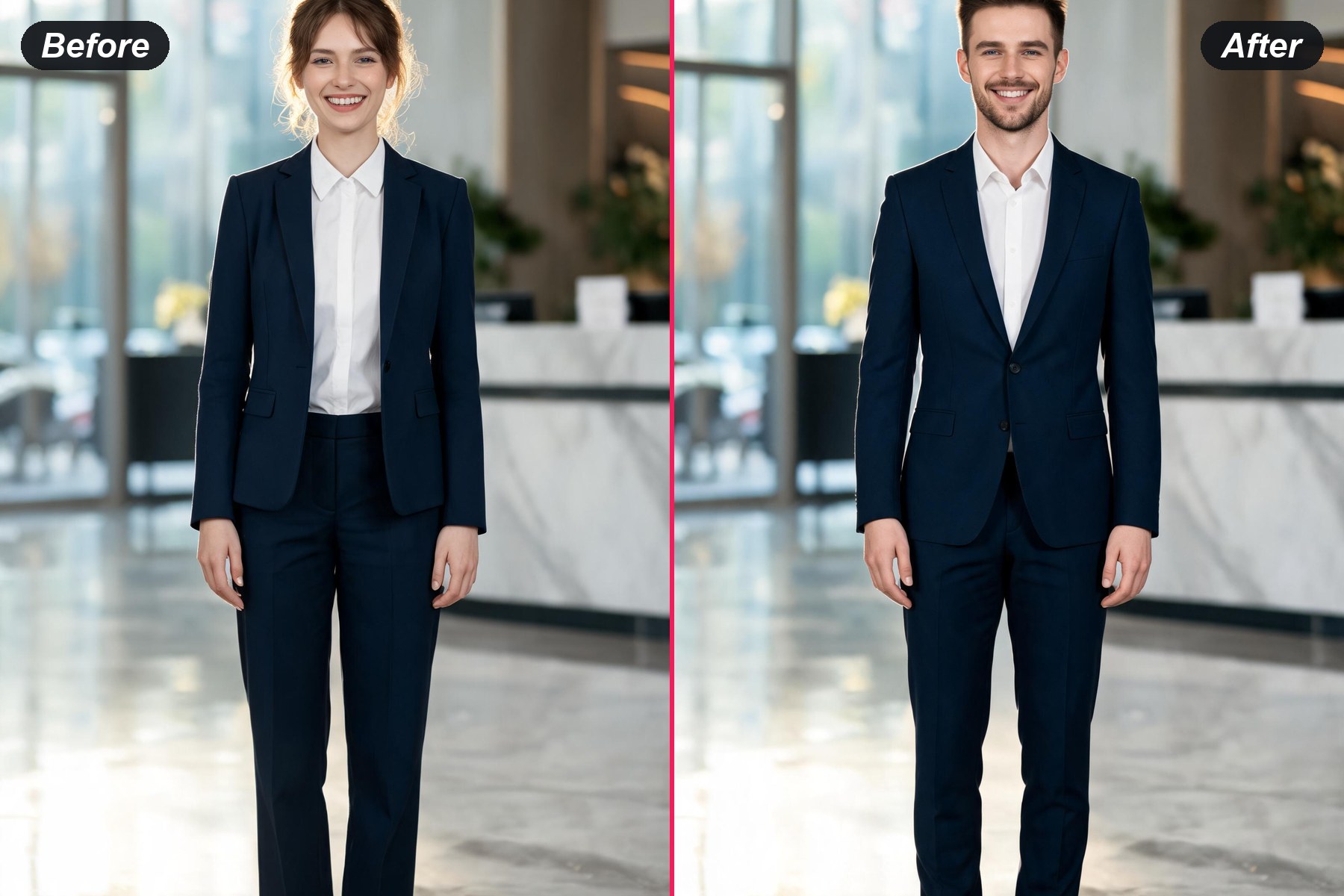
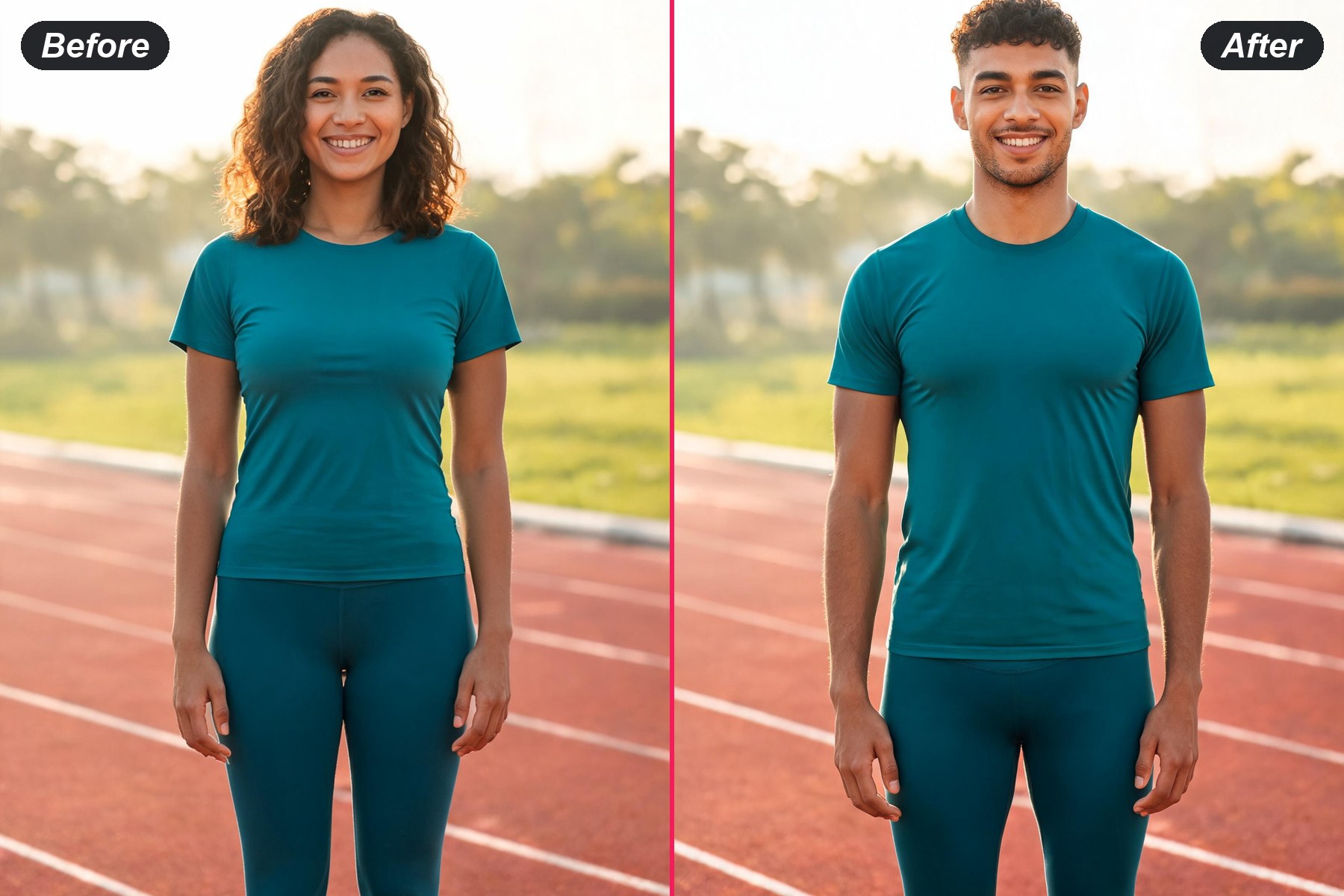
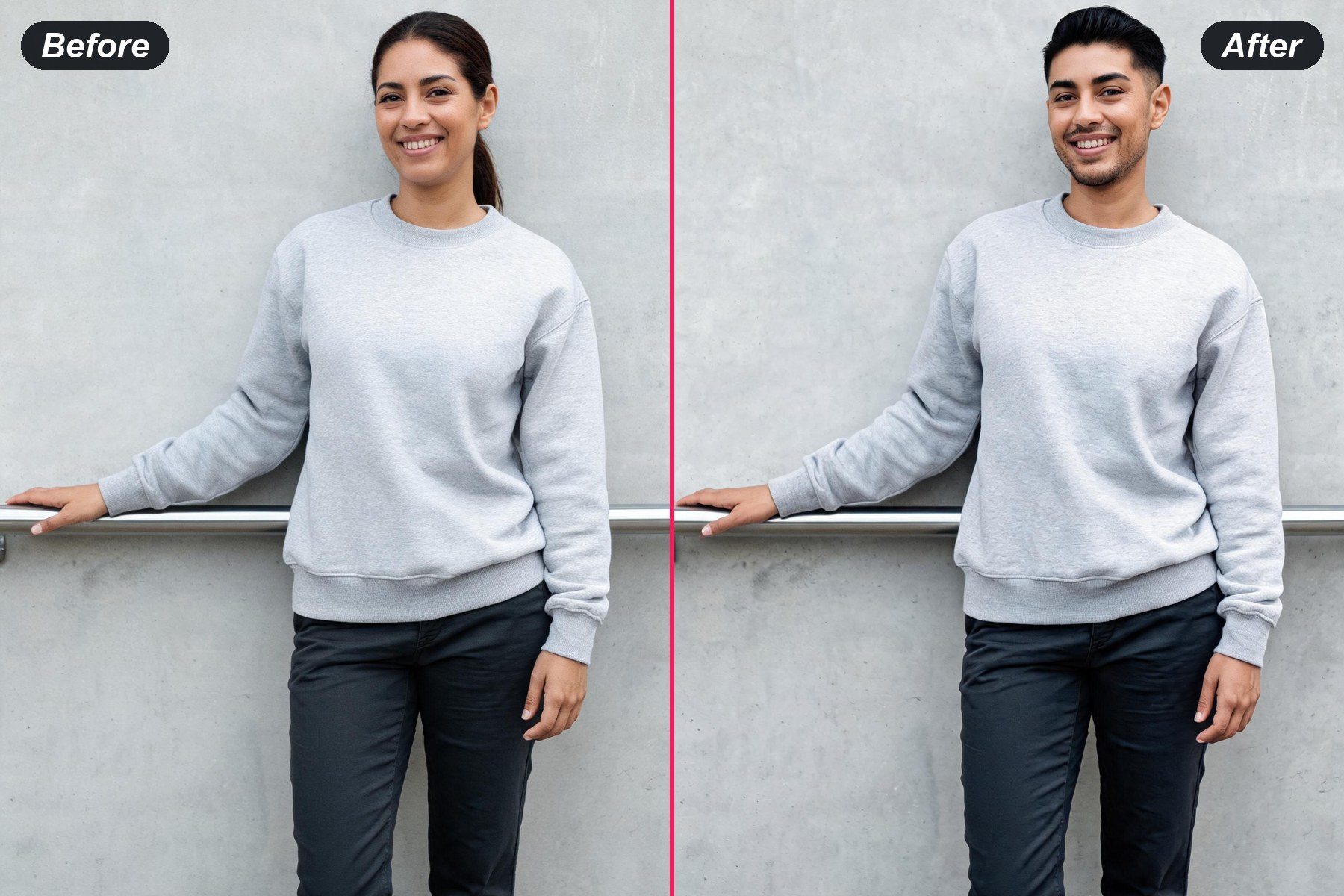
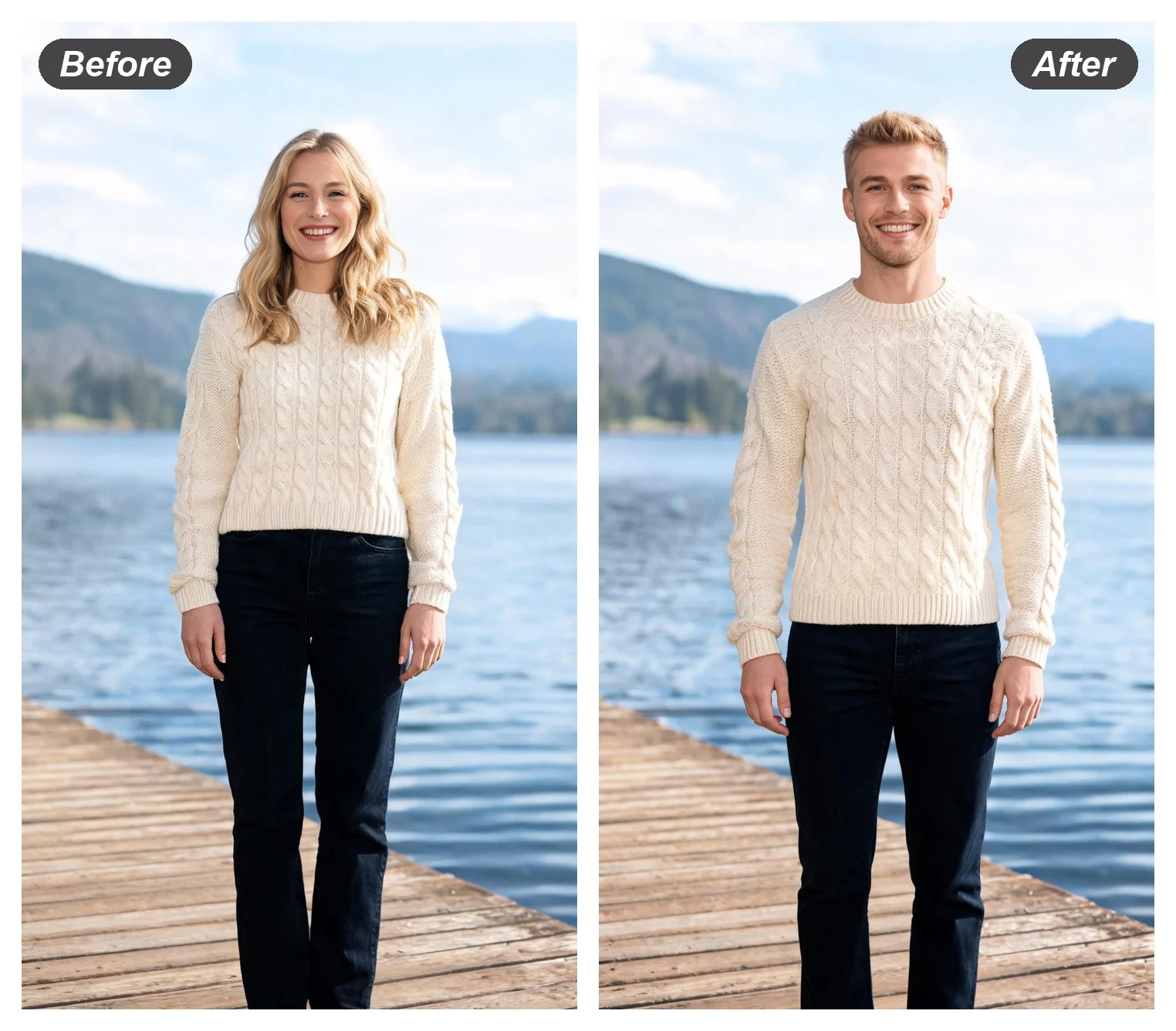
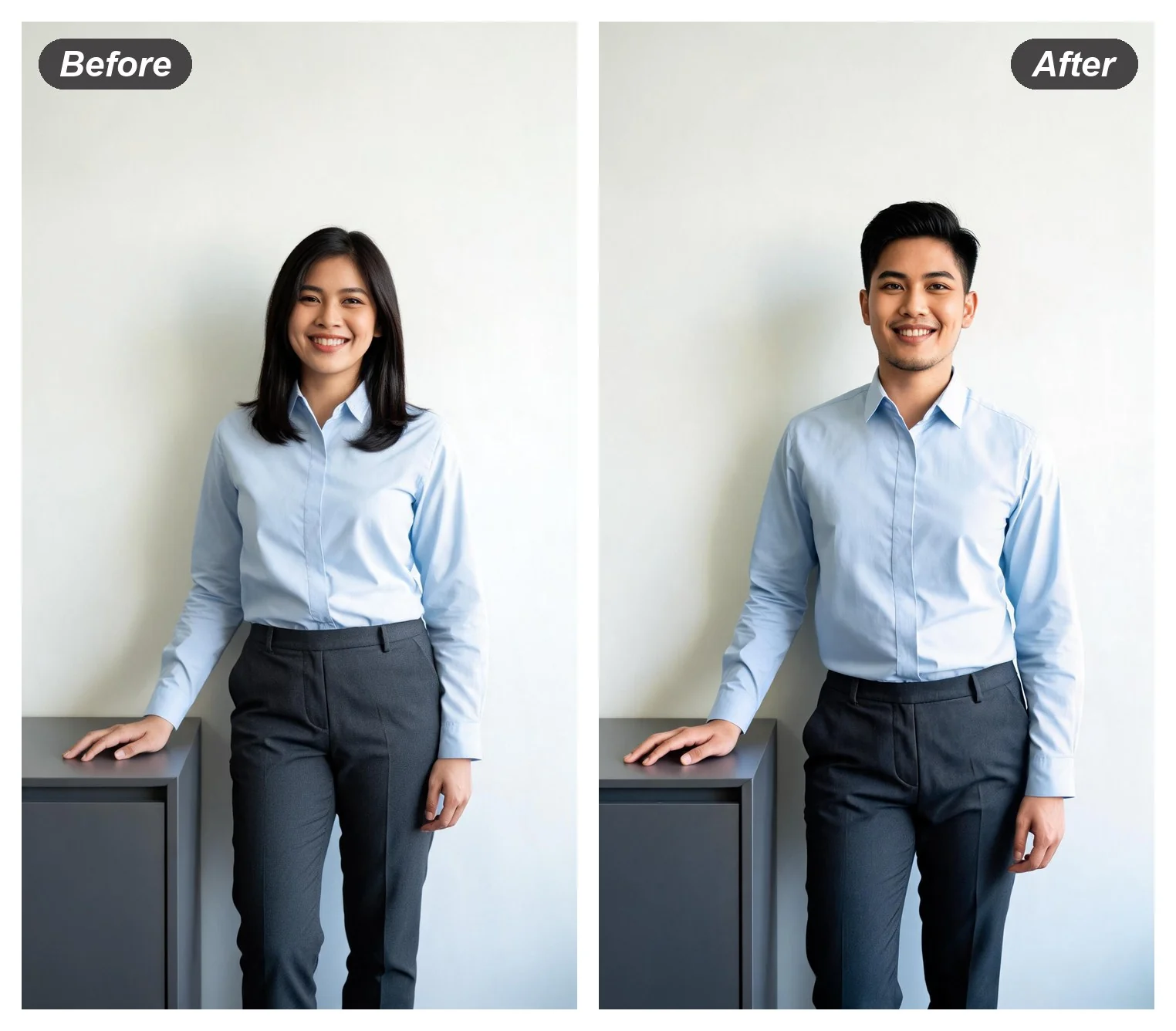
Hand it one photo and the AI gender swap redraws the person as the other gender — male to female, female to male — while the pose, the room and the light behind stay exactly as shot.
Why People Run a Gender Swap on Their Own Photo
Male to Female AI on a Photo That Already Exists
The most common run on this page starts from a man's portrait and ends with a woman wearing the same colours in the same room. Male to female AI work is really a bone-structure job — softer jaw, higher cheekbone, fuller lip, longer hair in the identical shade — and it reads as convincing only when the light and the wall behind stay put, which is the part this page holds fixed.
Run It on a PhotoFemale to Male AI on the Same Portrait
Pointed the other way it does the same job in reverse: a squarer jaw, a heavier brow, a short cut in the same hair colour, a shirt where the blouse was. Female to male AI renders tend to surprise people more, because the resemblance survives the change — the result still reads as a relative rather than a stranger.
Try the Other Direction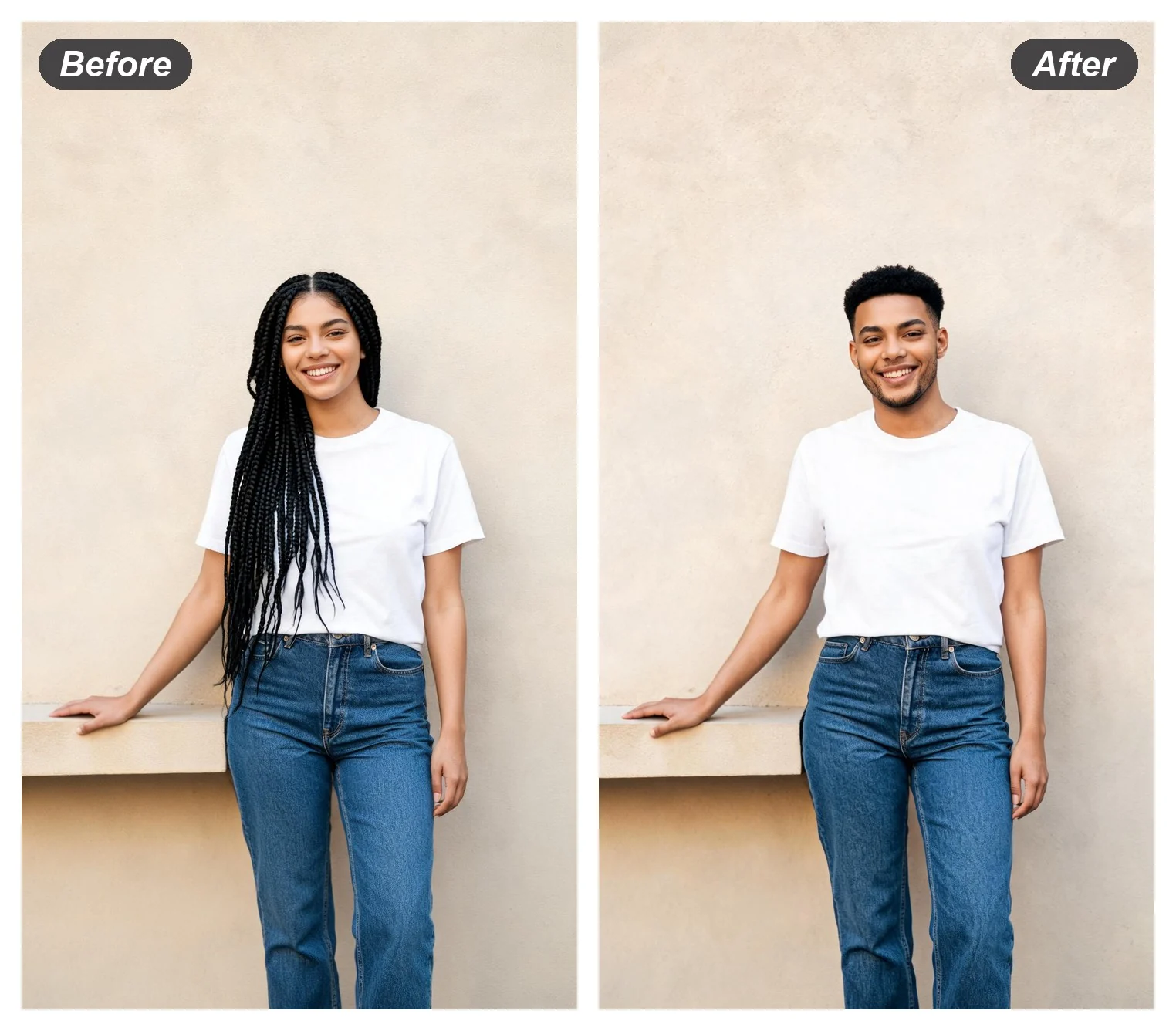
A Gender Swap Filter Result, Rendered as a Photo
A gender swap filter lives inside a camera app and warps a live preview, which is fun for ten seconds and falls apart under a screenshot. Here the swap is rendered as a full still image at full resolution, so the outcome survives being posted, printed or dropped into a character sheet.
Render a StillAI Gender Swap Online, and Free to Start
A browser tab is the whole requirement — a laptop at a desk, a phone at a bus stop, nothing to install and no store page to visit beforehand. The first render is on the house whichever direction it travels, and an account only enters the picture at the point of keeping the full-size file.
Start in the Browser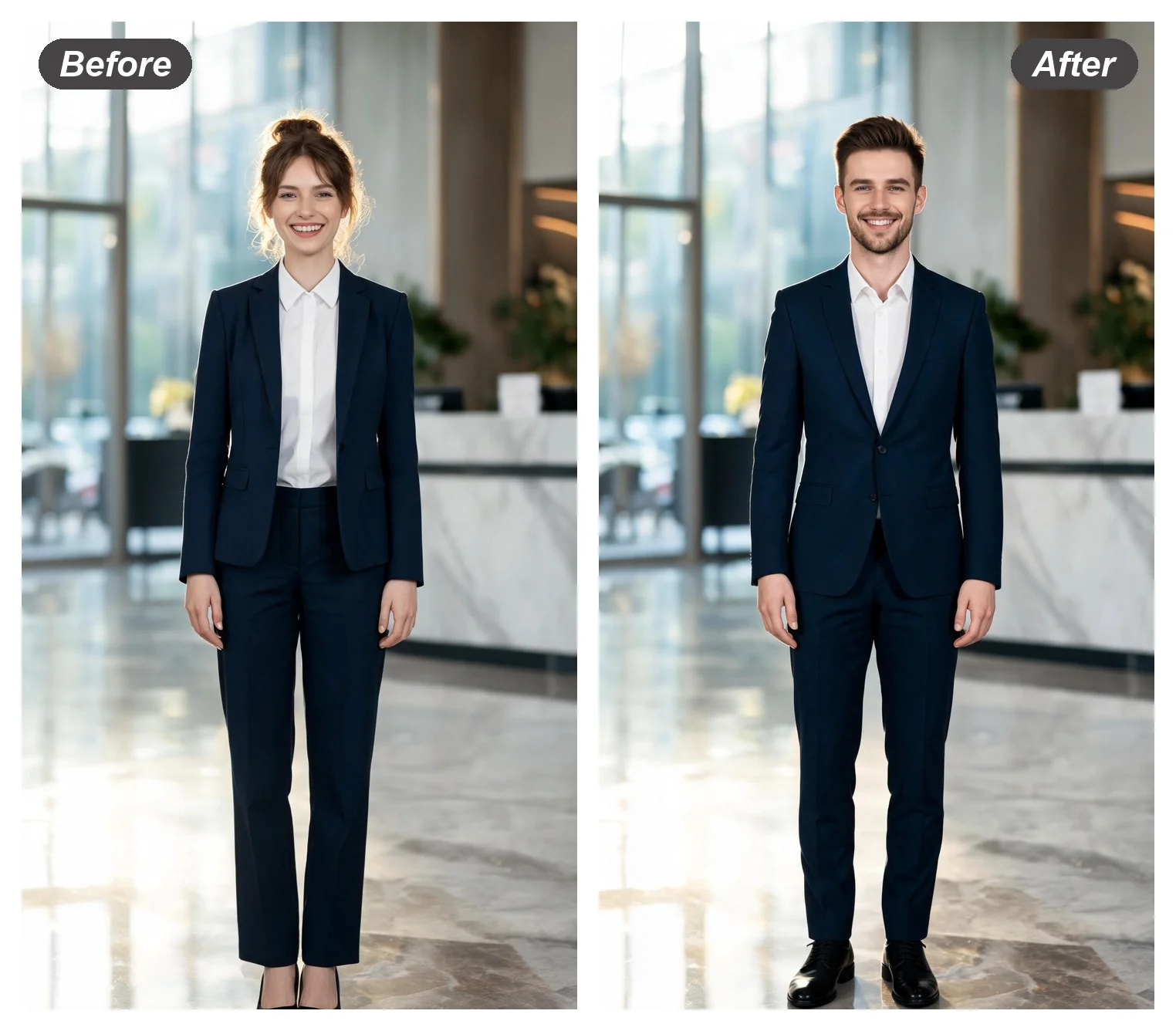
Related Tools
One face, twenty tuned styles — headshots, anime, travel scenes and more.
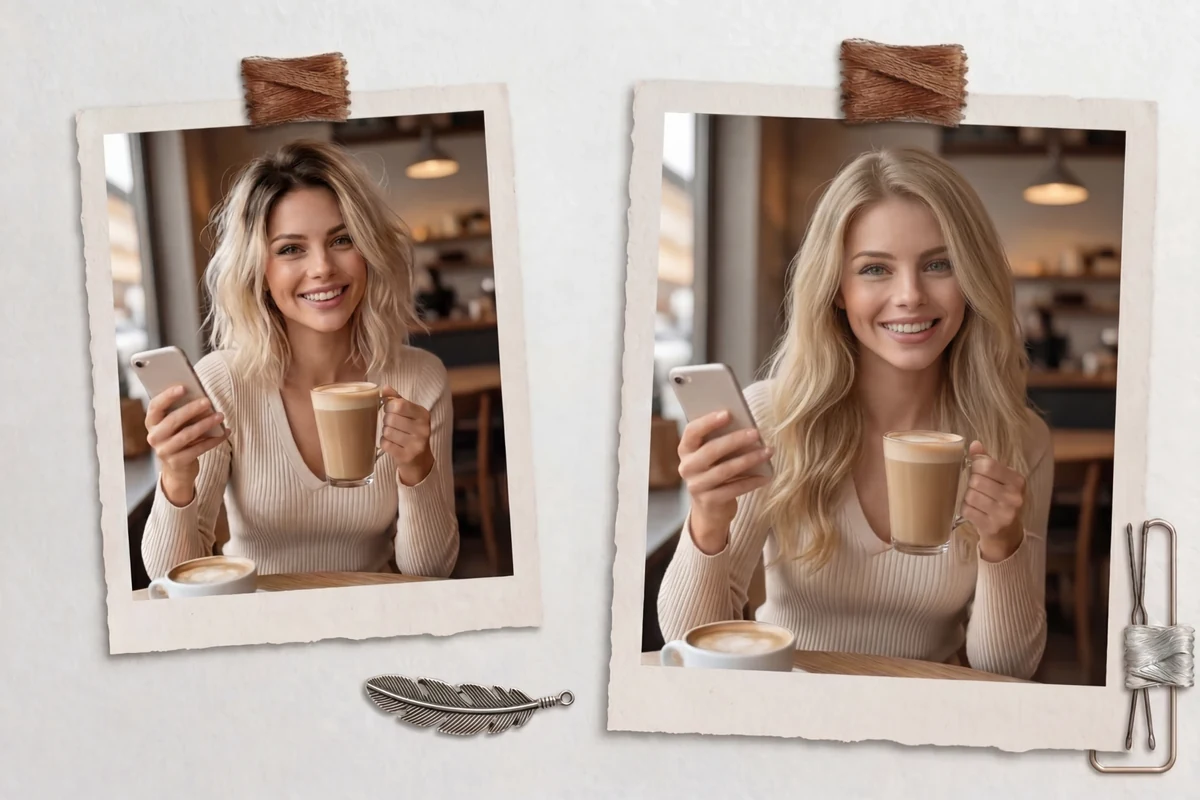
Change the hair alone and leave the rest of the face where it is.
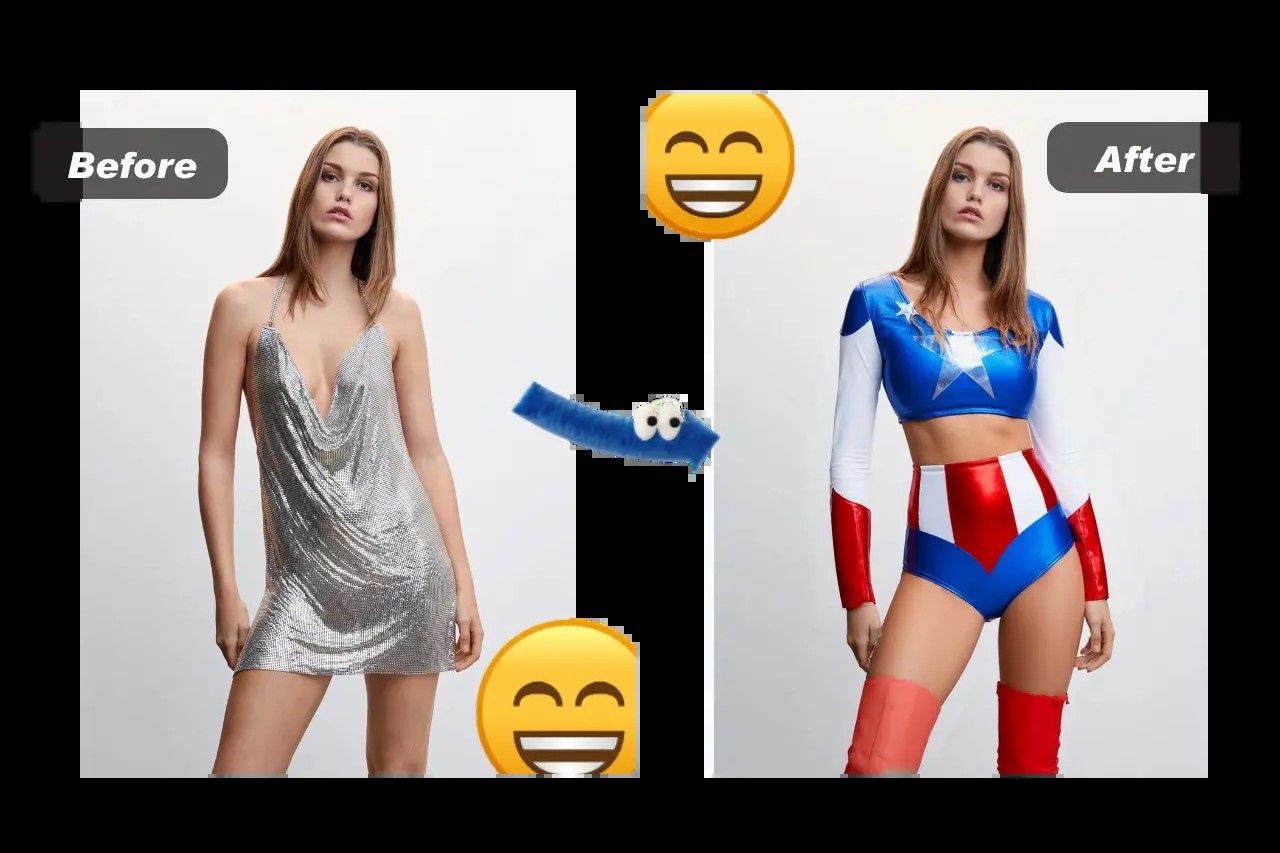
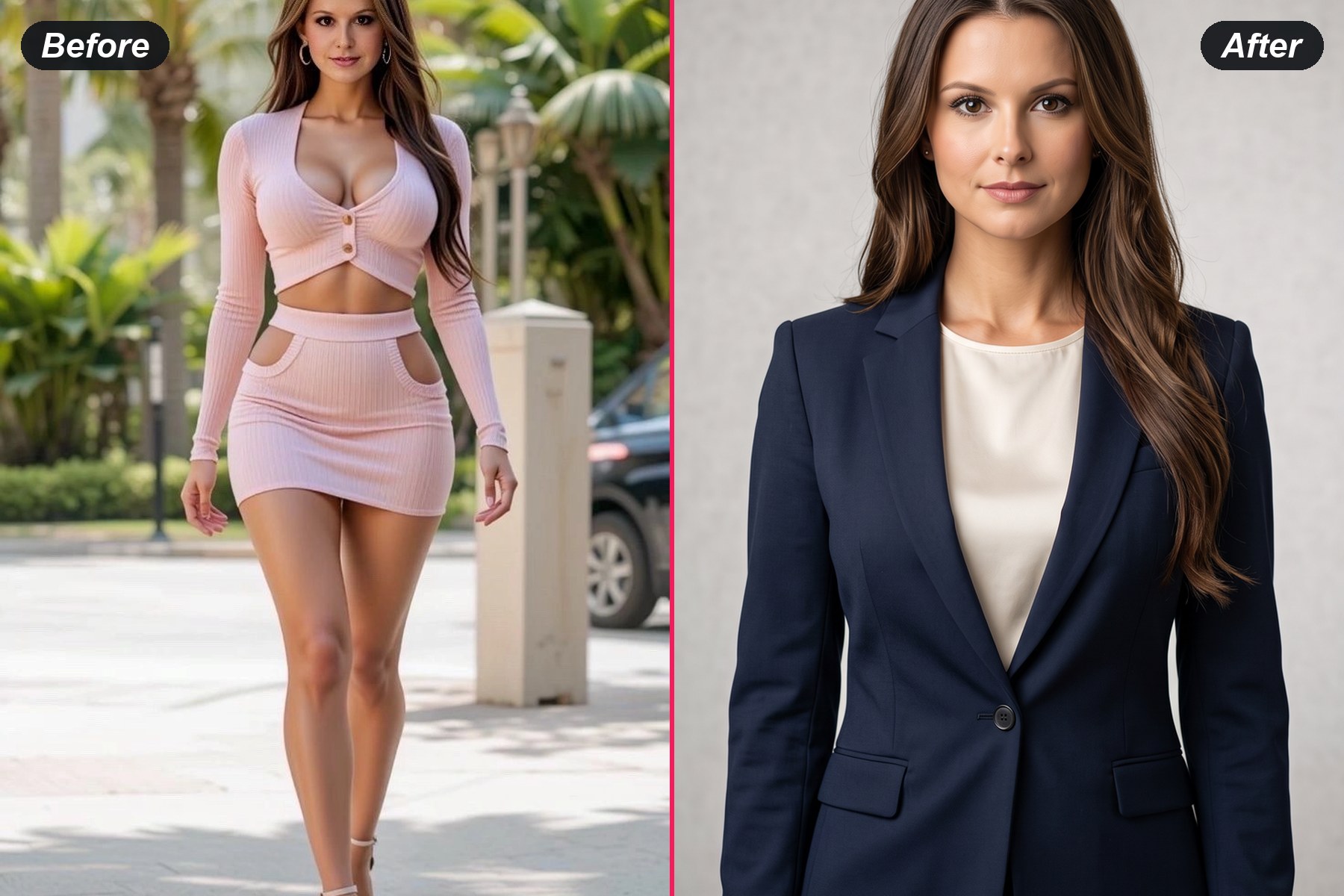
Change what the person is wearing while the person stays the same.
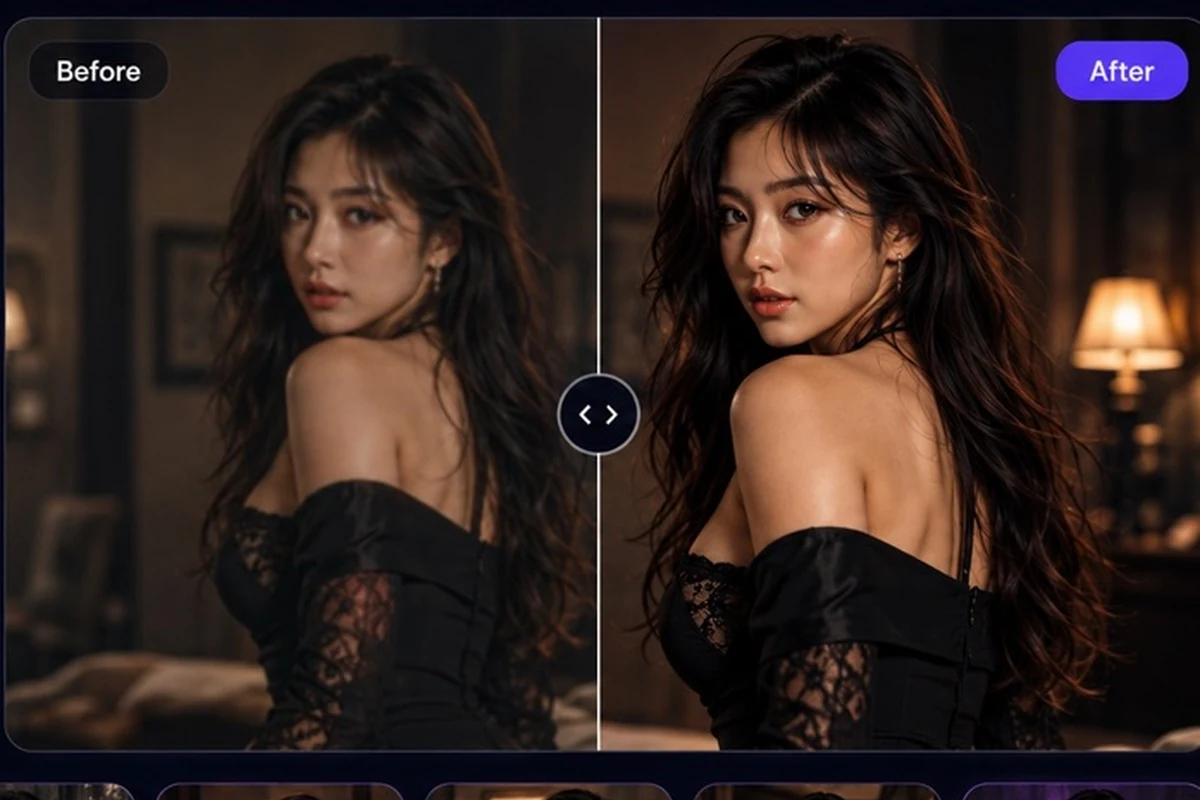
Invent a character from a written line instead of starting from a photo.