AI Dog Outfit Ideas
One outfit.A distinct point of view.
Choose one garment, one pet and a setting with a clear mood. Explore outfit directions, compare a shared vest concept across breeds and build a request you can check against your own photos.
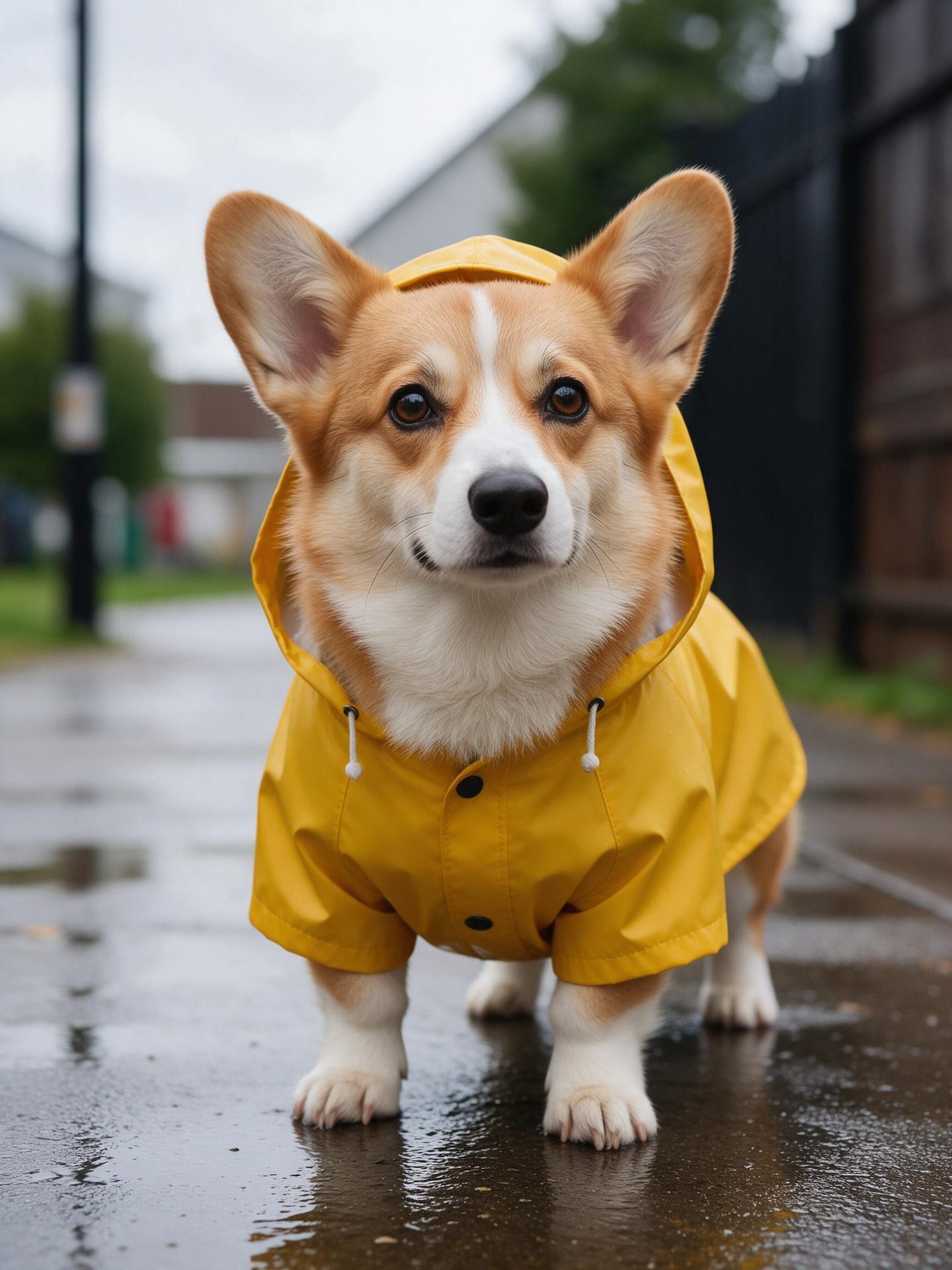 Corgi / RainwearUse the weather to tell a simple story.
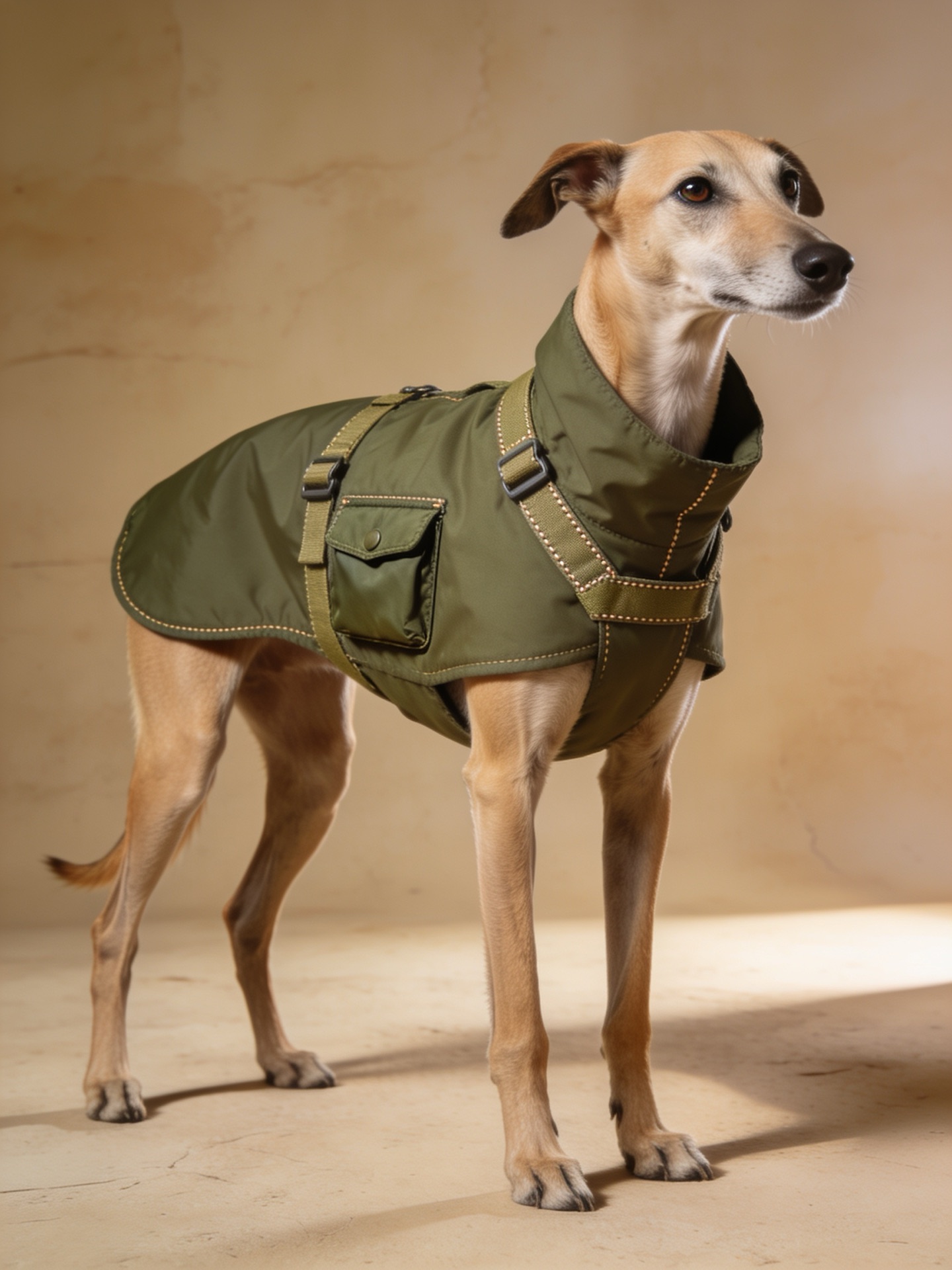
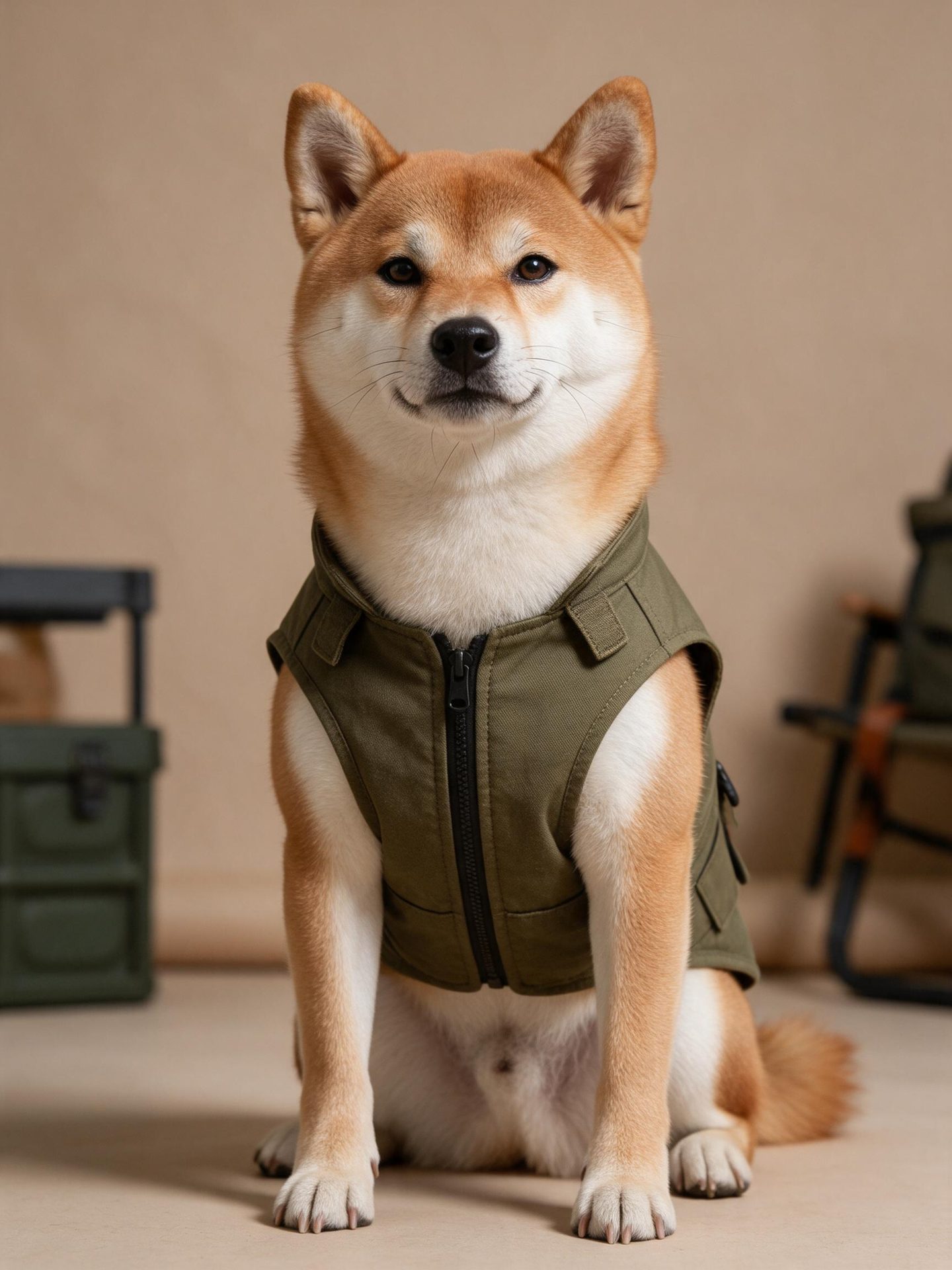 Shiba / UtilityQuiet surroundings keep attention on the outfit.
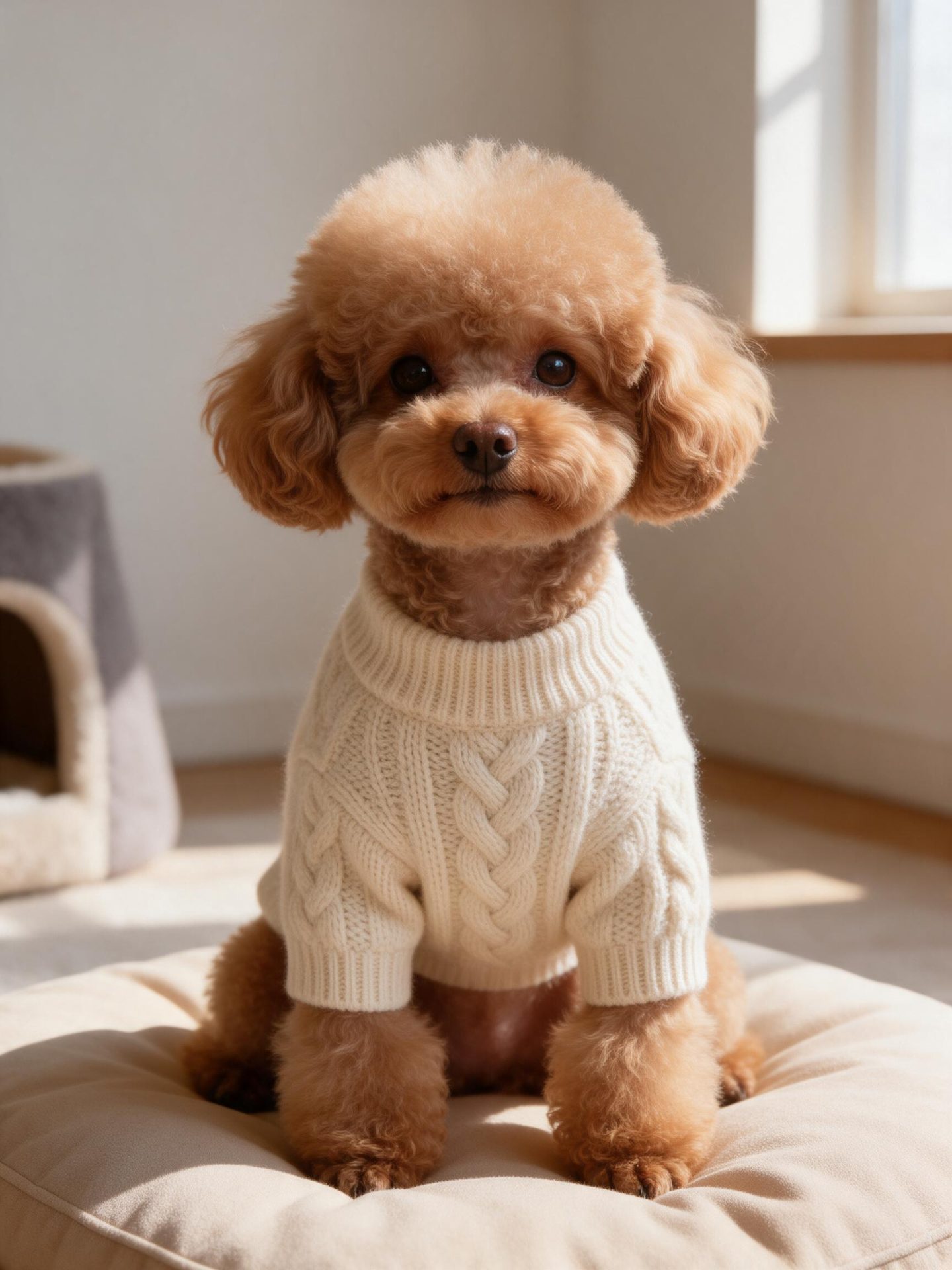 Poodle / KnitwearMake texture part of the idea.
Creative directions
How do you turn a pet outfit idea into a brief you can inspect?
Scene concepts made with SeeDream 5.0 Pro. Use them to plan a brief; they are not reference-fidelity tests or evidence of product performance.
Corgi / Rainwear
Use the weather to tell a simple story.
A yellow raincoat and wet pavement make the idea easy to read. This is an AI styling concept; it does not show a tested garment or demonstrate weather protection.
Adapt the brief
Show this corgi in the supplied raincoat on wet pavement under soft overcast light. Keep the pet features and garment details recognizable.
Shiba / Utility
Quiet surroundings keep attention on the outfit.
An olive vest and a neutral studio setting emphasize shape and detail. For an actual try-on, use the real clothing photo rather than treating this concept as a size reference.
Adapt the brief
Show this shiba in the supplied utility vest against a warm neutral background. Preserve the pockets, closures and strap arrangement.
Poodle / Knitwear
Make texture part of the idea.
Window light brings out cream cable knit without extra visual clutter. Use the concept to choose a direction, then test with a separate real garment photo.
Adapt the brief
Show this poodle in the supplied cream knit garment with soft window light. Keep the neckline, sleeves and cable pattern visible.
01 / Practice
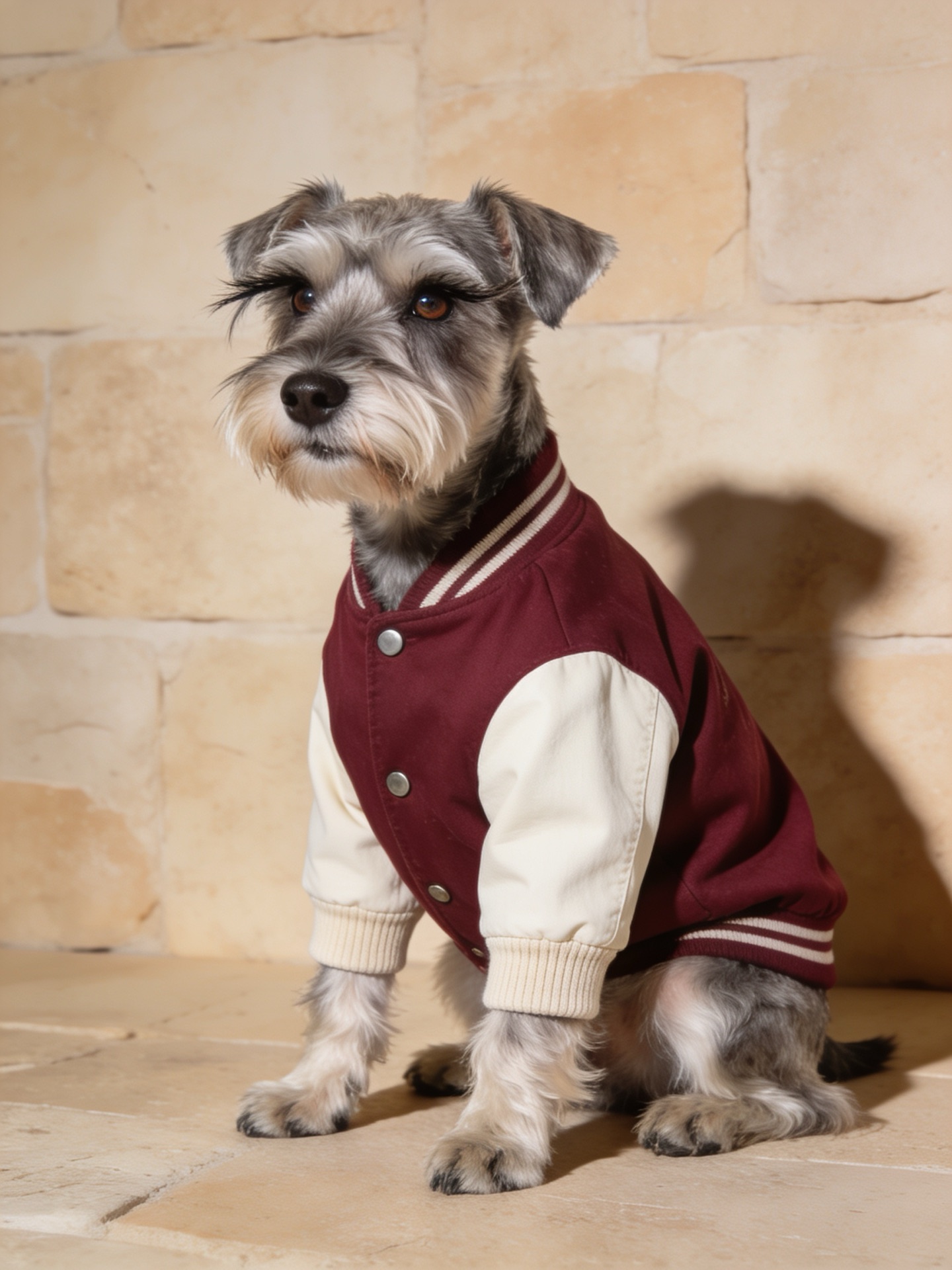
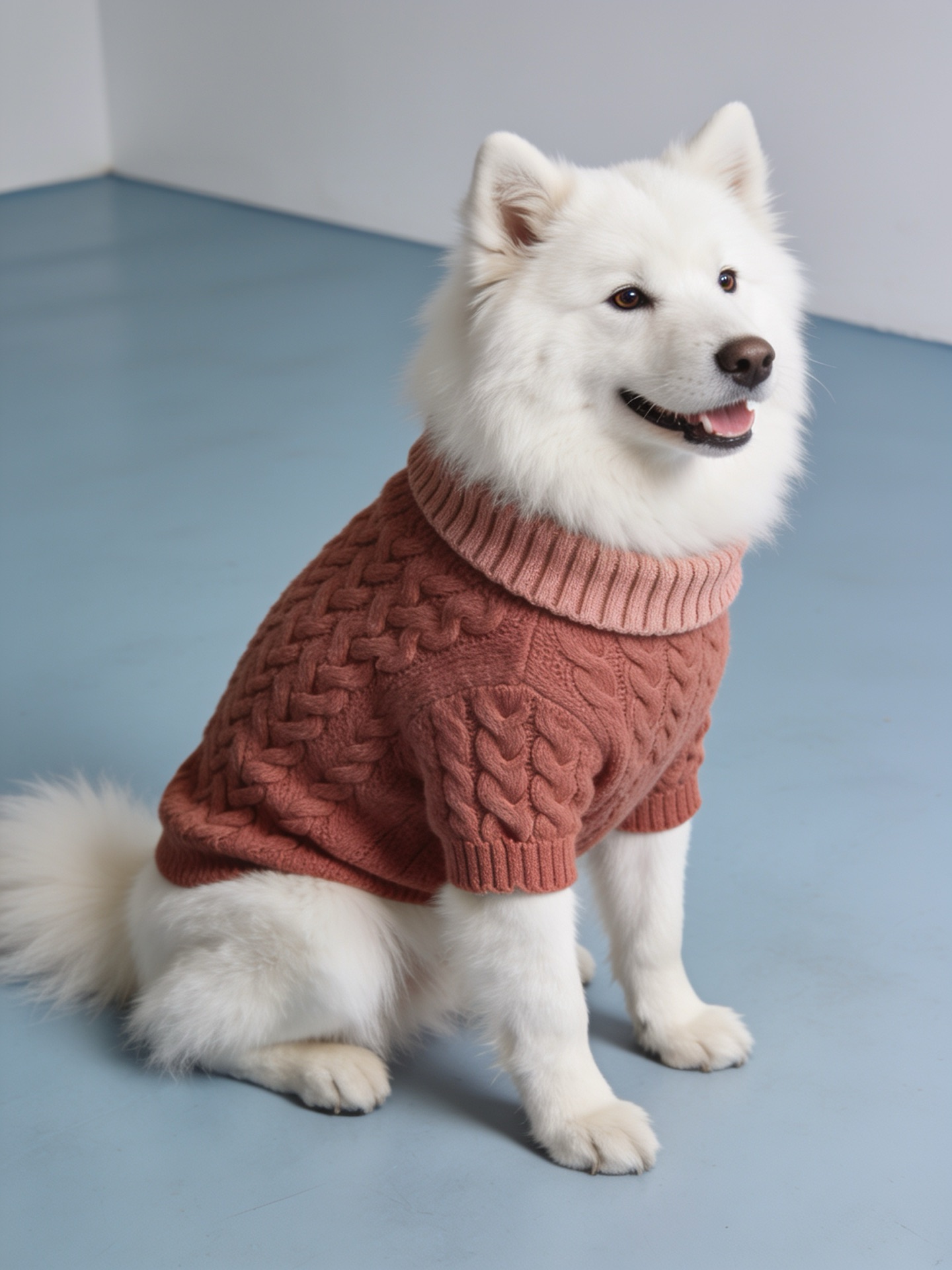
Five outfit directions to try
EXPLORE THE LOOKS
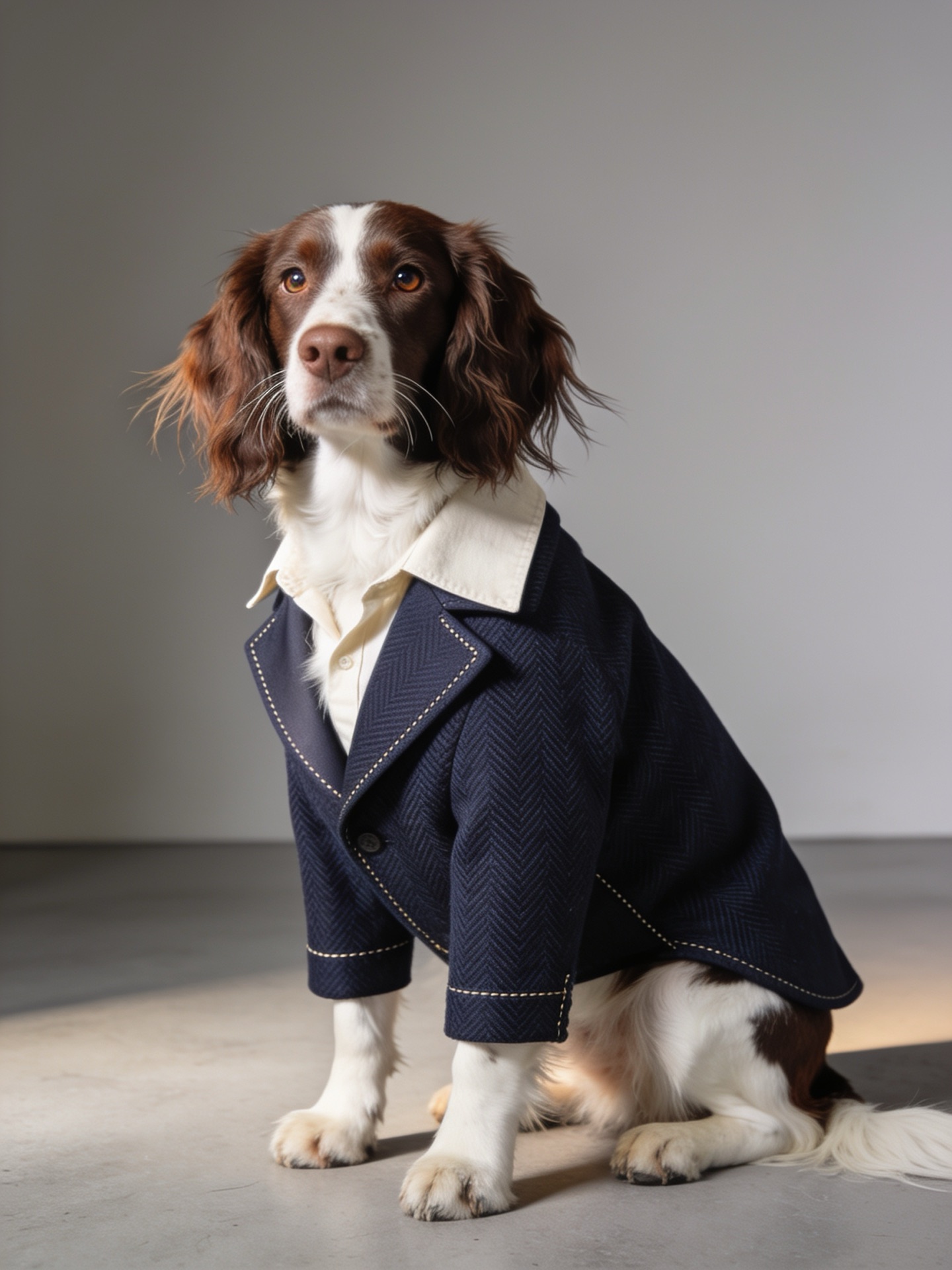
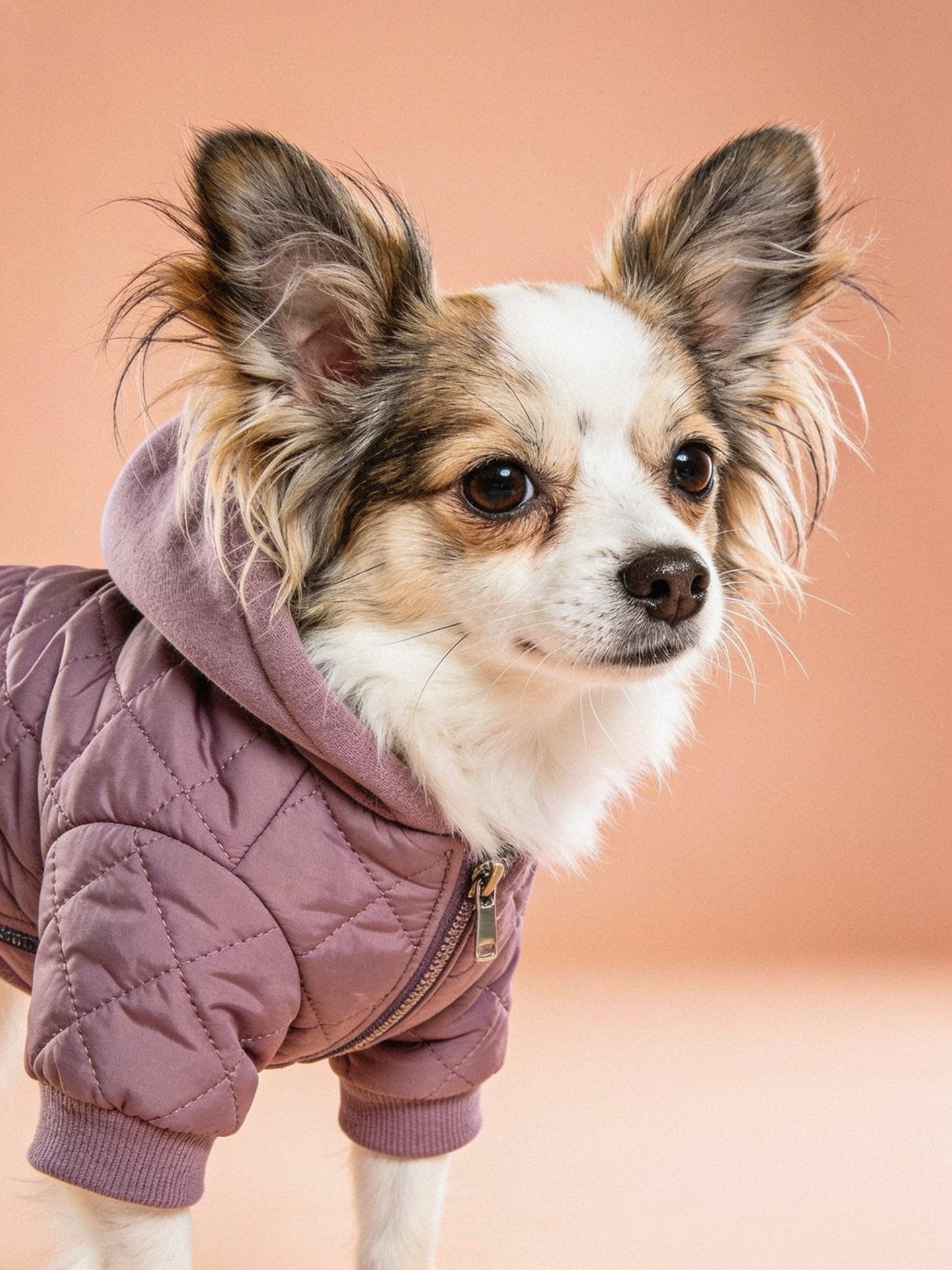
Choose one look, use a real pet garment photo, and compare the generated image with your original photos.
02 / Practice
One concept vest, two distinct breeds
IMA STUDIO MODEL FITTING · ONE CONCEPT GARMENT
The five looks above are styling concepts. For this direct comparison, we made a new teal pet-vest concept image and sent that same input to Ima Studio Model Fitting twice: once for a Beagle and once for a Basset Hound. The garment concept stayed the same; the requested breed changed.
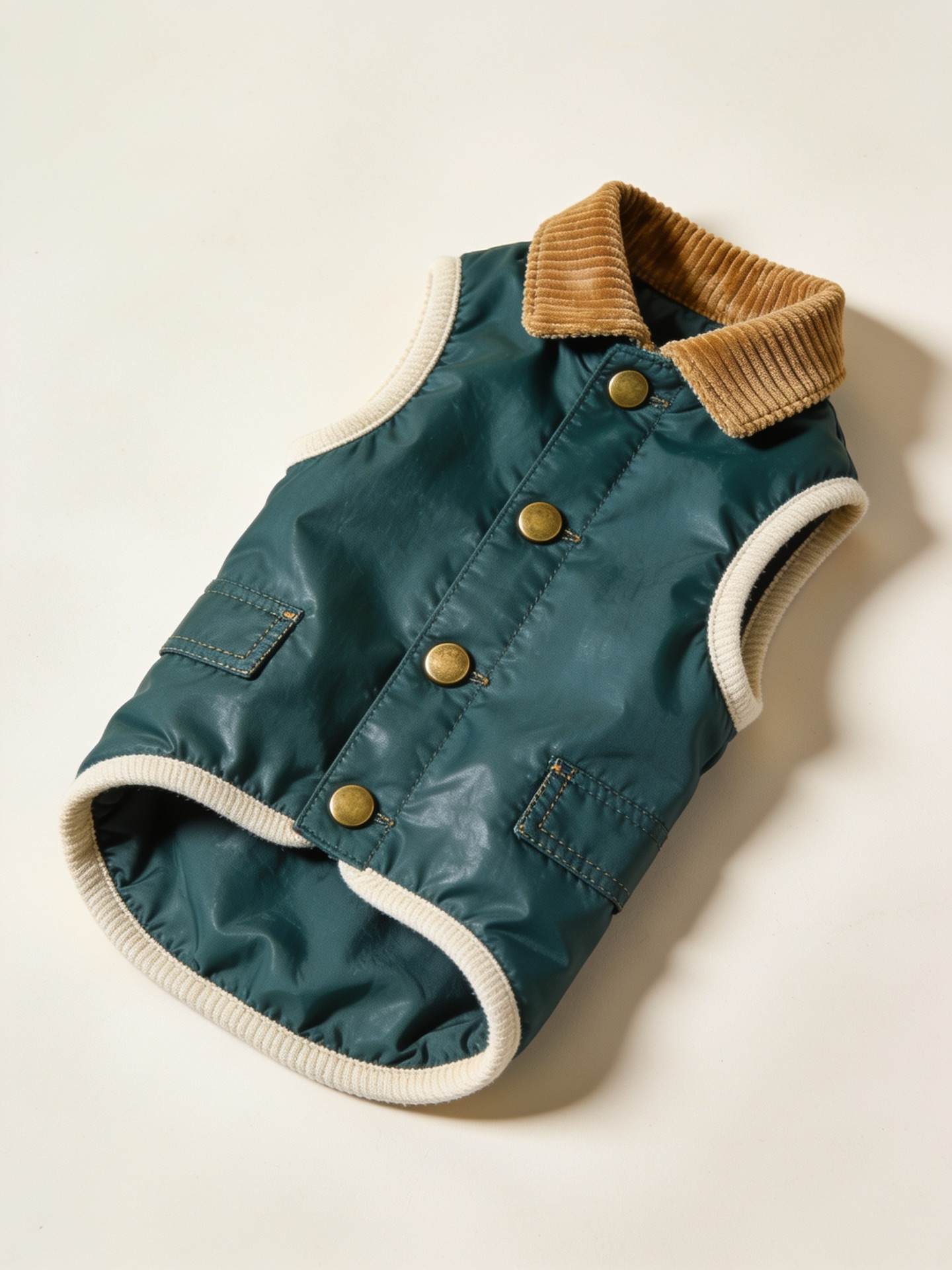
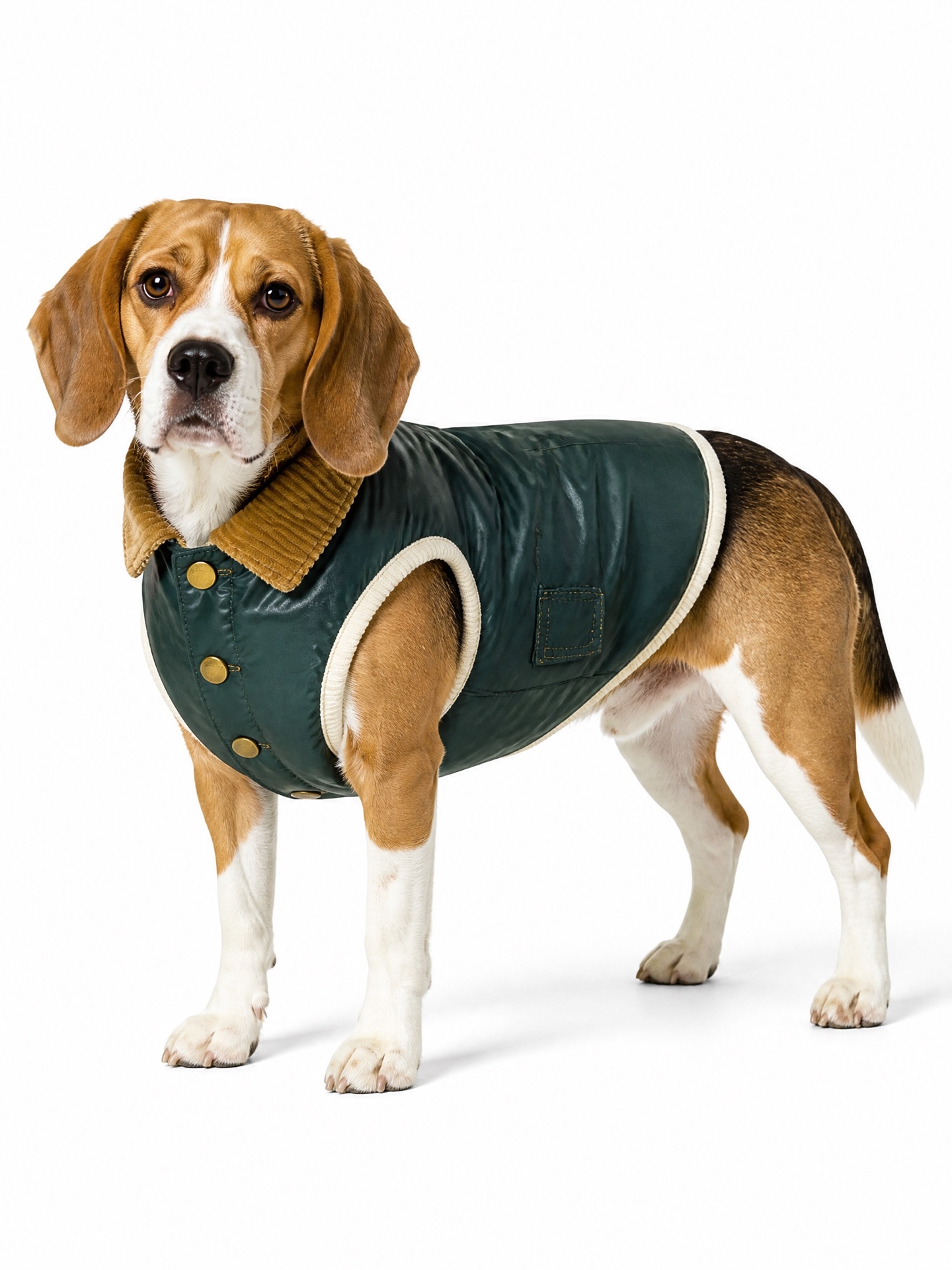
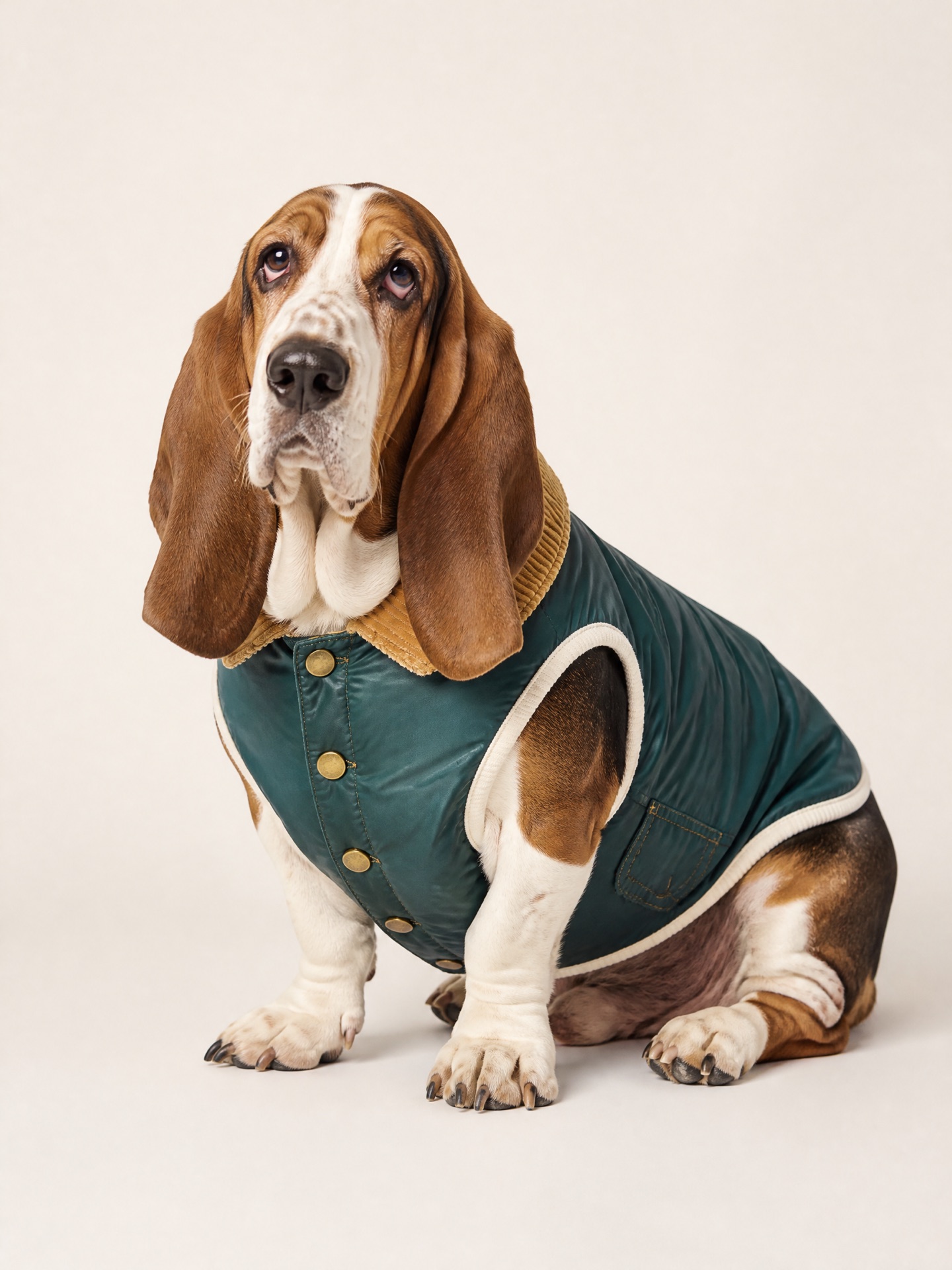
The vest input and both pet results are AI-generated concepts made for this page. Compare the collar, cream binding and brass snaps with the input image. These pictures do not show a purchasable garment or confirm real size, comfort or safety.
03 / Practice
Take one outfit idea into Ima Studio
FROM INSPIRATION TO YOUR OWN PET PHOTO
The five looks above are inspiration. Ima Studio's Model Fitting gives you a place to bring a real pet garment photo, describe the dog or add a visual reference, choose a setting, and create an image to inspect. Start with one outfit instead of asking for five changes in a single request.
The current tool gallery shows human fashion examples. The two-breed comparison here shows Model Fitting outputs from an AI garment concept. For real shopping decisions, bring your own garment photo and check every generated detail against it and any pet reference photo.
04 / Practice
How to make a pet try-on image in Ima Studio
1
Choose a clear pet photo.
Use an undressed photo with the face and body easy to recognize.
2
Upload the garment separately.
Show its shape, collar, print, and closures. A flat or hanger photo works as a starting point.
3
Write one specific request.
For example: “Show this schnauzer in the burgundy varsity jacket under soft studio light.”
4
Compare and refine.
Check the pet’s face, coat, shape, and garment details against the originals. Repeat with another real garment for the next look.
05 / Practice
Photo checklist
✓ Bright, even light
✓ Face unobstructed
✓ Body clearly visible
✓ Garment photographed separately
✓ One garment per request
✓ Label shared results as AI-generated
Need to see real results first? Our pet clothing photo guide shows six actual input-and-output examples, including dogs and a cat.
For a playful next step, explore reaction-loop ideas in our Images 2.6 GIF guide, including a dog caught mid-step in the rain.
06 / Practice
Step by step: from the blog to Model Fitting
REAL IMA STUDIO INTERFACE · CAPTURED OCTOBER 13, 2026
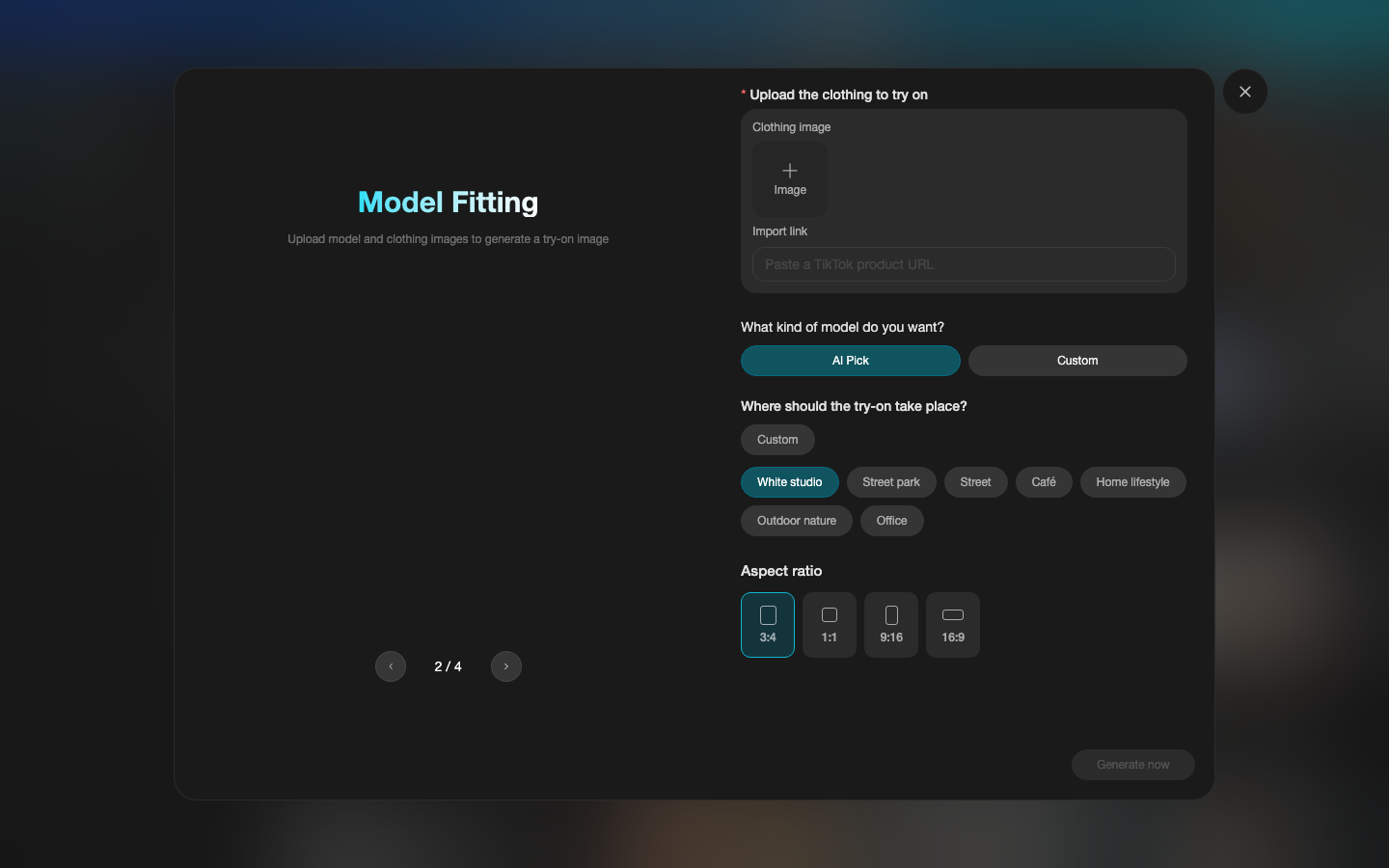
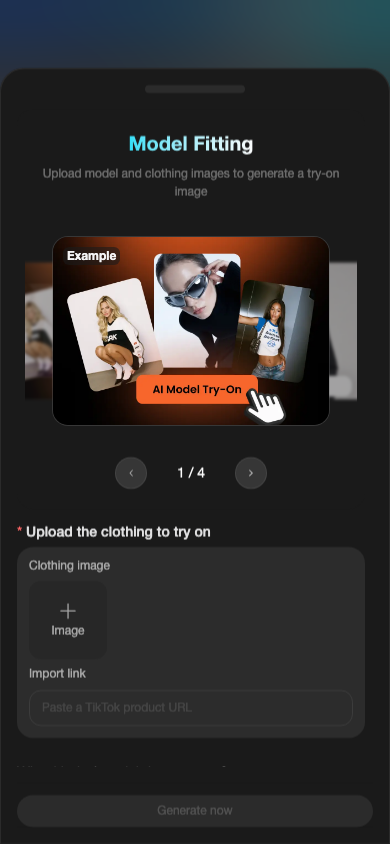
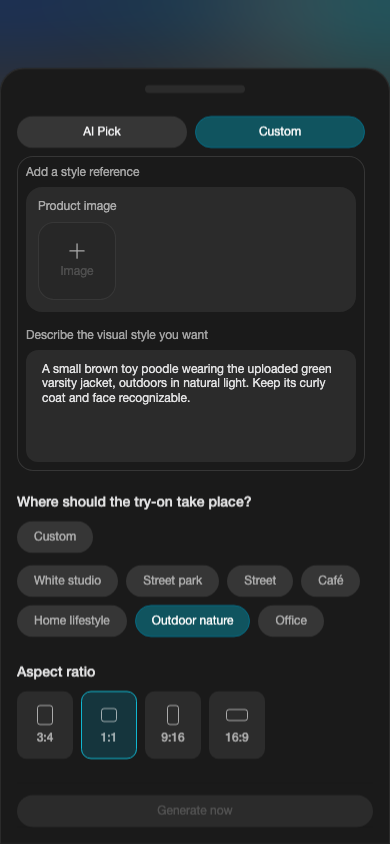
These are screenshots of the live entry form. The example carousel in the form shows people, not a pet result. The sample text below was entered for illustration only; no image was generated for these screenshots.
1. Open Ima Studio and find Model Fitting
Use the button in this article. It opens the Model Fitting form directly. The clothing image field is required; the model choice, scene, and aspect ratio are underneath.
2. Add one clear clothing photo
Under “Upload the clothing to try on,” press “Add Image” for a photo of the actual pet garment. Show the full collar, closures, armholes, print, and hem. A hanger or flat-lay photo is fine if those details are visible.
The “Generate now” button stays gray in these screenshots because no garment photo was uploaded during capture.
3. Describe your pet and choose the scene
Choose “Custom” to reveal a reference-image slot and a visual-style description box. The slot is currently labelled “Product image”; if you add your pet photo there as a visual reference, check the generated result against the original rather than assuming exact identity preservation. In the text box, name the pet, the garment, and the look you want.
Then choose a scene such as “Outdoor nature” and an aspect ratio such as 1:1. The screenshot shows an example description; it was not submitted.
4. Generate, inspect, and refine
When the required inputs are ready, follow the form to generate one image. Compare your pet's face and coat with the pet photo and the garment's color, print, and cut with the clothing photo. If either changes, revise the request before sharing the result.
Want to see verified pet outputs before you start? Read our dog and cat clothing photo examples, then return to Model Fitting with your own photos.
07 / Practice
Before you share or shop
AI can help you visualize a look, but it cannot confirm whether a real garment fits, feels comfortable, or is safe for your pet. Check the maker’s size chart and your pet’s measurements before buying clothing.
About The Author