Your AI image can look sharp at first glance and still fall apart when you zoom in. Dark gradients become grainy, fog breaks into fragments, and tiny lights start looking like debris.
I run into this most often with complex AI images: night scenes, detailed armor, wet reflections, crowds and distant buildings. My cyberpunk mech image had all of them, so it became a useful stress test.
Preserve the main subject and reduce noise.
That was the entire instruction I used for the final Nano Banana Pro cleanup pass. It produced the smoothest result in this test while keeping the main mech and overall city composition recognizable. It is not a pixel lock, so I still checked the small details.
Below, you can inspect the original GPT Image 2.5 result, the low-noise prompt pass and the final Nano Banana Pro cleanup side by side. I also cropped the exact same areas so the difference is easier to judge.
This test builds on our broader GPT Image and Nano Banana Pro editing comparison. For the product workflow and model selector, see how to use Nano Banana in Ima Studio.
The three-stage test
| Stage | Model | Parameters | Purpose |
|---|---|---|---|
| A | GPT Image 2.5 Sunburst | 2048×1152, medium | Establish the composition |
| B | GPT Image 2.5 Sunburst | 2048×1152, medium | Short low-noise instruction |
| C | Nano Banana Pro | 16:9, 2K | Focused cleanup |
Step 1: Generate a scene complex enough to reveal noise
The Canvas prompts were written in Chinese. The article shows faithful English translations so readers can reuse them without mixed-language instructions.
A giant bipedal mech warrior stands in a rain-soaked cyberpunk metropolis. Positioned slightly right of center, it towers over the scene. Its heavy segmented armor is dark gray and black, with complex mechanical tubing and hydraulic joints. Magenta glowing sensor strips run across its chest and head.
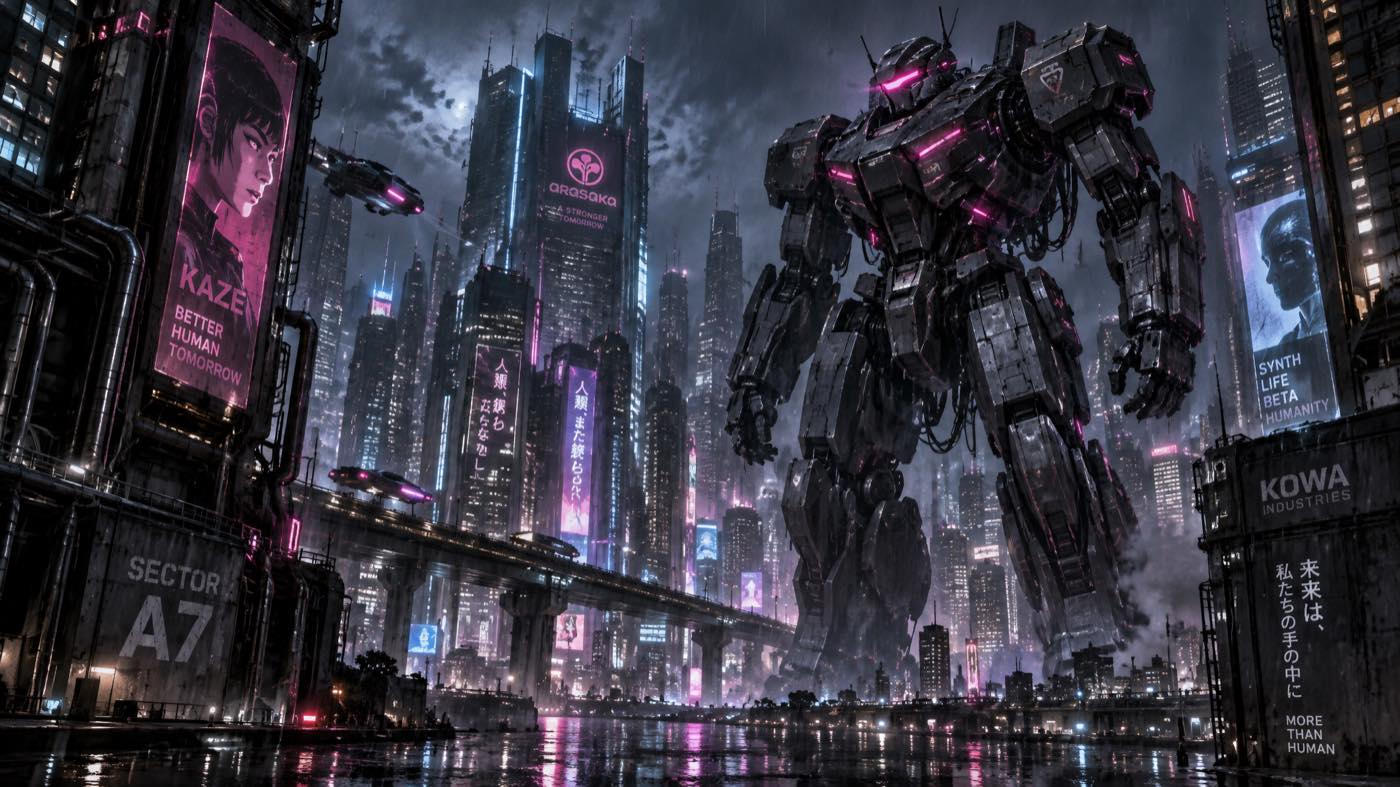
The baseline established one towering mech, a wet city, layered traffic routes and high-contrast dark armor. Its rain, fog and dense reflections created surfaces where grain and fragmented detail were easy to inspect.
Step 2: Add the revised low-noise instruction
High-definition, low-noise output. Do not render fine details as fragmented debris-like artifacts.
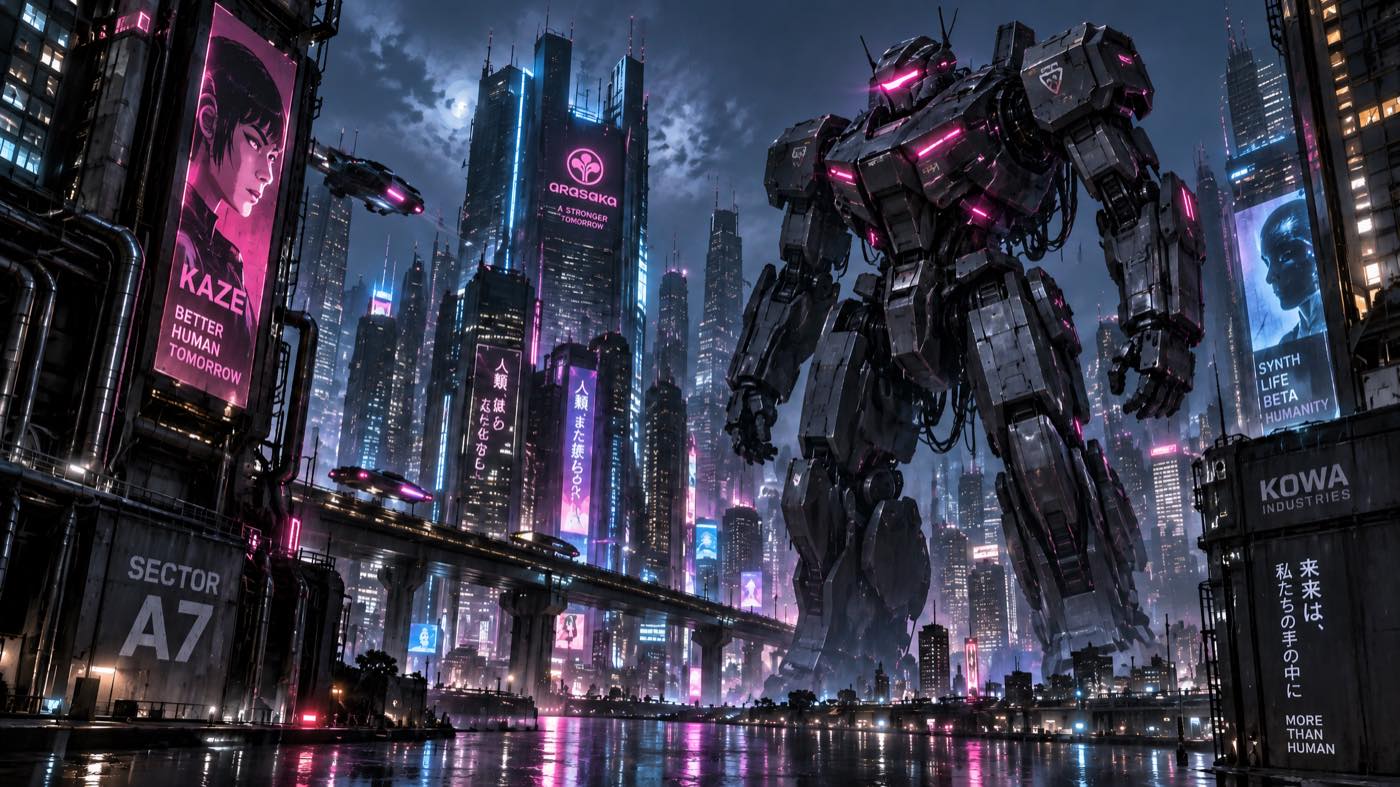
The second pass kept the composition close to the baseline while making the mech surfaces, fog and city reflections more continuous. The short instruction worked as a useful constraint, not as a guarantee of identical details.
Step 3: Use Nano Banana Pro for the focused cleanup
Preserve the main subject and reduce noise.
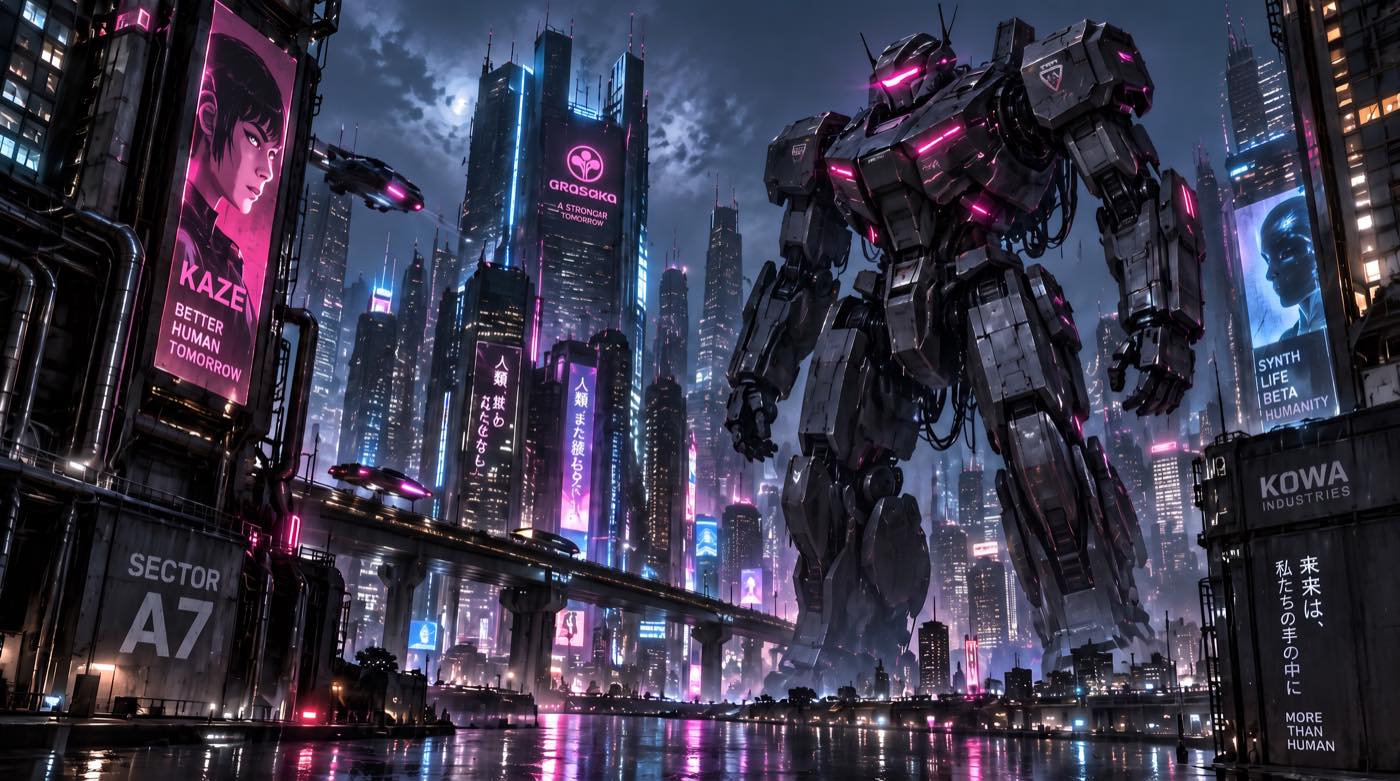
Stage C kept the same main mech and overall city composition while producing the smoothest reviewed gradients and reflections. The matched crops also show local redraws in armor panels, signs and distant structures, so the honest claim is “main subject and composition preserved,” not “identical pixels.”
What I checked at 100%
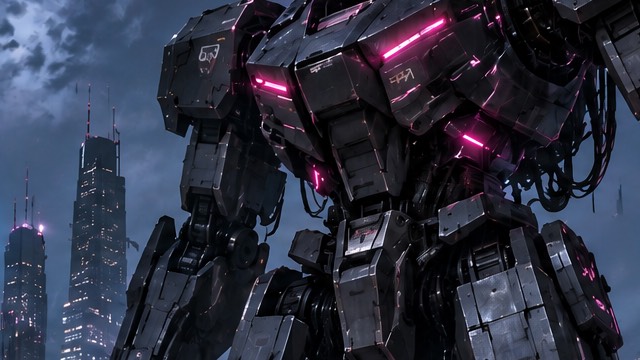
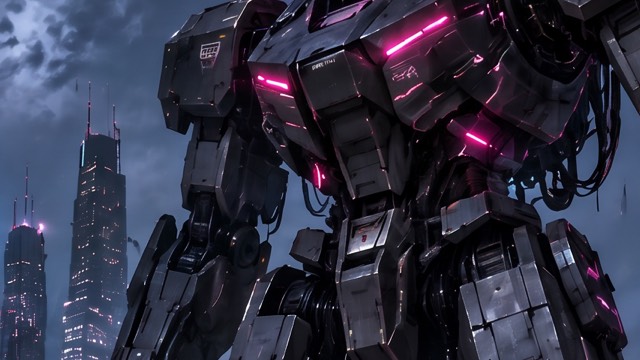
- Mech chest and leg armor: panel edges, dark gradients and exposed joints.
- Rainy sky behind the head: grain, banding and haze falloff.
- Wet street: neon reflections and pedestrian silhouettes.
- Distant buildings: window grids, signs and fine architectural lines.
Matched crops at the same working scale
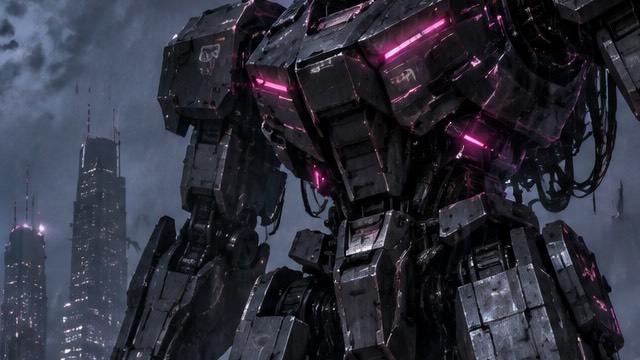
I normalized all three stages to a 2048×1152 working canvas, then took the same 640×360 crop coordinates. These crops make the cleanup easier to inspect, but they also reveal local redraws that are hidden in the full image.
Mech armor and joints
Rainy sky and haze
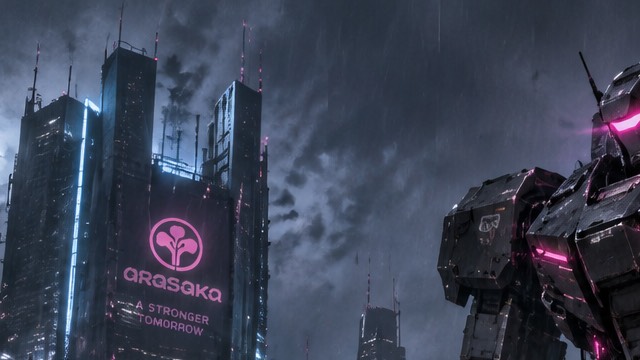
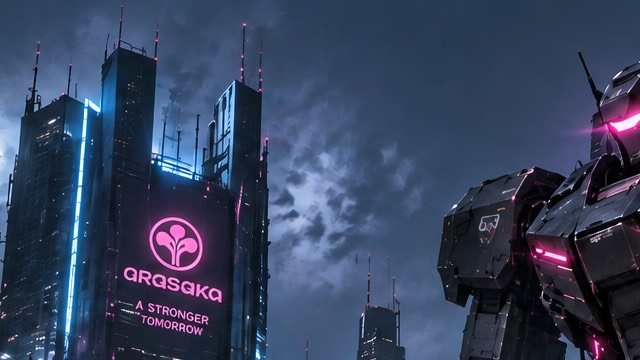
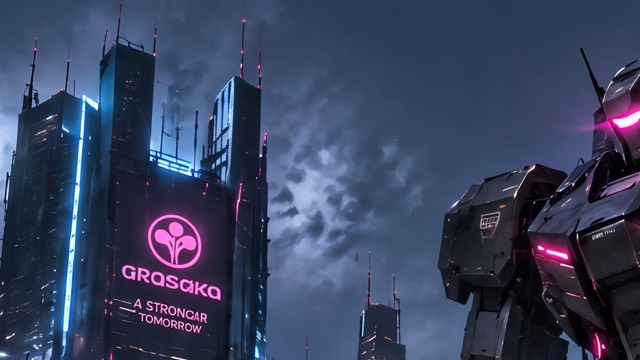
City screens and fine lines
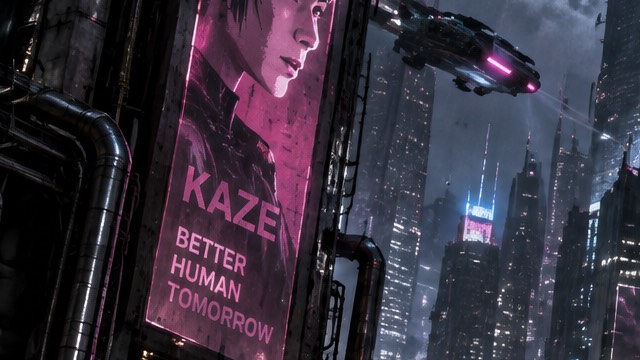
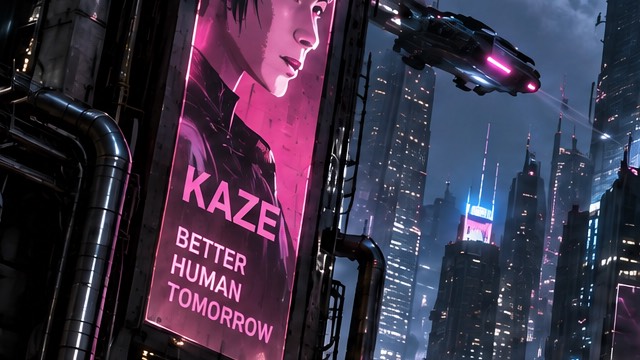
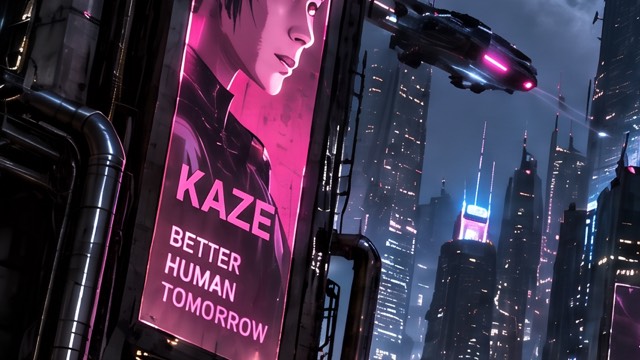
Wet street and reflections
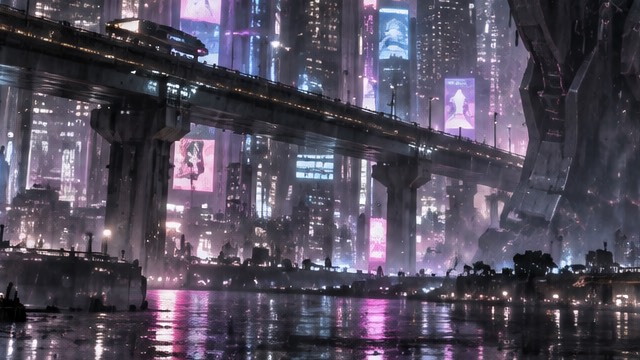
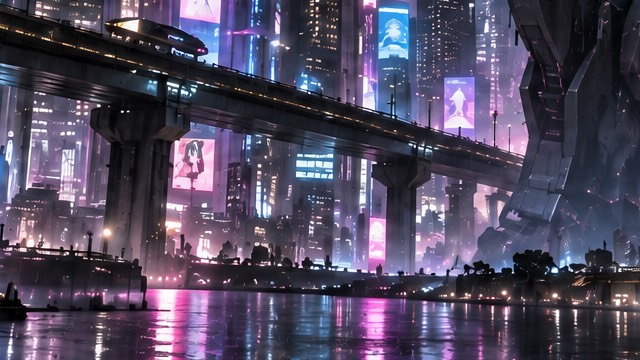
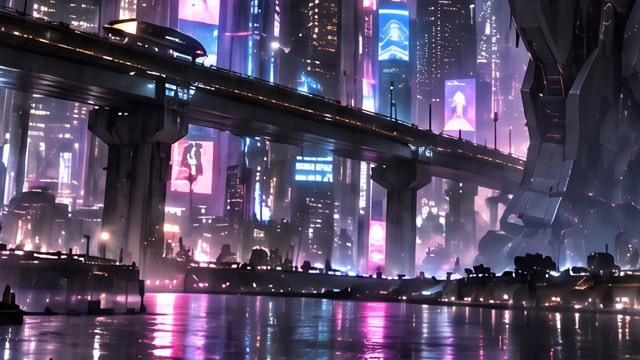
The matched crops support a narrower conclusion than the full image alone: Stage B reduces fragmented detail while keeping the scene close to the baseline; Stage C cleans gradients further, but it also redraws small armor, screen and city details. The workflow preserves the main subject and overall composition, not identical pixels.
What changed in this run?
| Check | Stage A | Stage B | Stage C |
|---|---|---|---|
| Mech pose and geometry | Baseline | Preserved | Preserved |
| Dark armor noise | Dense shadow detail | Clear subject; no obvious debris artifacts | Cleanest reviewed result |
| Sky and haze | Busy | Smoother | Smoothest while retaining rain |
| Screen marks | Present | Present | Reduced; minor shopfront marks remain |
What can go wrong
A smoother image may simply be smaller
Nano Banana Pro used 2K and landed at 2752×1536, so the final image did not rely on a lower-resolution output to look smoother.
“Preserve” is not a pixel-lock guarantee
Both tools regenerate images. The mech pose and city layout survived, but small sign details still changed.
Neon signs can produce fake text
Cyberpunk scenes encourage sign-like patterns. If exact text is required, remove generated marks and typeset the final copy outside the image model.
Try the two-model workflow
I used GPT Image 2.5 Sunburst for the creative decision and Nano Banana Pro for the focused cleanup. That division made the comparison easy to inspect: one model built the scene, and the other had one narrow job.
About The Author