This update makes Ima Studio more flexible for image creation, video analysis, batch editing, web research, and mobile workflows.
GPT Image 2.6 Supports GIF and SVG Output
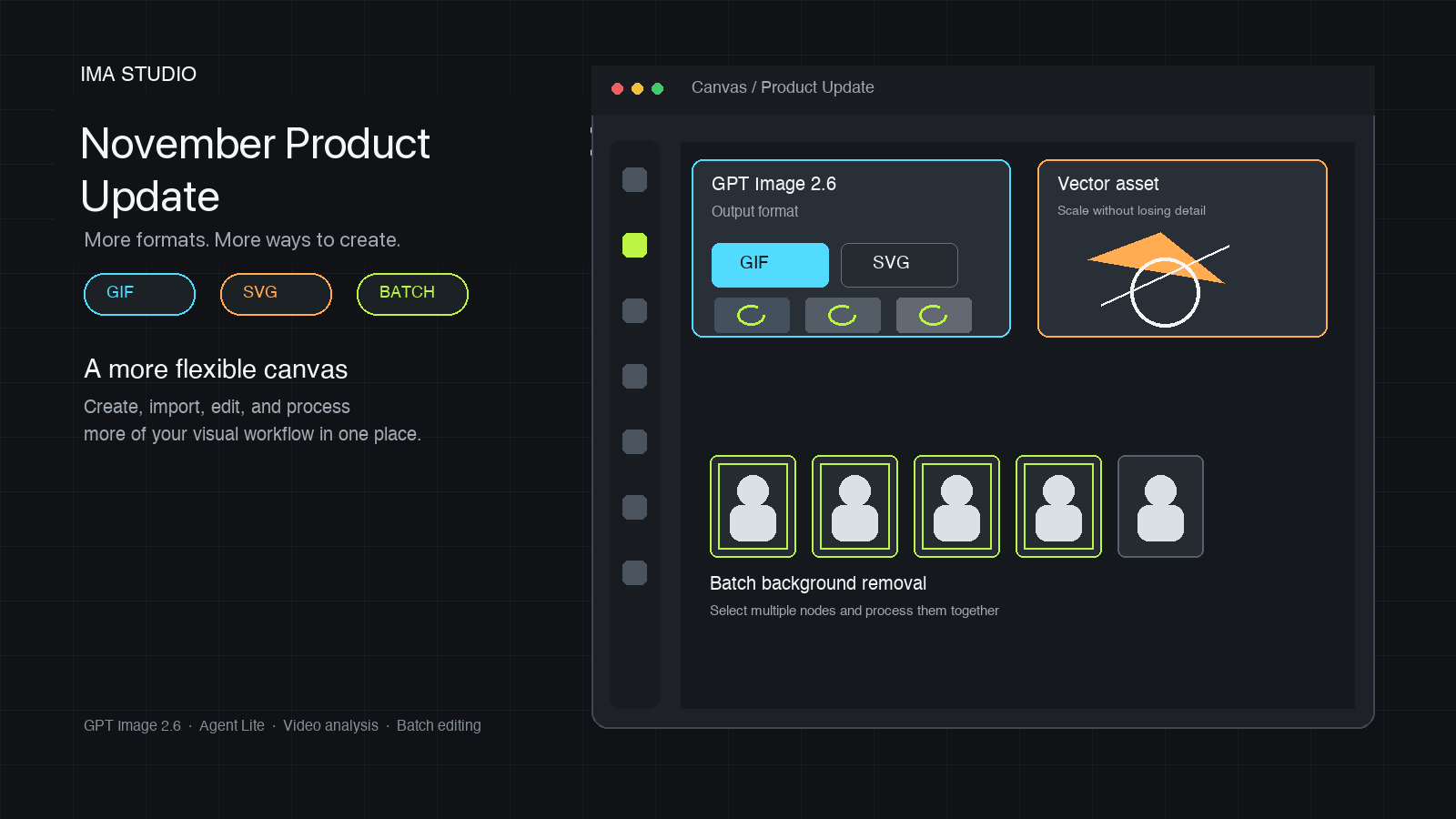
When generating images with GPT Image 2.6 on the canvas, you can now choose between GIF and SVG output.
- GIF is useful for simple animations, looping content, and social media assets.
- SVG is ideal for icons, illustrations, web graphics, and designs that need to scale without losing quality.
The canvas also supports uploading GIF and SVG nodes, so you can bring existing assets into your projects and continue editing them in the same workspace.
Agent Lite Can Generate and Edit GIFs
Agent Lite now supports both generating and editing GIF images. You can describe the animation you want to create or upload an existing GIF for further editing.
Improved Video Post-Processing for Large Files
Large video files that exceed the video understanding size limit can now be compressed or cropped before analysis. If a video cannot be analyzed directly, you can first reduce its size or select only the relevant section.
Batch Background Removal in Agent
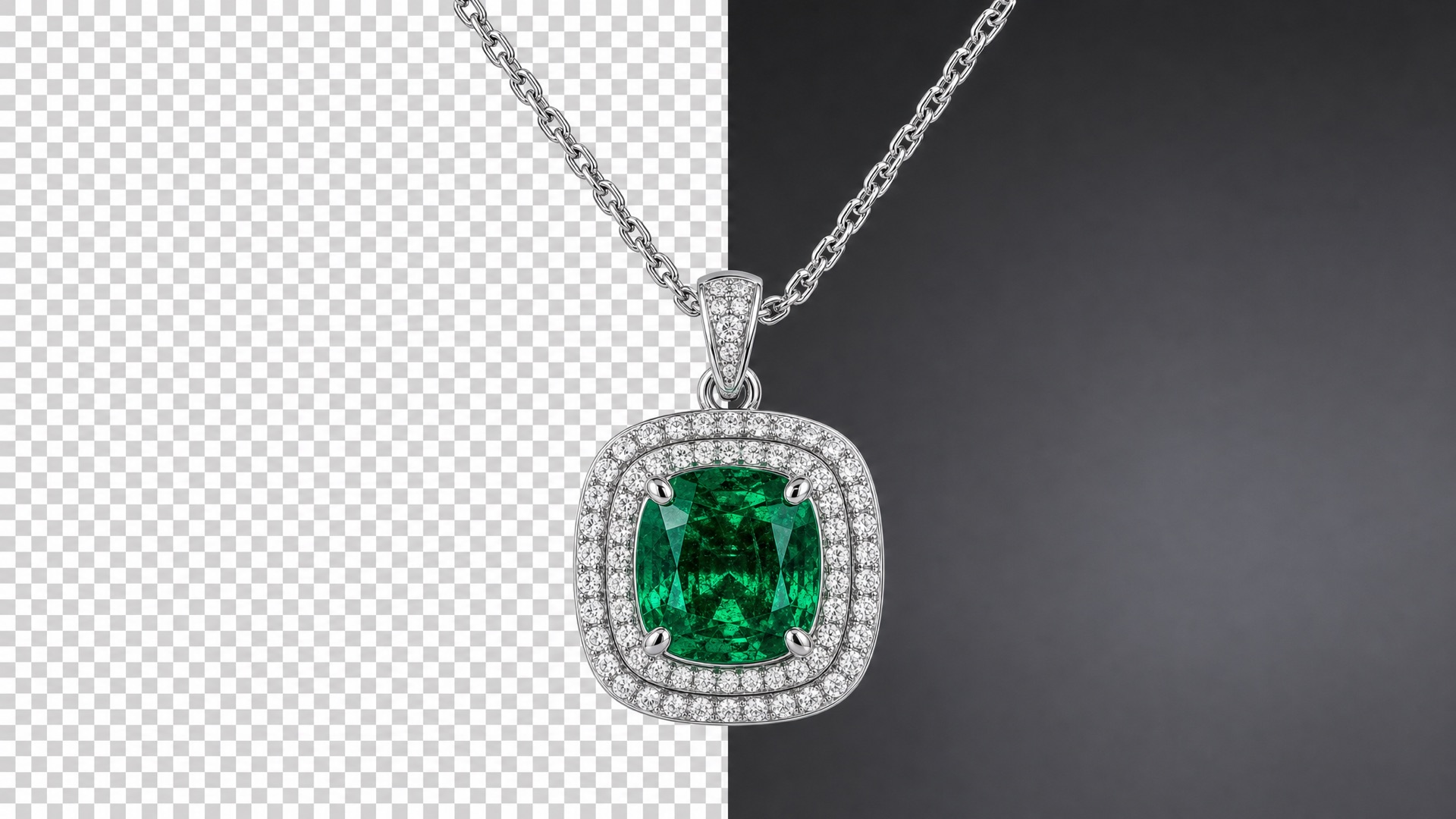
Batch background removal is available in Agent. Select multiple image nodes on the canvas, open an Agent conversation, and ask Agent to remove their backgrounds in one operation. This is useful for product images, portraits, e-commerce catalog assets, social media visuals, and multiple images from the same project.
Practical tutorial: Batch background removal in Agent
See how to select multiple image nodes and ask Agent to process them together.
New Web Scraping Tool
Ima Studio now includes a web scraping tool with proxy pool support. The proxy pool helps improve scraping reliability when websites apply access restrictions or when requests from a single server are blocked.
Scraping results may still vary depending on the target website’s access policy, page structure, and permissions.
A Smoother Agent Experience on Mobile
The mobile experience now includes a side drawer for faster navigation between conversations and projects.
Practical Tutorial: Build a Creative Workflow
Use the canvas and Agent together to organize reference images, continue a visual task, and turn multiple assets into a more complete creative workflow.
Start Exploring
Open Ima Studio to try the latest updates across image generation, GIF editing, video analysis, batch image processing, web scraping, and mobile workflows.
About The Author