If you bought Higgsfield Unlimited expecting every generation to stop using credits, the first surprise is usually the Generate panel: the Unlimited toggle shows for one model and disappears for another, a different resolution moves the job into Credit Mode, and a request made through MCP, CLI, or Canvas can still deduct credits even when the same model is unlimited on the website.
That does not make the plan misleading. It means “Unlimited” is attached to a model, a route, a period, and a usage policy — four details that matter more than the large word on the plan card.
Quick answer
- Higgsfield Unlimited removes credit costs for specific models, on the Higgsfield website only, for a fixed period, under personal fair-use rules.
- It does not cover every model, every resolution, or external routes (MCP, CLI, Canvas, automation) — those still deduct credits.
- Unlimited runs in the standard queue, not priority. It lowers your credit bill, not your wait time.
One-minute self-test before you buy or renew
Open the exact model you use most and look for the Unlimited toggle. Run one small job and check Usage History — did it show as Unlimited or a credit deduction? If your real workflow uses an external route or a model without the toggle, the headline “Unlimited” will not cover the part of your bill that actually hurts.
Compare AI Image Tasks in Ima Studio
What “Unlimited” is actually bound to
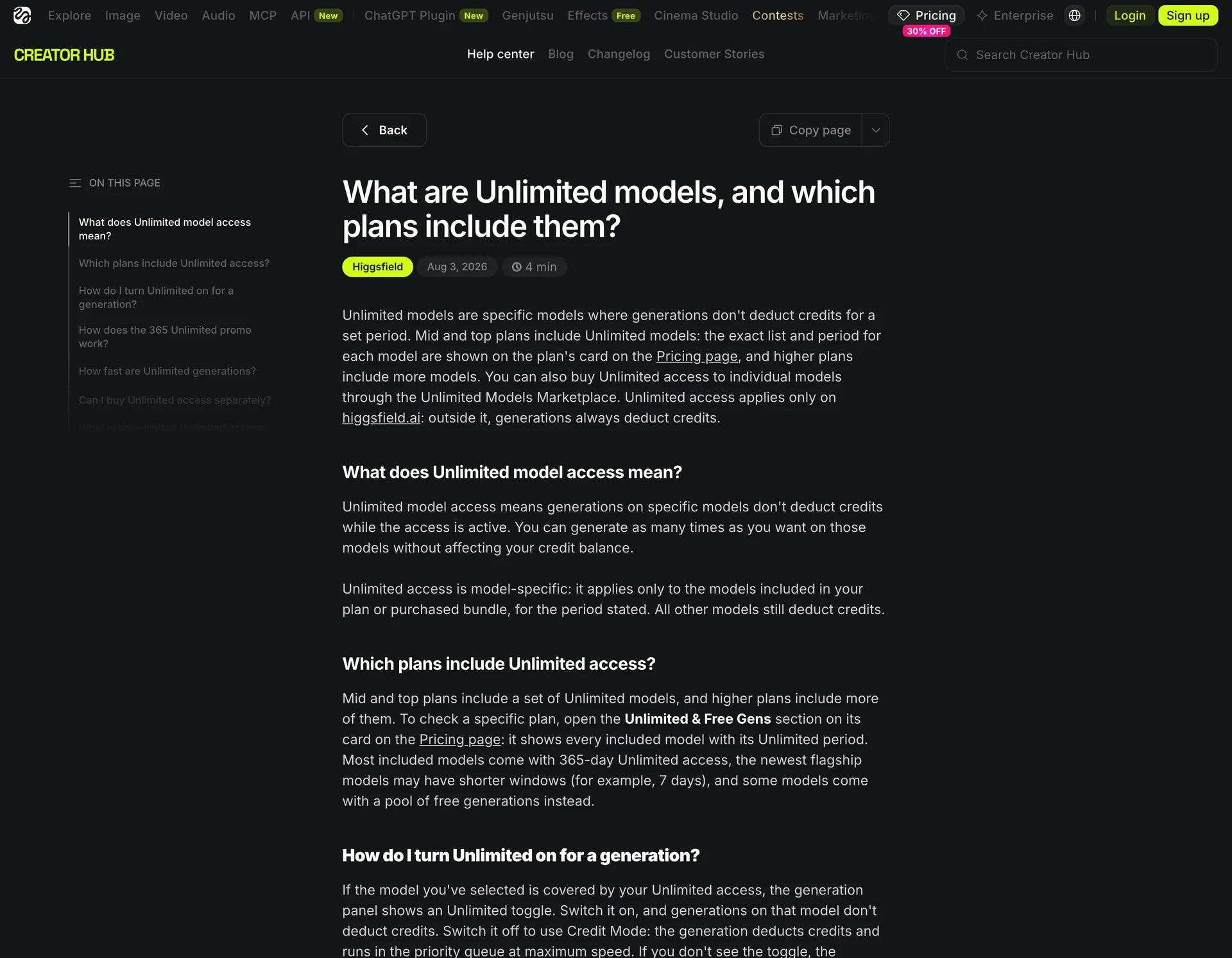
Higgsfield’s own help center defines Unlimited narrowly: selected models generate without deducting credits for a defined period. It does not cover every model, resolution, interface, or route. The four bindings below are what decide whether your next generation is free.
| Binding | What it means | Where it bites |
|---|---|---|
| Model | Applies to specific models, not the whole platform. Other models still use credits. | A plan can include several popular models and still leave the flagship you actually need in Credit Mode. |
| Period | Often 365 days, but newer models can be 7 days, and some offers are a pool of free generations instead. | The 365-day clock only runs while the qualifying subscription stays active. Downgrade or lapse and access can stop early. |
| Route | Free on higgsfield.ai only. MCP, CLI, Canvas, Supercomputer, and automated tools deduct credits. | You test on the website, move the job to automation for batching, and the external run quietly consumes credits. |
| Usage policy | Standard queue, personal human use only. No automation, scripting, credential sharing, or reselling. | Unlimited volume does not mean priority speed, and unusual activity can trigger slower processing or manual review. |
Read together, these explain the common workflow mistake: a job that was free on the website starts costing credits after you change the model, the resolution, or the route — the plan did not change, one of its four bindings did.
Why users say the plan still asks for money
The complaints are understandable because several different mechanisms look identical from the user’s side: a generation stops, the balance falls, or a payment prompt appears.
A September 18 Trustpilot review described spending more than $200, expecting Unlimited access, and then being asked for more money. Higgsfield’s public reply said the Unlimited plan applies when the feature is purchased and enabled, but a monthly balance can still run out or a generation can require credits. That reply does not prove what happened in the individual account, but it shows the exact account-level distinction a buyer must check: which model was selected, whether Unlimited was enabled, and whether the request used the website route.
Another recent Trustpilot review called the credit system expensive and hard to understand. Higgsfield’s reply pointed the user to the generation toggle and Usage History, where the amount and model breakdown are displayed. These reports are not proof that every Unlimited plan behaves badly — they show where the product language and the user’s mental model diverge.
The five checks to run before buying
| Check | What to do |
|---|---|
| 1. Open the exact model | Open the model you plan to use most, look for the Unlimited toggle, and record the name, resolution, duration, and quality setting. Do not inspect the plan in the abstract. |
| 2. Confirm the expiry date | In Manage Account → Subscription, check the active model’s start date, expiry, and status. Screenshot it before renewal. |
| 3. Run one small job | Use a short, low-risk prompt and confirm whether Usage History logs it as Unlimited or a credit deduction. Do not start with a client project. |
| 4. Test your real route | If your workflow depends on MCP, CLI, Canvas, or automation, test that route separately. A website result does not prove the external route is free. |
| 5. Check the queue expectation | If you need predictable delivery time, compare the standard Unlimited queue with Credit Mode. Unlimited may lower the bill while raising the wait. |
Subscription credits are a separate bucket
Even if your chosen model is unlimited, your account may still hold regular subscription credits. Higgsfield says subscription credits reset at renewal and do not roll over; Credit Packs and Auto-Refill credits expire after 90 days; promotional and Boost Credits follow their own expiry. That is why two users can see different balances after using what they both call “Unlimited” — one is on the covered model in Unlimited Mode, the other is on a model, route, or setting that draws from a separate bucket.
Failed generations add another layer. Higgsfield says credits are usually returned automatically within minutes, but some models may not refund them, so check Usage History instead of assuming a failed job was free.
Is Higgsfield Unlimited worth it?
It can be worth it if all four statements are true: the model you use most is explicitly covered, you work on the Higgsfield website, standard queue speed is acceptable, and your usage is human and fits the fair-use rules.
It is a weaker fit if you need several changing models, external automation, priority processing, or a predictable cost for every task. In that case “Unlimited” may remove one cost while leaving the parts of the workflow that drive your bill untouched. The practical test is not “How many credits does the plan include?” but “How many usable outputs does my real workflow produce before I need another payment?”
Where Ima Studio fits
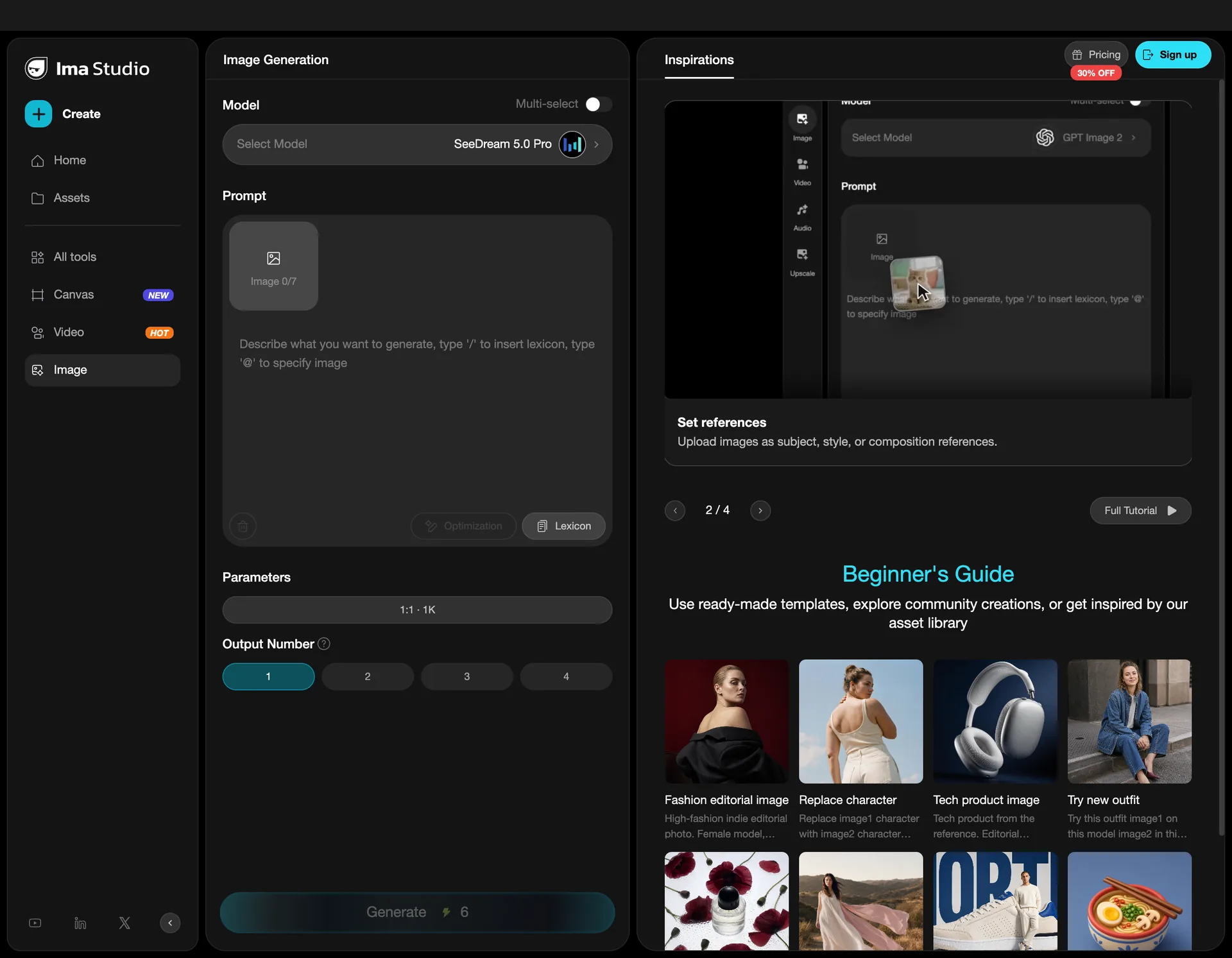
Ima Studio is the better option to test when your problem is not access to one cinematic model, but the cost and uncertainty of switching between image and video tasks. The useful comparison is task-level:
- List the models and specifications from your last Higgsfield billing cycle.
- Recreate one image task and one video task in Ima Studio.
- Record the displayed cost, output settings, and number of attempts.
- Include the work needed to finish the result, not just the first generation.
The previous Ima Studio versus Higgsfield price snapshot found lower captured task prices for several shared image and video configurations, while Higgsfield was lower on some other models. That snapshot was collected September 4–7, 2026 and is not a current price promise. Refresh the task screens before publishing a numerical comparison or choosing a plan.
The practical recommendation is simple: choose the smallest current plan that covers the models you actually use, then compare the cost of a usable result. If camera motion is why you chose Higgsfield, compare the Ima Studio AI Camera Movement tool. If image editing is the bigger need, use the Ima Studio image-to-image workflow.
Try AI Camera Movement in Ima Studio
Three reasons to stay with Higgsfield
This is not a case for leaving automatically. Stay if:
- The Camera Controls and Cinema Studio workflow are the main reason you subscribed — Higgsfield has a clear camera-first identity a cheaper model router may not replace.
- Your favorite included model is covered for the period you need and the website route matches your work.
- Standard queue speed is acceptable and you are not trying to automate or resell the account.
The point is to buy the plan you can explain, not the plan with the largest word on the card.
Final verdict
Higgsfield Unlimited is best understood as a time-limited, model-specific access rule with route, queue, and fair-use conditions. It can be a good deal for a focused website workflow, but it is not a blanket waiver for every model and every tool. Before renewing, check the exact model toggle, expiry date, route, queue, and Usage History. If those checks keep producing surprises, run the same tasks in Ima Studio and compare the cost of usable outputs.
For a broader replacement list, read our Higgsfield alternatives comparison. For a model-by-model image decision, see our ChatGPT Images 2.5 editing analysis.
About The Author