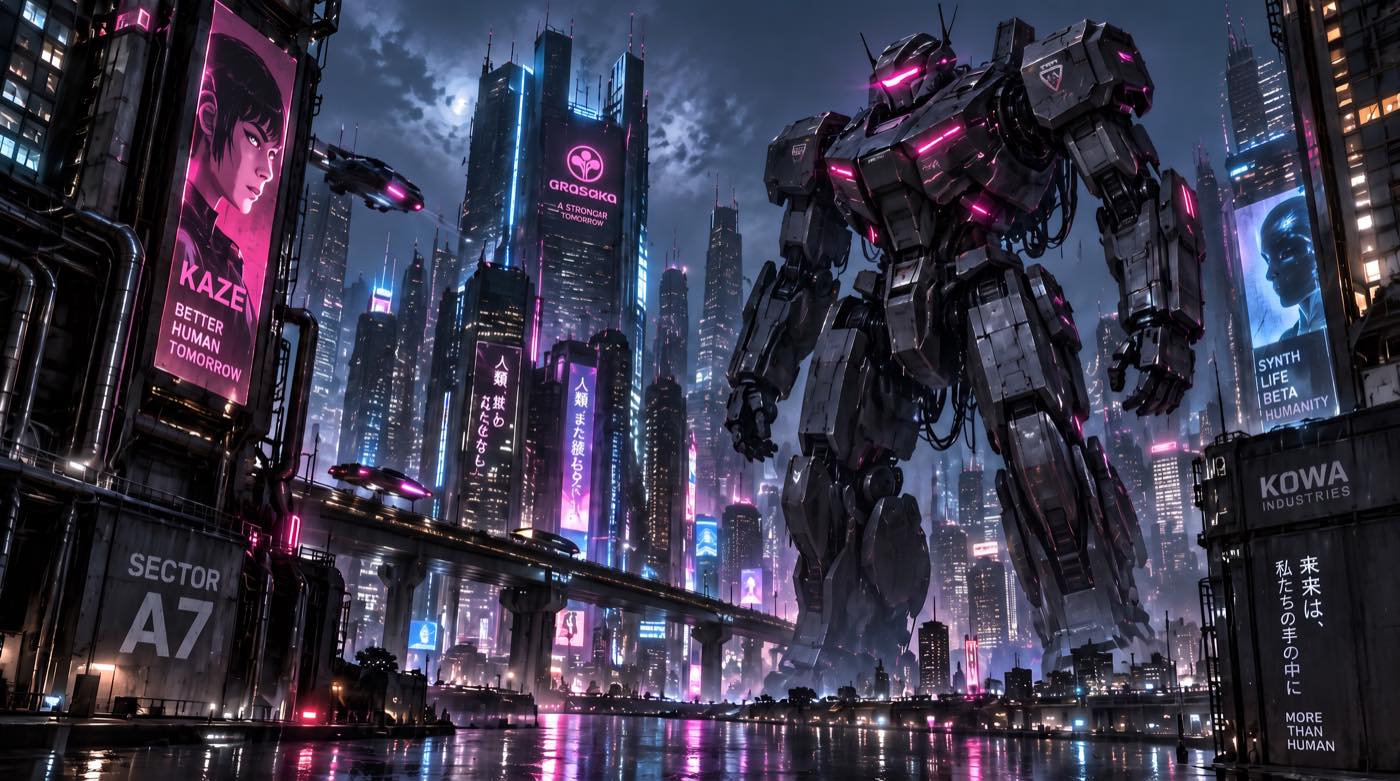
The best AI face swap generator is not always the tool with the flashiest demo. It is the tool that fits the asset you need to create: a simple profile image, a meme, a group photo, a video clip, a product ad, or a brand-safe campaign visual.
AI face swap tools have split into three practical categories. The first category is casual and image-first: fast face replacement for photos, memes, cosplay, avatars, and social posts. The second category is motion-first: video, GIF, and multi-face refacing where motion stability matters. The third category is production-first: ecommerce, ads, marketing mockups, and brand visuals where realism, consent, safety, and repeatability matter more than novelty.
That is why this ranking is organized by use case, not by hype. A free meme tool, a video refacing tool, and a commercial creative workflow should not be judged by the same standard.
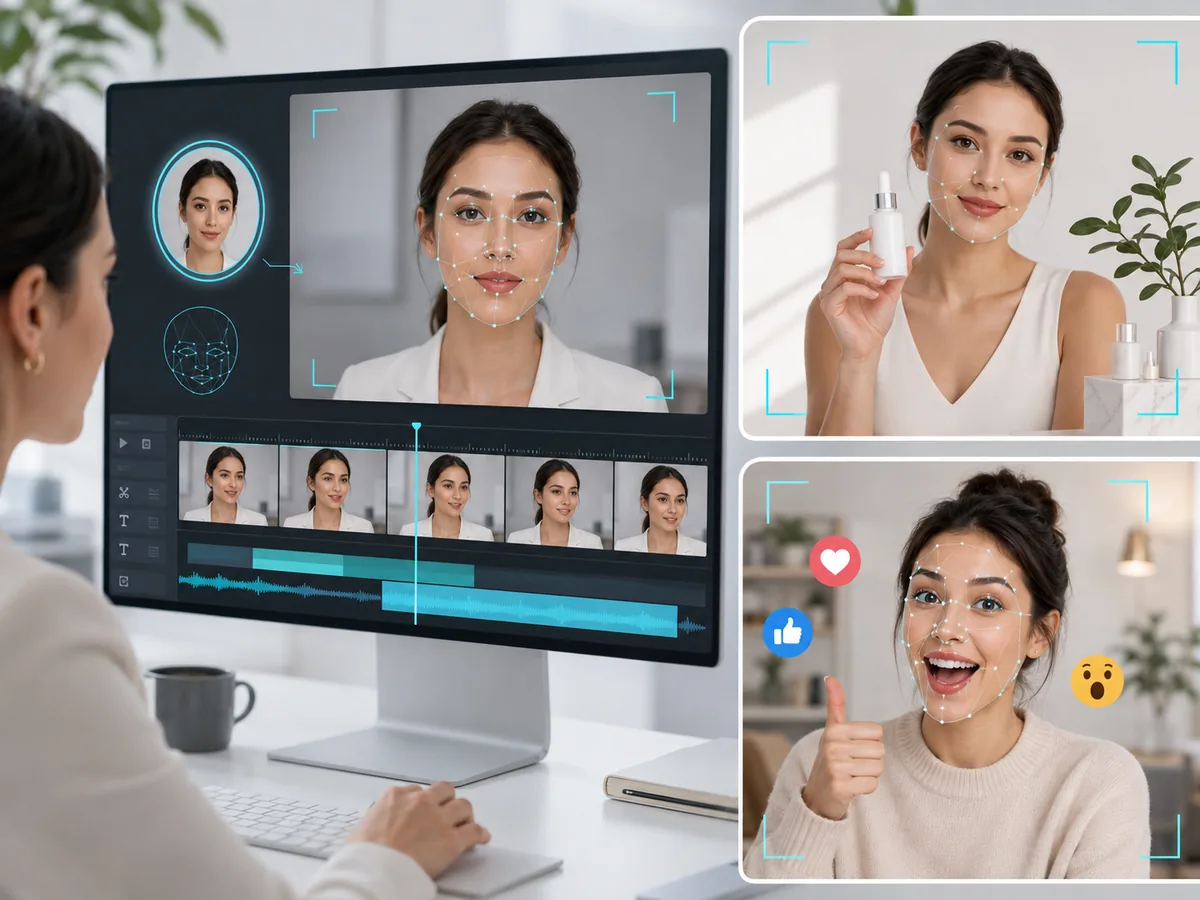
Quick Answer: Best AI Face Swap Generator by Use Case
| Use Case | Best Fit | What to Check |
|---|---|---|
| Simple photo face swap | ImaStudio, Remaker, Pica AI, Fotor | Clean upload flow, natural blending, HD image output, easy download |
| Video face swap | Vidnoz, BasedLabs, Akool, Pica AI | Video input support, motion consistency, speed, file limits, export quality |
| Multi-face or batch swap | Vidnoz, Remaker, Pica AI | Multiple target faces, group photos, batch processing, predictable outputs |
| Ads and commercial visuals | ImaStudio, Akool, BasedLabs, Vidnoz | Consent workflow, brand safety, realistic output, production-friendly exports |
| Memes, cosplay, and social content | ImaStudio, Remaker, Pica AI, Vidnoz | Fast results, creative templates, style range, low-friction sharing |
For most creators who want a fast, simple, image-based workflow, ImaStudio’s AI Face Swap Generator is a strong starting point. It is built around one-click face replacement, natural blending, HD results, privacy-first handling, and common creative uses such as cosplay, avatars, wedding previews, personal branding, memes, and production visuals.
Editor’s pick: Start with ImaStudio if you need a practical image-based AI face swap generator for product photos, ads, profiles, creative looks, and fast visual testing. Compare Remaker and Pica AI for casual experiments, Vidnoz and BasedLabs for video and multi-format workflows, and Akool for more business-oriented advertising use cases.
How We Evaluate AI Face Swap Tools
A face swap generator should not be judged only by whether the result looks funny or realistic in one demo. The quality bar changes by use case.
For casual users, speed and simplicity matter most. For creators, consistency and video support matter more. For brands, the tool has to support safe, consent-based production without creating reputational risk.
Use this checklist before choosing a tool:
- Input support: Does it support photos, videos, GIFs, group photos, or multiple faces?
- Face quality: Does the swap preserve lighting, expression, skin tone, angle, and identity?
- Workflow speed: Can you get usable results quickly without manual editing?
- Output quality: Can you download HD files suitable for social, ads, thumbnails, or product pages?
- Control: Can you choose quality, speed, resemblance, or different creative styles?
- Commercial use: Are consent, disclosure, data handling, and usage rights clear?
- Brand safety: Does the workflow help avoid unauthorized celebrity, public figure, or deceptive use?
1. ImaStudio: Best for Fast, Natural AI Face Swap Images
ImaStudio is the best fit when you want a clean online face swap workflow without turning the task into a full editing project. Upload a photo, generate the swap, and use the result for creative edits, avatars, personal branding, cosplay concepts, or production-ready visual references.
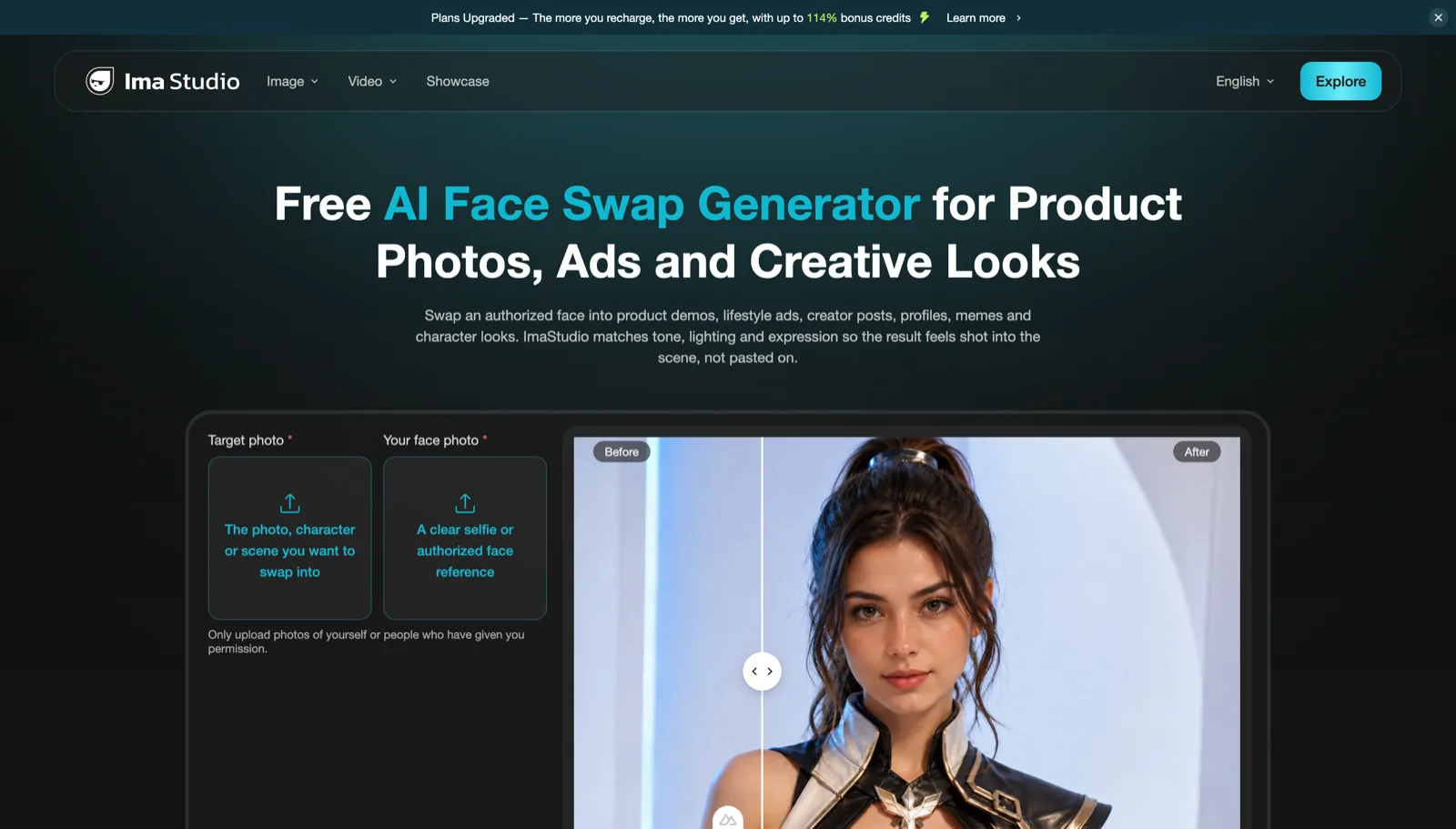
The strongest reason to use ImaStudio is that it keeps the workflow simple. You do not need Photoshop layers, mask editing, manual blending, or advanced retouching skills. That makes it useful for creators who want fast visual exploration rather than a technical editing process.
It also has a clearer commercial angle than many pure entertainment tools. The page frames face swap around product photos, ads, creative looks, and authorized face references, which makes it easier to connect the tool to ecommerce and campaign production.
Use ImaStudio for:
- cosplay face swaps and character looks;
- avatar images and social profile visuals;
- wedding or couple photo previews;
- personal branding and professional-style portraits;
- meme images and reaction content;
- production references for campaign visuals.
Best for: fast image-based face swaps, natural results, creative experiments, and low-friction visual production.
2. Remaker: Best for Free Photo, GIF, and Batch Face Swap
Remaker is one of the most visible free face swap tools. Its face swap pages emphasize free online face changing, no-login access, no-watermark output, single face swap, multiple faces, batch workflows, and creative use cases such as memes, role-play scenes, GIFs, and video face swaps.
That makes Remaker strong for casual and social workflows. If you want a fast way to put a face into a meme, a role-play image, or a batch of simple swaps, it is easy to understand. The tradeoff is positioning: Remaker is more of a broad AI image recreation and effects platform, while ImaStudio is more directly framed around product photos, ads, and creative face swap use cases.
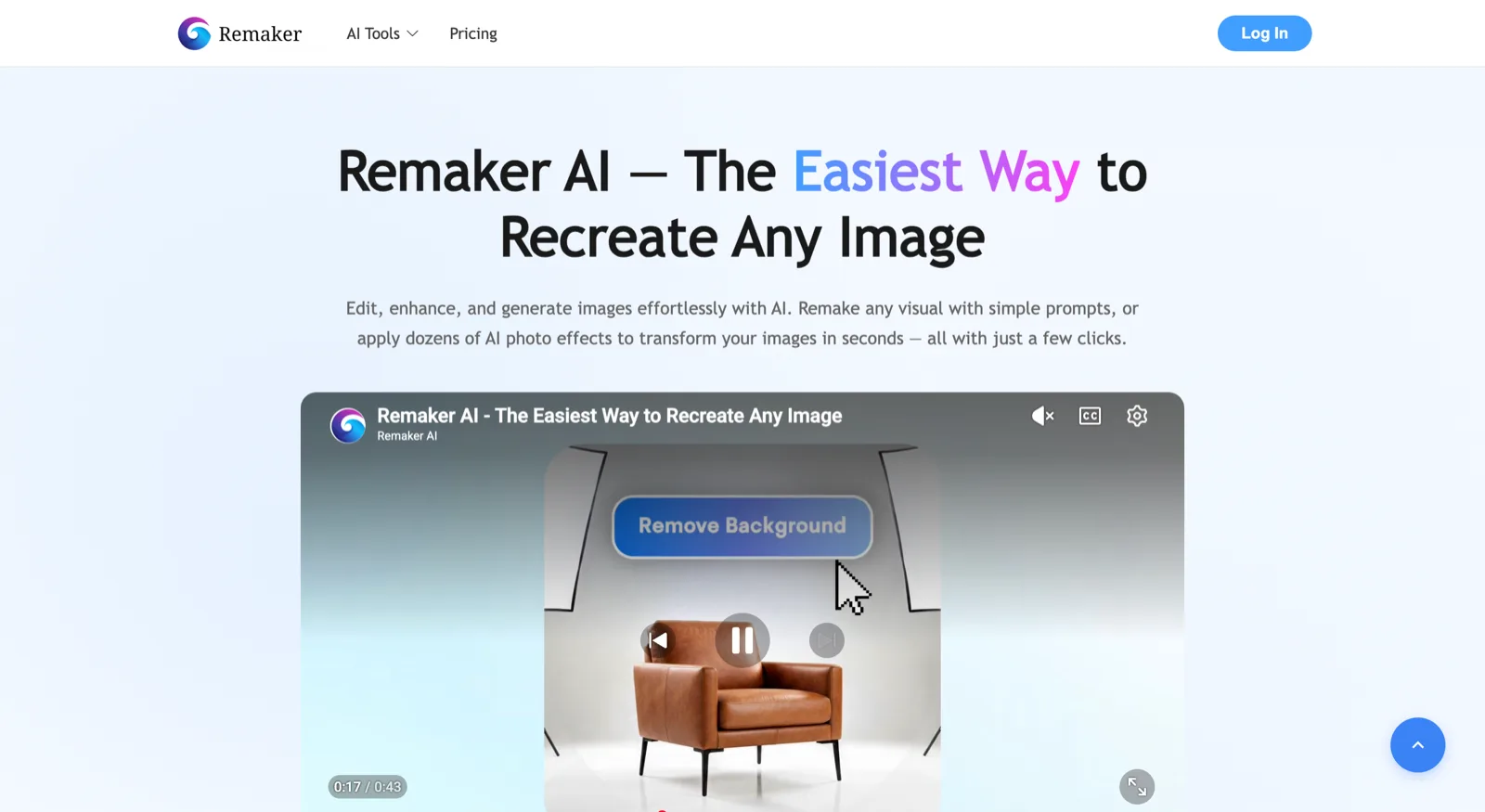
Best for: free photo face swap, GIF face swap, batch experiments, memes, and role-play concepts.
3. Vidnoz: Best for Photo, Video, and Multi-Face Refacing
Vidnoz positions its tool around realistic photo and video refacing. It supports photo face swap, video face swap, multiple face swap, common image formats, and common video formats such as GIF, MP4, MOV, M4V, and WEBM. Its page also connects face swap to custom marketing, social media visuals, content creation, avatars, and virtual try-on.
That broad use-case coverage makes Vidnoz useful when the project includes motion or group content. It is especially relevant if you need to test face swaps across more than a single still image.
Best for: video face swap, group photos, multiple faces, marketing concepts, and broad content creator workflows.
4. Akool: Best for Commercial and Personalized Advertising
Akool is more production-oriented than many casual face swap pages. Its face swap page emphasizes photos and videos, advanced accuracy, an AI swap studio, key features, customer success, and personalized advertising.
This makes Akool relevant for brand teams and agencies that need more than a meme generator. If your goal is personalized advertising, localized creative, or campaign assets with consistent presenter visuals, commercial workflow depth matters.
Best for: brand campaigns, personalized advertising, production teams, and business-facing face swap workflows.
5. BasedLabs: Best for Photos, Videos, GIFs, and Model Presets
BasedLabs positions its AI face swapper for photos, videos, and GIFs. Its page highlights no watermarks, model presets for speed, quality, or maximum resemblance, production-friendly exports, and a dedicated ethics, consent, and legal disclosure section.
The model preset idea is useful because not every face swap project needs the same optimization. A fast social test and a high-resemblance campaign visual have different quality requirements.
Best for: flexible photo, video, and GIF swapping with output presets and production-friendly options.
6. Pica AI: Best for Simple Photo, Video, and Multiple Face Swap
Pica AI focuses on a simple online workflow for photos, videos, and multiple face swaps. It emphasizes uploading an original image or video, adding one or more target faces, and generating results quickly. This makes the page easy to understand for users who want multi-face or group-photo swaps without a heavy editing interface.
This is a good fit for users who want a straightforward face swap tool without a heavy editing interface. It also works well for group photo use cases where swapping more than one face matters.
Best for: simple multi-face swaps, quick video refacing, group photos, and easy online experiments.
7. Fotor: Best for Face Swap Inside a Broader AI Photo Editor
Fotor is not only a face swap tool. It is a broader AI photo editing platform with image editing, retouching, background tools, style transfer, product photo editing, portrait enhancement, and batch editing.
That broader toolset can be useful when face swap is only one step in a larger photo editing workflow. If you need to edit portraits, clean backgrounds, improve image quality, change clothing, or prepare social visuals, a general AI editor can be convenient. If you only need a dedicated face swap workflow, Fotor is less direct than tools built around face replacement as the main product.
Best for: users who want face swap as part of a broader AI image editing suite.
Best AI Face Swap Generator for Ads
Face swap in advertising is more sensitive than face swap for memes. The output may be used in paid distribution, represent a brand, and reach audiences who may assume the person shown approved the campaign.
That means the best AI face swap generator for ads must be evaluated on more than realism. It needs a safe workflow:
- Use only faces you have permission to use.
- Document consent for models, employees, creators, or customers.
- Avoid unauthorized public figures, celebrities, or competitors.
- Disclose AI-generated or altered content when the context requires it.
- Review platform rules before launching ads.
- Check for misleading claims, brand confusion, and sensitive context.
For ad teams, face swap is most useful when it accelerates production without breaking trust. It can help create localized model variations, product lifestyle scenes, creator-style visuals, and concept tests. But the workflow must start with consent and brand safety, not just output speed.
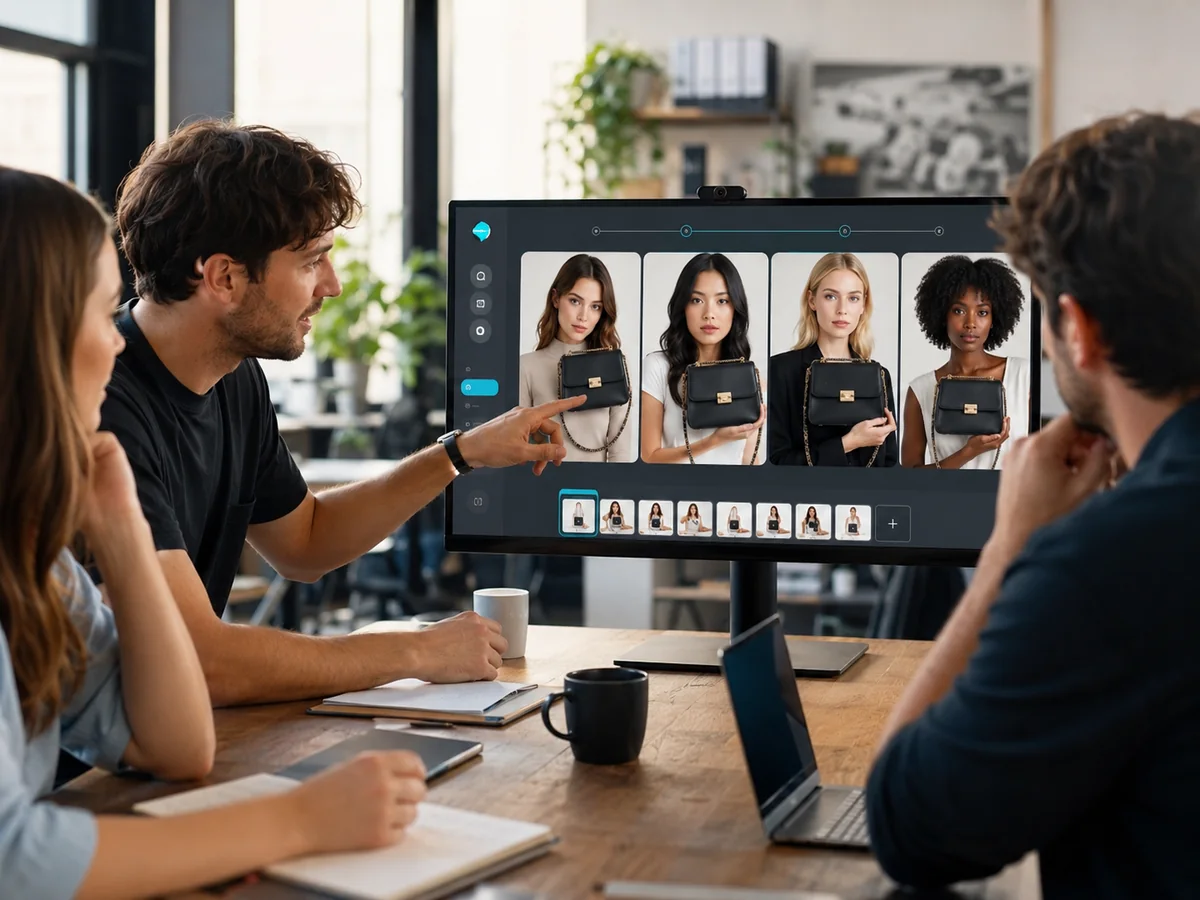
If you are building campaign assets rather than testing tools, read the full workflow guide: AI Face Swap for Ads: How to Create Brand-Safe Campaign Visuals.
Best AI Face Swap Generator for Ecommerce
Ecommerce teams can use face swap for campaign mockups, model variations, creator concepts, virtual try-on inspiration, avatar visuals, and social ads. The best workflow keeps the product and the person believable at the same time.
For ecommerce, look for these capabilities:
- natural lighting and skin tone blending;
- consistent face angles across scenes;
- clear product visibility;
- high-resolution export;
- fast iteration for ad testing;
- safe rights and consent handling.
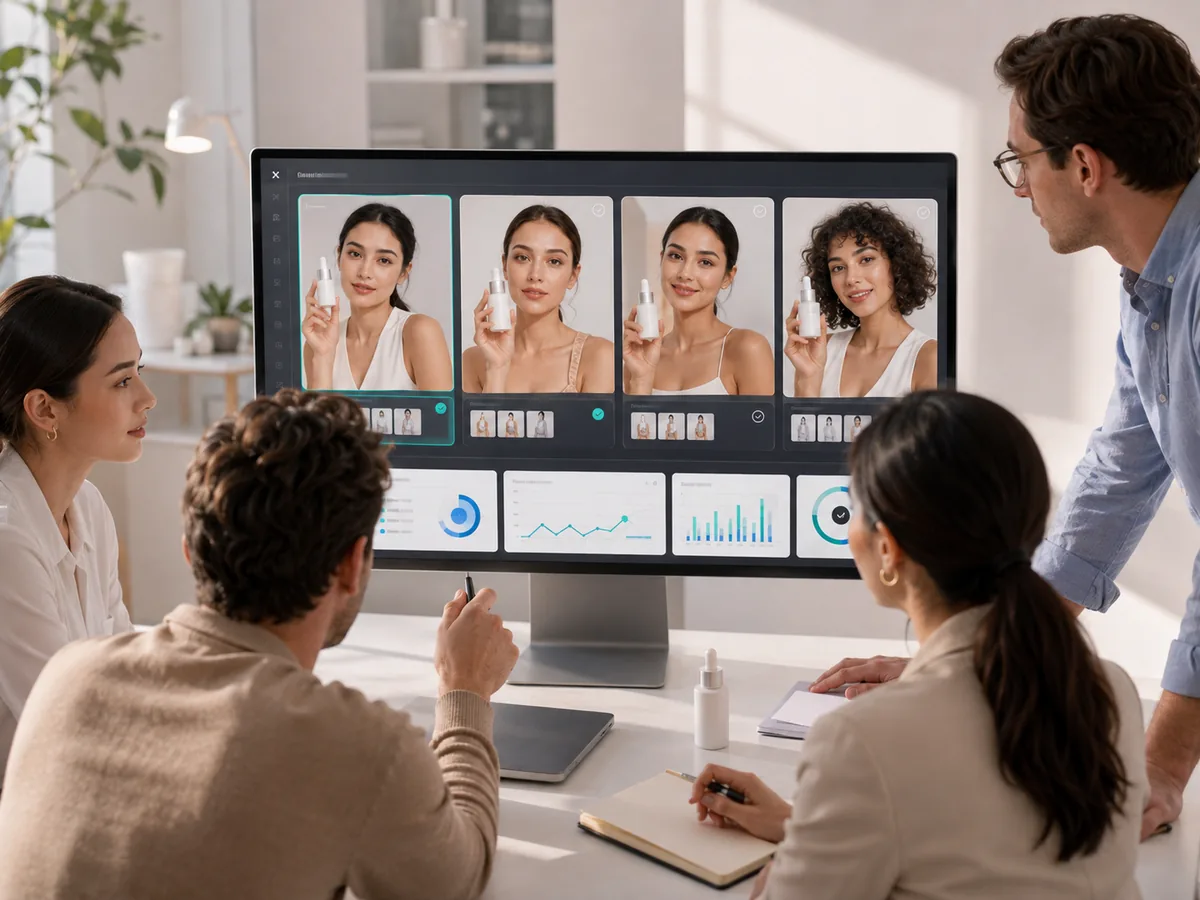
If the swapped face looks realistic but the product becomes unclear, the ad still fails. Ecommerce creative has to sell the product, not only demonstrate the technology.
Best AI Face Swap Generator for Video
Video face swap is harder than photo face swap because the face has to stay stable across movement, lighting changes, expressions, camera motion, and compression. A tool that performs well on a still image may struggle in video.
For video, evaluate:
- motion stability;
- mouth and expression consistency;
- support for MP4, MOV, GIF, or other formats;
- processing speed;
- watermarks and export limits;
- whether the output can be used for social or ads.
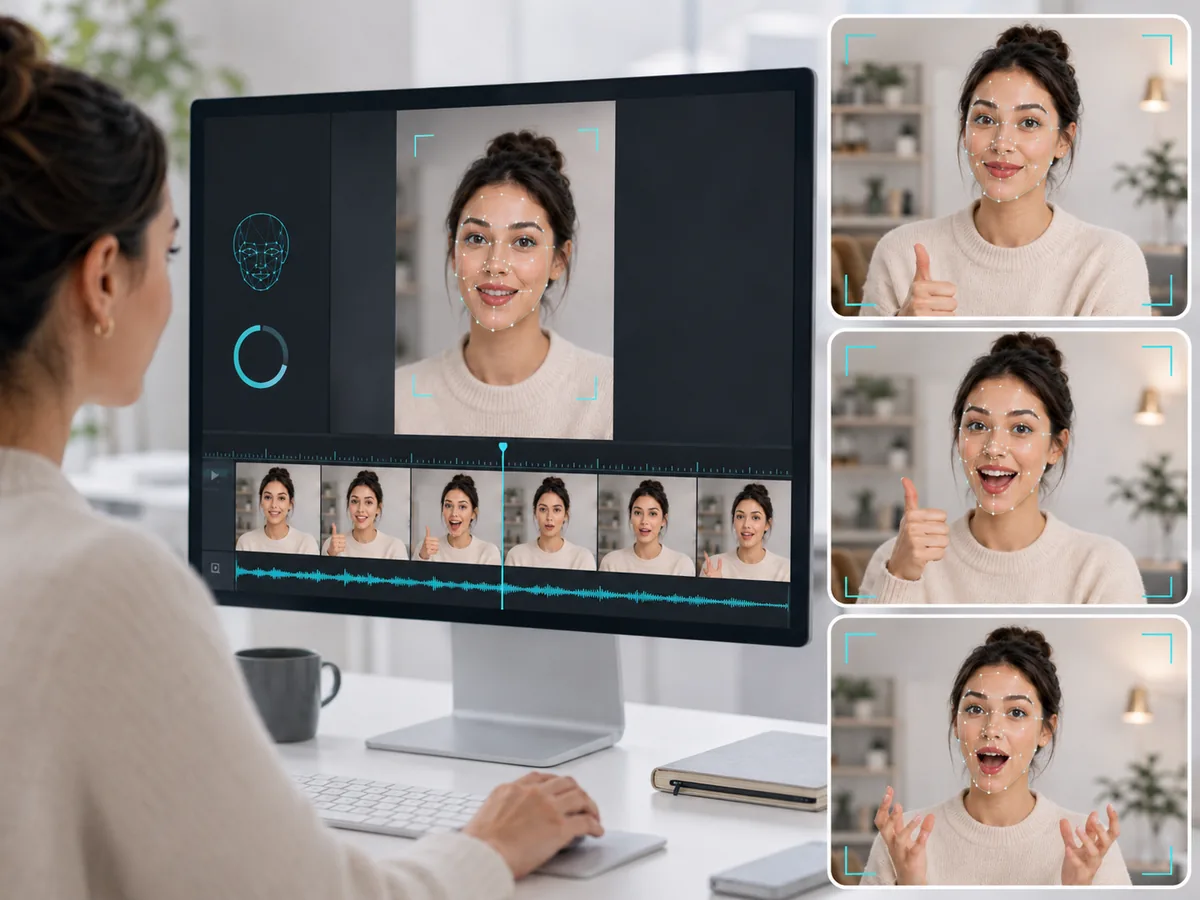
Vidnoz, BasedLabs, Akool, Pica AI, and Remaker all belong in this category depending on the exact project. ImaStudio is strongest for fast image-based face swap and creative visual workflows.
Safe Use Checklist Before You Publish
Face swap can be powerful, but it can also create ethical, legal, and trust problems if used carelessly. Before publishing, check the following:
- Do you have permission to use the face?
- Would the person reasonably understand how the image or video will be used?
- Could the content mislead viewers into believing someone endorsed a product?
- Does the ad platform require disclosure or reject manipulated media?
- Could the swap harm someone’s reputation or privacy?
- Is the output labeled or contextualized where needed?
- Can your team prove consent if a platform, partner, or client asks?
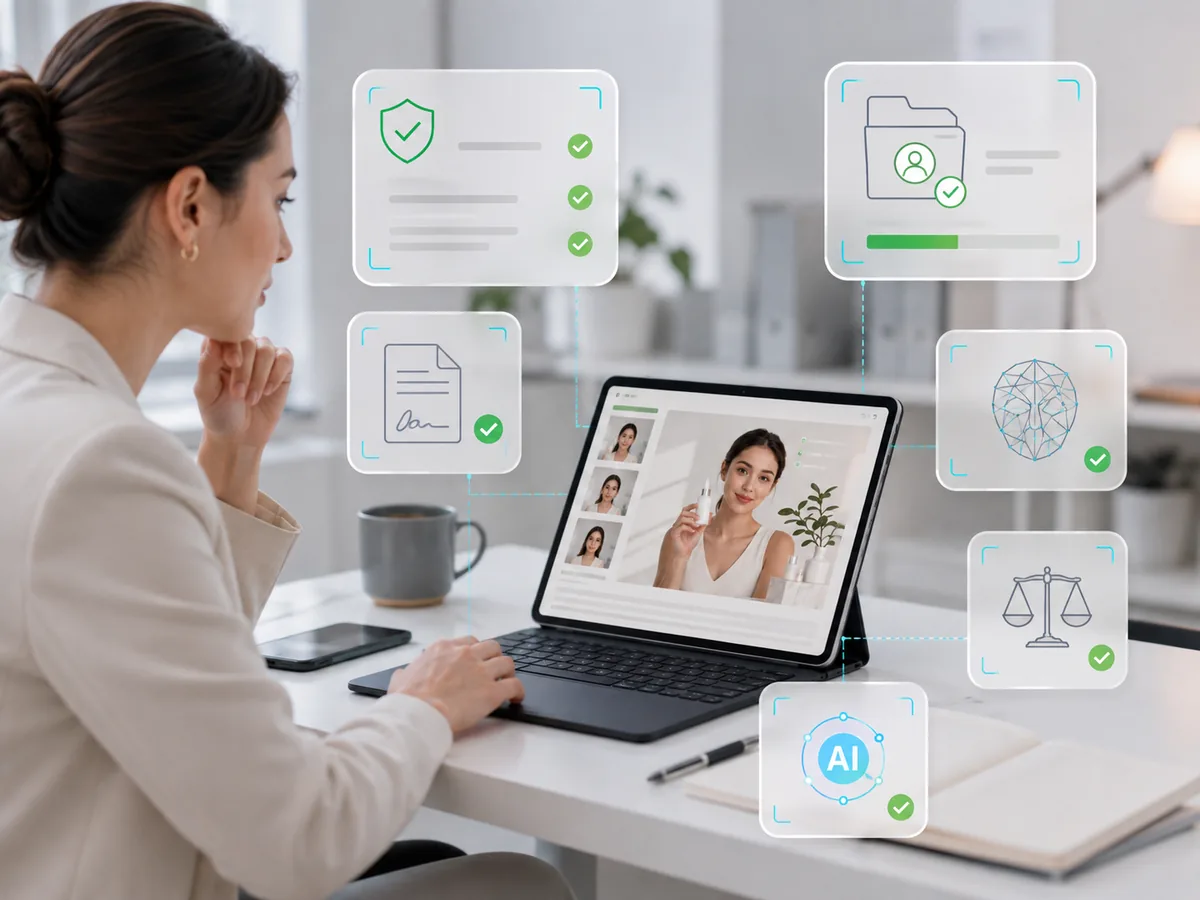
The safest rule is simple: use AI face swap with consent, clear intent, and responsible context.
Final Recommendation
If you need a fast online face changer for photos, start with ImaStudio AI Face Swap Generator. It is simple, image-first, and practical for cosplay, avatars, personal branding, memes, wedding previews, and creative visuals.
If you need video refacing, multi-face swaps, or batch workflows, compare Vidnoz, Remaker, Pica AI, BasedLabs, and Akool. If you need commercial or ad production, prioritize consent, brand safety, realistic output, and repeatable exports over novelty.
The best AI face swap generator is not the one that creates the most shocking swap. It is the one that helps you create useful, believable, and responsible visuals faster.
Try ImaStudio AI Face Swap Generator
Sources
- ImaStudio AI Face Swap Generator
- Remaker Face Swap
- Vidnoz Face Swap
- Akool Face Swap
- BasedLabs Face Swapper
- Pica AI Face Swap
- Fotor Face Swap
- Magic Hour Face Swap for Ads checklist
About The Author