How to Repurpose Content for Social Media Into a Reviewable Image Card Series
Long articles, guides, and tutorials already contain the raw material for a social image card series. The hard part is not shrinking every paragraph into a square. It is deciding what survives, what each card is responsible for, and how the complete sequence will be reviewed.
This worked example uses Social Card Series Creator (xhs-card-series-creator) to turn source content into a coherent image card series. The Skill accepts an article, guide, review, tutorial, or story and can produce 1–10 cards with cover, content, and ending roles. It generates images; it does not publish them to a social platform.
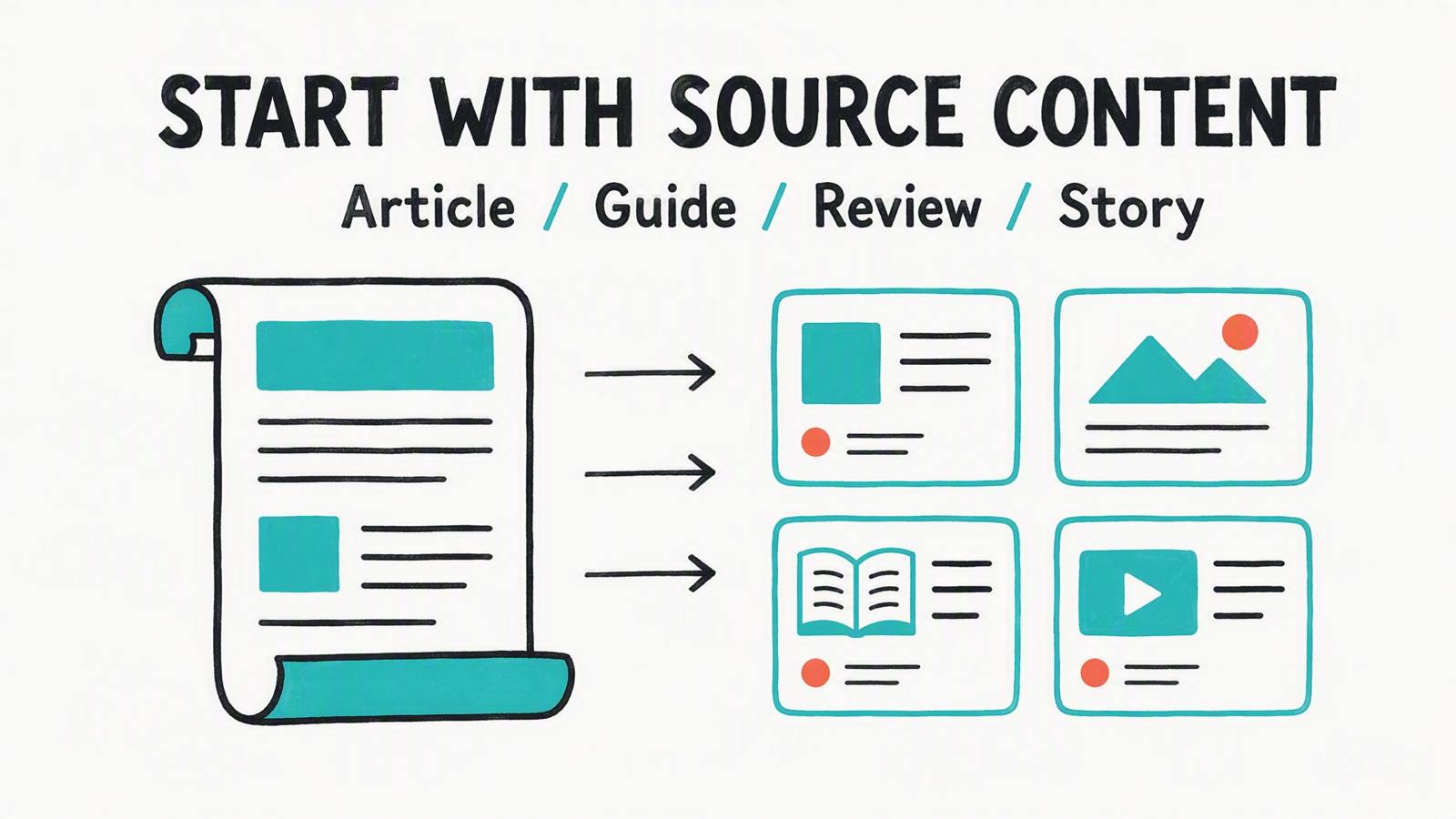
Start with the source, not the visual style
Before choosing a style, write down three things:
- The audience and the one outcome they should take away.
- The source facts that must remain accurate.
- The number of cards and the job of each card.
For a short guide, a useful first pass is:
| Card role | Job | Review question |
|---|---|---|
| Cover | create a clear promise | Would the reader know why to continue? |
| Content | explain one source point | Is this point understandable without the paragraph? |
| Proof or example | make the idea concrete | Does the image show the right relationship? |
| Ending | summarize or direct the next action | Does the series have a satisfying close? |
Do not treat this as a mandatory four-card template. The canonical Skill supports 1–10 cards; the table is a planning aid for the example. A long tutorial may need more content cards, while a compact story may need fewer.
Give every card one job
The most reliable way to repurpose content is to assign each card one job before generating it. If a card is simultaneously a headline, three tips, a disclaimer, and a call to action, it is difficult to check and difficult to read.
In the case below, the source was converted into four roles: a cover hook, a source-to-card transformation, a card-role explanation, and a final review. The result is not evidence that one arrangement is universally best. It is evidence that an explicit role map makes the output inspectable.

A reviewable series keeps the source-to-role mapping visible across the sequence.
The Skill’s sequential workflow matters here. Generate or review one card at a time, then inspect the set together. This catches a common failure: every individual image looks plausible, but the set repeats the same point or skips the conclusion.
Preserve exact visible text deliberately
If a card must contain a title, label, number, or short statement, provide the exact visible text and treat it as a constraint. Do not ask for “something similar” and assume the result will preserve the wording. Image generation can vary typography and composition, so the result still needs a visual and text review.
A practical review sheet has one row per card:
| Card | Required phrase | Source fact | Visual job | Pass condition |
|---|---|---|---|---|
| 1 | exact cover line | source promise | orient the reader | readable and accurate |
| 2 | exact explanation line | source point one | explain | one idea only |
| 3 | exact example line | source point two | make concrete | no invented claim |
| 4 | exact takeaway | source conclusion | close | consistent with the source |
This is where the design-focused companion article goes deeper: readability, ratio, layout, palette, and full-series QA should be treated as separate checks rather than one aesthetic judgement.
Review the sequence as a sequence
After the cards are generated, review them in order and then as a grid. Check:
- factual fidelity to the source;
- whether each card has one identifiable job;
- whether the order creates a useful progression;
- text accuracy and legibility;
- repeated or missing information;
- style, palette, layout, and ratio consistency;
- whether the final card gives the reader a clear close.
Review the set together before treating it as ready to share.
The output is a draftable visual asset, not a promise of engagement or an automatic publishing workflow. Exported images may need a final human pass, especially when exact wording is important.
A compact operating recipe
- Paste the article, guide, review, tutorial, or story as the starting material.
- State the audience, language, card count, and output ratio.
- Define the role and exact visible text for each card.
- Choose style, layout, and palette only after the information plan is clear.
- Generate sequentially and review each result.
- Review the complete image card series for facts, readability, and continuity.
- Export the images for the downstream channel; publishing remains outside this Skill.
For the visual controls behind step 4, see Social Media Graphic Design Tips for a Readable Image Card Series. For a story-led structure, see How to Use Social Storytelling in an Image Card Series.
Limits to keep in the brief
Social Card Series Creator is designed for a coherent image card series. It is not a generic infographic, a statistical chart tool, an article-cover workflow, or a social-platform publishing tool. The number of cards, styles, layouts, palettes, and ratios are user-controlled parameters, but generated output can still vary. Review the actual cards before using them in a public campaign.
Try it
Start with a real source article and a card-role plan. Preserve the information relationship first; let the visual choices support that plan.
About The Author