


Why Is Higgsfield Unlimited Still Asking for Credits?
Higgsfield Unlimited can still show credit charges when the model, route, setting, queue, or plan period is outside the benefit. Here is how to diagnose it and when to compare Ima Studio.
Higgsfield Unlimited can still show credit charges when the model, route, setting, queue, or plan period is outside the benefit. Here is how to diagnose it and when to compare Ima Studio.
Higgsfield Unlimited does not mean every model is free forever. Here is how model coverage, expiry dates, credits, queues, and fair-use rules work, plus when Ima Studio is the better fit.
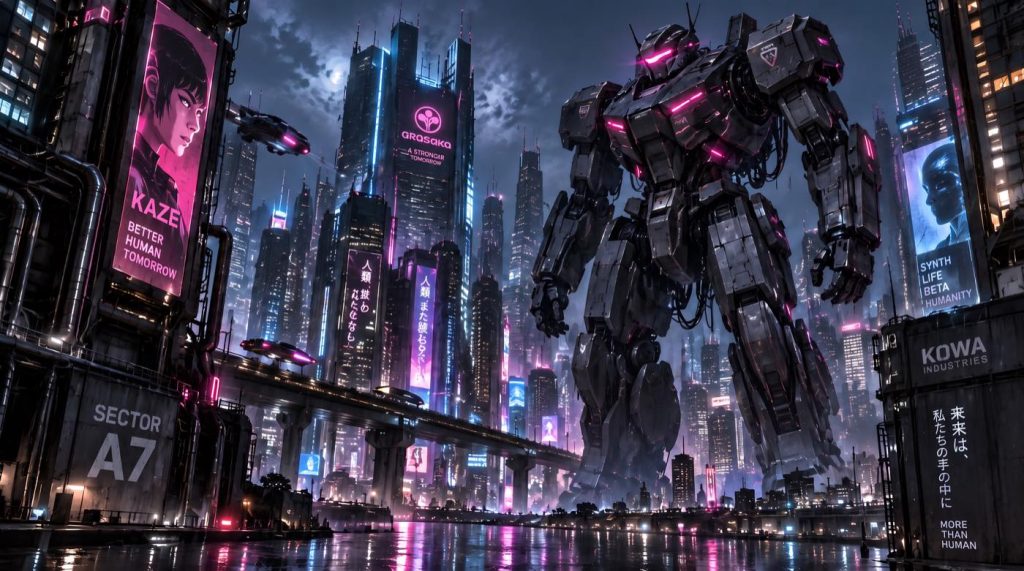
GPT Image 2.5 outputs can show grain and image noise spots in dark, detailed scenes. See how one short Nano Banana Pro prompt cleans them up while keeping the main subject.
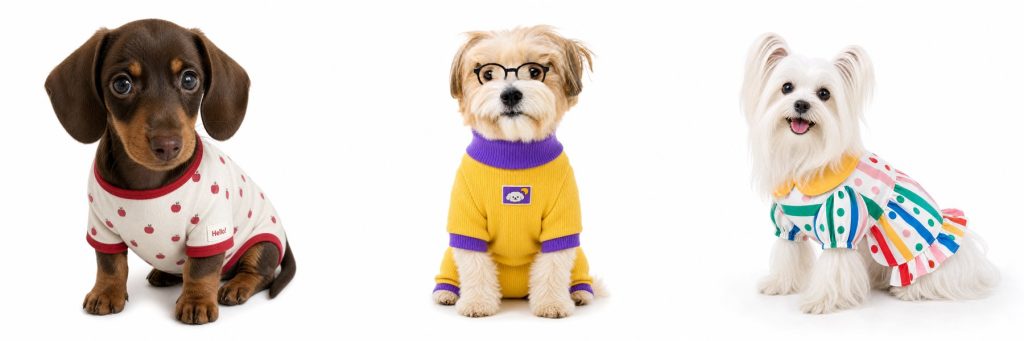
No pet on set? Upload a phone snapshot or product photo of a pet garment, describe a dog or cat breed or add your own pet’s photo, and get a white-background on-pet image for your listing.
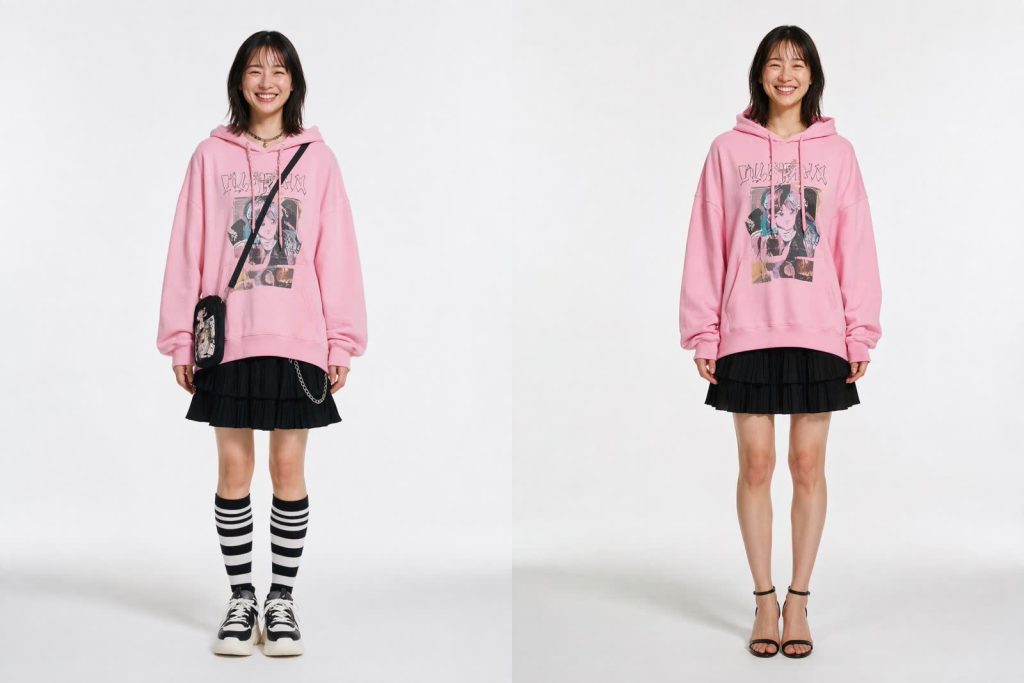
A full-look reference can carry unwanted bags, jewelry, socks, and shoes into an AI try-on. This tested prompt separates target garments, preserved details, and explicit exclusions.
A workflow-first Freepik AI review: what the Magnific-era suite actually is, how credits really burn, where it wins, and the exact point generation-only stops being enough.
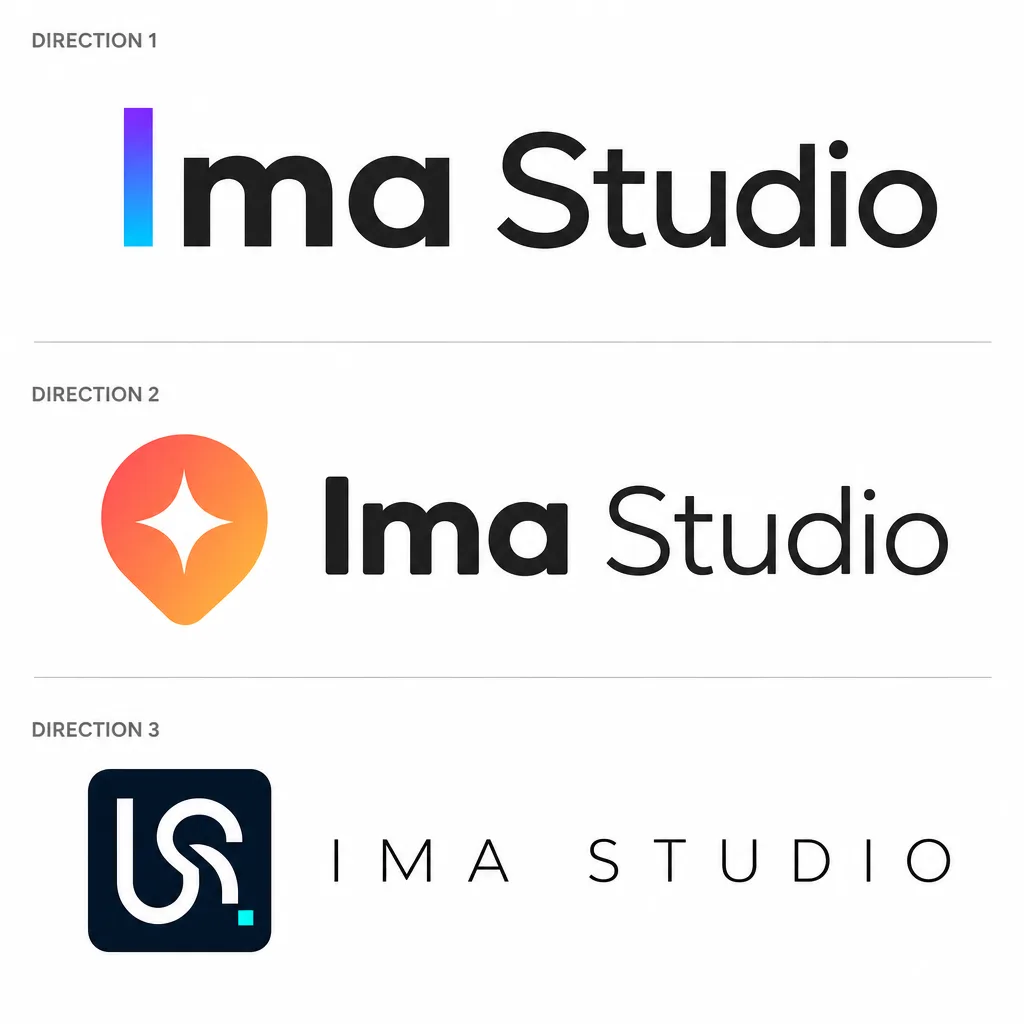
A practical logo design brief workflow for founders and small teams: turn brand inputs into three distinct logo directions, a recommendation, and a handoff checklist—without claiming a finished vector file.

Explore GPT Image 2.5 on ImaStudio with eight workflows for product photos, ad concepts, portraits, comics, and campaign edits, plus example prompts.
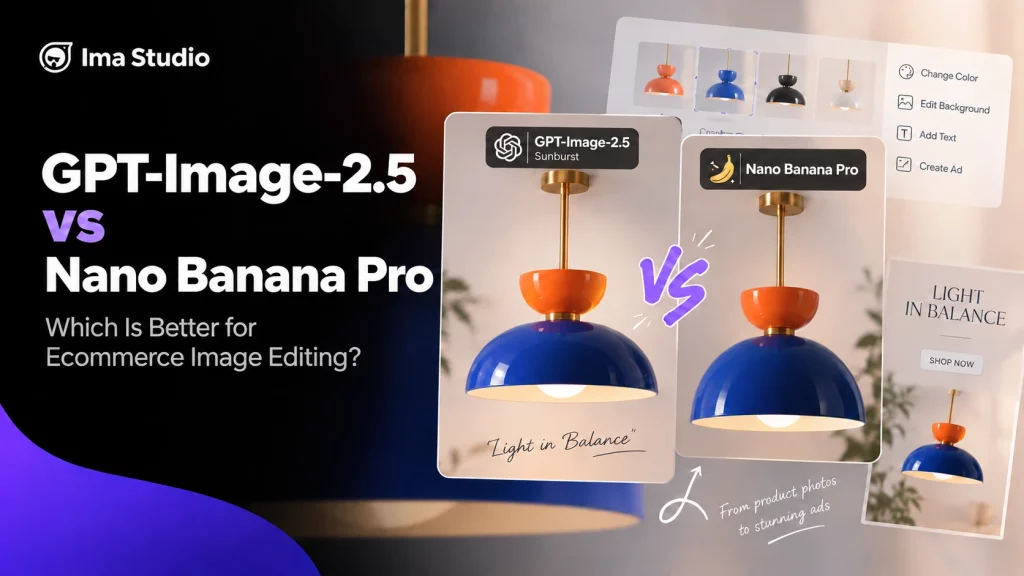
We ran GPT-Image-2.5 Sunburst and Nano Banana Pro through 30 ecommerce image-editing outputs. Sunburst held product geometry and ad spacing more consistently; both completed the requested color, background, text, and detail-layout edits.